 DocumentFlow Desk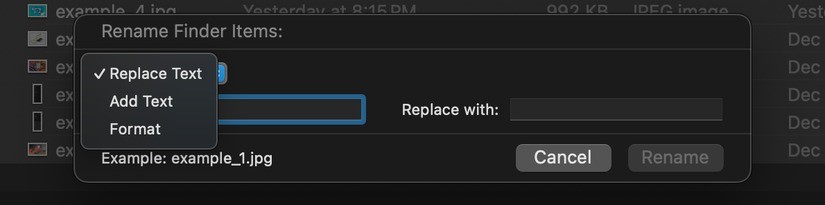
Select exactly the files that need a shared change
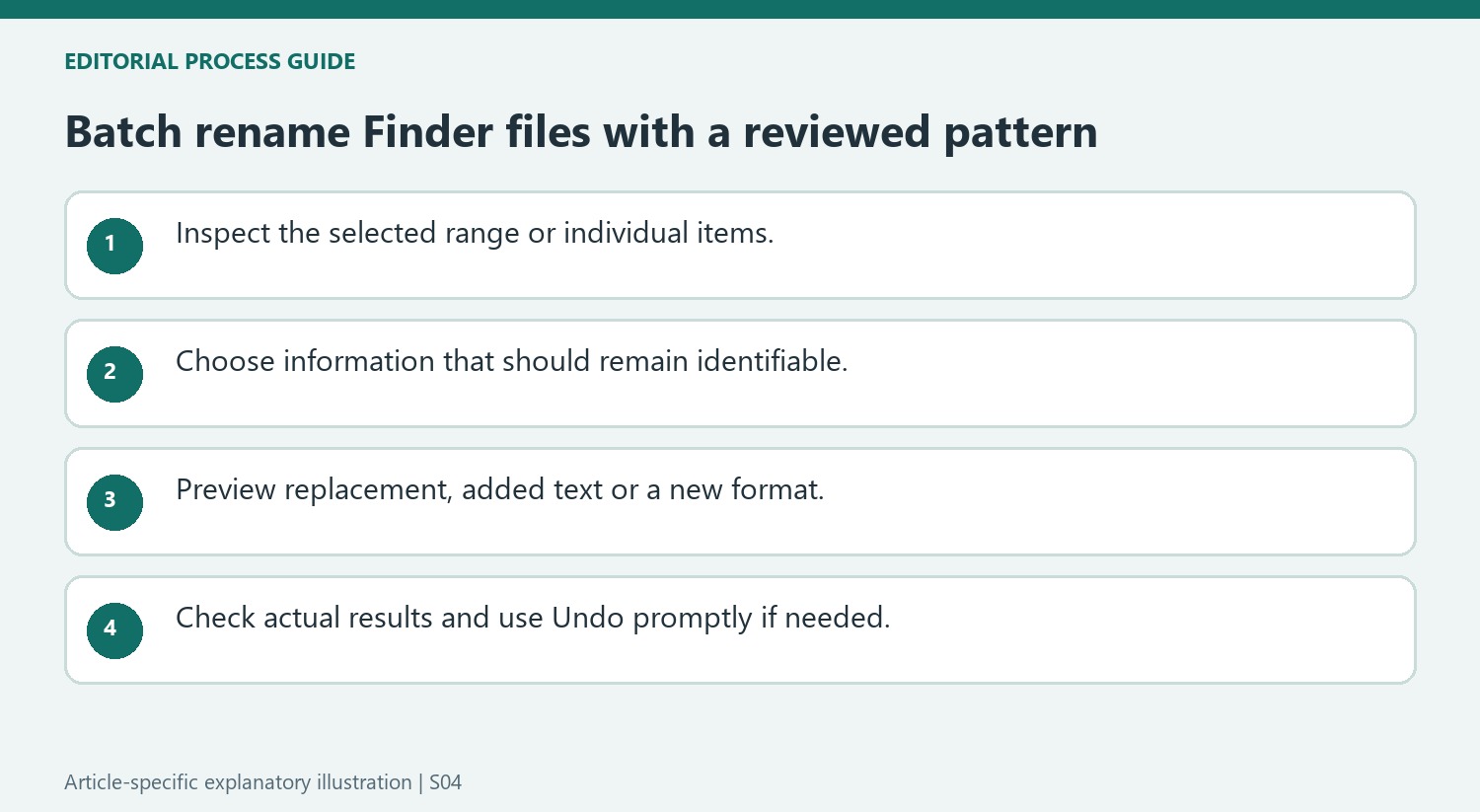
For a contiguous range in Finder, select the first item and extend the selection with Shift. For individual files that are not adjacent, use Command while selecting them. Review the selection before opening the context menu's rename command. A correct rule applied to the wrong files still produces an unwanted result. Sorting by kind or another useful column can make the selection easier to inspect, especially when a folder contains several formats and only one group should receive the new naming pattern.
Choose between replacement, added text and a new format
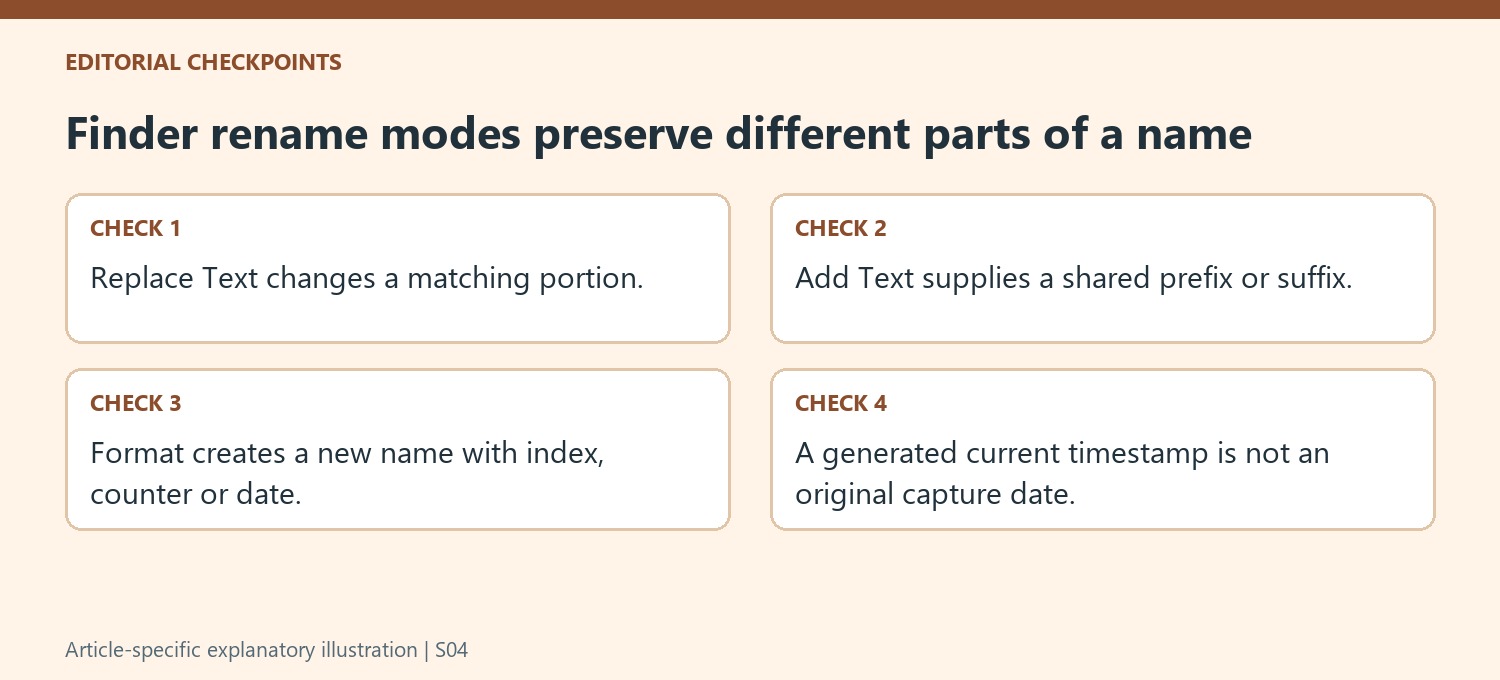
Replace Text changes a matching portion of existing names while preserving the rest. Add Text places a common prefix or suffix around the current name, which can be useful for a project label or year. Format establishes a new shared name with an index, counter or date arrangement. Choose the option that retains the information worth keeping. A numbered sequence is suitable for a related set, but replacing distinct document names with one common label can remove useful meaning. Inspect the proposed naming example before applying the selected transformation.
Review the result and keep recovery in mind
The source emphasizes previewing the operation and considering a backup copy for important material before experimenting. Verify the starting number, label placement and any possible collisions with names already in use. After renaming, inspect several items across the selection to confirm that the pattern is consistent and the files remain identifiable. Finder's Undo command or Command+Z can reverse the operation in the described workflow, but it is best to notice an error before performing other changes. Batch renaming saves repetitive work when the selection and pattern are both understood before confirmation.
Make the selection part of the naming decision
Sort or arrange the Finder window so the intended group can be inspected. Shift selects a range in the relevant view, while Command allows individual items to be chosen. Check what lies between the first and last item before assuming a contiguous selection contains only the desired files. A mixed folder may include originals and exports that should retain different naming conventions.
Open Rename Items only after confirming the group. Decide which information must survive the operation, such as a meaningful subject or existing sequence. A consistent batch name can help related photos, but replacing distinct document titles can remove useful context. The correct pattern depends on the relationship between the files, not merely on how many happen to be selected at once.
Choose a transformation that preserves useful information
Replace Text changes a matching portion of the current name, making it suitable for a shared typo or generic camera prefix. Add Text inserts a common label before or after what is already there. Format creates a new naming structure with an index, padded counter or date arrangement. Compare those effects with the intended result before choosing the option with the most dramatic visual change.
Inspect the shared label, placement and starting number in the preview. A current timestamp added by the naming format should not be mistaken for the original creation or capture date of every file. Preserve extensions unless a separate, justified task requires otherwise. Check for existing names that could collide with the new pattern and review how the current Finder interface represents the proposed result.
Verify the batch while the change is still easy to assess
Apply the operation only after inspecting representative names across the selection. Then examine the first, middle and last items, along with any names containing unusual text. Confirm that files remain identifiable and that the intended sequence matches the working arrangement. The source describes Undo through the Edit menu or Command+Z; use it promptly if the result is wrong. For important collections, a suitable backup before experimenting provides another recovery basis. Batch renaming is effective when the selection, preserved information and new pattern are all understood before confirmation.
References
- How to Batch Rename Files in the Mac Finder. How-To Geek; Amato Cole.






Comments
0