 DocumentFlow Desk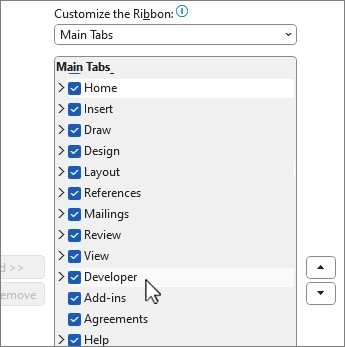
Open the underlying template before making changes
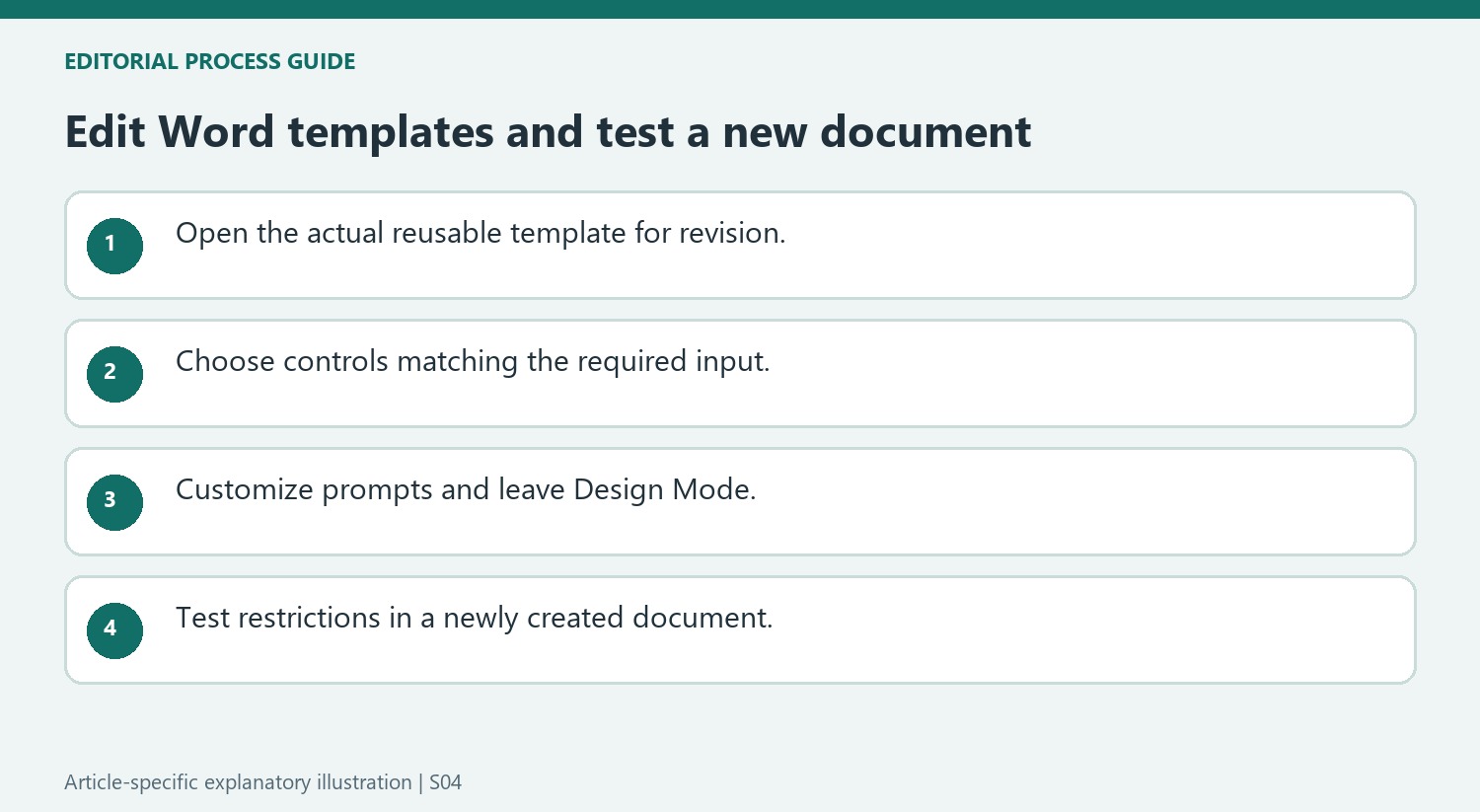
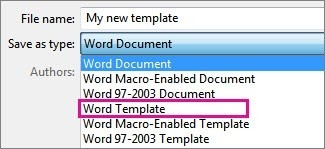
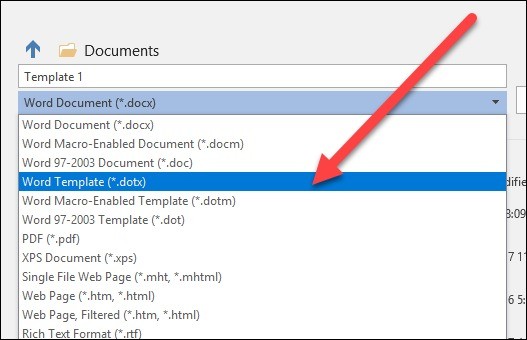
Microsoft's instructions distinguish editing a template from creating a new document based on it. Open the saved template through Word's file controls, make the required changes and save the template again. This preserves the reusable starting point for future documents. Building blocks can provide recurring content through galleries, while content controls create structured places for input. If the Developer tab is hidden, enable it through the ribbon customization options before adding or configuring those controls. Check the actual file being edited before replacing an existing shared template.
Choose controls that match the required input
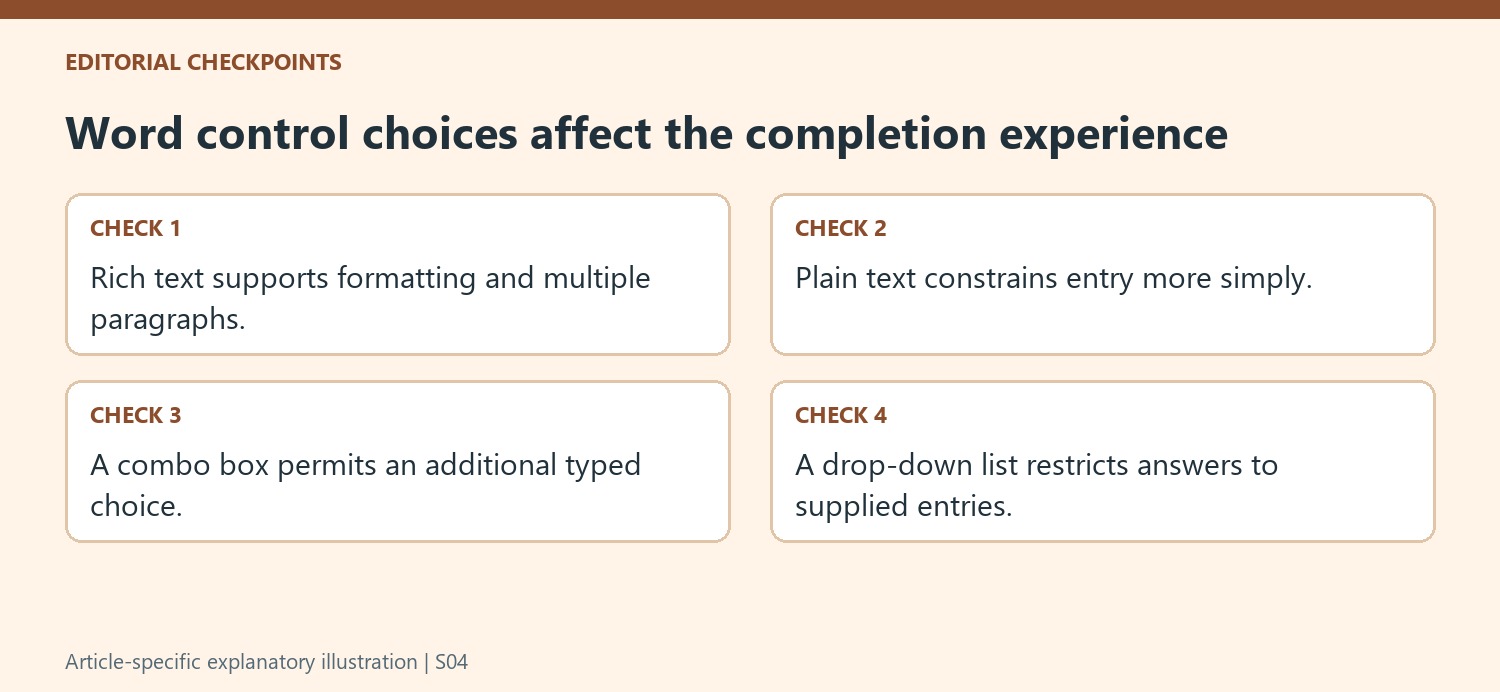
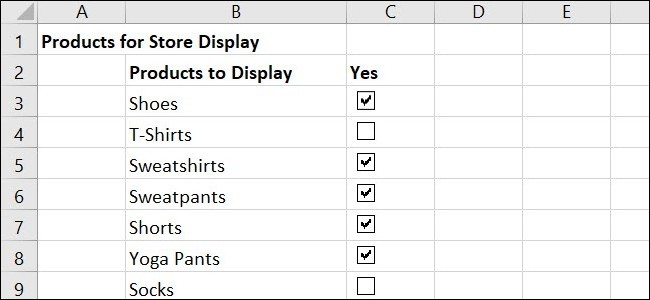
Rich text controls support formatted content and multiple paragraphs, while plain text controls constrain the entry more tightly. Other choices include pictures, dates, check boxes and reusable building blocks. A combo box allows users to select a supplied entry or type their own; a drop-down list limits the choice to the entries provided. Configure the display names and choices in the control properties. Use Design Mode to change instructional placeholder text, then leave that mode before testing how an ordinary user will complete the document.
Test protection without blocking necessary answers
Word can group controls and paragraphs or restrict editing in selected parts of the template. Apply those settings deliberately and check the result with realistic input. The source warns that a control setting that prevents content editing can also stop a user from selecting an answer in a drop-down list. Protection should preserve the intended structure while leaving required fields usable. Review which parts can be edited or deleted, save a clean version and test another document created from it. Editing restrictions should not be described as a substitute for every other document-security measure.
Distinguish a reusable template edit from a single document edit
Creating a document from a template and changing the template itself have different effects. Confirm the filename and location before saving a structural revision so future users receive the intended starting point. After editing, create a separate new document based on it. This tests the reusable behavior rather than only showing that the template looked correct while it was open for design.
Building blocks can supply recurring text choices, such as alternative cover material or standard clauses. Choose the gallery and category deliberately so users see the intended options. Keep reusable text distinct from information that must be entered anew for each document. A template that silently carries an old project name or date can produce a misleading output despite having correctly functioning controls.
Configure content controls around the input people must provide
Use rich text where users need formatting or multiple paragraphs and plain text where a simpler entry is appropriate. For a picture or a date, use the corresponding control rather than an unexplained blank space. A combo box permits an additional typed answer, while a drop-down list restricts the user to supplied choices. Decide whether that difference matches the actual information requirement before distributing the template.
Customize the instructional placeholder in Design Mode and then switch that mode off. Test the ordinary completion experience with realistic entries, including a long answer and a case where none of the predefined choices fits. A clear prompt should explain what belongs in the field without remaining in the final document as though it were a completed answer. Review display names and list values carefully.
Apply restrictions to preserve structure while permitting completion
The source distinguishes preventing control deletion from preventing content editing. Test those settings separately, especially for choice controls, where a restriction can block the answer itself. Grouping related material can preserve a unit, but check what users can still remove or modify. If Restrict Editing protection is used, document its intended role and retain the necessary password securely. These controls support an authoring workflow; they should not be presented as a complete guarantee of confidentiality, authenticity or protection against every possible way of changing document information.
References
- Edit templates. support.microsoft.com.



Comments
0