 DocumentFlow Desk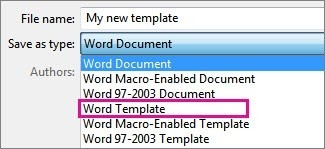
Build a starting file for a recurring task
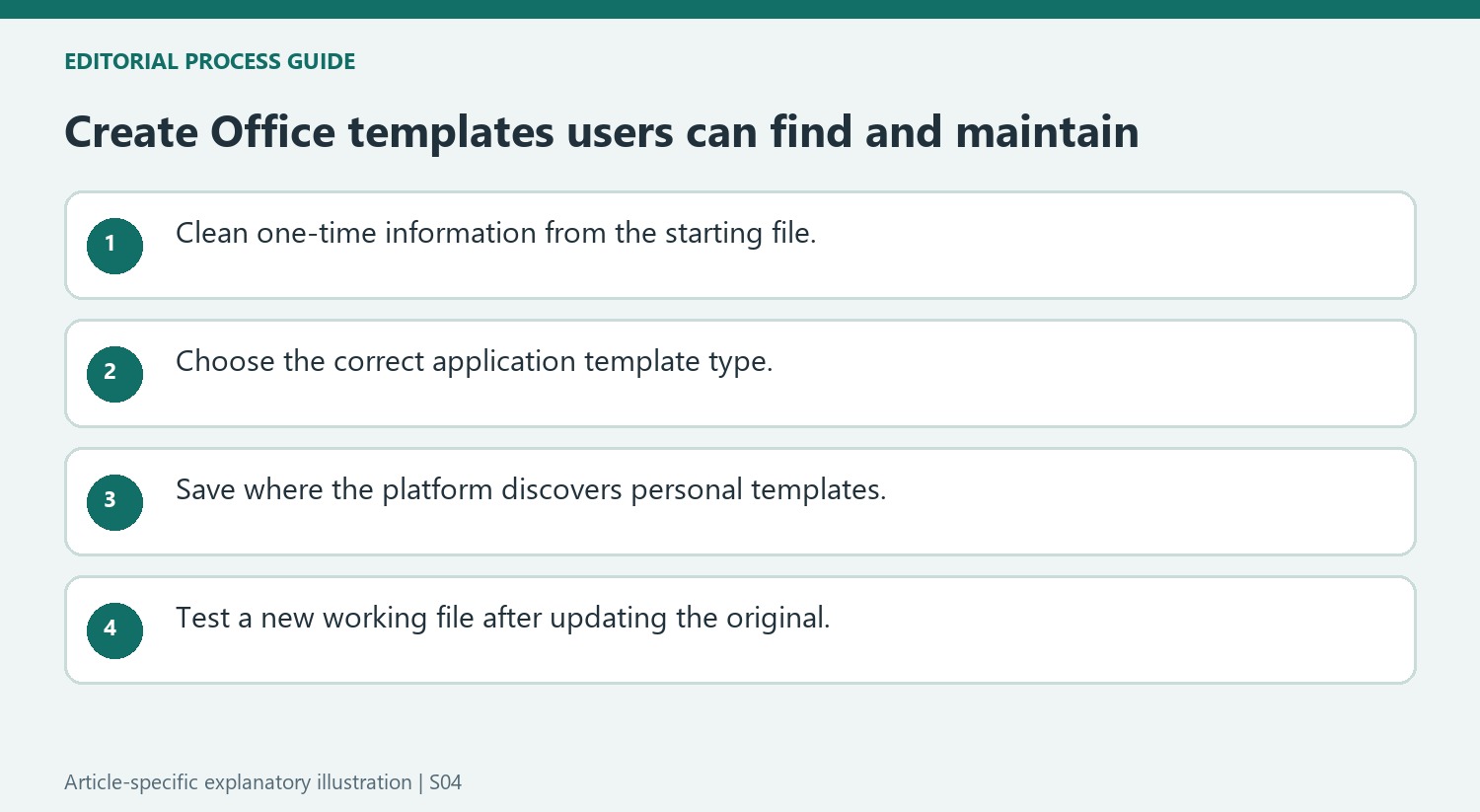
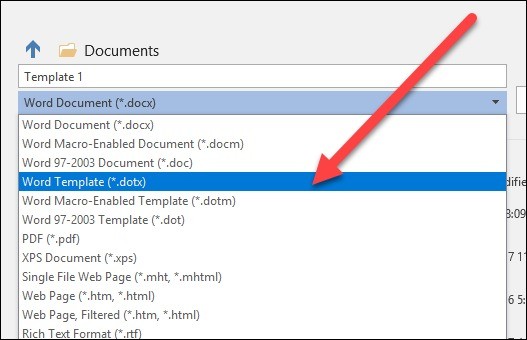
Microsoft recommends templates for documents that follow a repeated pattern, such as reports, forecasts or presentations with company branding. Start from an existing file, a customized downloaded design or a new document. Keep the information and formatting that should recur and remove details that belong to only one completed task. Save the result using the application's template file type. In Word, a standard template uses dotx, while a template that includes macros needs the macro-enabled format rather than the ordinary template choice.
Use the appropriate location and application controls
The source provides different commands for Windows and Mac versions of Office. Windows workflows use Save As and commonly direct templates to the Custom Office Templates folder. Mac Word offers Save as Template and uses its configured user-template location unless another destination is selected. Menu wording and storage paths therefore depend on the platform. Choose a location the application can discover and give the file an identifiable name. If changing the default folder, use the relevant application preferences instead of assuming that moving a file alone updates its discovery settings.
Maintain the template separately from new documents
To revise the reusable original, open that template, make the required edits, save it and close it. To produce a working document, use the new-document template selection, which may be labeled Personal or Custom on Windows or New from Template on Mac. This distinction prevents an individual report from becoming the default starting content for future reports. The same principle applies to presentation templates, where master layouts and placeholders define recurring structure. Test a fresh file after revisions to confirm that the expected styles, graphics and fields appear without leftover example information.
Choose the application-specific template type deliberately
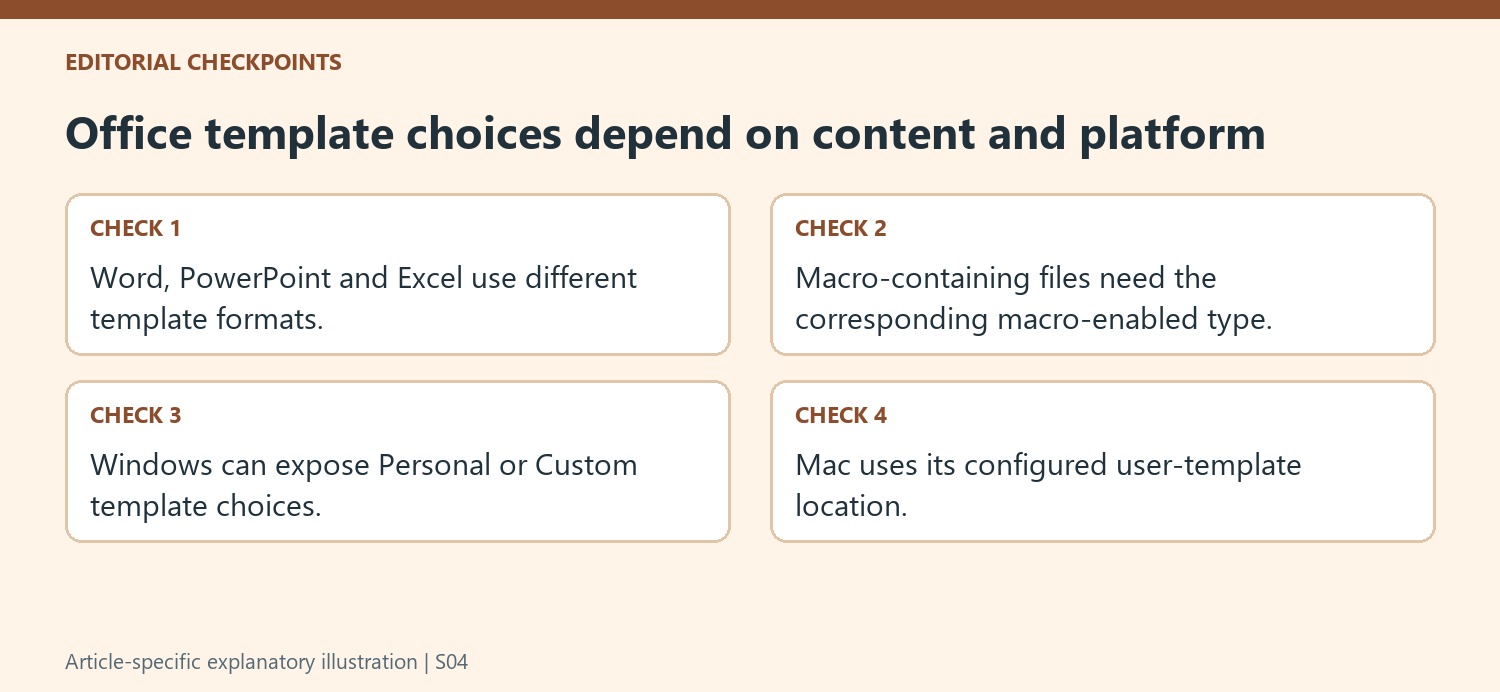
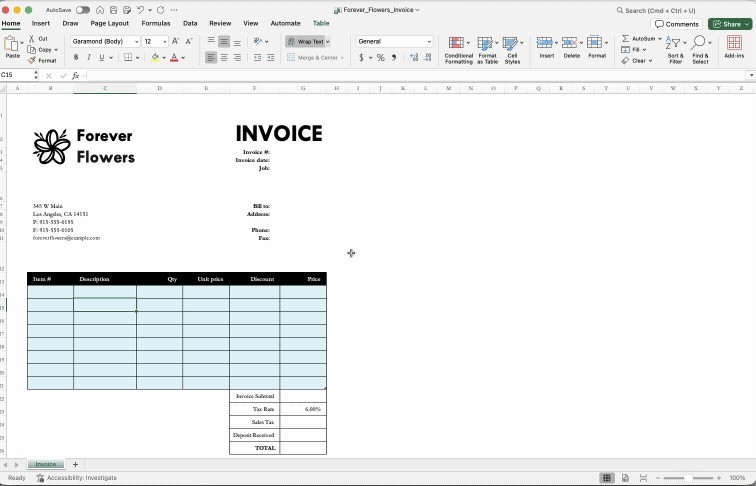
Office templates preserve a recurring starting structure, but the file type depends on the application. Word uses its document-template formats, PowerPoint uses presentation-template formats and Excel uses workbook-template formats. A file that includes macros needs the corresponding macro-enabled choice if that content is to be retained. Select the format from the save controls rather than changing a filename extension and assuming the application will convert its contents.
Start from an existing file or a downloaded design only after separating standard material from one-time information. A company logo and repeated layout may belong in the template, while last month's figures and commentary do not. Review the starting state as though another person will use it without knowing the history of the file. Clear placeholders reduce the chance that obsolete examples become accidental business records.
Follow the platform's discovery and storage conventions
The Windows instructions describe the Custom Office Templates folder and a new-document option labeled Personal or Custom. The Mac instructions use Save as Template and the configured user-template location. These routes express the same purpose through different controls. Verify the application and platform before following a path literally, especially when a shared guide contains instructions for more than one Office program.
If a custom storage location is needed, use the relevant preferences or options and test whether the template appears where users expect it. A template that exists on disk but is difficult to find can lead people back to copying old completed files. Give each reusable design a meaningful name, and make sure the current standard is identifiable without opening several similarly named candidates.
Test the reusable structure in a fresh working file
After revising a template, create a new document, workbook or presentation from it. In Word, inspect styles and recurring content; in PowerPoint, inspect the master layouts and placeholders that govern new slides. Verify that real input can be added without dismantling the intended structure. Keep the original template maintenance path separate from the working-file path so a user's completed content does not become everyone's next starting point. Repeat that targeted check whenever the standard layout or boilerplate changes.
References
- Create a template. support.microsoft.com.



Comments
0