 DocumentFlow Desk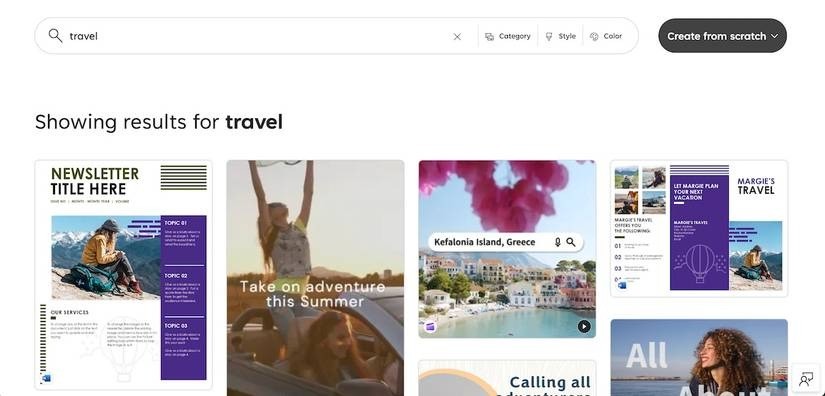
Search across document and media formats
The report describes Microsoft Create as a central place to discover templates associated with Microsoft applications and services. Instead of opening each application to explore its starting designs, a user can search a common subject and compare several kinds of output. The article gives travel as an example that returns material for a Word newsletter, a PowerPoint photo timeline and a Clipchamp advertisement. This makes the search term a starting point for choosing a communication format, rather than assuming that every result represents the same type of document.
Choose the application as well as the design
Selecting a template opens it in the relevant application, according to the report. Consider the final deliverable before choosing a result: a newsletter, a presentation and a video advertisement require different editing tools and review processes. A useful design match still needs to suit the content that will replace its examples. Check the associated application and the format before investing time in customization. A shared discovery site can reduce the effort of finding a starting point, while the actual editing continues in the tool responsible for that type of content.
Read launch announcements in their historical context
The source reported Create during an early-preview stage and described future integration with Microsoft Designer. Treat those details as the status at the time of that announcement, rather than a guarantee about today's interface or access. The broader change documented by the article is the consolidation of template discovery across several creation tools. That includes video work through Clipchamp alongside familiar Office documents. When following the report now, confirm the available templates and application requirements in the current service before relying on a particular example or a feature that was then planned.
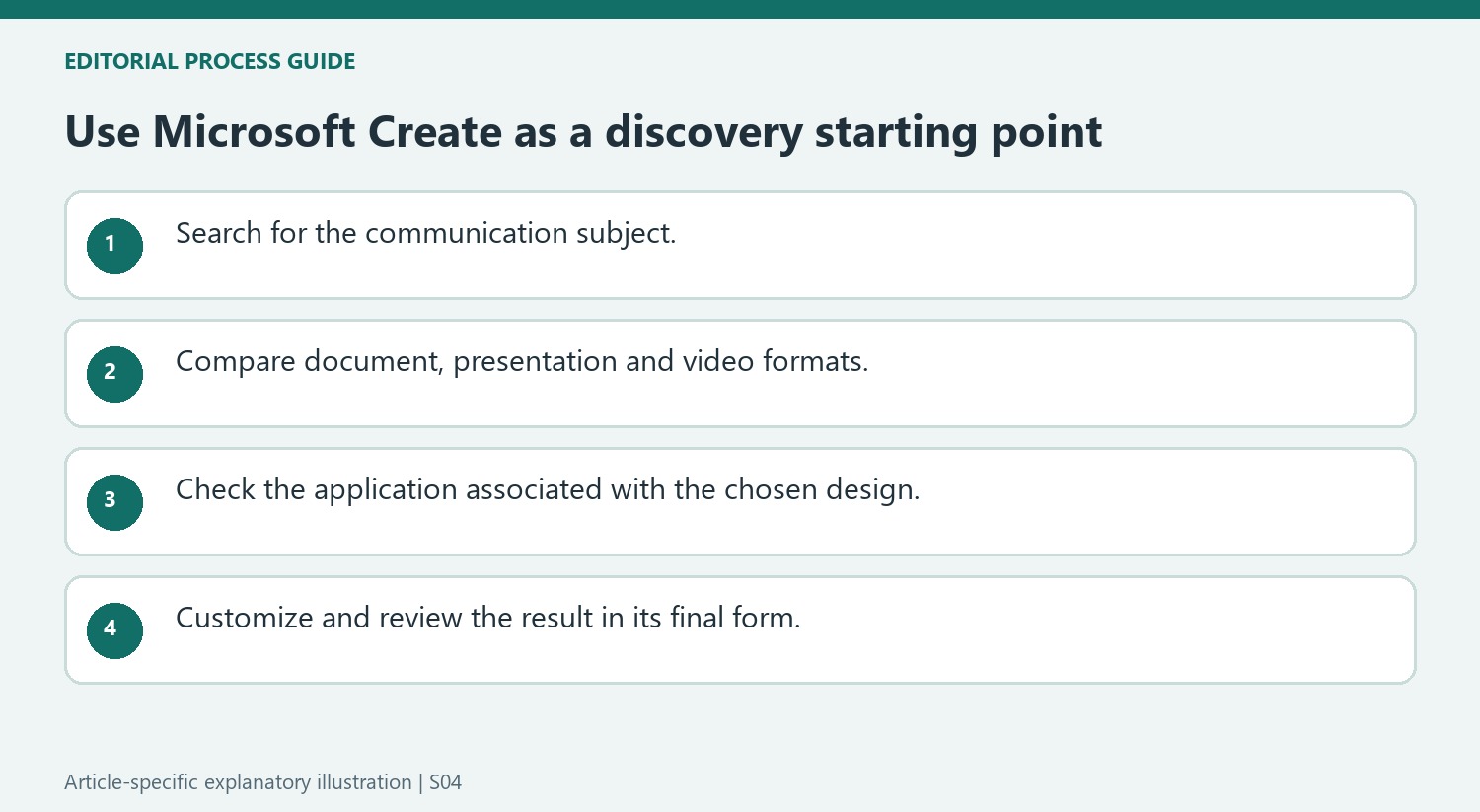
Search by subject, then judge the communication format
The report's travel example demonstrates why a shared search can return useful but very different starting points. A newsletter arranges material for reading, a photo timeline sequences visual moments and an advertisement communicates through video. Begin with the subject, then ask how the intended audience should encounter the information. The first attractive result is not necessarily the format that best serves that purpose.
Compare the result's structure with the actual material available. A photo-led template needs suitable images, while a document layout needs enough meaningful copy for its sections. A video design introduces timing and playback considerations that a static Word page does not. These differences remain important even when the templates appear together in a single discovery interface and share the same search term.
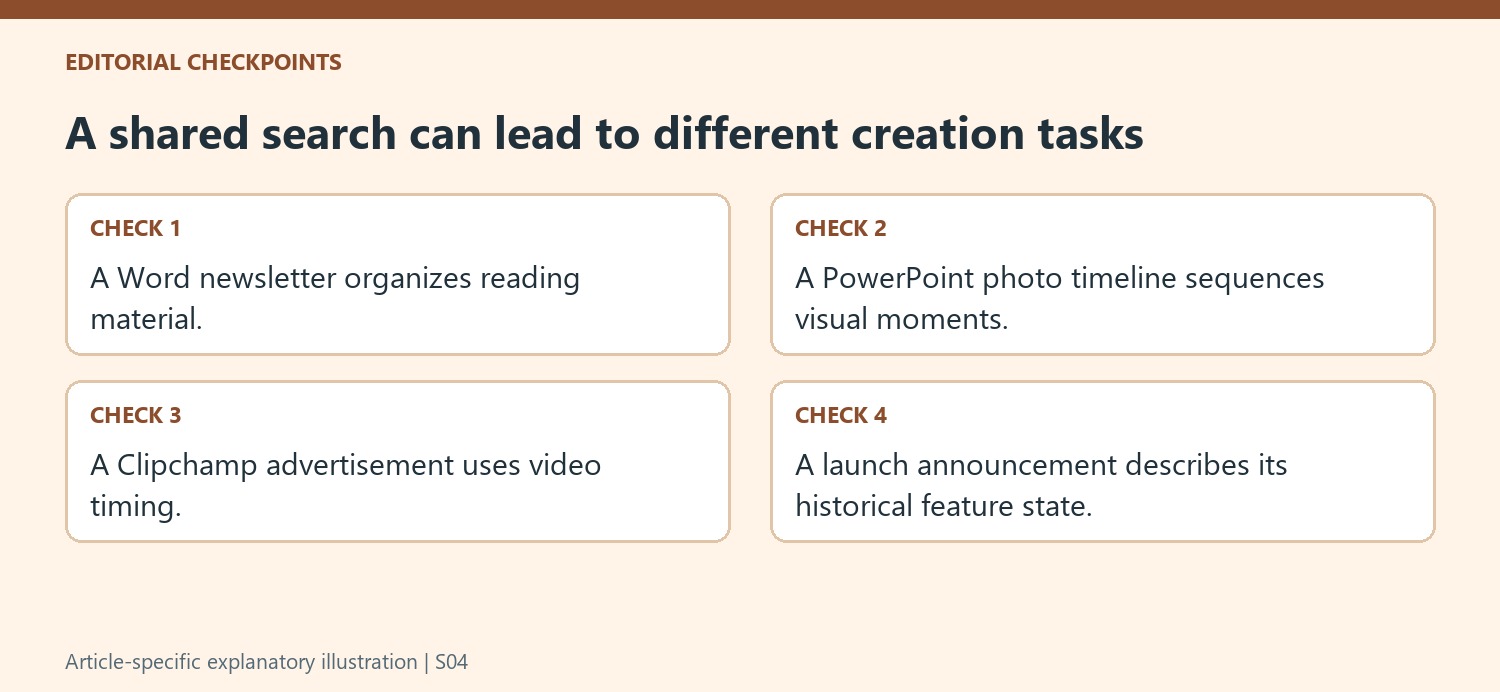
Treat the associated application as part of the choice
The announcement describes opening a selected design in its relevant application. Check that destination before beginning customization. The people preparing and reviewing a document may have different working arrangements from those editing a presentation or video. A convenient discovery step does not remove the need to understand the tool that will hold the actual working file and its content.
Replace the template's examples with material that fits the chosen layout rather than assuming the design will make every message clear automatically. Review the complete result in its final form: page flow for a document, sequence for a presentation and playback for a video. The report's claim of easy creation describes the intended appeal of the service, not a substitute for checking the accuracy and suitability of a finished piece.
Separate the historical launch story from present availability
At the time of the article, Create was presented as an early preview and Designer integration as a future development. Those statements establish the sequence of the announcement, not a current feature inventory. Confirm what the live service offers and which application is used for the selected result. The enduring point of the report is the consolidation of discovery across different creation tools. Use that common entry point to explore possibilities while making the final format, application and review choices according to the actual communication task.
References
- Microsoft Create Is Here to Revamp Office Templates. How-To Geek; Corbin Davenport.


Comments
0