 DocumentFlow Desk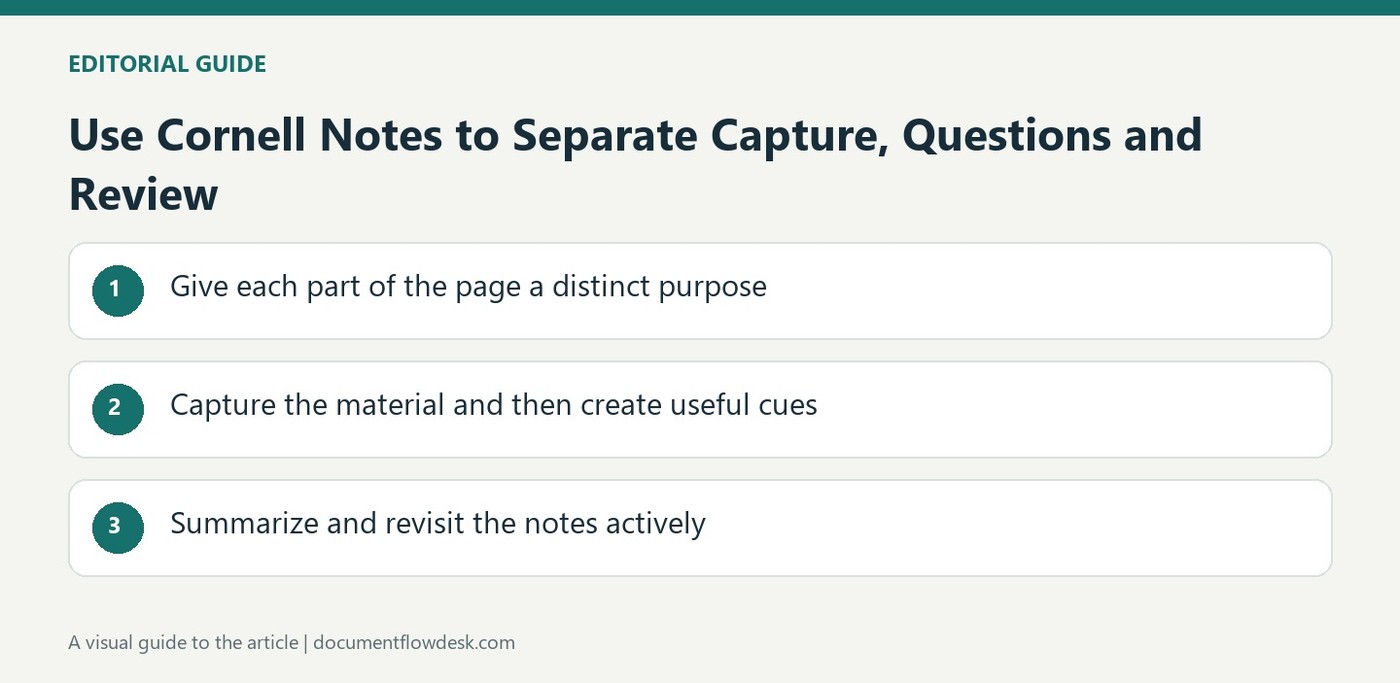
Give each part of the page a distinct purpose
Atlassian's Cornell notes guidance divides the page into a narrow left column, a wider right column and a summary area at the bottom. Add the topic, date and relevant course or meeting context at the top. The wider area holds the main notes, while the narrower column will later contain questions or cues. This layout keeps detailed information separate from the prompts used to review it. A reusable template can preserve the arrangement across subjects without requiring every session to contain the same amount or type of material.
Capture the material and then create useful cues
During a lecture, reading, meeting or research session, record important points and supporting examples in the main notes area. Use concise wording and understandable abbreviations rather than attempting to transcribe everything. Afterward, write related questions, keywords or concepts in the cue column. Creating those prompts requires another pass through the information and can expose points that remain unclear. Keep the cues connected to the notes beside them so they can guide an actual review, rather than becoming a separate list of broad labels that do not help reconstruct the subject.
Summarize and revisit the notes actively
Write a short account of the main takeaways in the bottom section using your own understanding of the material. Review soon after the session to clarify uncertain details while the context remains accessible. The source recommends returning to the cue column for self-testing and revising the notes when gaps appear. Covering the detailed section while answering a cue can make the review more active than rereading alone. Consistent formatting supports this routine, but the learning value comes from questioning, summarizing and checking understanding rather than simply placing text inside a three-part layout.
Build the layout to support three different thinking activities
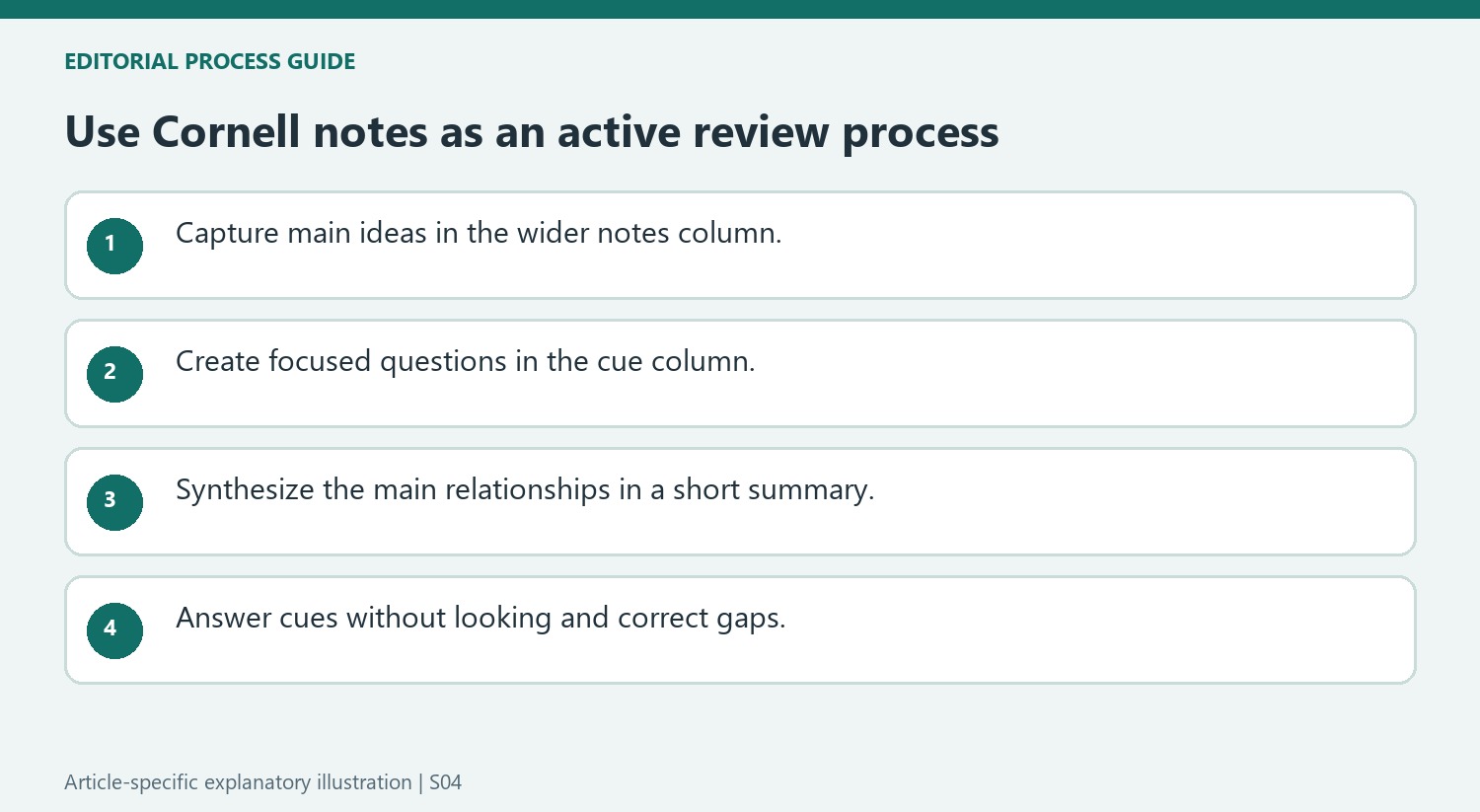
The wider notes column captures material, the narrow cue column prompts later questioning and the bottom section synthesizes the main ideas. Keep those purposes distinct when adapting the template. The source gives approximate dimensions, but the useful requirement is enough room for the actual content and readable prompts. A page full of compressed text can undermine the review routine even when its divisions look technically correct.
Add a clear topic, date and relevant context at the top. These details help distinguish similar sessions and retrieve the right notes later. Use consistent formatting across related material, while allowing diagrams, examples or other subject-specific information where they help understanding. A reusable structure should support the content rather than forcing every idea into the same short sentence pattern.
Turn captured material into questions that can be answered
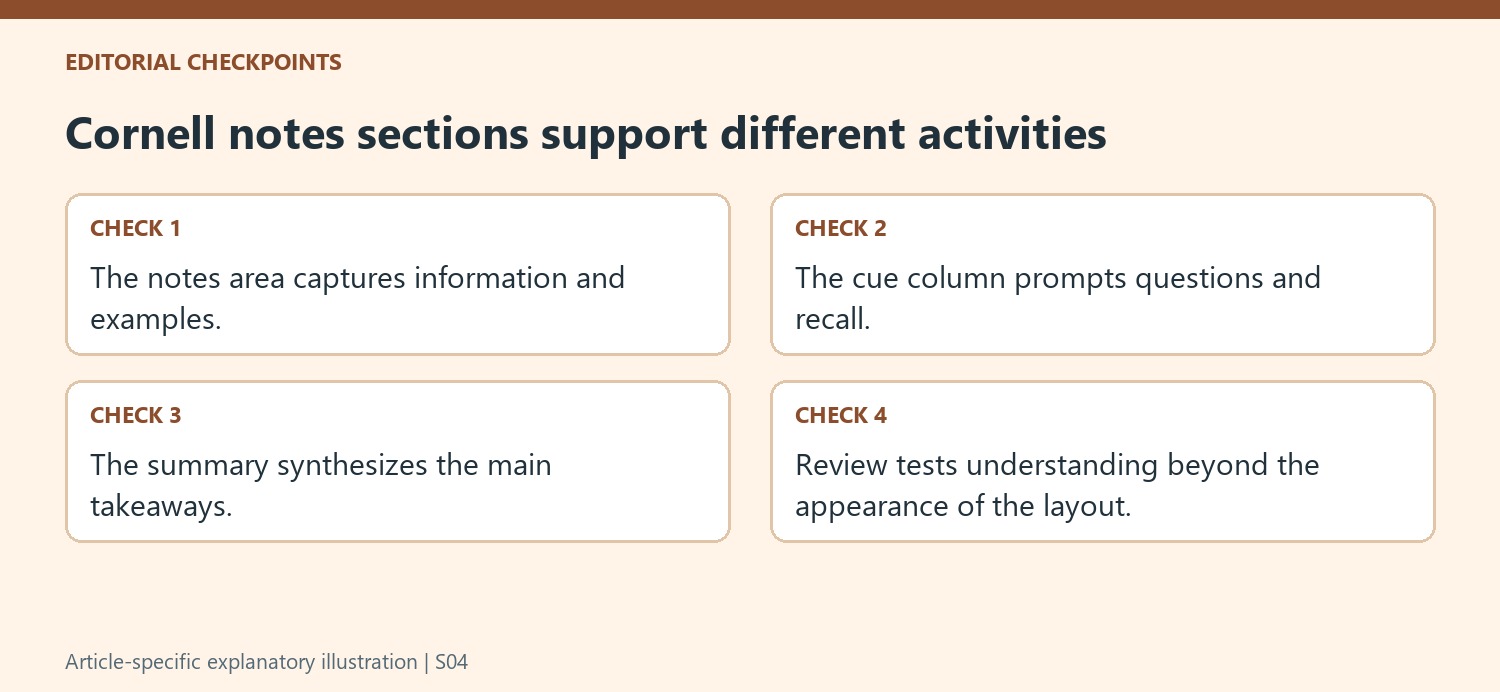
During the session, focus on main ideas and meaningful supporting details. Use abbreviations only when they will remain understandable later. Afterward, reread the notes and create cues that point to a concept, relationship or explanation worth recalling. A broad label can organize a topic, but a focused question often gives a clearer test of whether the material was actually understood.
Write the bottom summary in your own words, connecting the main points rather than copying the first sentence from each paragraph. This second pass can expose a gap that was invisible while taking notes quickly. Mark uncertainty and return to an appropriate reference or explanation instead of smoothing over it with a confident-sounding summary. The aim is a trustworthy account of understanding, not a visually complete page.
Use the cue column for active review and correction
Cover the detailed notes and try answering the prompts, then compare the response with the recorded material. If the answer is incomplete, refine the cue or add a missing explanation in the notes. Review soon while context is accessible and return periodically to test important ideas again. The source promotes this active process; it does not mean that a three-part layout guarantees retention by itself. In shared professional notes, check that abbreviations and examples are understandable to collaborators so the record supports later use as well as the original note taker's memory.
References
- Free Cornell Notes Template | Confluence. Atlassian.



Comments
0