 DocumentFlow Desk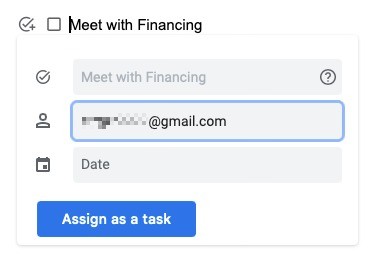
Prepare the checklist and check account support
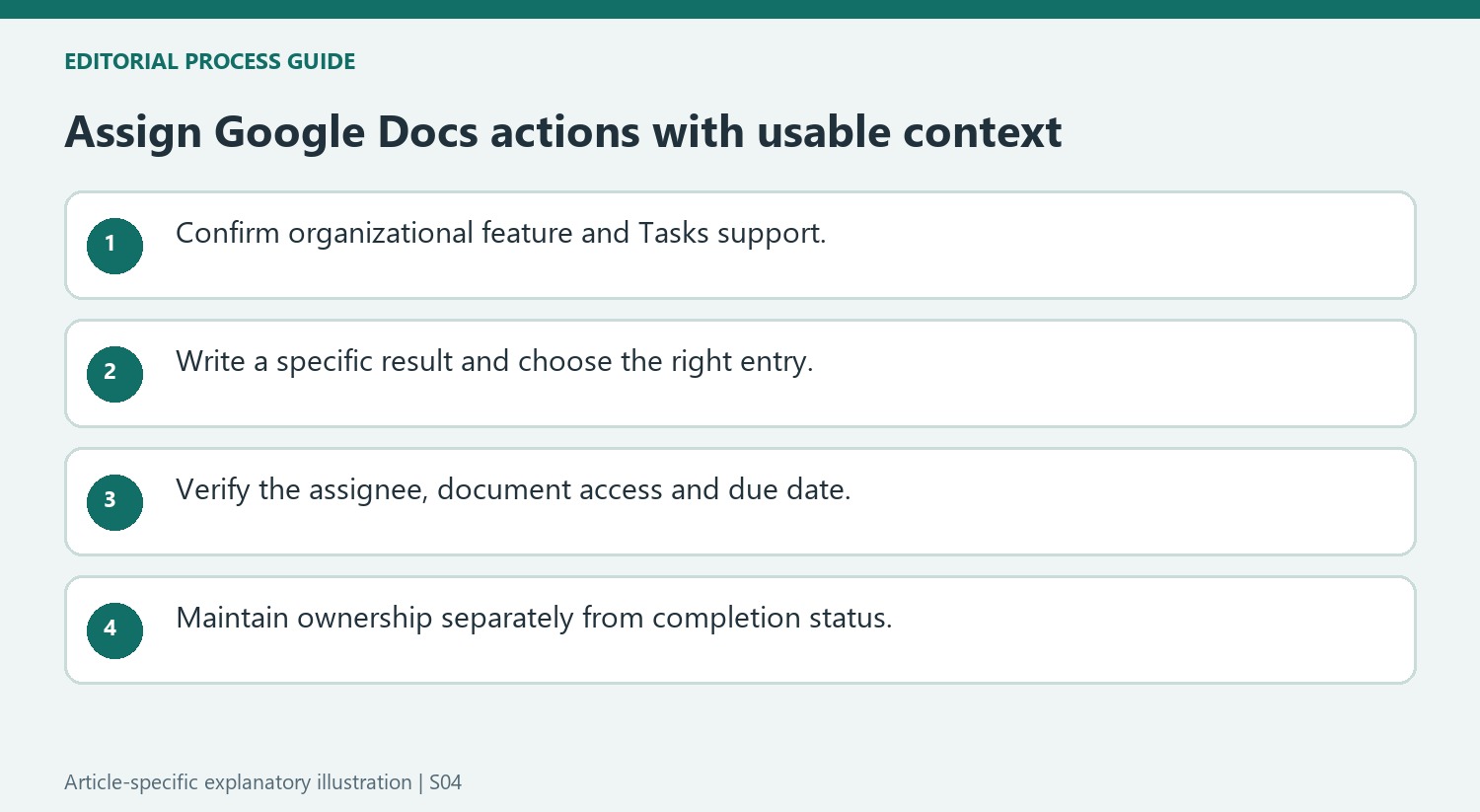
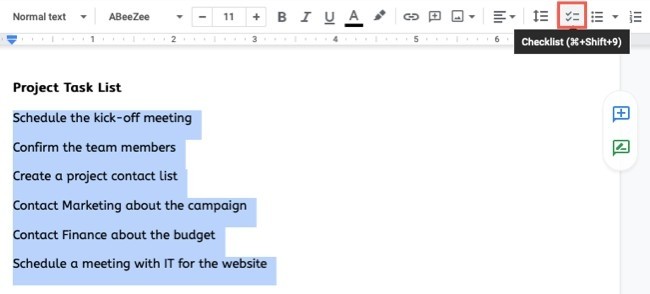
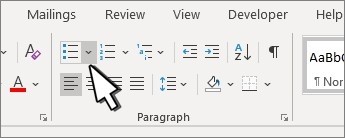
The source describes assignment for eligible Google Workspace and legacy G Suite accounts, rather than personal Google accounts. Confirm support in the current organization before designing a workflow around it. Create a checklist through the toolbar or the list-format menu, or select existing task text and convert it. Write each item as a concrete action before assigning it. A contact name does not resolve an ambiguous task, so keep the wording tied to an identifiable result and separate unrelated activities into their own checklist entries.
Choose the assignee and provide access
Place the cursor on the task or hover beside its checkbox, then select the assignment icon. Choose a contact in the assignee field and add a due date if the task needs one. The article explains that an unshared document can trigger a sharing prompt during assignment. Complete that access step so the recipient can understand the task's context. Finish the assignment through the confirmation control and inspect the person's icon beside the item. This visible association helps readers distinguish an assigned responsibility from an unowned checklist entry.
Maintain assignments as the work changes
Where Google Tasks is enabled for the domain, assignees can manage the delegated items in their task list. In the document, hovering over the assignment reveals its details. The source describes a checked item becoming visually completed and an email notification being sent when completion is recorded. To revise the owner or due date, open the assignment details, edit and save. Removing the assignment uses its delete control. Review these changes carefully so removing delegation is not confused with completing the underlying work, and keep the document's task wording aligned with the actual responsibility.
Confirm that the organization can support the delegated workflow
The source limits its described assignment feature to particular organizational accounts and notes a dependency on Google Tasks being enabled for the domain. Check the actual account and current controls before promising that a checklist will appear in someone's task list. A checkbox that works in the document does not by itself establish that assignment or cross-service task management is available.
Prepare the wording before choosing an assignee. Name the expected result and keep unrelated duties in separate entries. Add a due date where it communicates a real agreed requirement, rather than populating a date only because the field is available. A delegated item should remain understandable when read outside the immediate conversation that led to its creation.
Verify identity, access and the final assignment together
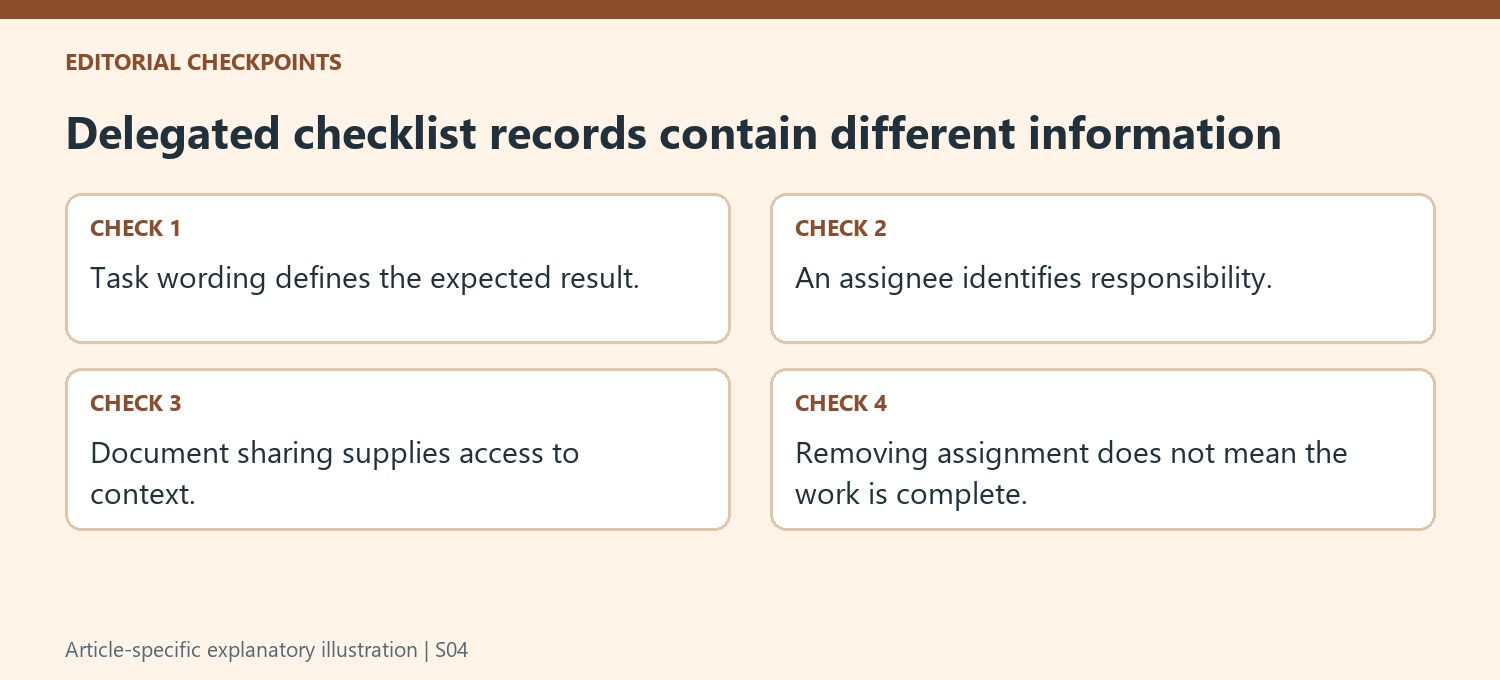
Use the assignment control next to the intended checklist entry, then choose the appropriate contact. Similar names and repeated tasks make a final inspection valuable. Confirm that the person indicator appears beside the correct wording. If the document is not yet shared with that person, complete the access step described by the workflow so the task's supporting context is actually available.
Document access and task ownership solve different problems. A collaborator may be able to read the page without owning a particular action, while an assigned person needs enough context to carry it out. Review the assignment details and the document's relevant instructions together. A visible avatar is useful confirmation of the recorded association, but clear wording and accessible references are still necessary for effective delegation.
Keep changes in ownership distinct from changes in work status
Hover over an assignment to inspect its details and use Edit for a revised owner or date, saving the change deliberately. Removing the assignment through its delete control ends that delegation; it should not be interpreted as proof that the task was completed. The source describes a completed visual state and email notification, but the meaningful record is the actual result and its current status. Review reopened or reassigned work so a familiar checked line does not conceal a changed responsibility. Use the current account behavior as the final guide to how those updates are represented.
References
- How to Assign Checklist Items in Google Docs. How-To Geek; Sandy Writtenhouse.



Comments
0