 DocumentFlow Desk
Start with the information the brief must communicate
ClickUp's collection presents several project brief templates covering different working needs. A useful brief explains the objective, the boundaries of the work, the expected outcome and the principal deliverables. Budget, timing and success measures belong in the overview when they affect the decision being made. Before choosing a format, identify who will read it and what they need to approve or clarify. A template should make those requirements easier to express; an impressive list of fields does not automatically make the resulting brief more useful.
Recognize the differences between specialized formats
The source describes marketing briefs with information such as department, audience, deliverables and supporting attachments. Product briefs can accommodate specifications, feedback, draft history and tasks across several functions. Design briefs place particular emphasis on communication and approval requirements. These formats vary in depth, so a longer product document should not be treated as interchangeable with a short project overview. Select the structure that matches the work and remove irrelevant prompts carefully, preserving the details collaborators need to understand responsibilities and evaluate the proposed result.
Check availability and maintain a clear working version
The collection includes templates associated with Word, Google Docs and ClickUp. Confirm that a chosen resource is currently available in the format and account you intend to use before building a process around it. Replace sample content with verified project information, identify the owner and keep references to detailed supporting material. Make the current version easy to recognize when several people contribute feedback. A brief remains useful through a combination of relevant content and clear maintenance; simply copying a template into a workspace does not establish shared understanding or a completed approval.
Choose the smallest structure that answers the real questions
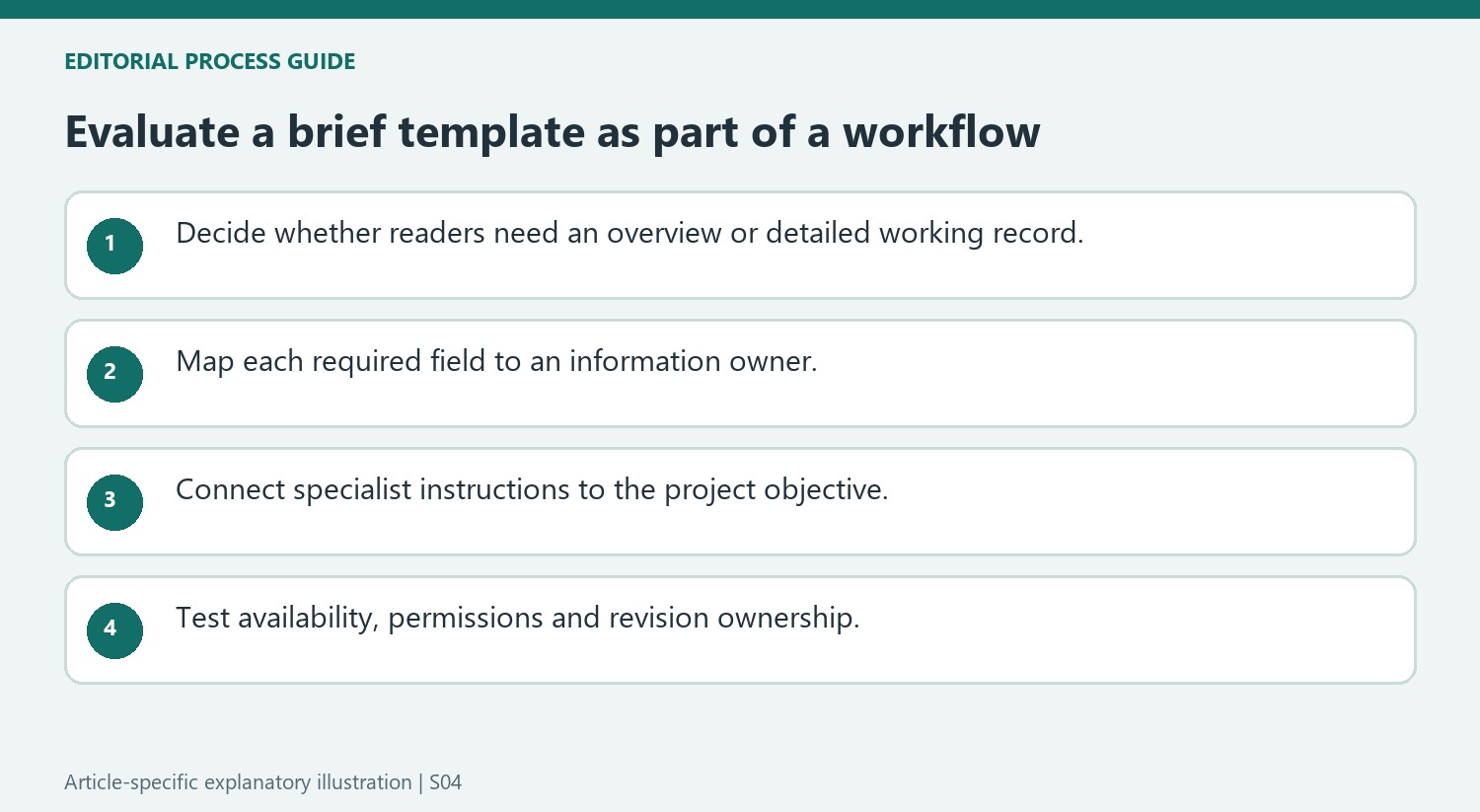
The collection ranges from short overviews to more detailed product and campaign documents. Decide whether the team needs a concise orientation or a working record of specifications, draft history and feedback. A longer resource can be appropriate for product development without being the right replacement for a quick stakeholder brief. Select by purpose rather than assuming that more pages represent more complete alignment.
Map the required information before adding the template to a workspace. Identify the objective, deliverables, audience, timing and relevant constraints. For every field, ask who can supply a verified answer and who will use it. This exposes missing information early and helps prevent a collection of attractive headings from becoming another document that no participant is responsible for maintaining.
Keep specialist documents connected without confusing their jobs
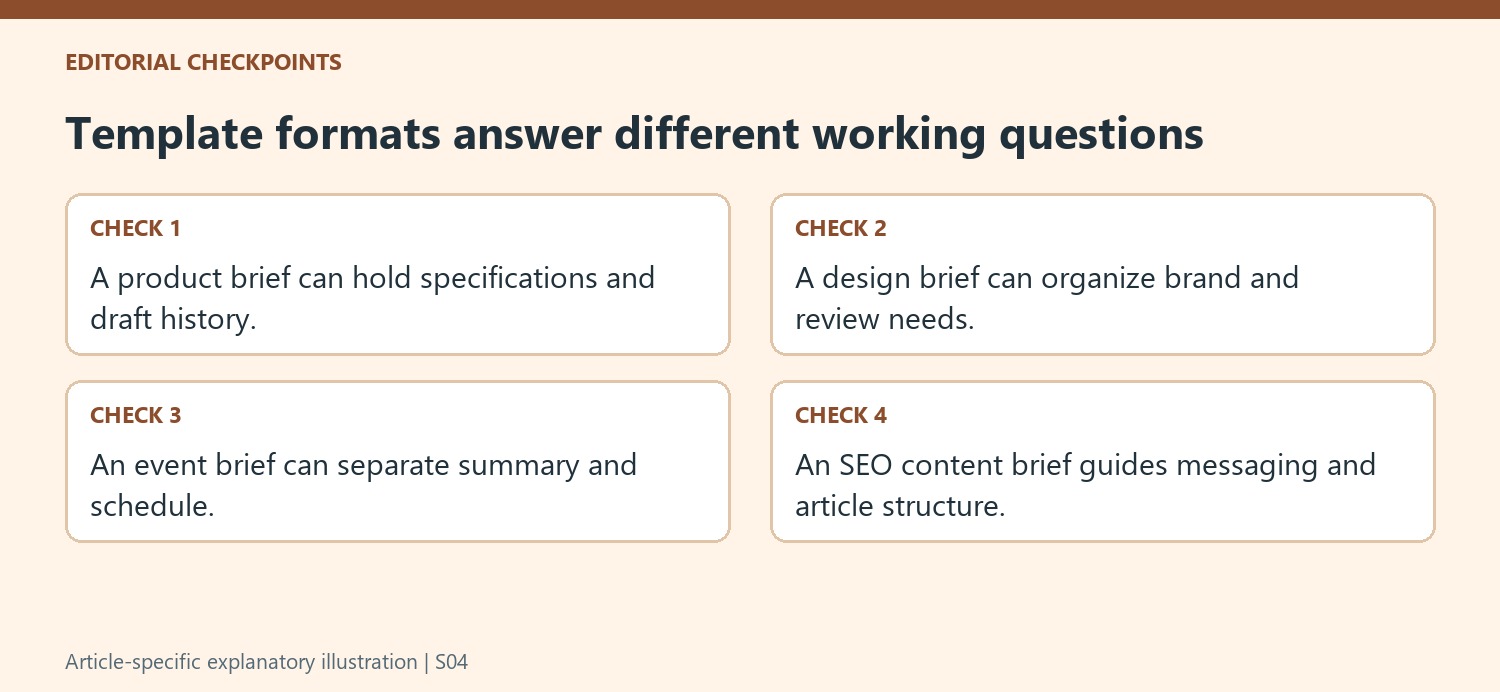
A design brief may organize client requests, brand information and approval needs, while an event brief can separate overview and schedule. An SEO content brief can guide a writer with audience, messaging, keywords and outline. Those are related working tools, but they answer different questions. Keep the project-level objective visible so specialist instructions do not drift away from the result the team is trying to produce.
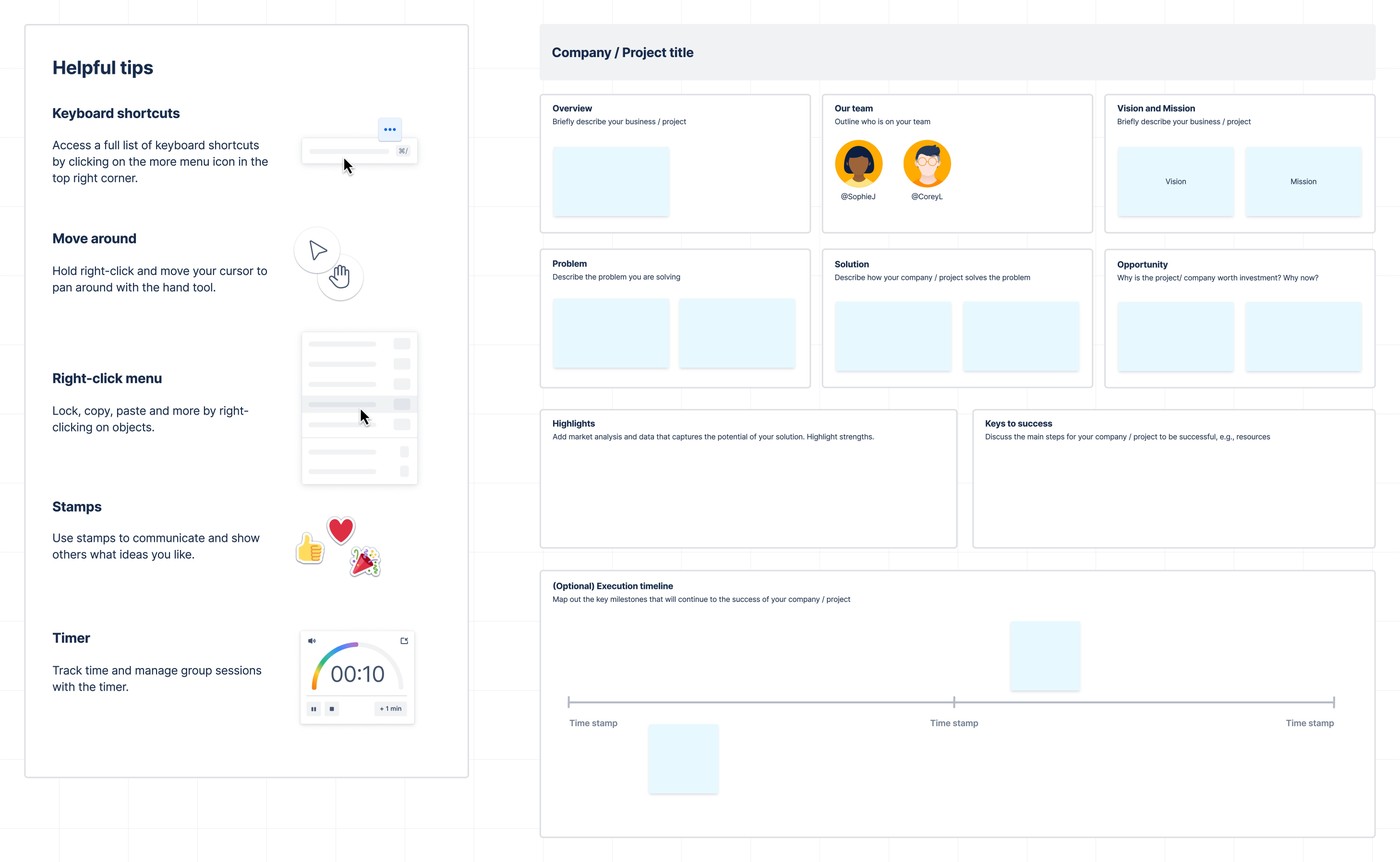
Where supporting files or feedback are attached, explain their relevance and current status. An earlier draft can be useful context but should not look like the final instruction. Identify who is reviewing the work and what approval is still required. A color-coded whiteboard or a completed checklist can make information easier to scan, but neither establishes that the authorized reviewer has accepted the proposed scope.
Validate the resource and the maintenance process together
Confirm that the chosen template opens in the intended account and application before training the team around it. Test permissions, editability and the visibility of supporting references in the version collaborators will receive. Replace examples and record the actual project owner. Decide how changes and feedback will be incorporated so several similar copies do not compete as the current brief. The source's availability and product claims should be checked against present conditions; a useful workflow depends on accessible, accurate information rather than on a collection's promotional description.
References
- 10 Free Project Brief Templates in Word, Google Docs, & ClickUp. The ClickUp Blog; Praburam.


Comments
0