 DocumentFlow Desk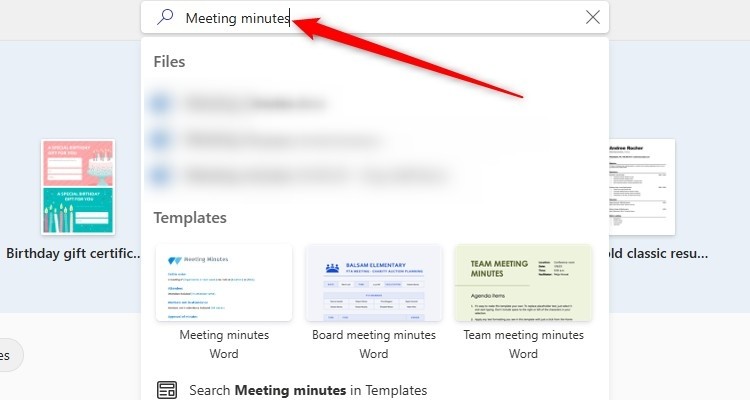
Create the recurring structure before the meeting
The article recommends starting from an existing meeting-minutes template or creating one suited to the team. Include the information that will be needed afterward, such as attendees, topics, decisions and follow-up work. Remove irrelevant placeholders and save a reusable template separately from each meeting's record. A familiar layout helps readers find outcomes across successive meetings. Review the structure before the session rather than designing it while trying to capture a fast discussion, and keep optional sections available without forcing every meeting into an unnecessarily elaborate format.
Use transcription as a working record rather than final minutes
The source describes Word's Transcribe controls for recording or uploading audio where available. Follow the organization's agreed recording process and check feature availability in the current account and application. Review speaker labels and recognized words before inserting material into the document. A transcript records utterances imperfectly; it does not automatically distinguish a tentative suggestion from an agreed decision. Use it to verify relevant details while producing concise minutes that capture the outcome, rather than distributing an unreviewed transcript as though it were an approved account of the meeting.
Apply consistent terminology and verify the follow-up
The article also describes AutoCorrect expansion for frequently used shorthand. Choose rules that do not unexpectedly alter ordinary text, and inspect expanded names or technical terms before finalizing the notes. Use clear headings and consistent formatting so decisions and assigned work are easy to find. Confirm action owners and due dates with the participants when necessary, and distinguish unresolved questions from completed agreements. Save the meeting record under a meaningful name and retain any working material according to the established process so the minutes remain useful beyond the day they were written.
Prepare the template before the discussion starts
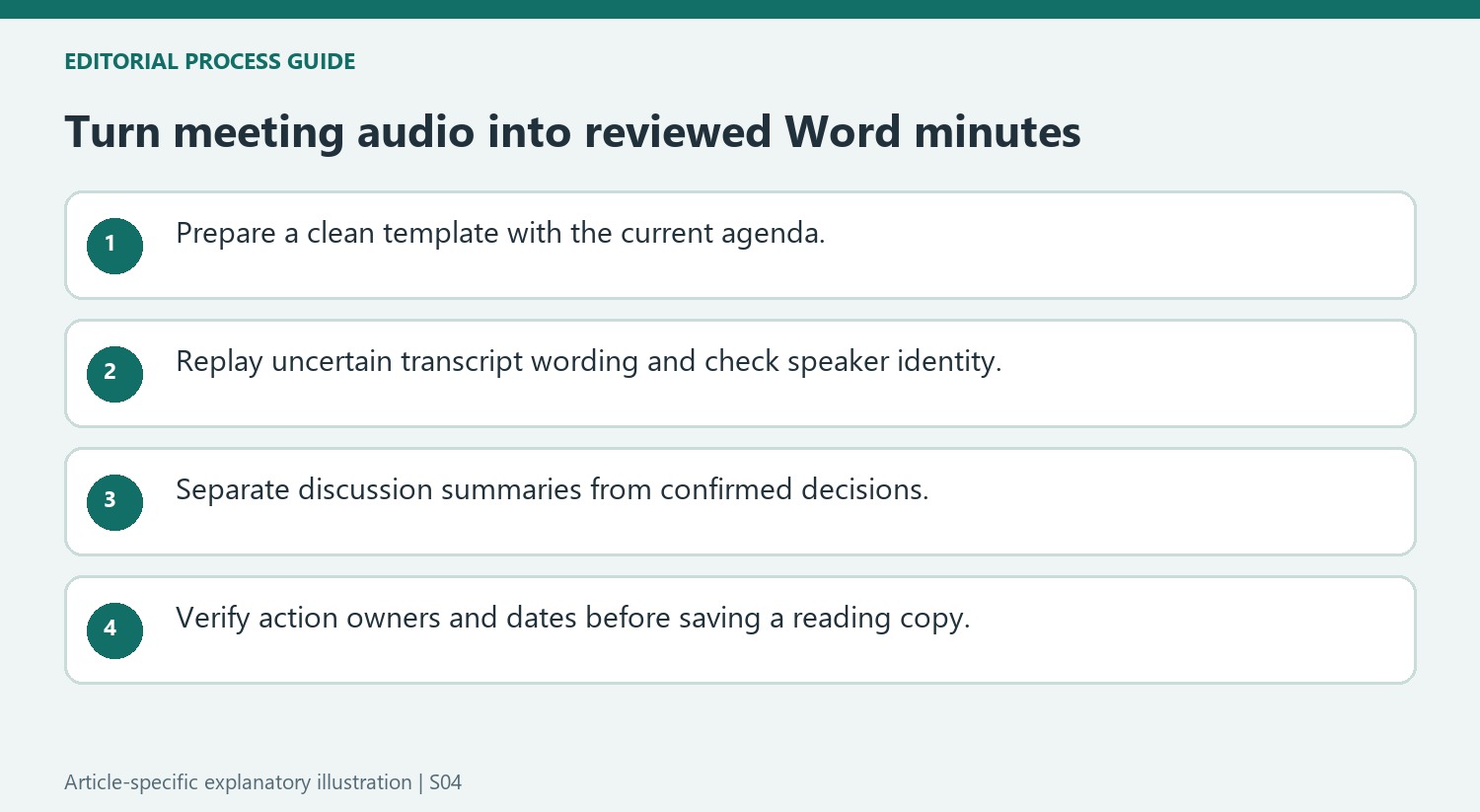
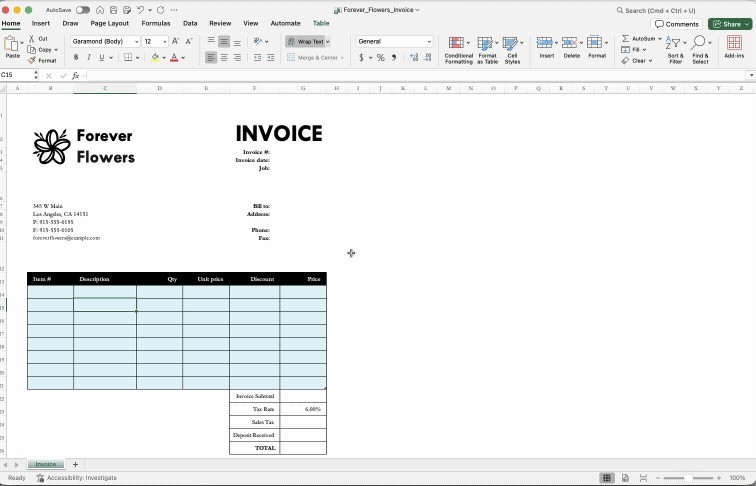
A ready-made minutes template can provide a starting structure, but inspect its fields against the actual meeting. Keep the sections that help capture participants, decisions and follow-up, and remove example text that could be mistaken for a real entry. A reusable custom template should preserve the structure without carrying forward last week's attendance or commitments as current facts.
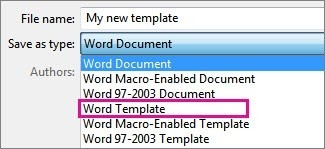
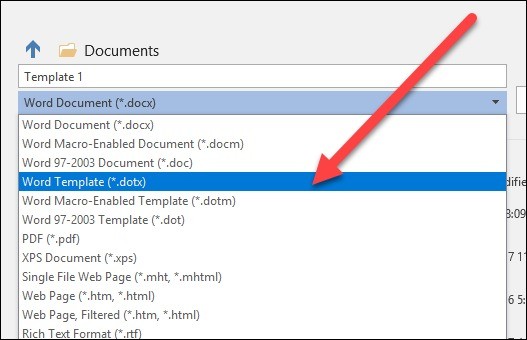
The source describes saving a custom Word Template and finding it among personal templates. Confirm that a new meeting starts from a new document rather than overwriting the reusable original. Put the date and meeting purpose where readers can identify the record immediately. Prepare agenda headings before recording begins so notes have meaningful destinations while discussion moves between topics.
Review transcript material before turning it into minutes
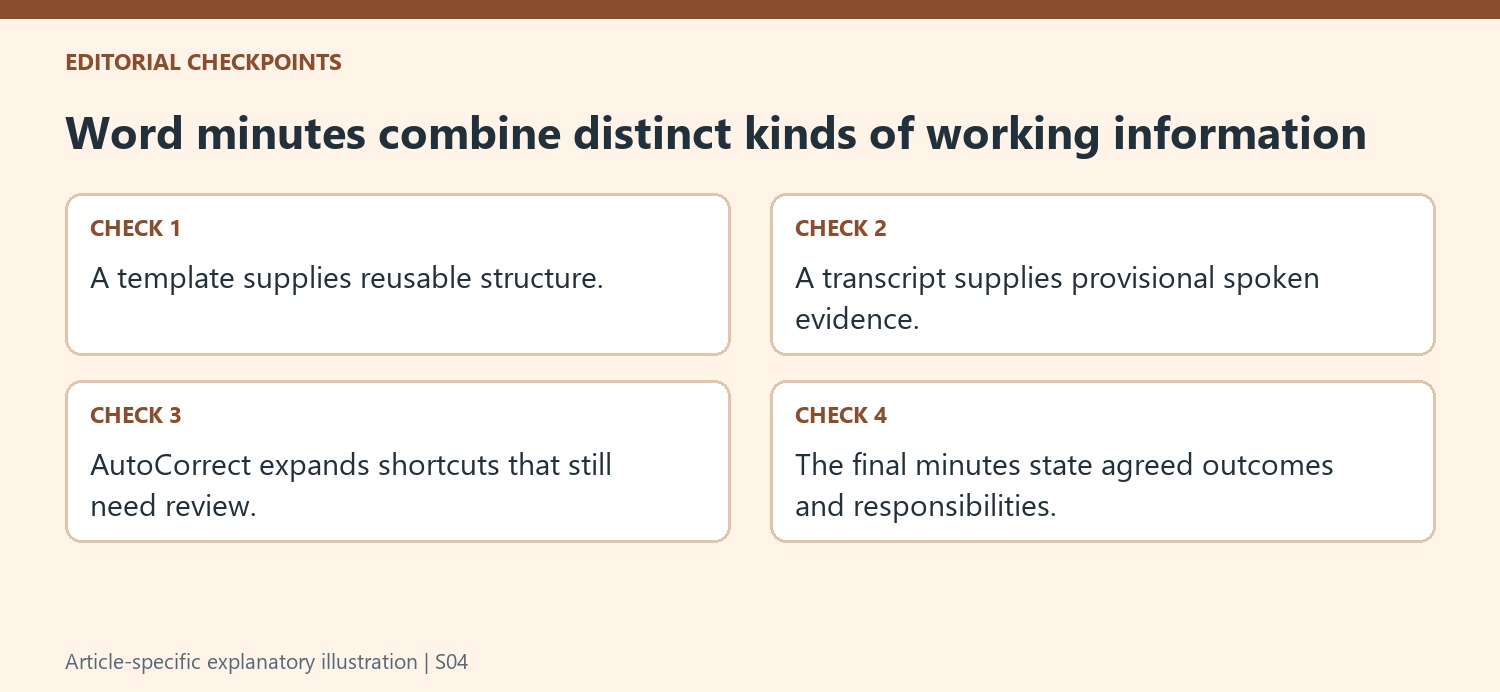
Word's Transcribe workflow can accept uploaded audio or a recording, where the feature and account support it. Treat the result as draft evidence. Replay timestamps around uncertain wording and inspect speaker labels, especially after overlapping conversation or background noise. Changing every instance of a speaker label is useful only after confirming that those contributions belong to the same person.
Adding a transcript contribution to the document does not make it an agreed decision. Summarize the relevant discussion, identify the explicit outcome and check whether a suggested action was accepted. Preserve uncertainty where the recording cannot settle it. Avoid converting a tentative date, an interrupted sentence or an illustrative example into a firm commitment merely because the transcription produced confident-looking text.
Use typing shortcuts and final formatting with a review step
AutoCorrect entries can expand frequent abbreviations while notes are being prepared. Choose shortcuts that are unlikely to replace ordinary words accidentally and check the expansion in context. Color can help the note taker distinguish actions and deadlines, but the final wording should explain their meaning without relying on color alone. Review names, ownership and dates before sharing, including any revised deadline that differs from the original agenda. Save the editable source for future correction and inspect any exported PDF as a reading copy; its format does not make changes technically impossible or prove that its contents were approved.
References
- Top Tips for Creating Quality Meeting Minutes in Word. How-To Geek; Tony Phillips.



Comments
0