 DocumentFlow Desk
Review the recipient and the actual file first
Smallpdf recommends checking who needs the document and whether they need to read, edit, sign or download it. Open the intended attachment or shared file and confirm the version. Remove information the recipient does not need, including inappropriate comments or hidden material. Verify the destination address through a trusted record when necessary. Avoid putting confidential details in a subject line merely because the attachment is protected. A careful handover starts before the send button: the wrong recipient or unnecessary sensitive content can undermine otherwise useful document protections.
Use encryption and link settings for specific purposes
For a private PDF, the source describes strong password protection and sending the password through a separate channel. Test that the protected copy opens correctly before distribution. Encryption limits unauthorized opening, but an authorized recipient can still see the contents and may create another copy. A restricted sharing link can provide named access, expiration or revocation where the chosen service supports those controls. Inspect those settings rather than assuming that any link is private. Proper redaction removes the underlying information that should not be disclosed; a decorative black rectangle is not an equivalent removal process.
Use an approved workflow for higher-risk material
The article distinguishes routine documents from highly sensitive or regulated records that may need an approved portal or managed transfer system. Consider available authentication, access logs, encryption and the ability to withdraw future access. Check the link from an appropriate recipient perspective before sending, and remove access when it is no longer needed. No single method is presented as universally best for every file. Match the controls to the potential harm and the organization's requirements, while keeping the final recipient action clear so the intended person can complete the task without resorting to an uncontrolled workaround.
Minimize the disclosed information before applying protection
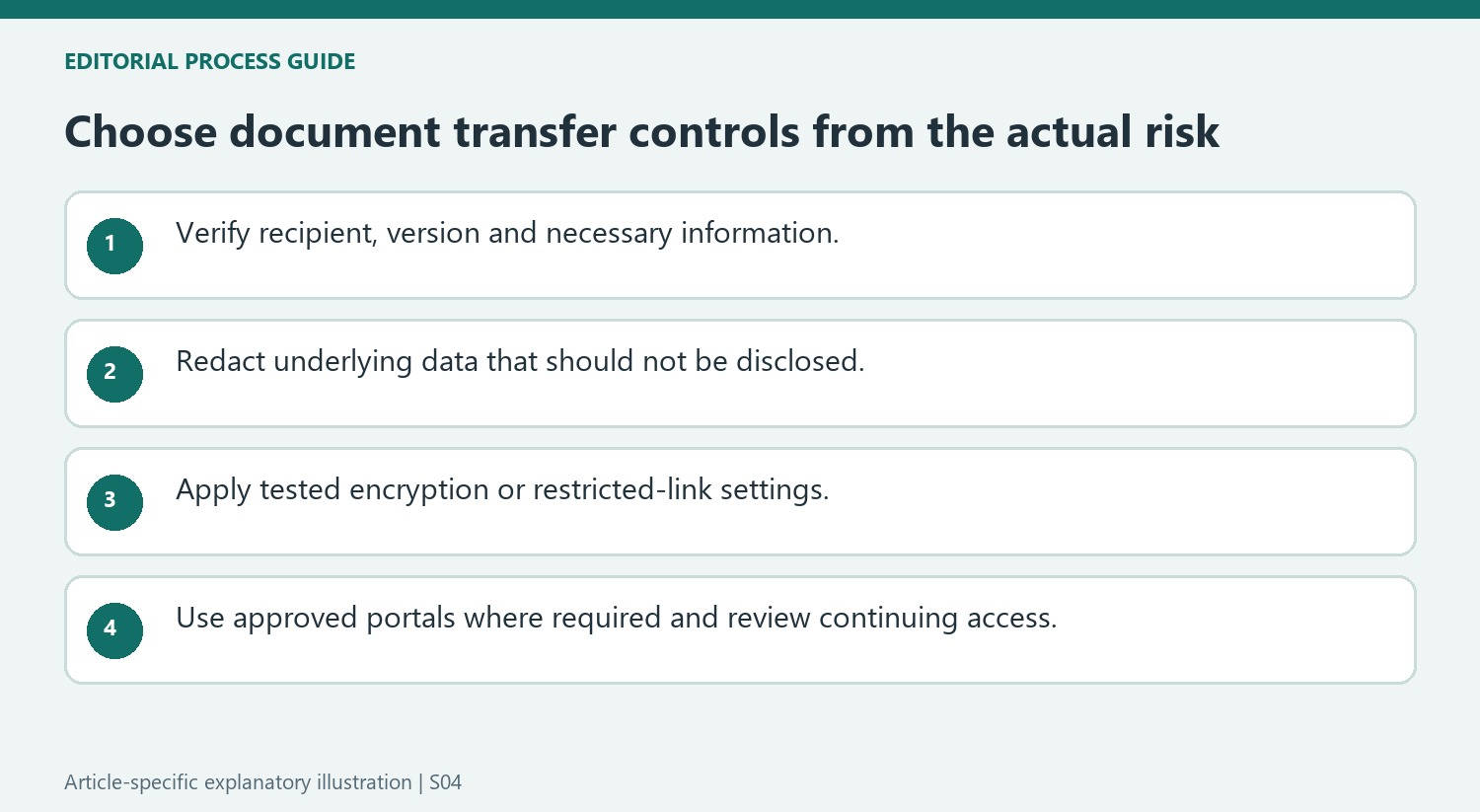
Open the actual file and check its version, recipient and purpose. Remove information the recipient does not need, including hidden material or review content that should not travel with the final document. Use a proper redaction process when underlying sensitive data must be removed. A black rectangle placed over text can leave the original information recoverable and should not be treated as equivalent.
Confirm the destination through an appropriate trusted record when the address is uncertain. Autocomplete and unexpected messages can supply plausible but wrong recipients. Avoid putting protected details in the subject line or message preview, since protecting an attachment does not conceal those separate fields. A careful content and identity check reduces risks that encryption cannot solve after the wrong information has already been sent to an authorized-looking address.
Match file encryption and link controls to the handover
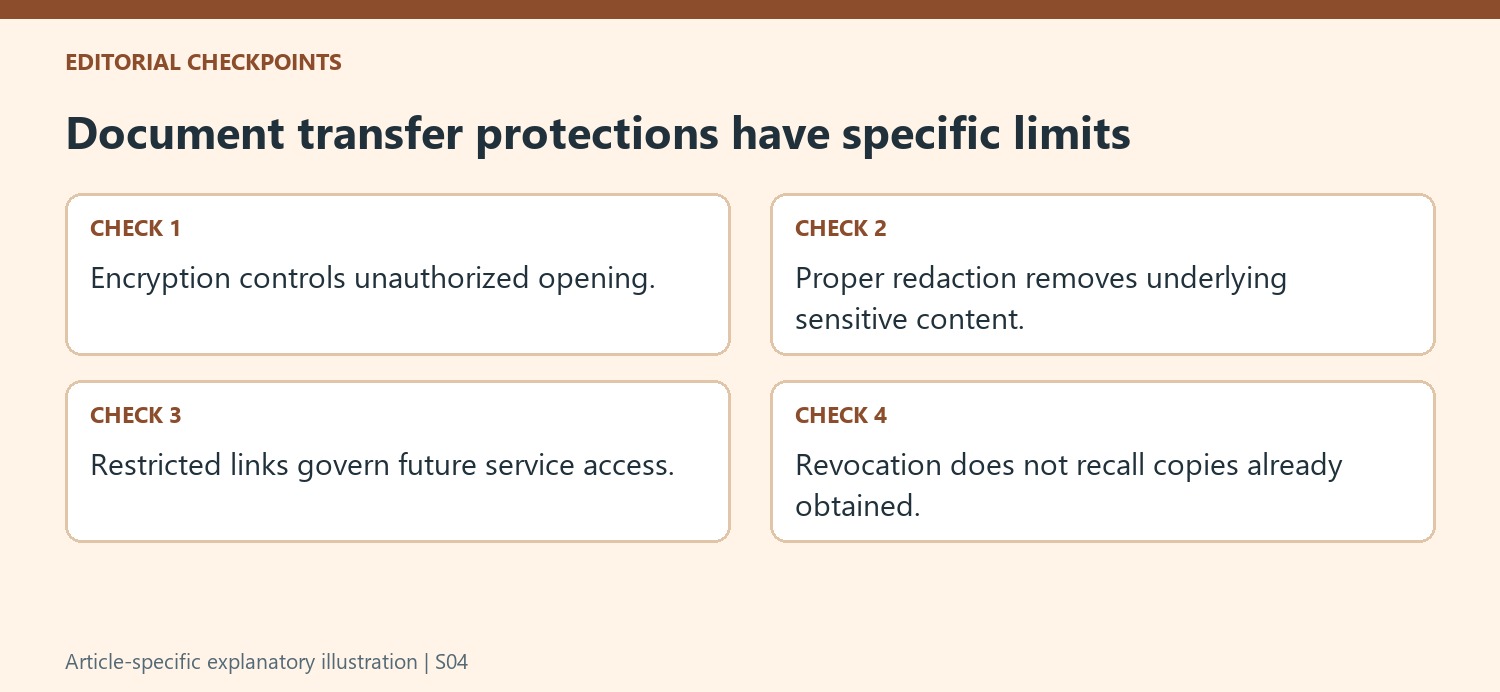
For an encrypted PDF, use a strong unique password and test the finished copy before distribution. Send the password through a separate appropriate channel and verify the intended recipient there too. The source emphasizes that an authorized recipient can still see the contents and may create another copy. Protection therefore supports controlled opening, not an unlimited promise about all later behavior.
For a sharing link, inspect named access, authentication, expiry and revocation where the chosen service supports them. A public link is not private merely because it is shorter or easier to send than an attachment. Test the recipient experience with the appropriate account and confirm that the person can perform the required action without being forced into a confusing workaround.
Use the organization's approved route for higher-risk material
Regulated or especially sensitive records may need a managed portal or transfer service with the required controls and activity information. Evaluate that route according to the receiving organization's process, including signing requirements. Review access after the handover and remove it when no longer needed. Revocation can stop future access through a service without recalling copies already obtained. The useful choice depends on the file's potential harm, the recipient's task and the actual controls available, rather than a universal claim that email, password protection or a link is always the most secure option.
References
- How to Send Documents Securely | Smallpdf. Smallpdf; David Beníček.



Comments
0