 DocumentFlow Desk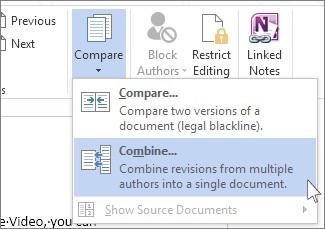
Choose the correct original and revised documents
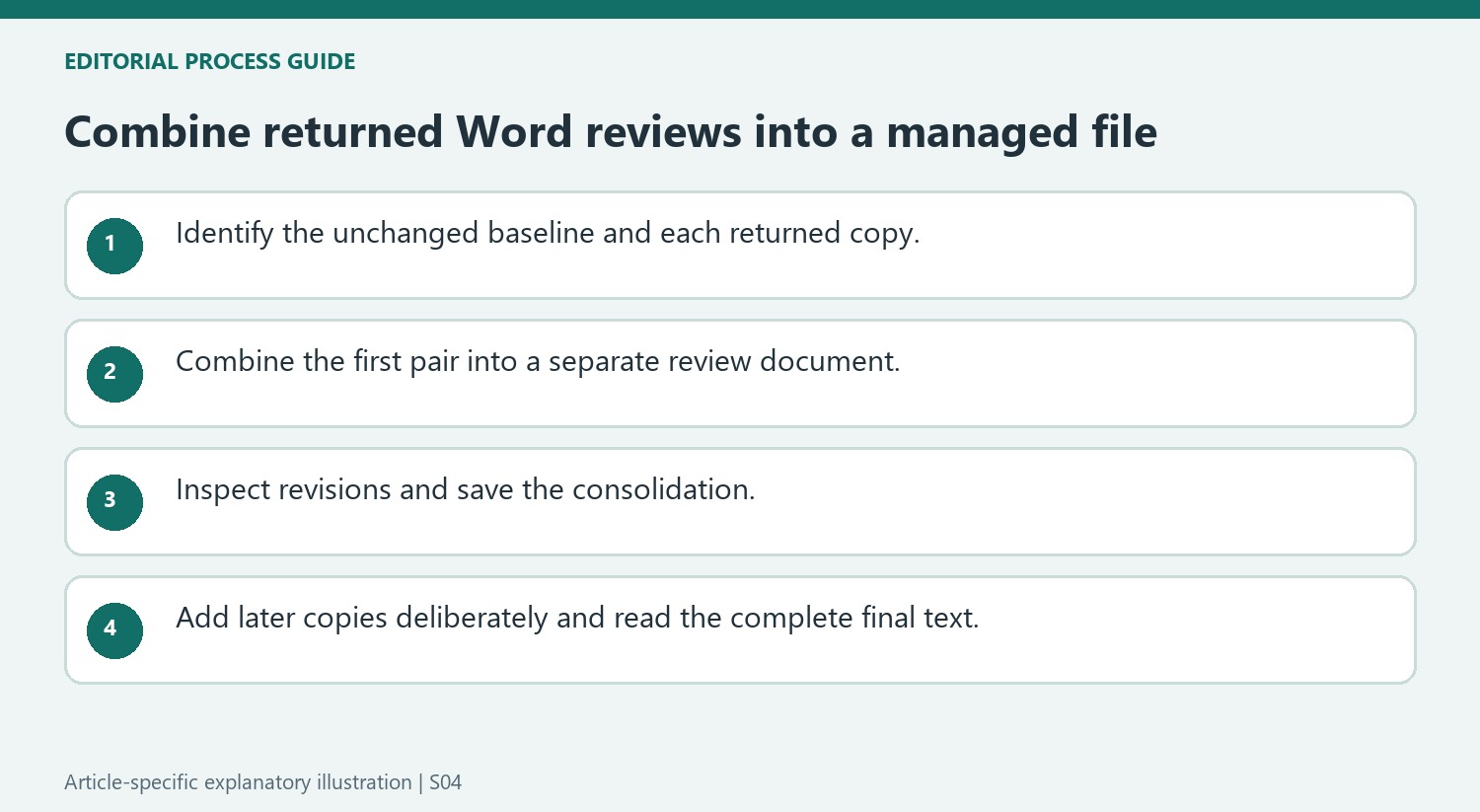
Microsoft describes the Combine command under Review and Compare for collecting revisions from separately edited copies. Select the unchanged document that was sent out for review as the original, then select one returned copy as the revised document. Use the label for unmarked changes to identify the contributor when appropriate. Check the filenames and locations carefully before proceeding. Choosing a different baseline can produce a confusing comparison, so establish which file represents the initial review version before trying to consolidate several sets of feedback.
Keep the first combined result separately reviewable
Open the additional options and choose to show the changes in a new document for the initial combination. The documented layout displays the revisions, combined text and source documents. If the screen is too crowded, hide the source-document panes through the comparison controls while retaining the review information. Inspect and resolve the changes deliberately rather than treating combination as automatic acceptance. Save the resulting document with a clear identity. Keeping the combined result separate helps distinguish the working consolidation from the original baseline and the individual reviewer's returned file.
Add subsequent copies to the saved consolidation
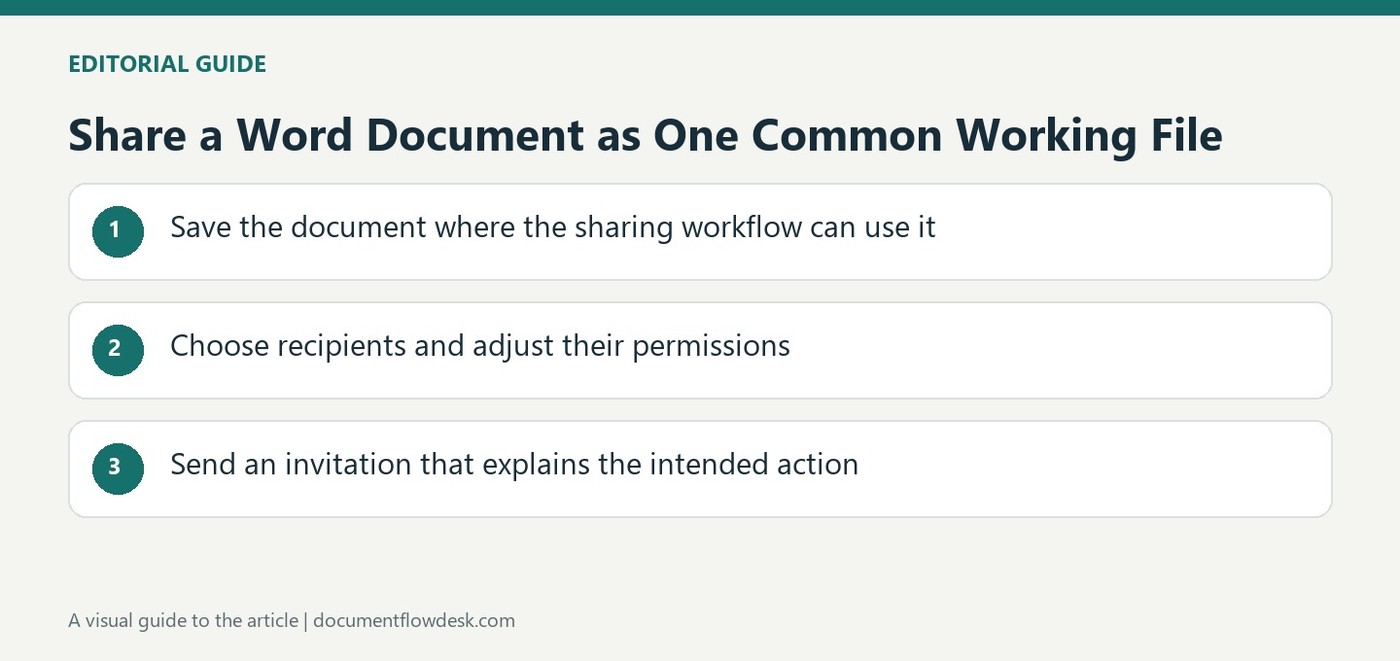
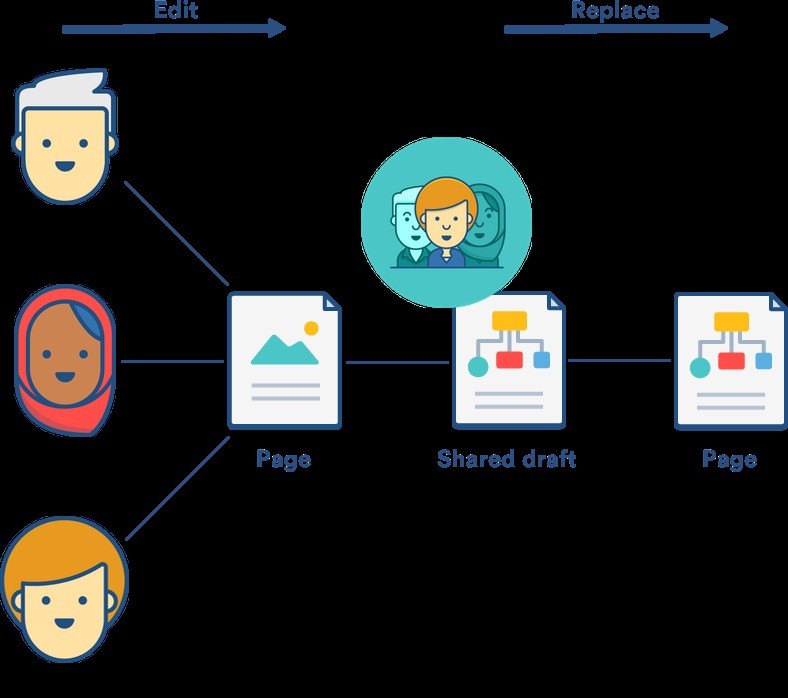
For another reviewer's copy, use the saved document containing the combined changes as the original and select the next returned version as revised. Apply a suitable label for that contributor and use the documented option to show changes in the original consolidation when intended. Continue reviewing the accumulated revisions and save the result. The source notes that shared editing through OneDrive can avoid some of this copy-merging work. Whether working from separate files or a common document, the final text still needs a coherent review so competing suggestions do not become an accidental mixture of incompatible edits.
Preserve an identifiable baseline and returned review files
Start with the unchanged document originally circulated for review, then identify each returned copy and its contributor. A later edited baseline can make the combination difficult to interpret because the apparent differences no longer correspond to the same starting text. Keep filenames and locations explicit so a similarly named draft is not selected simply because it appears first in the file picker.
Use the label for unmarked changes to retain a meaningful attribution where appropriate. The label helps explain the source of revisions; it does not verify that the selected file actually came from that person. Check the returned document before combining, especially if several reviewers supplied differently named attachments. A clean input set makes the resulting revision record more useful and easier to review.
Review the first consolidation before adding another copy
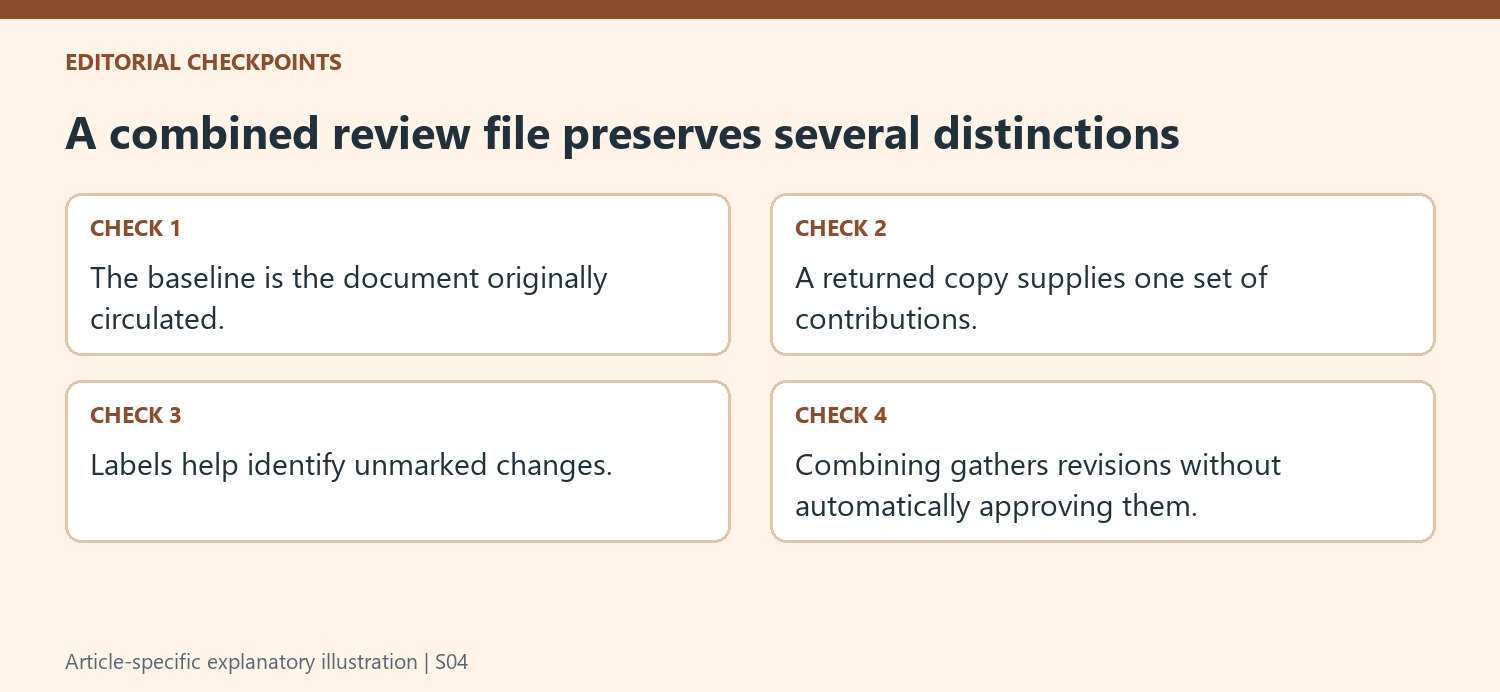
The initial documented workflow shows changes in a new document, keeping the combined result distinct from the source files. Inspect the revisions and surrounding text before saving. The multi-pane view can help compare the baseline and returned version, while hiding source panes can reduce visual clutter. Changing the display does not settle any revision decisions or remove outstanding changes.
Review competing suggestions in context. Two contributors may improve the same sentence in different ways, and both cannot necessarily be accepted together without another edit. A combined file gathers the review material so it can be managed; it is not an automatic statement that every contribution is compatible. Save the consolidation under a name that makes its role clear before proceeding with additional returned copies.
Maintain the cumulative review file deliberately
For the next combination, the source uses the saved consolidation as the original and the next returned copy as revised. Check the target under Show changes in so the operation affects the intended cumulative review file. Continue to verify attribution and read the accumulated wording after decisions. Preserve the separate source files as needed for reference. When all copies have been considered, inspect the full document and outstanding comments before finalizing. A later move to one shared working file can reduce attachment consolidation, but it still requires clear editing expectations and editorial responsibility.
References
- Combine document revisions. support.microsoft.com.


Comments
0