 DocumentFlow Desk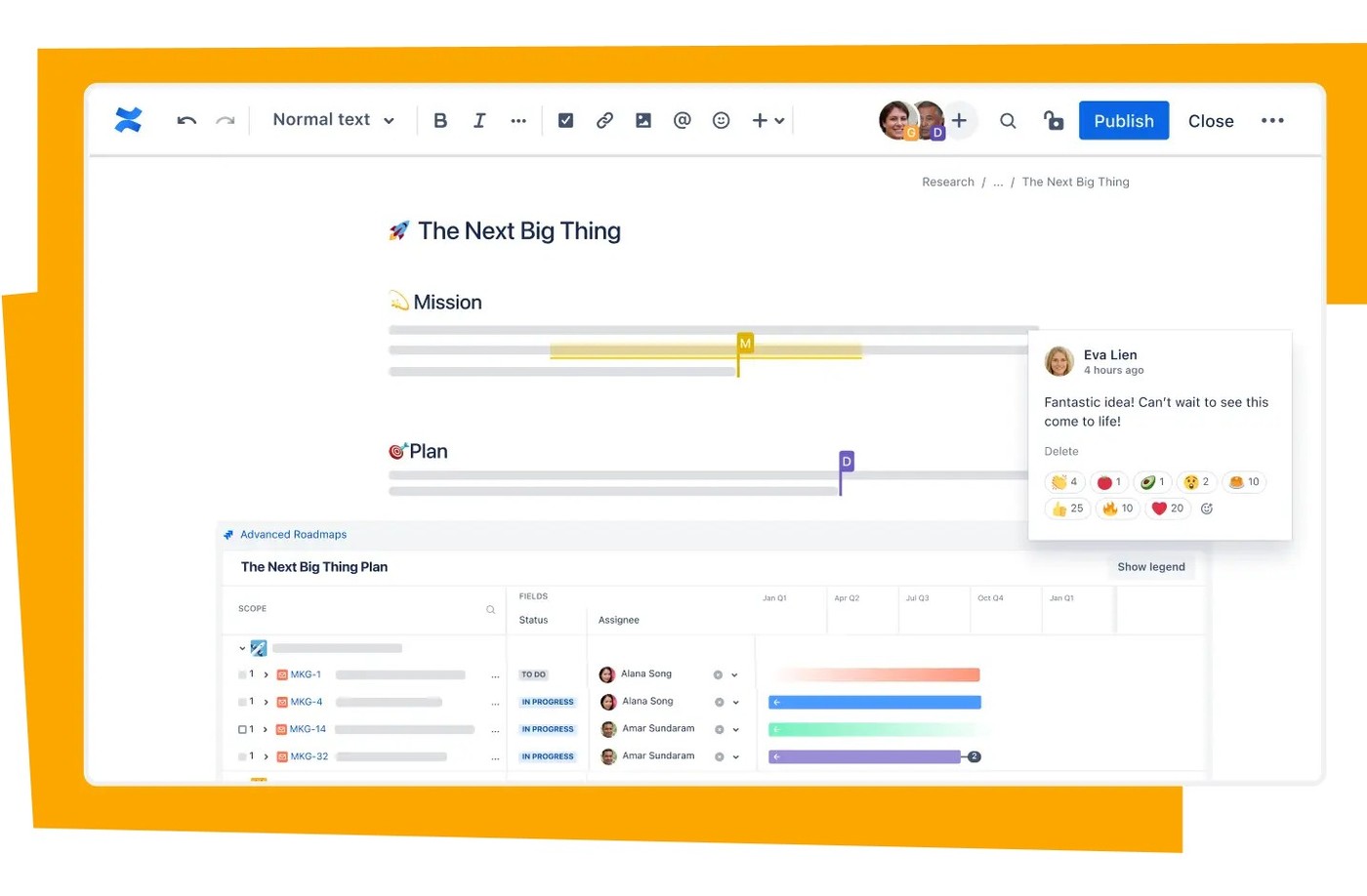
Give project information a recognizable home
Atlassian presents Confluence as a place to plan projects and share knowledge across a team. Organize related pages and resources in appropriate spaces so contributors know where to look. Search supports discovery across the workspace, but a recognizable home still helps people understand which material belongs to the project. Use project-plan or project-poster templates as starting structures when they fit the work. Replace sample prompts with meaningful information and make ownership visible. Centralization is useful when readers can identify the current project record, rather than simply finding a larger collection of loosely related pages.
Combine simultaneous work with asynchronous review
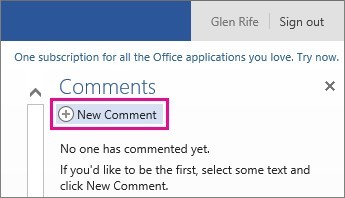
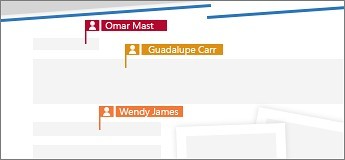
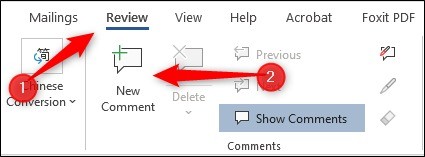
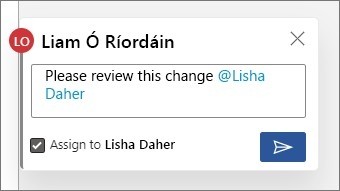
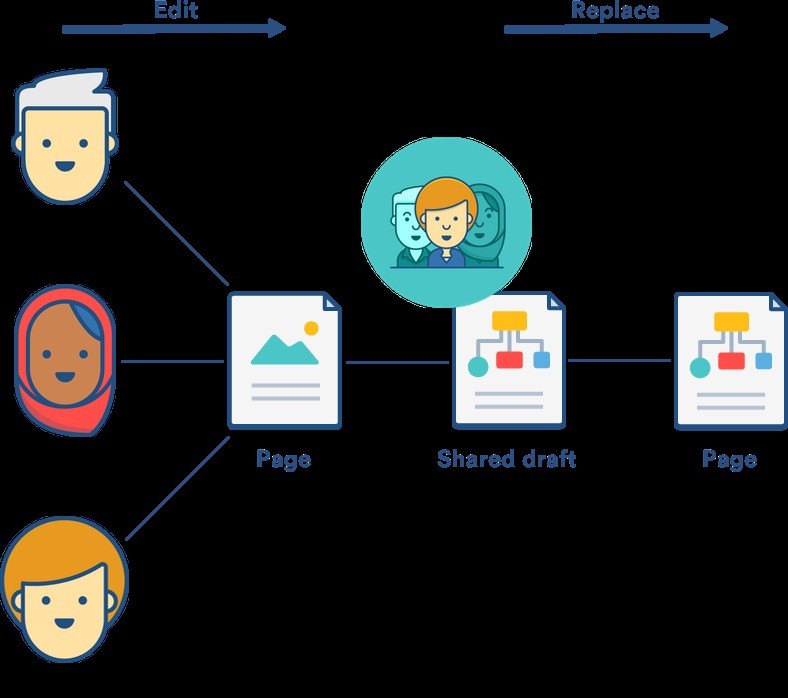
The source highlights shared editing, inline comments and mentions as ways to collaborate either together or across time zones. Choose the interaction that fits the need: direct editing for agreed changes, a comment for discussion and a mention when a particular person's attention is required. Decision reports and alerts can help make outcomes and updates visible where configured. Keep the record clear about what was proposed and what was decided. A notification can draw attention to a page, but it does not by itself establish that the recipient has reviewed or accepted the information.
Connect brainstorming with the follow-up work
Confluence whiteboards are presented as a way to develop ideas alongside plans and knowledge. The source describes turning sticky notes into tasks or pages so useful outcomes can move beyond the brainstorm. Keep enough context with the resulting work to explain its purpose and owner. Review permissions and integrations in the actual workspace before relying on them for a project process. Atlassian's page is a product overview, so its broad benefits are best treated as intended capabilities to evaluate, with practical results depending on how the team organizes, updates and uses its shared material.
Make centralization useful through ownership and structure
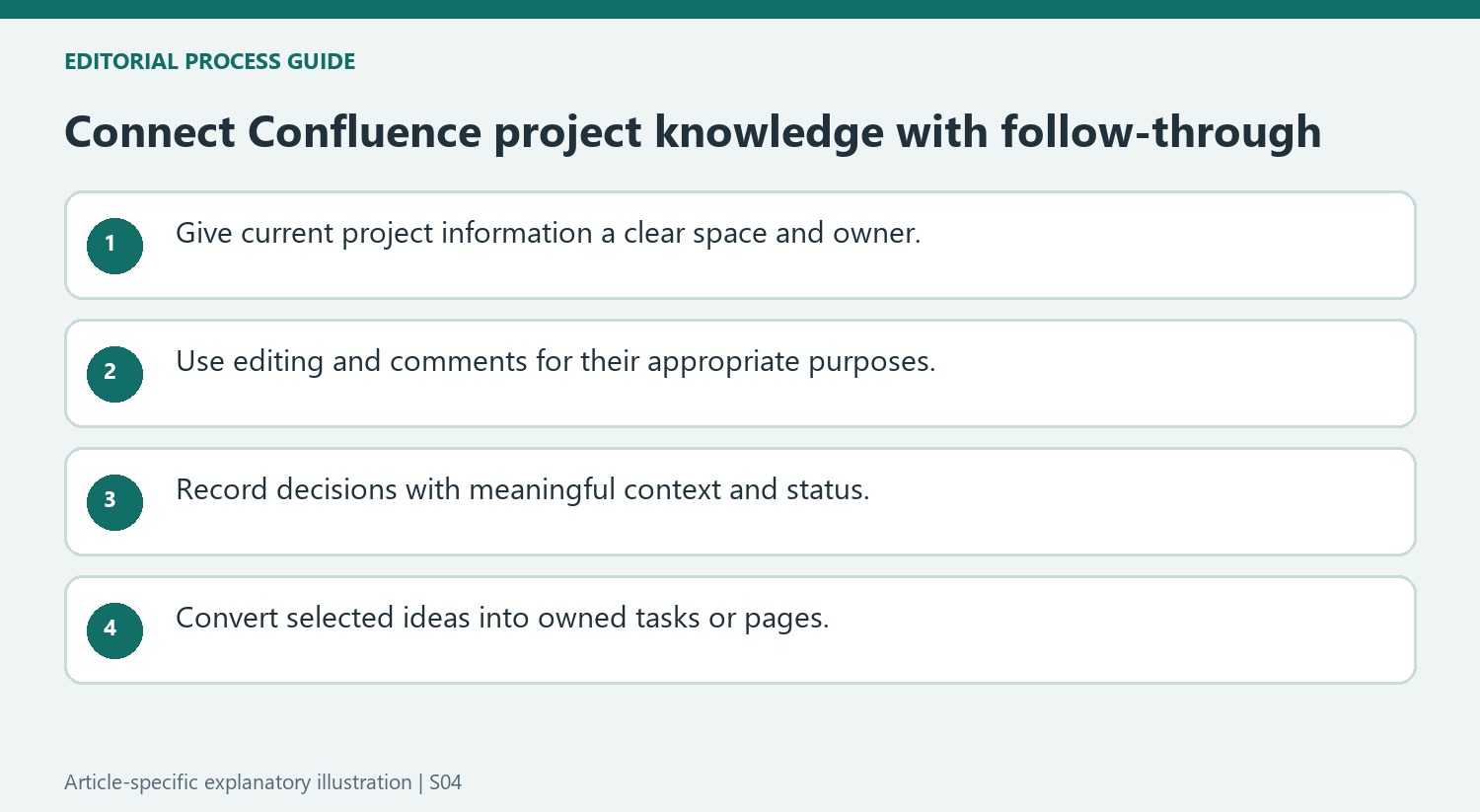
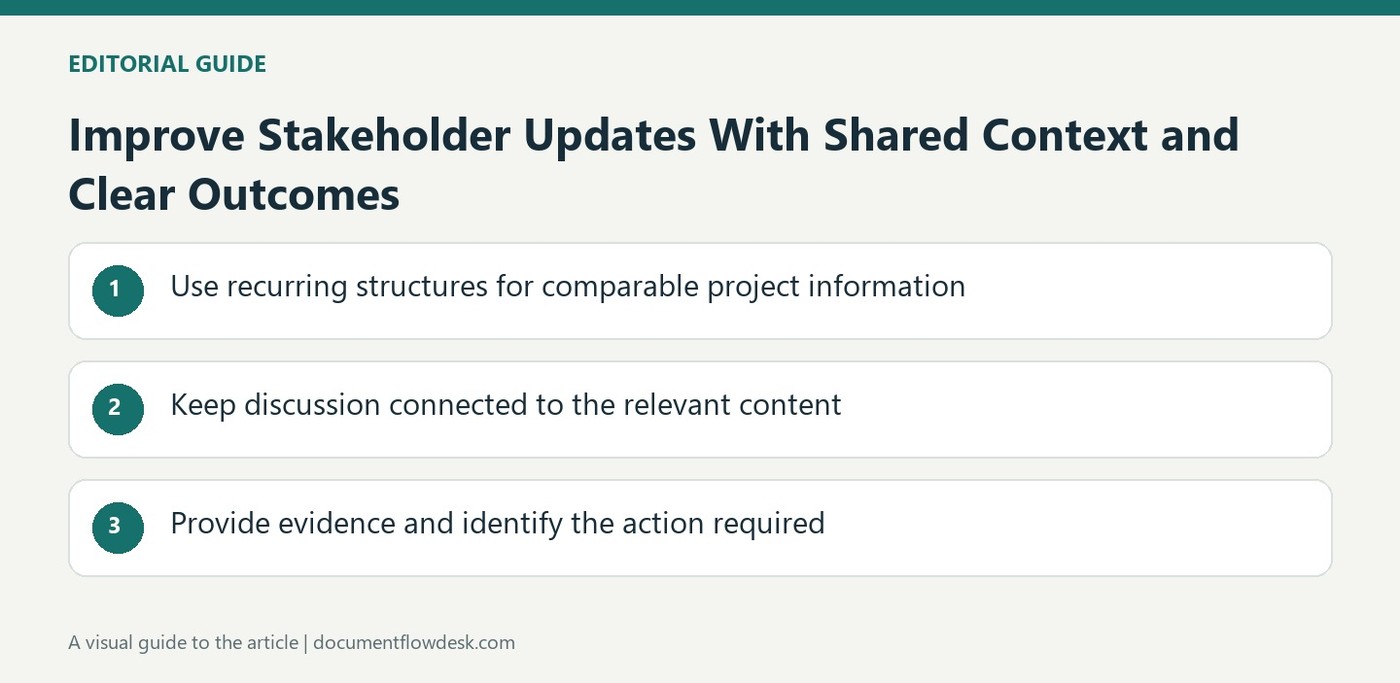
A common workspace helps only when contributors know where the authoritative project information belongs. Establish an appropriate space and organize related pages with recognizable names. Search can find material across that structure, but it does not tell a reader which conflicting draft is current. Identify ownership and keep the main plan connected to the supporting decisions and resources that explain it.
Use a project plan or poster template where its prompts match the work. Replace examples with actual goals, logistics and responsibilities rather than preserving a generic page that looks complete. Review the page as the project evolves. A central location can still accumulate outdated material, so the team needs a way to distinguish current instructions from useful historical context.
Choose live editing or discussion according to the decision
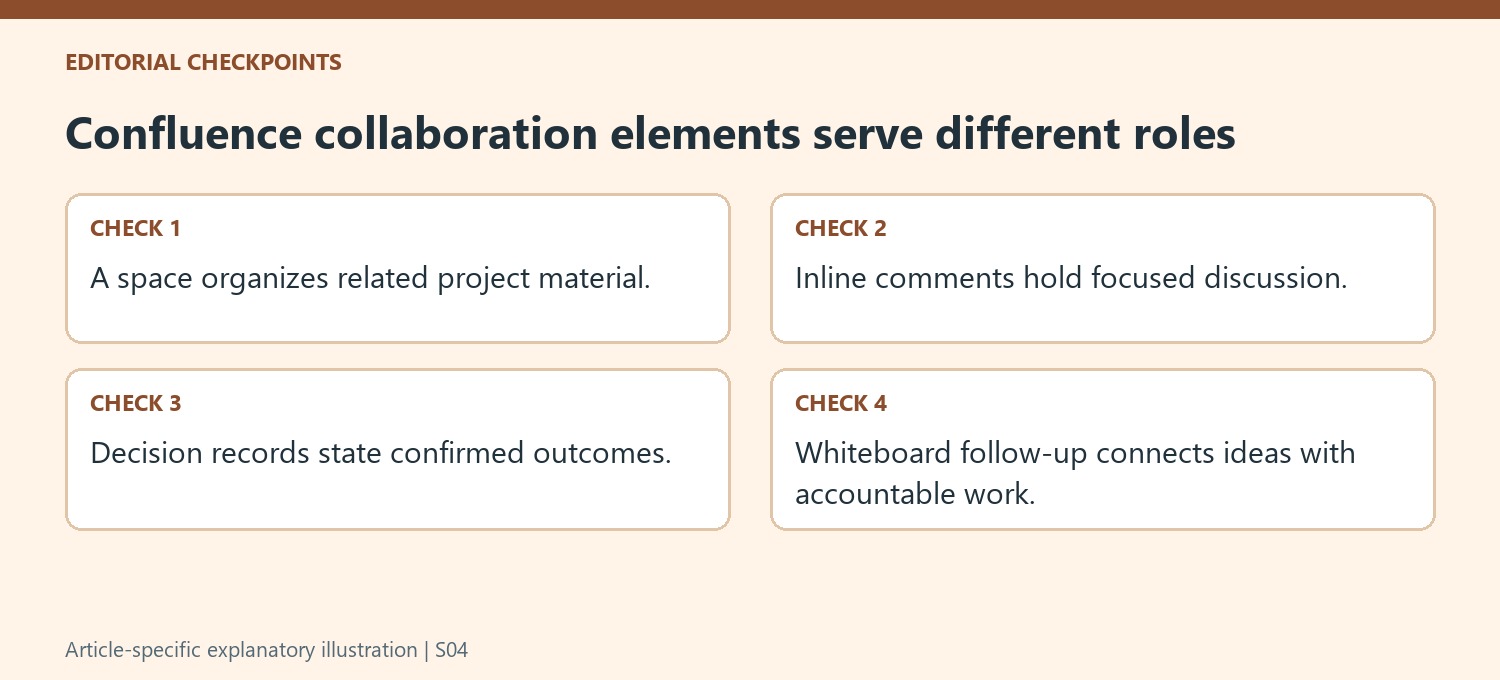
Simultaneous editing can help contributors develop agreed material together, while inline comments support questions that need explanation or review. A mention directs attention to a person, but it does not prove the person has read or accepted the information. Keep proposed changes and confirmed decisions distinguishable in the record so a later reader does not have to reconstruct approval from a scattered conversation.
Decision reports and alerts can make outcomes and updates easier to find where configured. Check that the underlying entries carry meaningful context and current status. Automated visibility does not correct an incomplete decision description or an action without an owner. Review what the team actually sees in its workspace instead of assuming the product overview's broad collaboration claims describe every installed configuration.
Carry brainstorming outcomes into accountable follow-up
The source describes converting whiteboard stickies into tasks or pages. Preserve the reason for each resulting item and identify who should act on it, rather than treating every brainstorm note as an approved commitment. Link the follow-up to the relevant plan and decision context. Verify permissions and integrations in the actual environment so people can reach the material they need. A successful transition from ideas to execution requires that the resulting records remain understandable after the whiteboard session ends, with clear next steps and an owner who can maintain their progress.


Comments
0