 DocumentFlow Desk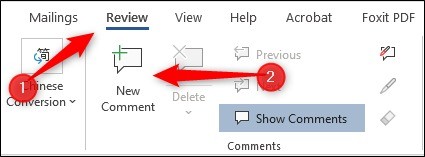
Anchor feedback to the passage it concerns
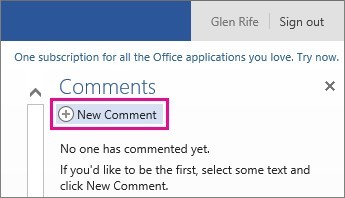
The article describes selecting the relevant text and using New Comment from the Review tab. Enter a clear note explaining the issue or question rather than relying on the highlight alone. Repeat for separate topics when they require independent decisions. Anchored comments let a reviewer associate the discussion with a specific passage, which is more useful than a general note that leaves the author to locate the problem. Check that the selected text still provides enough context if the surrounding document changes during the review.
Use replies to keep one issue in one thread
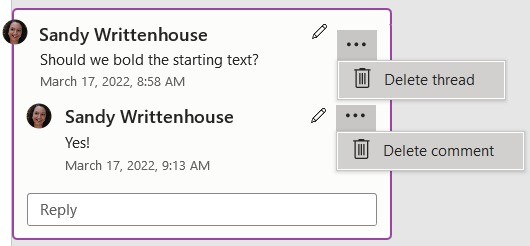
When responding to existing feedback, use the comment's Reply control instead of creating another unrelated note on the same issue. Explain the proposed solution, ask a clarifying question or record the reason for a decision. The source distinguishes resolving from deleting: resolution keeps the discussion while indicating that it has been addressed. Use that state when collaborators may need to understand what happened later. A clean-looking sidebar is less important than making the review status clear, particularly when several people are contributing to the same document.
Delete deliberately and reopen only retained comments
The source describes deleting an individual comment through its menu or the Review controls, with an option to remove all comments from the document. Check the intended scope before using the bulk action. A resolved comment can be reopened if further feedback is necessary, while a deleted comment does not retain that ordinary reopening path. Review the document before removing discussion that explains an important editorial choice. At the end of the process, confirm both the wording and the comment states so an apparently finished file does not still contain unresolved requests hidden among closed conversations.
Make the anchor and question precise enough for another reviewer
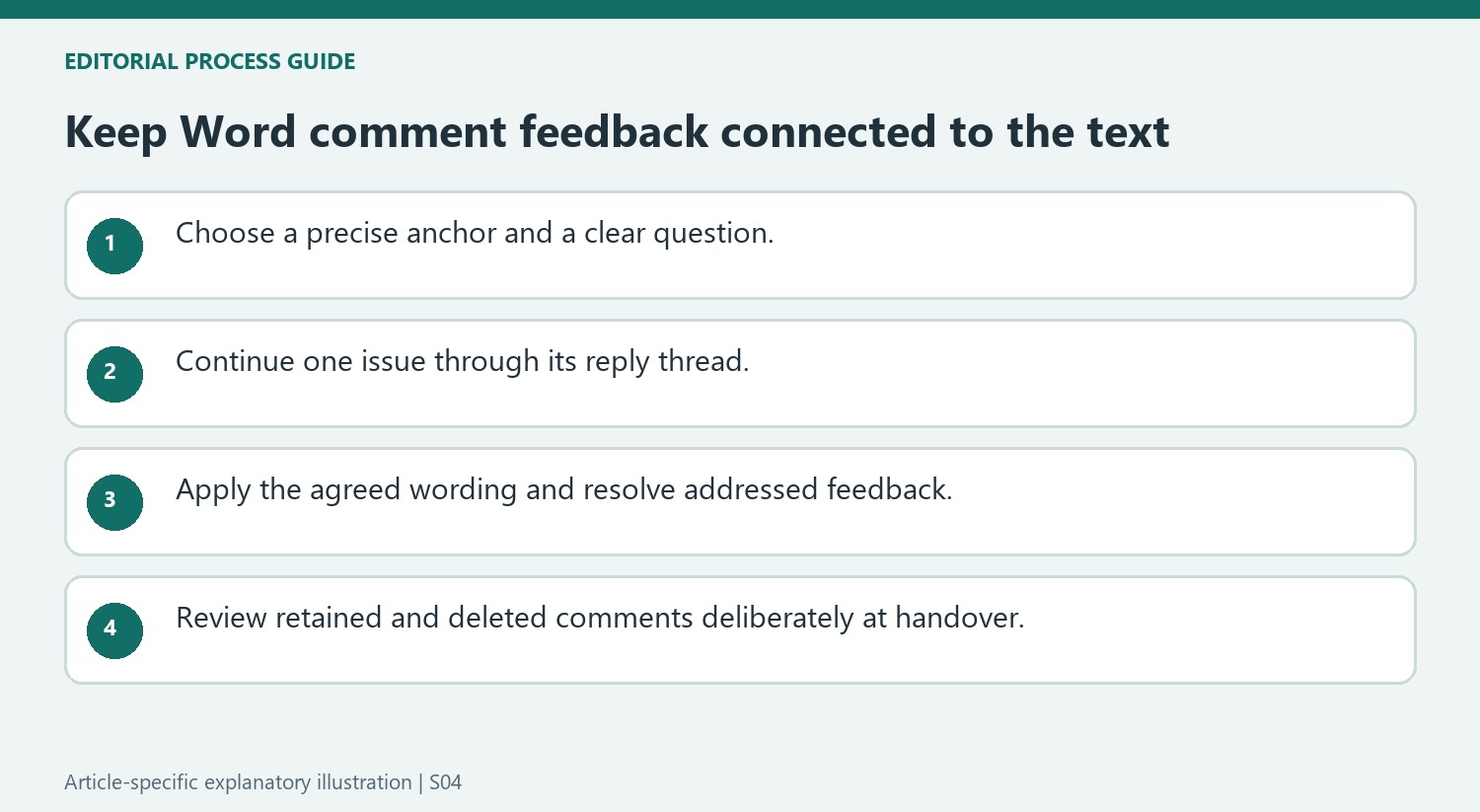
Select the relevant wording before adding a new comment. A useful anchor points to the issue without highlighting so much text that the author must guess what needs attention. Explain whether the concern is factual accuracy, missing context or a proposed wording improvement. If two issues need separate decisions, create separate threads rather than combining them into one broad note that is difficult to resolve accurately.
Recheck the anchor when surrounding text changes. A comment may still be present while the passage that originally explained it has moved or been rewritten. Keep the question understandable without relying on the original reviewer being available to explain it. This is particularly valuable when several people review asynchronously or a document passes through more than one editing round.
Keep discussion and the resulting document connected
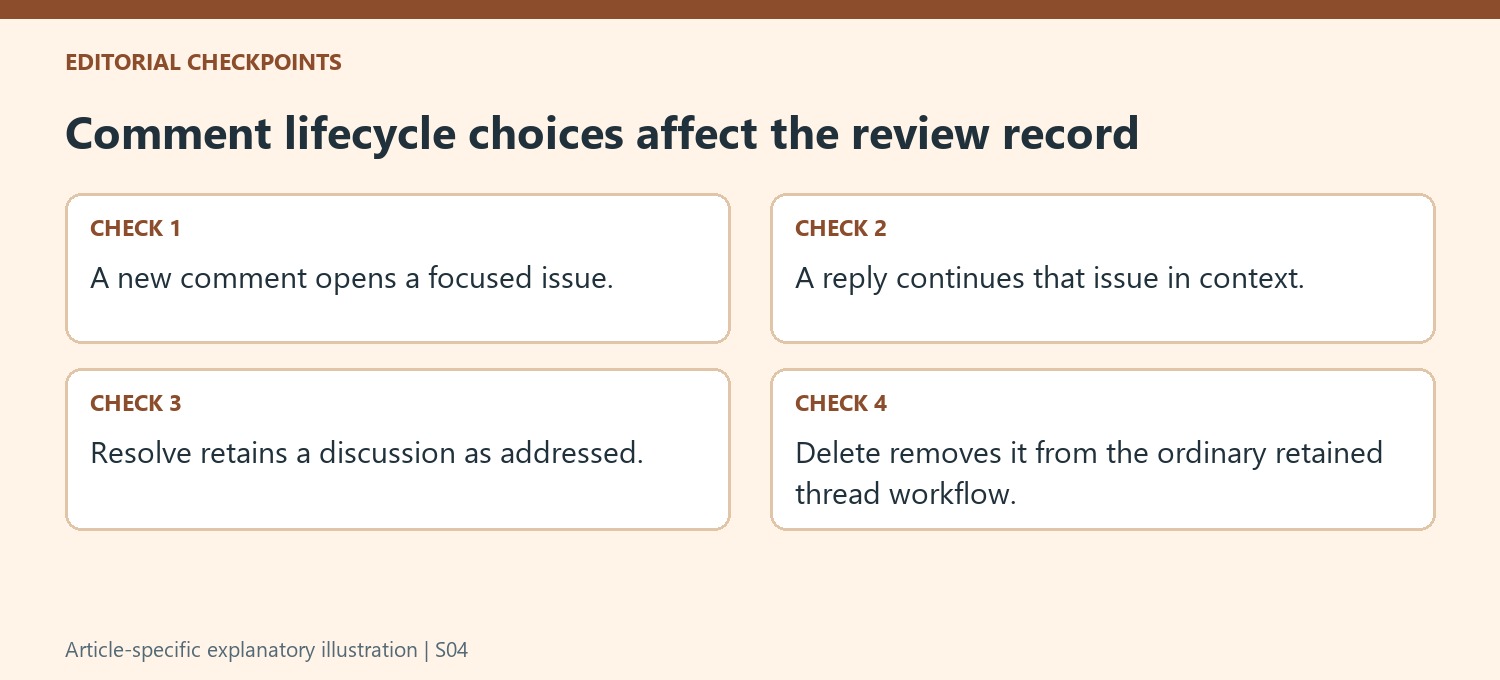
Use Reply to continue the same issue instead of starting another disconnected comment. State the proposed solution or clarify why the suggestion is not being followed. When the discussion reaches agreement, make sure the necessary change appears in the document itself. A reply saying fixed is not sufficient if the underlying wording still carries the original problem.
Resolve a thread when its issue has been addressed and preserving the conversation is useful. The source distinguishes resolution from deletion, so choose according to the desired review record. A resolved state indicates the discussion's status; it does not replace a final reading of the actual passage. Confirm that the edit remains coherent with nearby text and with related terminology elsewhere in the file.
Clean up with an explicit decision about retained feedback
Inspect the scope before deleting an individual comment or all comments in the document. A bulk operation can remove open questions alongside obsolete notes. Where further discussion may be necessary, retain and resolve the thread so it can be reopened through the ordinary comment workflow. Deleted comments do not have that same retained reopening path. At the final document handover, review both the text and the remaining comment states, ensuring that the file's clean appearance does not conceal unresolved work or discard the explanation for an important editorial decision.
References
- How to Add and Remove Comments in Word. How-To Geek; Marshall Gunnell.




Comments
0