 DocumentFlow Desk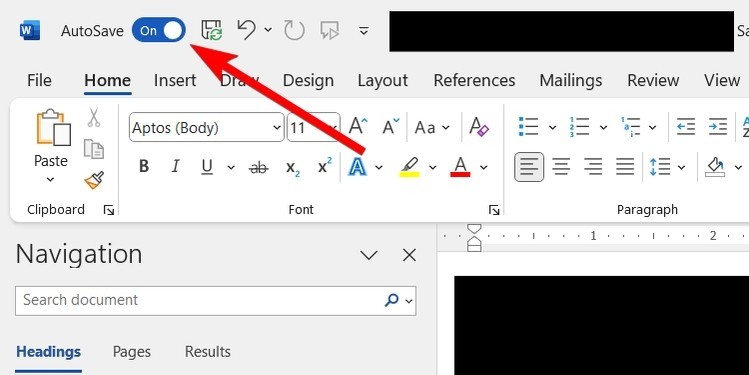
Establish one shared file and appropriate access
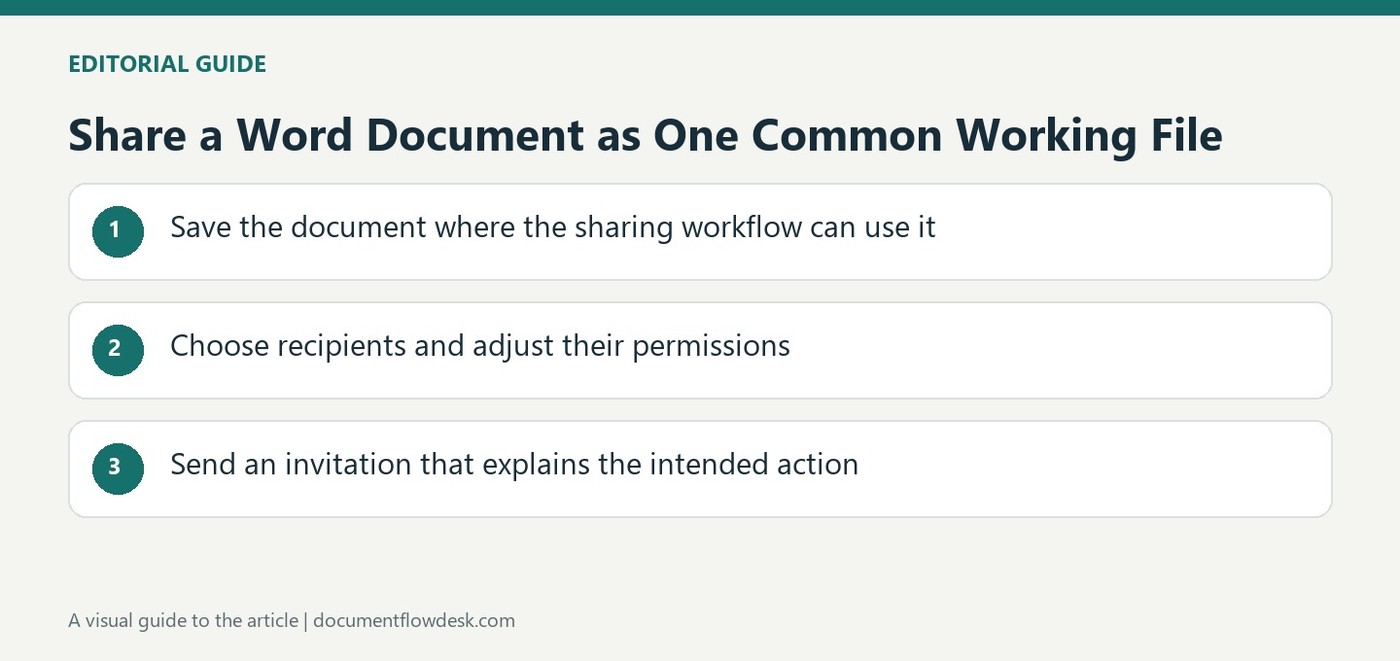
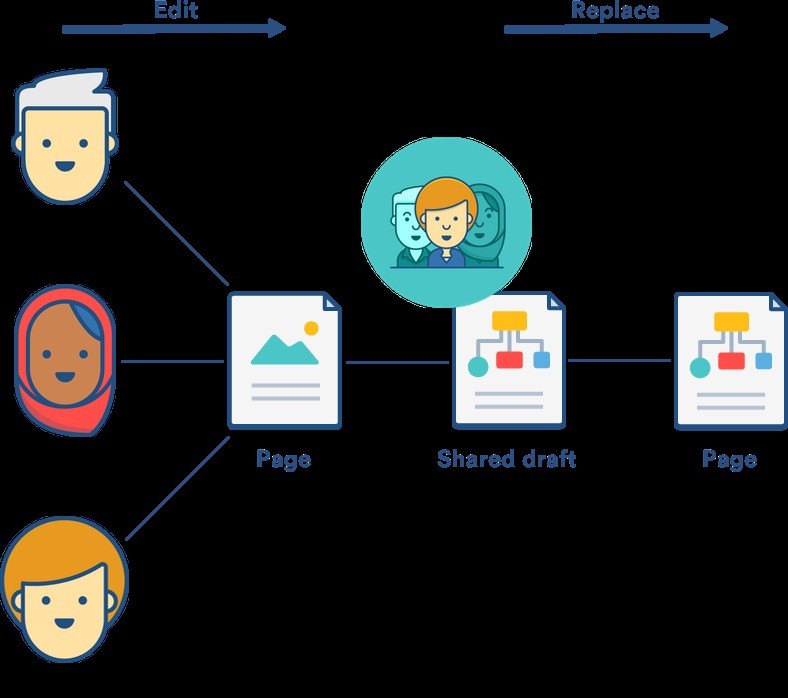
The article recommends storing the document in OneDrive to support shared editing and using the available AutoSave and Share controls. Invite the intended collaborators and choose roles that fit their responsibilities. Review access through Manage Access when the team changes. A person who only needs to read should not automatically receive permission to revise the text. Establish basic editing expectations as well, such as whether people should work directly in assigned sections or propose changes for review. A common file helps coordination only when contributors understand how they are expected to use it.
Keep discussion and proposed changes visible
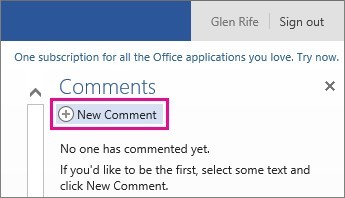
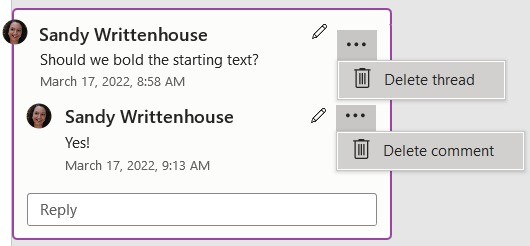
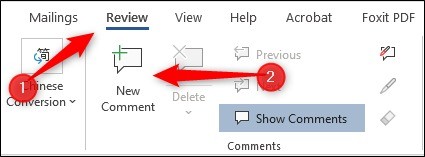
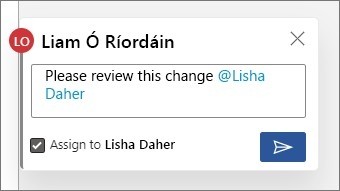
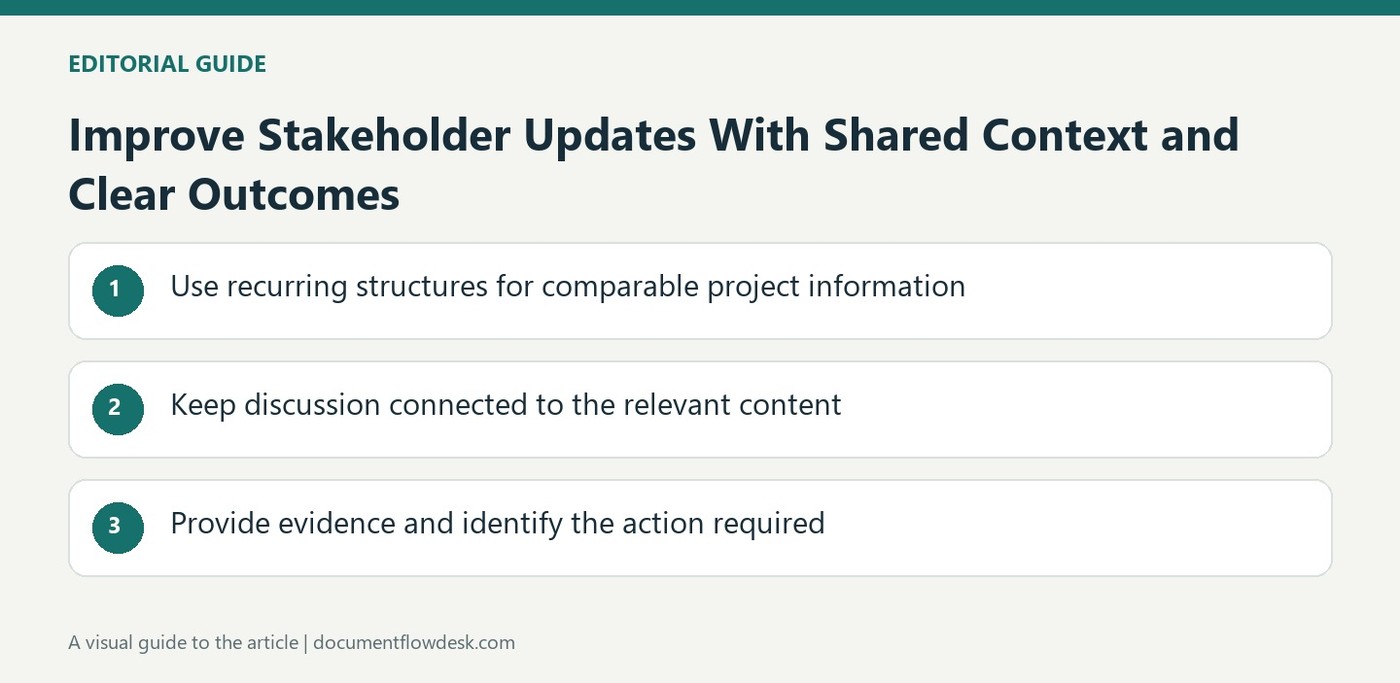
Use comments for questions and explanations tied to particular passages. Resolve a completed discussion when preserving its history is useful. Track Changes provides a separate mechanism for recording revisions so an authorized reviewer can accept or reject them. The source also describes editing restrictions that can require tracked changes in suitable workflows. Verify the actual setting before relying on it. Comments and tracked revisions complement each other: one records discussion, while the other records proposed textual changes. Neither removes the need to verify facts or ensure that the accepted wording remains coherent.
Review separately edited copies without losing the baseline
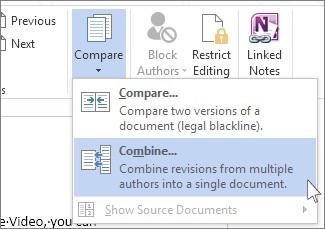
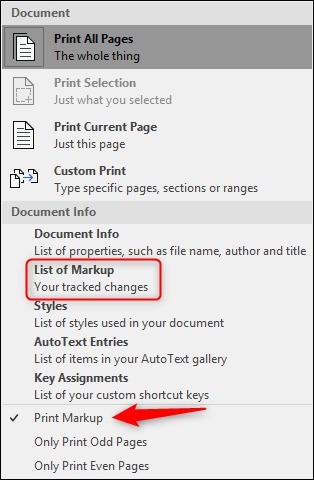
When contributors have worked in separate files, Word's comparison and revision tools can expose differences for review. Select the correct original and revised versions and inspect the resulting changes instead of assuming a merge should accept everything automatically. Keep the original files identifiable and save the reviewed result with a clear name. The source discusses reviewing contributors' changes in the Revisions pane, where individual decisions can be made. After accepting or rejecting edits, read the complete document and check outstanding comments so the final shared version represents a deliberate editorial result rather than an accumulation of unchecked contributions.
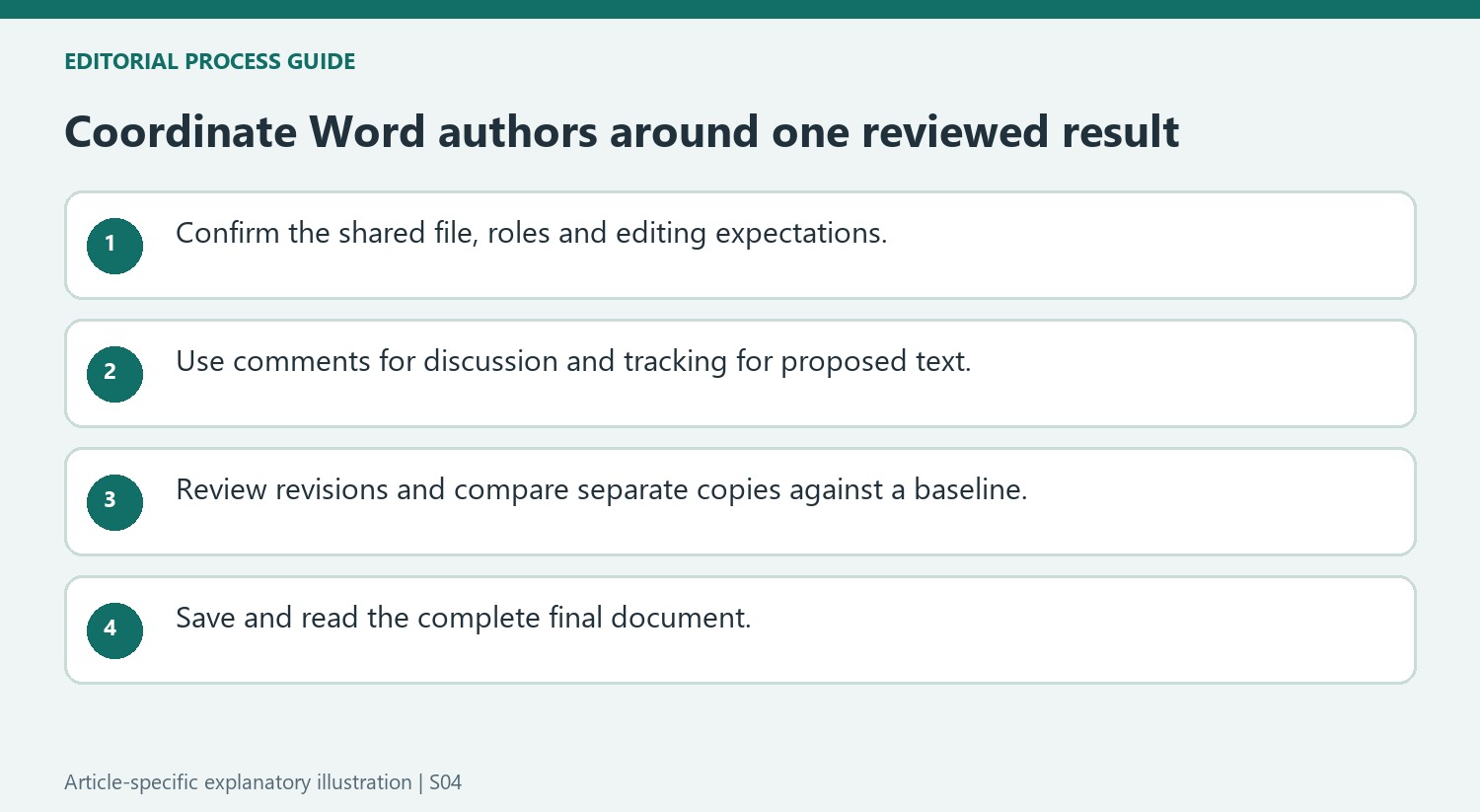
Establish editing expectations before simultaneous work begins
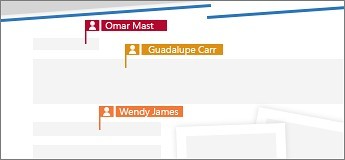
Place the intended working file in the supported shared location and confirm that collaborators are opening that same item. Review available AutoSave and sharing controls in the actual account. A common filename is not enough when several attachments or copies already exist. Explain which sections people should edit directly and where suggestions or discussion are preferred so simultaneous activity does not create conflicting assumptions.
Choose access according to responsibilities and revisit it through Manage Access as the team changes. A reader does not automatically need editing rights. Check other access routes where relevant before assuming removal of one direct entry ends access completely. The collaboration model should remain understandable after the initial invitation, including who maintains the current version and who makes final review decisions.
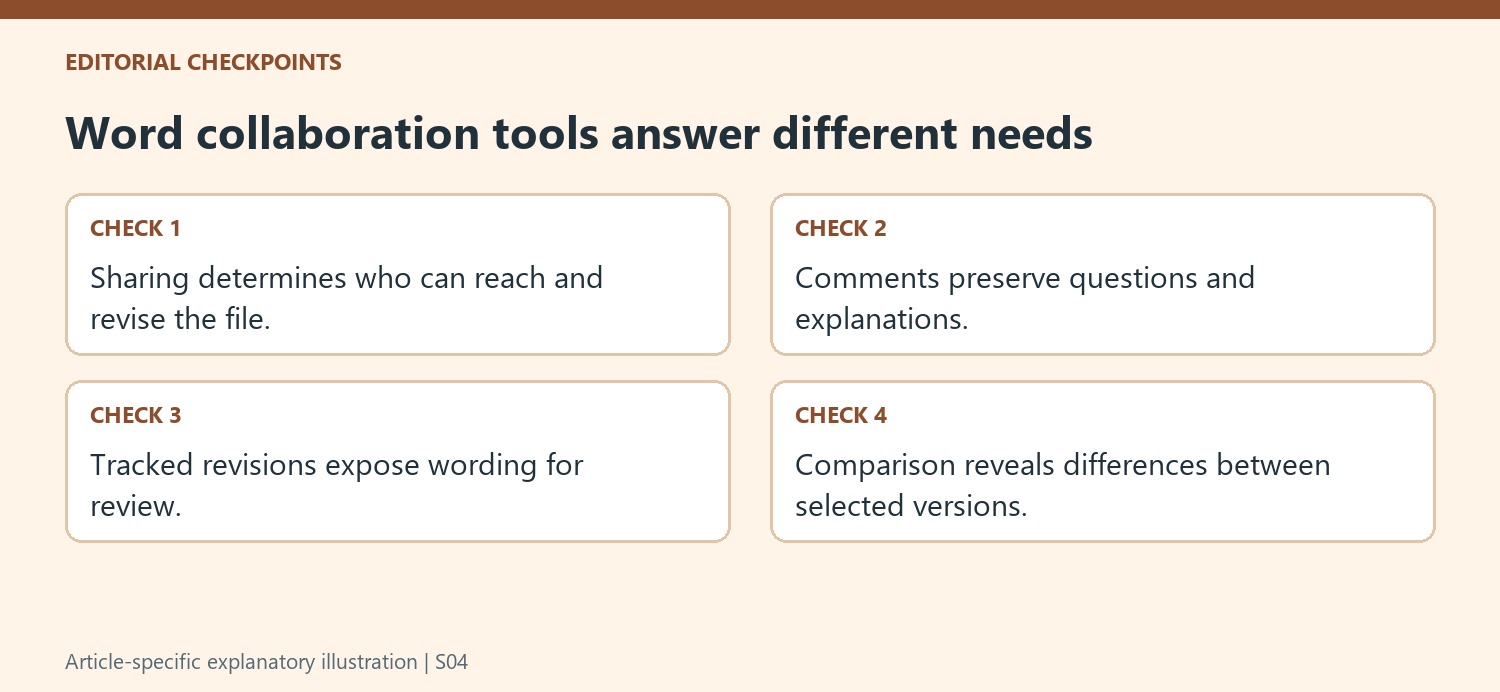
Use comments and tracked revisions for their different purposes
Comments hold questions, explanations and review conversations. Track Changes records proposed textual revisions for acceptance or rejection. Use both where needed, without assuming one replaces the other. A comment can explain why a change is proposed, while the tracked edit shows the exact wording affected. Resolve completed discussion when retaining its reasoning helps the team understand the final document.
If the workflow requires tracked changes, inspect and test the relevant restriction rather than merely asking people to turn tracking on. Review actual revisions through the available pane and the surrounding passage. Tracking does not verify facts or establish that a proposed sentence is appropriate. An authorized reviewer still needs to decide what to keep and read the result after those individual decisions interact.
Compare separate copies against an explicit baseline
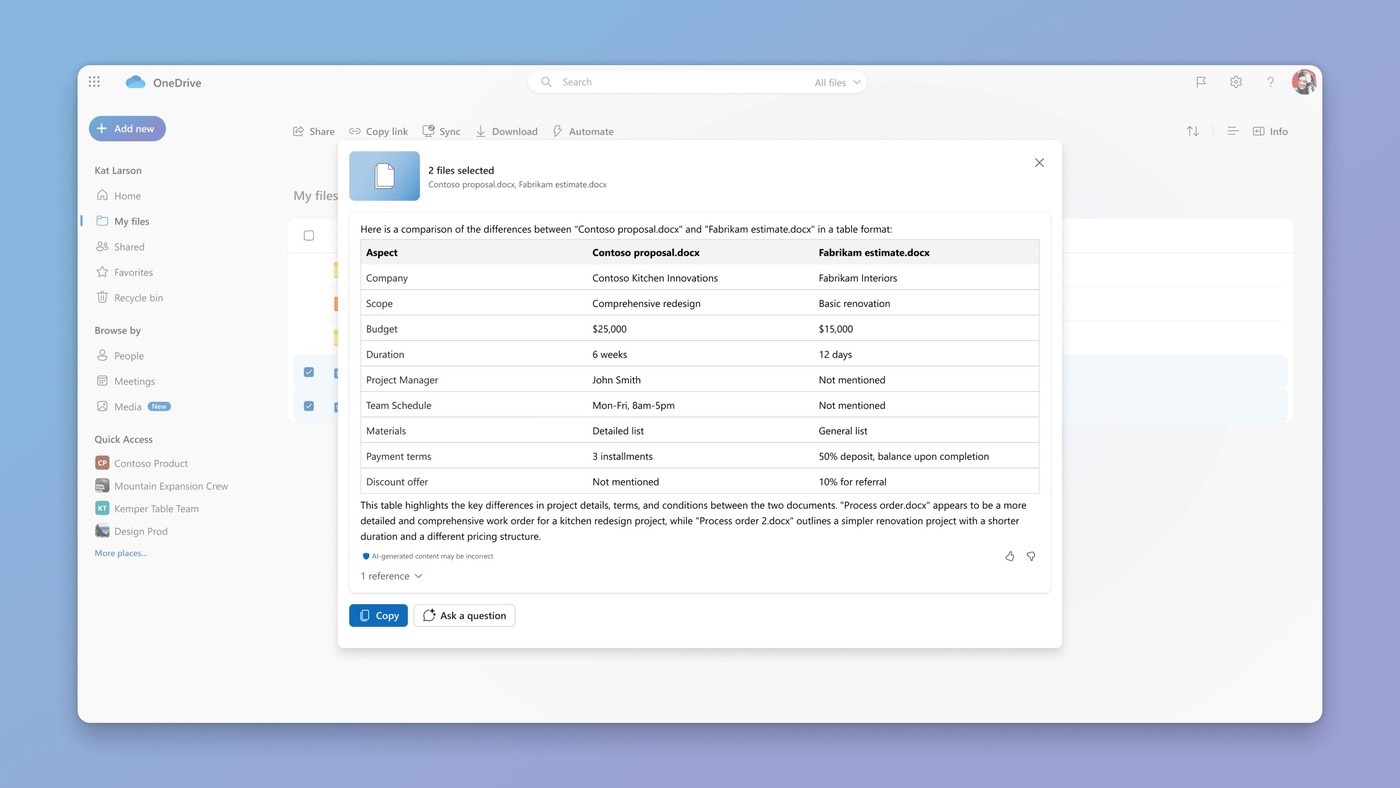
When authors worked separately, identify the correct original and revised file before using comparison tools. A comparison produces differences for inspection; it does not mean every difference should be accepted automatically. Preserve the source files and save the reviewed result under a clear name. If the task requires combining multiple review sets, use the appropriate supported revision workflow rather than treating every compare command as an automatic merge. Read the complete resulting document and inspect outstanding comments so the final shared file represents a deliberate editorial outcome.
References
- 6 Tips to Efficiently Collaborate on Microsoft Word Documents. How-To Geek; Chifundo Kasiya.


Comments
0