 DocumentFlow Desk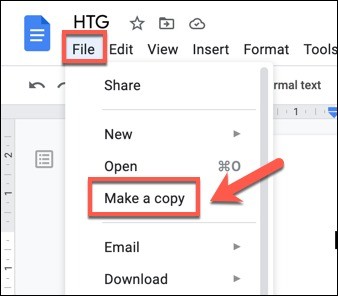
Distinguish visibility from removing historical content
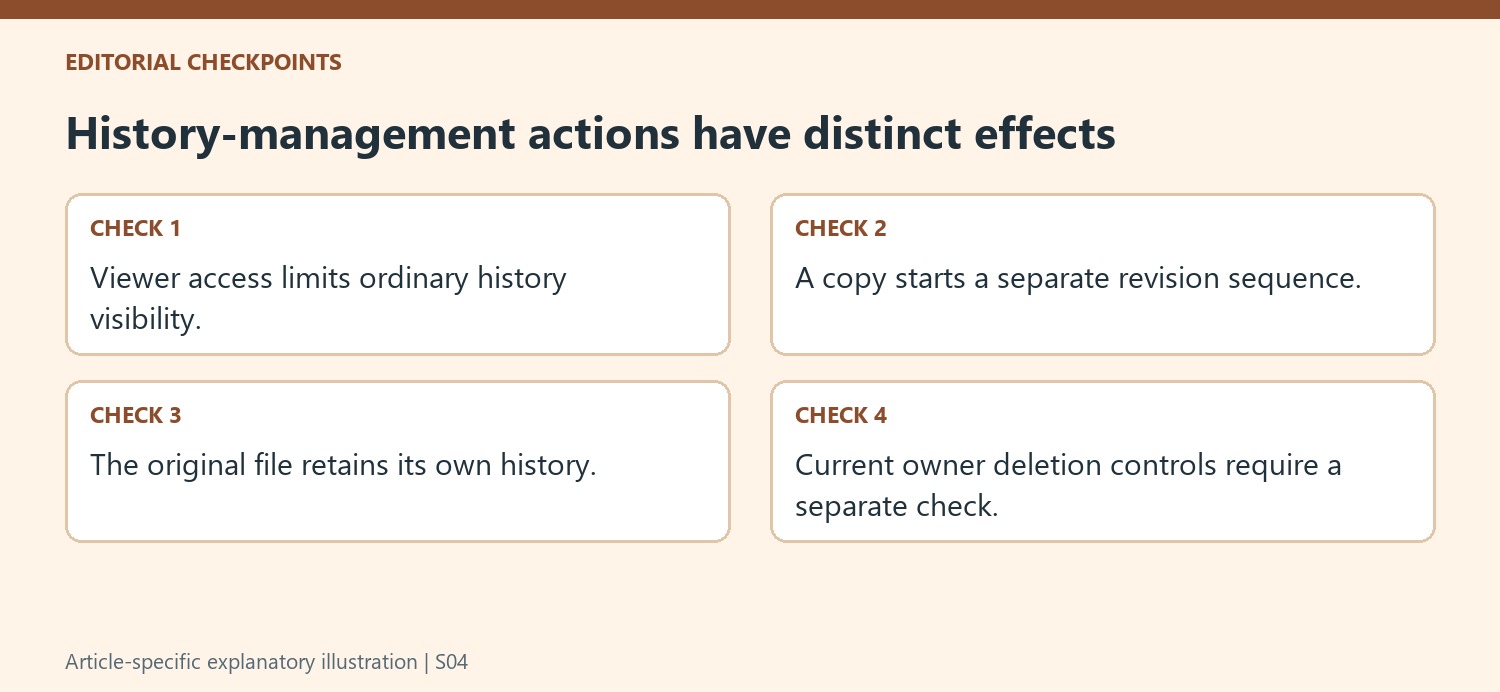
The source describes limiting ordinary recipients to Viewer access when they only need to read the current document. In that workflow, viewers cannot inspect version history or restore earlier content. This changes the recipient's access; it does not remove the original revisions. The article was written around a copying-based approach and should not be treated as a current inventory of every history-management feature. Check the present owner controls if deletion is the objective. Keep the distinction clear between hiding history from a particular role and changing what history the original file retains.
Make a new document and review the copy options
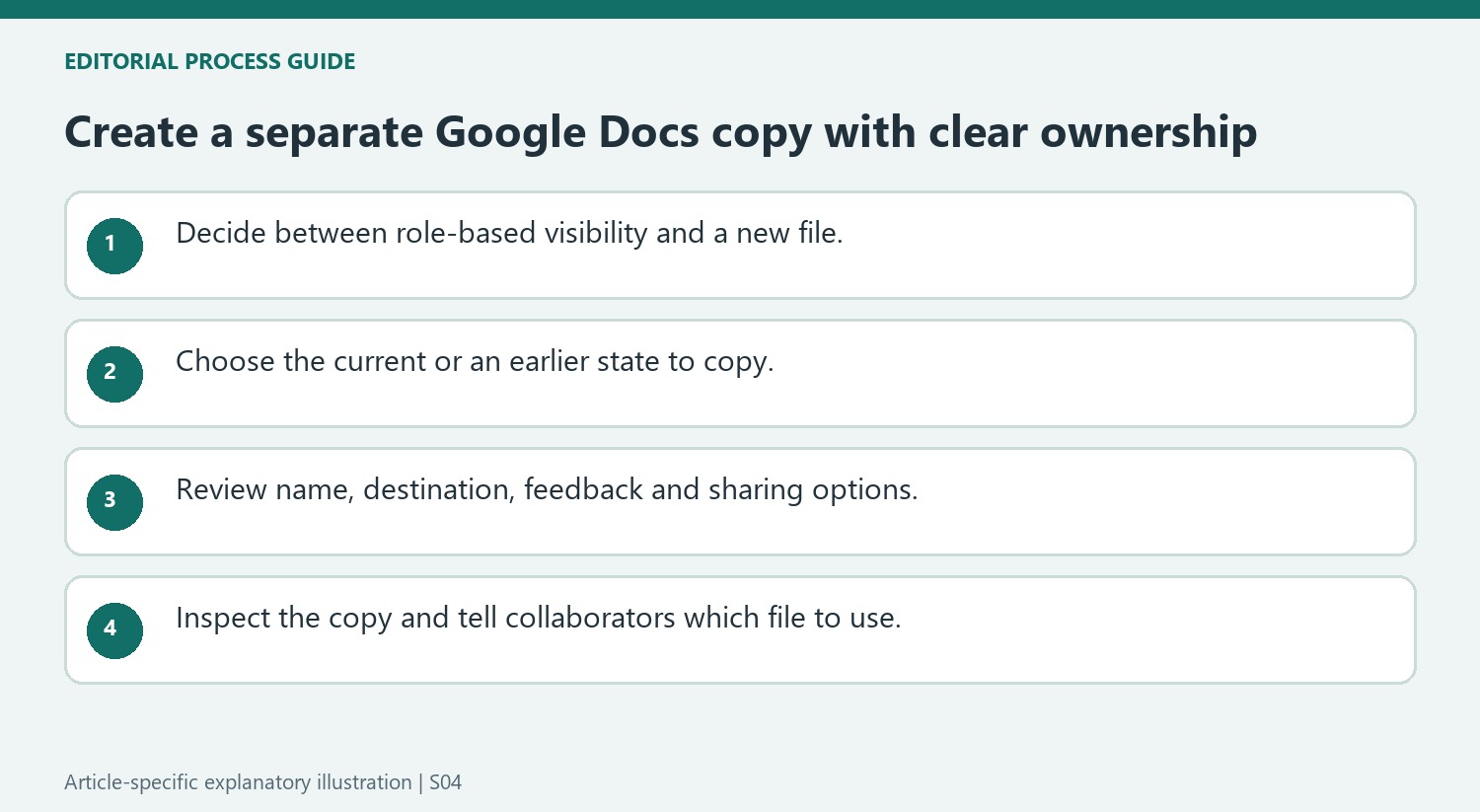
Use Make a copy from Drive or from the document's File menu. Give the new file a meaningful name and choose its location. The source describes options for carrying over comments or suggestions and sharing with the same people. Review those choices rather than assuming a fresh copy should automatically reproduce every collaboration setting. The new document begins its own revision sequence from the copied content. The original file remains a separate item, so making a copy should not be described as erasing historical material from that original document.
Copy a selected earlier state when that is the requirement
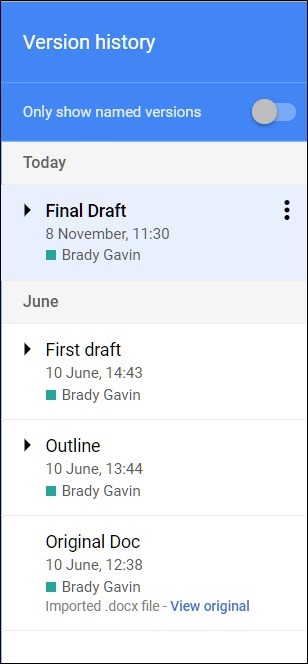
The article also describes opening version history and choosing Make a copy beside a particular version. This can create a separate file based on an earlier state without replacing the current working document. Select the destination and sharing options deliberately, then inspect the resulting copy. Tell collaborators which file is now intended for use if the workflow is moving to the new item. A clean history in a separate copy is useful only when the team can distinguish the current deliverable from the older shared file and understands what happened to comments, suggestions and access.
Define whether the need is access control or a new working file
Viewer access limits the ordinary recipient's ability to inspect history in the described workflow. It does not remove the original revisions from the document. If the requirement is to supply a separate deliverable with its own history, copying addresses a different need. State that purpose clearly so collaborators do not confuse a change in their role with deletion of historical content.
The article reflects a copying-based approach from its publication period. Check current owner controls separately if the actual goal is to remove retained history from the original. Do not assume that an older guide listing only one method is a complete current feature inventory. The important conceptual distinction remains: the source file and a newly created copy are separate items with separate revision sequences.
Review copied content and collaboration options before handover
Use Make a copy and choose an identifiable name and destination. Inspect whether comments, suggestions or the same sharing audience should carry across. A clean new history does not automatically mean all review material should be discarded, nor does a familiar audience automatically remain appropriate for a new deliverable. Decide those options according to the document's purpose and current status.
Open the resulting file and verify its actual content. A copy of the current state can still contain unresolved proposed wording or sample text if that was present when it was made. Review the document itself as well as the history panel. Confirm where the copy is stored and how recipients will find it so a similarly named older item does not continue to attract new edits.
Use a selected historical copy without replacing current work
The version-history route can create a separate file from an earlier state. Check the chosen version carefully, then inspect the copy after creation. This can support comparison or a new branch of work while leaving the active document in place. Explain which file is intended for future collaboration and retain the original according to the team's needs. A separate copy is useful when it provides an unambiguous starting point, with deliberate choices about inherited content, feedback and access rather than an assumption that duplication resolves every history-management question.
References
- How to Delete Version History in Google Docs. How-To Geek; Ben Stockton.


Comments
0