 DocumentFlow Desk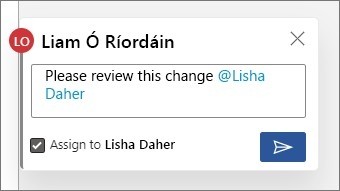
Mention the intended colleague in the relevant context
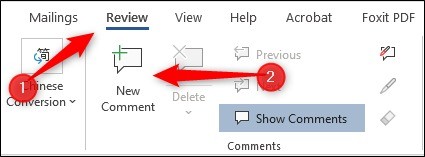
Microsoft describes using comments and mentions in supported Microsoft 365 work or school workflows with files stored in OneDrive or SharePoint. Add a comment beside the relevant content, type the at sign and select the intended person from the suggested names. Check the identity rather than relying on a partial name. If that person lacks file access, the workflow can prompt for permission. The source identifies account, organization and client requirements, so verify the available behavior in the actual environment before assuming that every external address can be mentioned successfully.
Distinguish asking for attention from assigning work
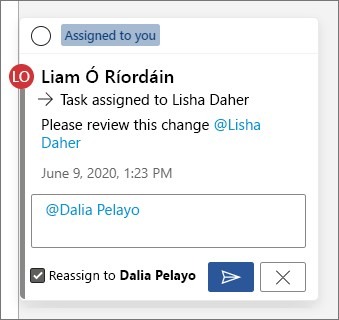
Where supported, a comment containing a mention can be assigned as a task by selecting the assignment option before posting. Describe the required action clearly enough that the assignee can recognize completion. The source explains that the task remains associated with the discussion and can be reassigned through a reply using the corresponding control. Merely mentioning several people is not the same as establishing one clear owner. Review the displayed assignment after posting so the thread communicates who is responsible and what decision or deliverable is expected.
Resolve, reopen and review notification behavior
An assigned task can be resolved through the comment controls and reopened if more work is needed. The source describes email notifications linking to the relevant comment, with reply options in supported Outlook clients. Organization settings and sensitivity restrictions can affect previews or inline replies, so treat notifications as a feature to verify rather than a guaranteed record that the person read the request. Keep task status aligned with the actual work. Resolving the discussion should mean the request has been addressed, while reopening it should preserve enough context for the next person to understand what remains.
Attach the request to both the right content and the right person
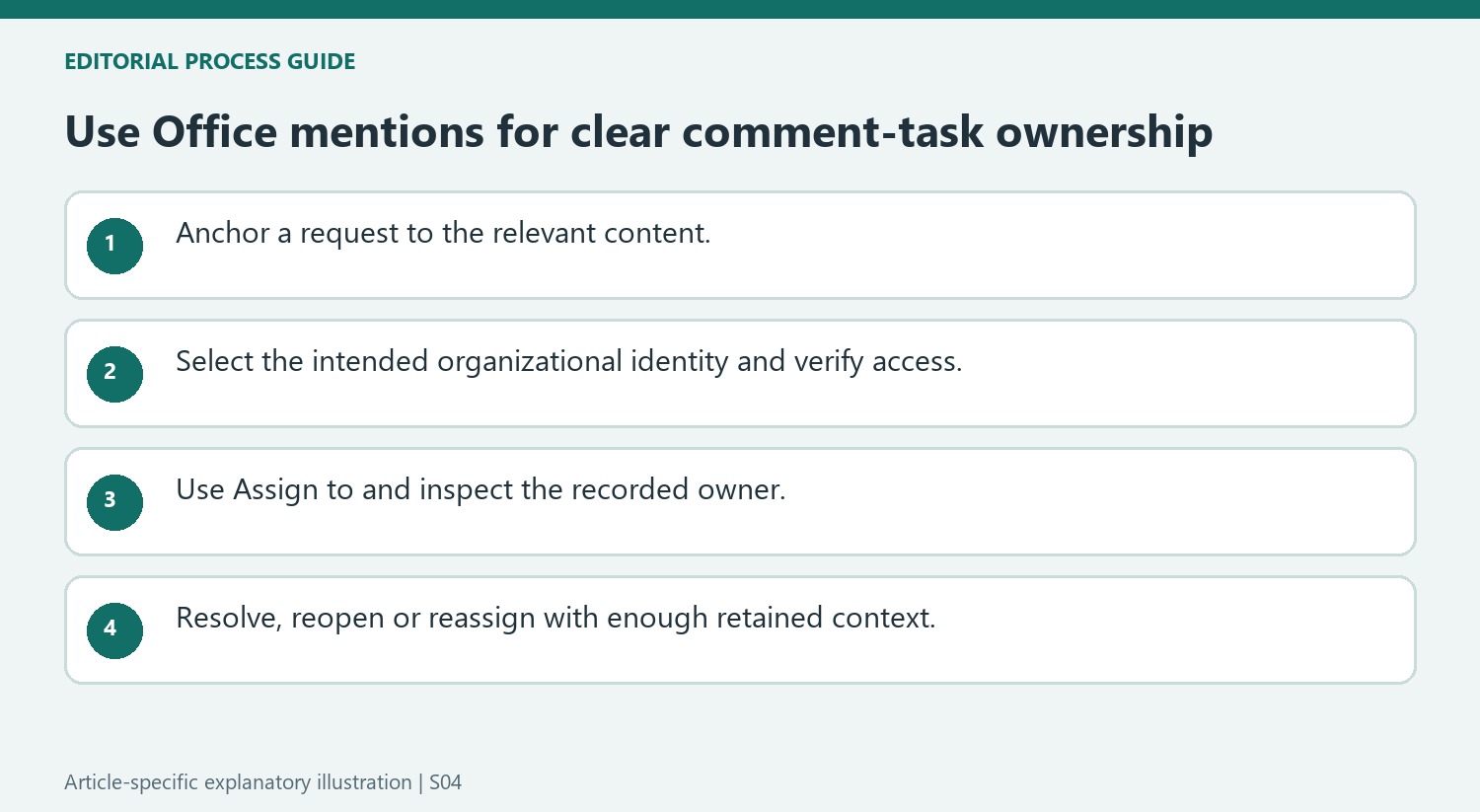
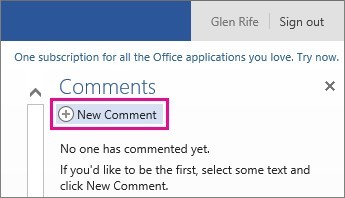
Select the passage that gives the request its context, then create a comment and choose the intended person from the mention suggestions. Check the resolved identity when colleagues have similar names. The source describes organizational account and storage requirements, with restrictions on external mentions. Verify the installed client and tenant behavior rather than assuming a typed email address will work for every recipient.
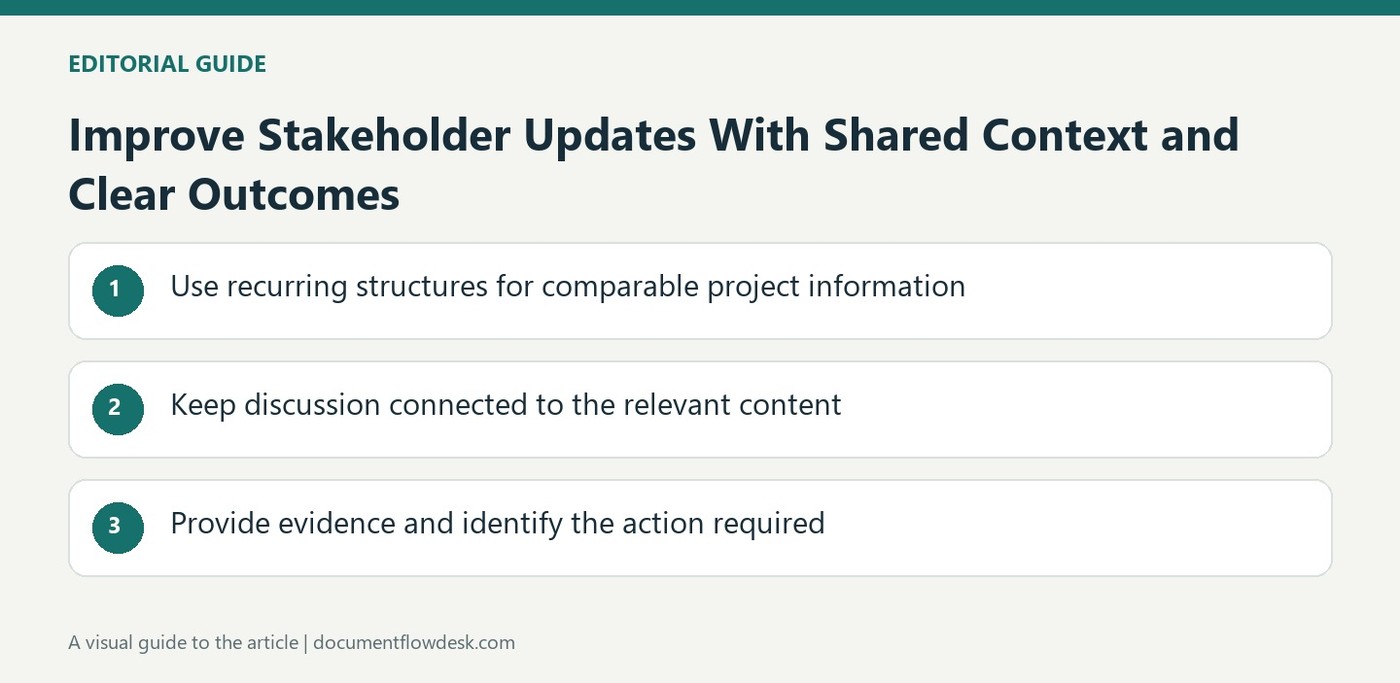
If a permission prompt appears, inspect the access being granted as part of the same decision. A mention can draw attention to content only when the recipient can reach the necessary file. Write the request clearly in the comment so its meaning survives outside the immediate editing session. An unexplained mention identifies a person but does not identify the answer or deliverable expected from them.
Use assignment controls for actual ownership
Where supported, select Assign to before posting the mention as a task. Inspect the visible assignment afterward and distinguish it from other people simply included in the discussion. The owner should be able to recognize when the requested work is complete. A broad comment containing several names should not leave each person assuming another participant is responsible for the action.
To change ownership, use the described reassignment option in a reply and verify the new displayed assignee. Keep enough explanation in the thread to show why the handover occurred and what remains unfinished. A task history can help later review, but only when the wording and status stay aligned with the work rather than merely recording a series of notifications.
Resolve work deliberately and interpret notifications accurately
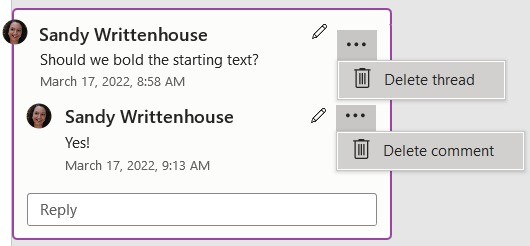
Resolve the assigned comment when the request has been addressed, and reopen it if further work is genuinely needed. Review notification behavior in the current environment: supported Outlook clients may allow replies, while sensitivity or rights restrictions can suppress previews and inline responses. An email delivery does not establish that the recipient understood or completed the task. Keep the authoritative status in the file and its thread, with the relevant discussion retained so a reopened request or reassigned action remains understandable to the next person involved.
References
- Use @mention in comments to tag someone for feedback. support.microsoft.com.


Comments
0