 DocumentFlow Desk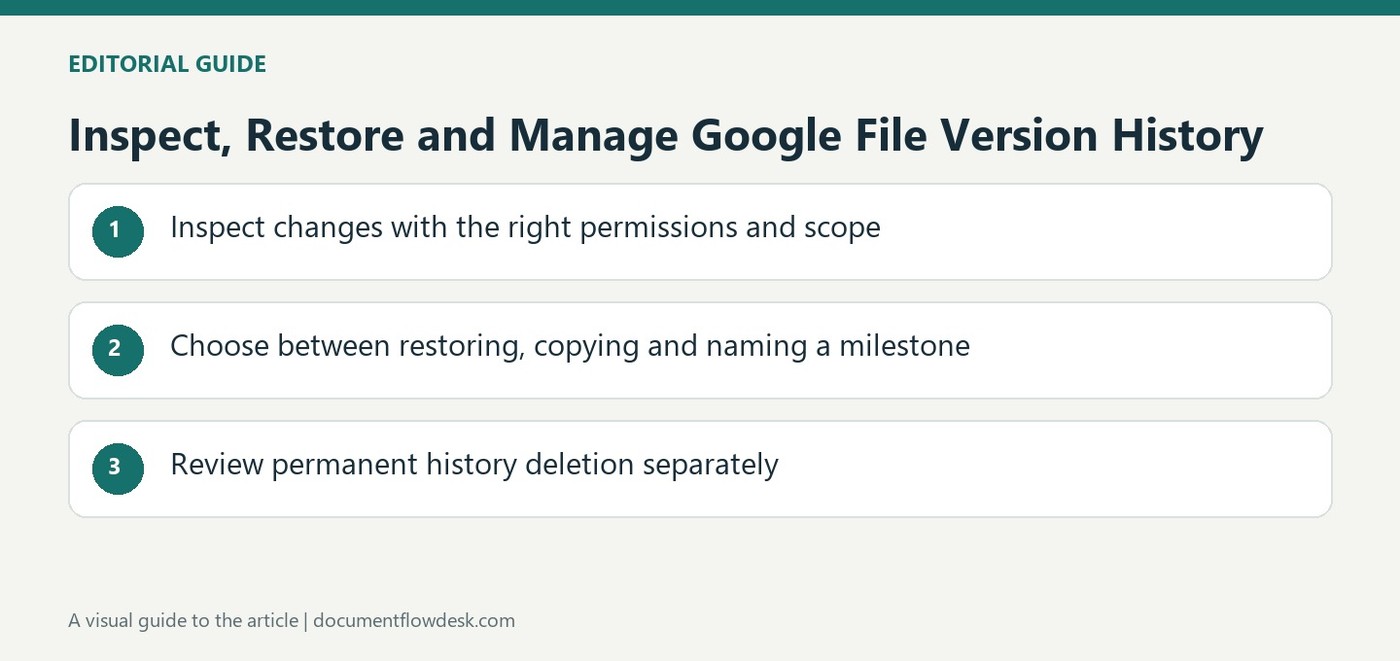
Inspect changes with the right permissions and scope
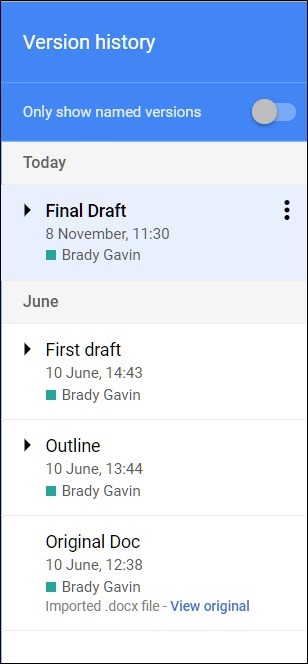
Google's instructions require editing permission to browse earlier versions. Open the file and use its Last edit control to see the version panel, then select an entry or expand grouped revisions. The interface can identify contributors and relevant changes. In Sheets, unchanged rows may be hidden to emphasize edits, with an option to show them again. Keep the scope of the evidence in mind: a cell's edit history does not necessarily include formatting changes, row or column operations, formula-driven results or changes predating a restoration.
Choose between restoring, copying and naming a milestone
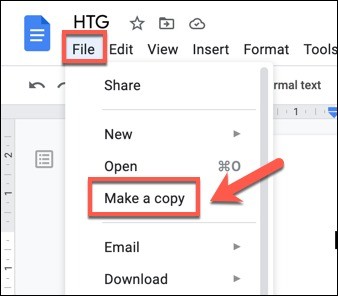
Restore this version makes the selected earlier state current after confirmation. Make a copy creates a separate file and allows a chosen name, destination and optional sharing with the same people. Use the copy route when the earlier content should be examined or developed without replacing the active file. Named versions provide recognizable milestones and can be filtered in the panel. Choose names that explain the significance of the state rather than simply repeating a date that the interface already records. These actions solve different needs and should not be treated as interchangeable.
Review permanent history deletion separately
The current source describes owner controls to delete unnamed history or remove unnamed versions up to a selected point. It warns that history deletion is permanent and cannot be undone. Inspect the selected command, the retained named versions and the intended cutoff before confirming. Availability and behavior should be verified in the actual file and account. Do not use deletion merely to simplify navigation when naming or filtering would satisfy the need. A careful history workflow preserves useful recovery points while making a deliberate, informed choice when historical content must actually be removed.
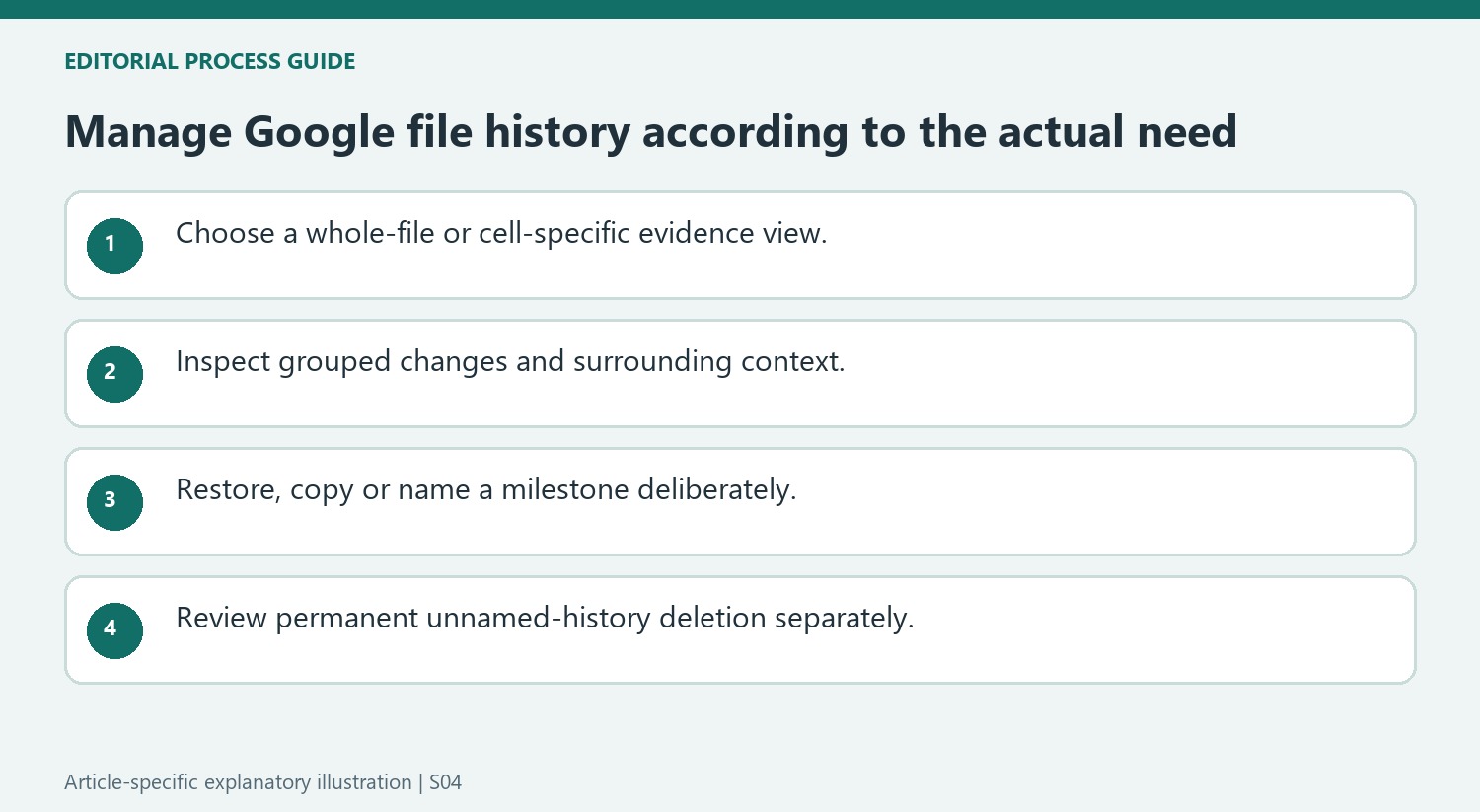
Match the history view to the question being investigated
Open the file with editing permission and inspect the version panel through the available Last edit control. Expand grouped revisions where needed and compare the affected content. In Sheets, hidden unmodified rows can emphasize differences, but show them again when surrounding context matters. A focused display helps locate edits without supplying a complete explanation of the spreadsheet's current behavior.
Cell edit history has a narrower scope than the entire file history. The source notes missing categories such as formatting, row or column operations, formula-driven changes and changes before a restoration. Do not use an empty cell-history entry as proof that nothing affecting the result occurred. Choose the broader version view or other relevant evidence when the issue involves structure or calculated values.
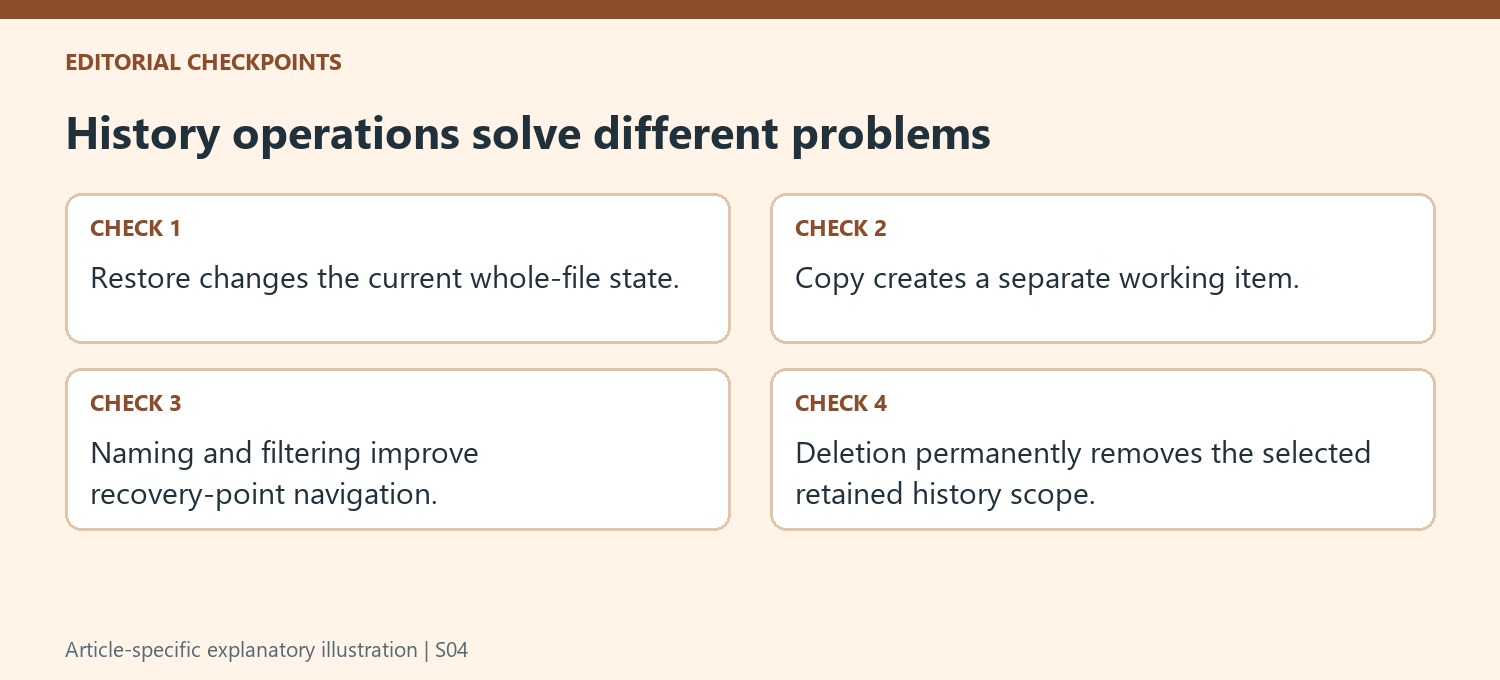
Choose restore, copy or a named milestone deliberately
Restoring makes an earlier state current, so consider the whole file before confirming. Copying creates a separate item and can preserve the active working document while the older content is inspected. Naming a version gives a useful milestone an interpretable label. Use those actions according to their effects rather than treating them as interchangeable ways to make the panel look simpler.
Choose milestone names that explain significance, such as an approved draft or a completed review stage, rather than repeating a timestamp already visible in the interface. A named-only filter can help navigation without removing history. Check the current account and file behavior, including any limits, before designing a retention process around a specific number of named entries.
Treat deletion as a separate permanent retention decision
The source describes owner controls that delete unnamed history or remove unnamed versions through a selected cutoff. Read the exact command and retained named-version behavior before confirming, and verify the cutoff carefully. Deletion is permanent in the documented workflow. If the need is only easier browsing, naming and filtering may be sufficient. When historical content must actually be removed, confirm the intended scope through the current interface and the applicable retention process. This preserves the distinction between organizing recovery points and intentionally eliminating them from the file's accessible history.
References
- Find what's changed in a file. support.google.com.


Comments
0