 DocumentFlow Desk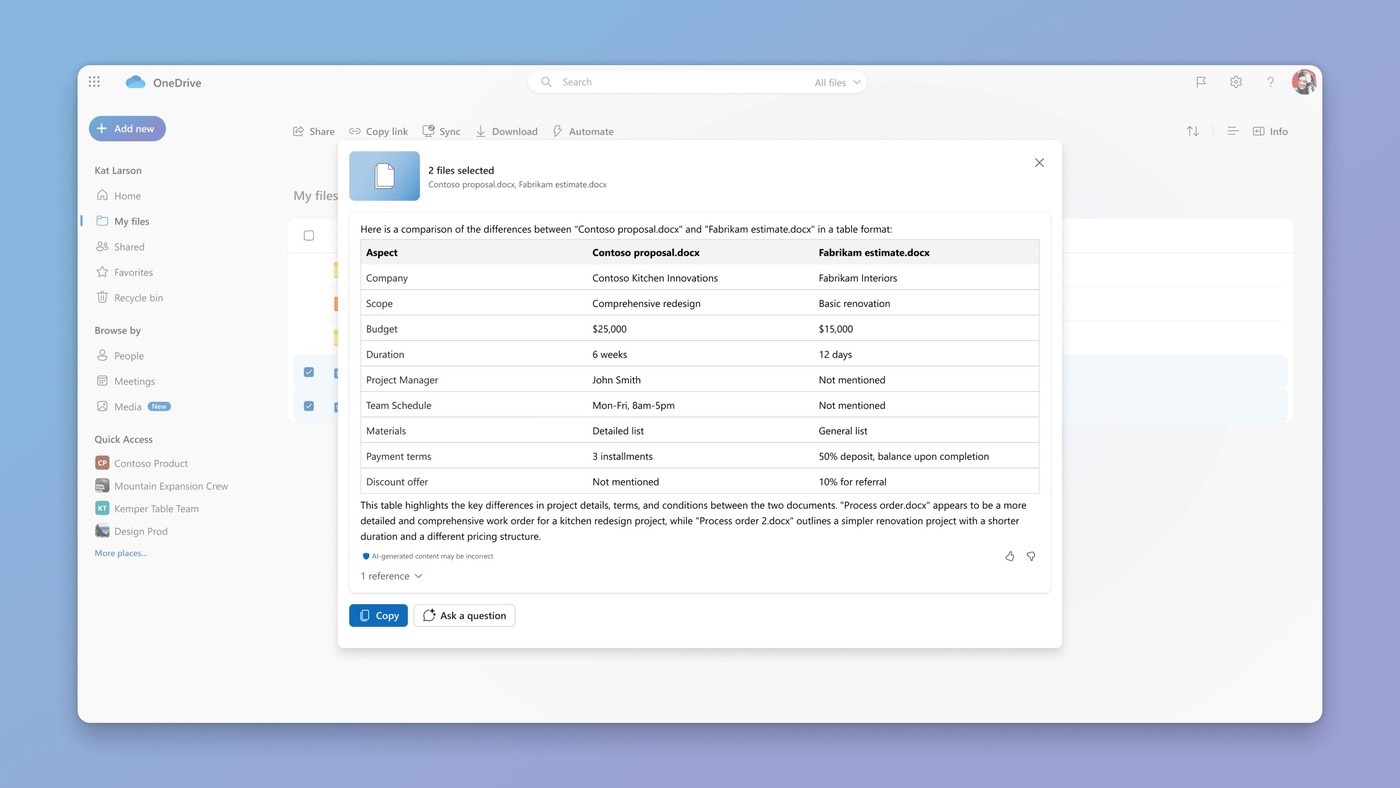
Select a comparable set of supported files
Microsoft describes comparing up to five selected files in OneDrive with Copilot. Choose documents that address a meaningful common question, such as different drafts, supplier proposals or reports from different periods. The source notes that images and videos are not supported by this comparison feature. Check the current account and feature availability before relying on the workflow. A well-chosen set makes the response easier to evaluate because the comparison has a clear purpose, rather than asking the system to infer a useful relationship among several unrelated documents.
Open the comparison and ask a specific question
In OneDrive on the web, select the files and use the available Copilot comparison control, which the source locates in the command bar, action menu or Copilot entry point. The response appears in the Copilot panel and can be followed by additional questions. Specify the dimension that matters, such as dates, participants, content differences or proposal tradeoffs. This gives the review a concrete scope. A general summary can be a useful starting point, but a precise question helps distinguish relevant differences from incidental changes in titles, authors or file metadata.
Verify important differences against the documents
The source lists uses ranging from contract versions to financial reports and quotes. Treat the generated comparison as assistance for locating and interpreting differences, rather than as final approval of a legal, financial or hiring decision. Inspect the underlying passages and figures when a finding affects the next action. Similar titles or a shared topic do not guarantee that two files cover the same period or assumptions. Keep the selected sources available while reviewing the response so material conclusions can be checked and follow-up questions can target anything missing, ambiguous or inconsistent.
Choose files that answer one meaningful comparison question
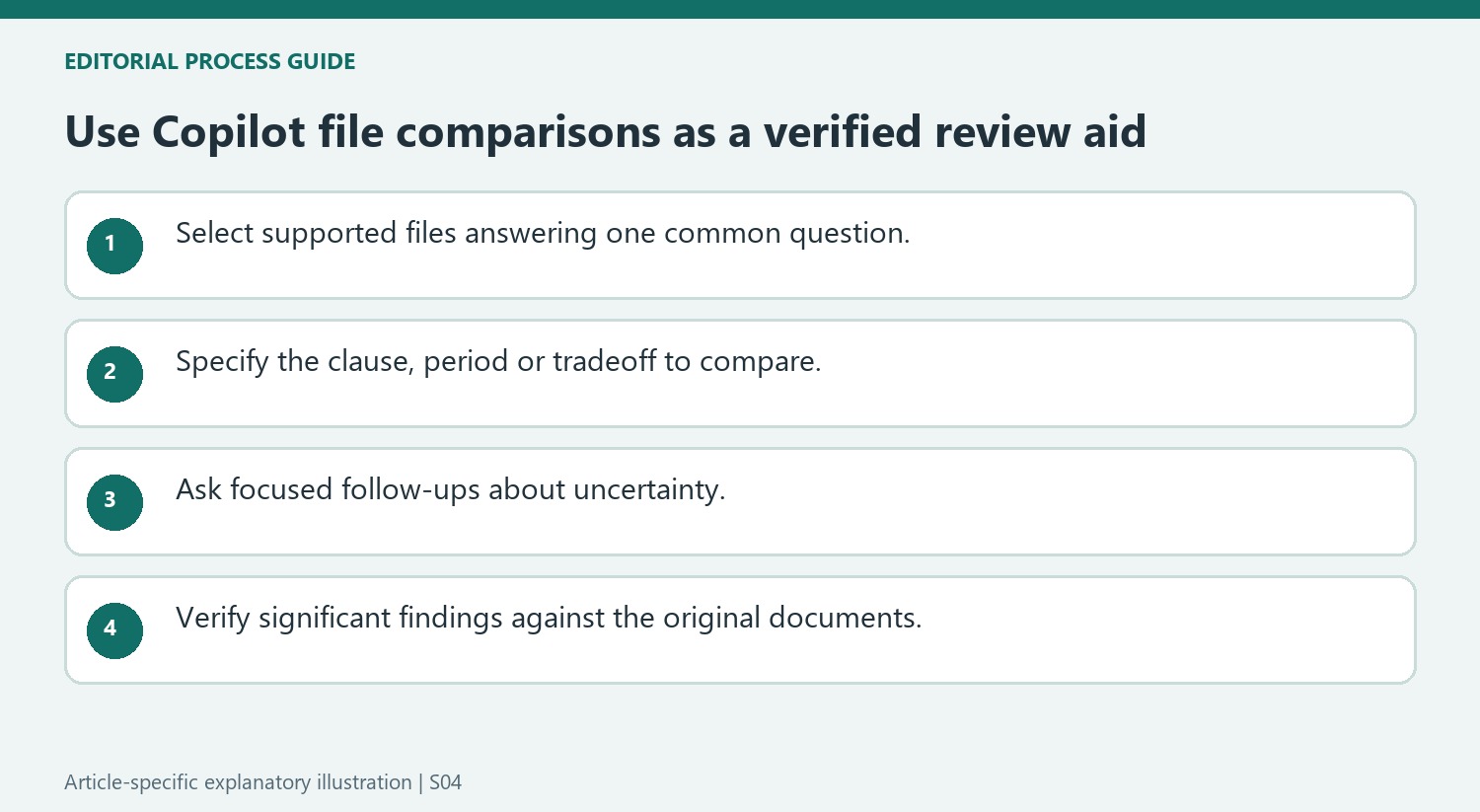
Select a set whose relationship is clear, such as versions of one proposal or supplier quotes for the same requirement. The source describes up to five files and excludes images and videos from this feature. Verify current availability in the account before planning the workflow. Files that share a broad topic can still differ in scope, period or assumptions enough to make a direct comparison misleading.
Identify the dimensions that matter before invoking the comparison. A contract review may focus on a changed clause, while quote comparison may need cost, delivery timing and included work. Keep those questions separate from incidental metadata differences such as the last modified timestamp. A clear objective helps the generated response locate useful distinctions instead of producing a broad summary that overlooks the decision-critical detail.
Use follow-up questions to examine uncertainty
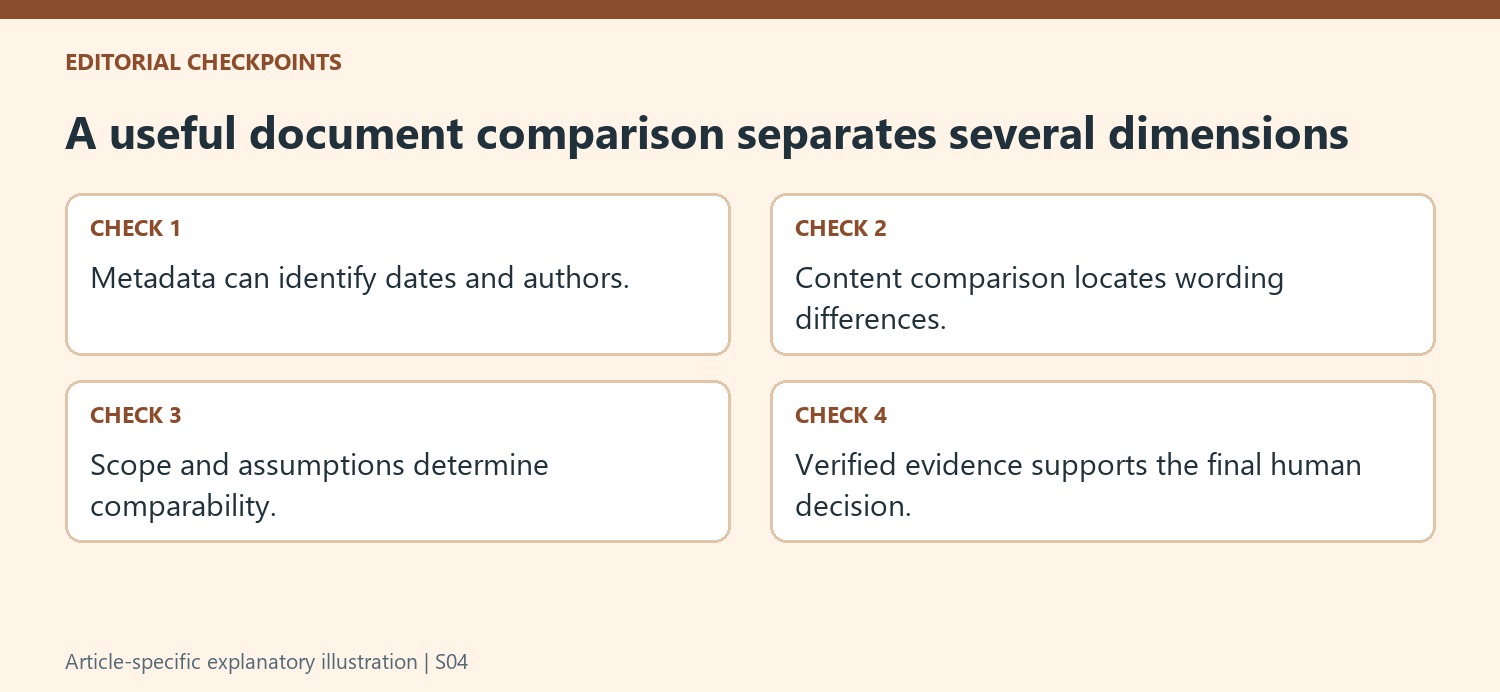
Open the available Copilot comparison control for the selected files and read the response in its panel. Ask focused follow-ups about a specific passage, date or tradeoff when the first answer is incomplete. Provide enough detail to establish the intended scope, and keep the underlying documents accessible. A fluent comparison can still omit a condition or interpret differently worded requirements as equivalent.
Separate what the documents explicitly state from what the response infers. If two reports use different reporting periods or units, clarify those differences before treating a numerical contrast as a trend. For proposals, inspect whether similar headline prices include the same services. The tool can assist with finding material, while the reviewer remains responsible for checking the basis of an important conclusion.
Verify findings before using them in a consequential decision
Read the original passages and figures that support the proposed difference. Check the complete clause or section, not only a quoted phrase without its conditions. The source lists legal, financial and hiring uses, but those examples do not establish that a generated answer provides final approval for any such decision. Record the verified findings and unresolved questions in the appropriate working document. A successful comparison workflow ends with an evidence-based understanding of the selected files, including their limitations, rather than with unexamined acceptance of the first generated ranking or summary.
References
- Compare your files with Copilot in OneDrive. support.microsoft.com.


Comments
0