 DocumentFlow Desk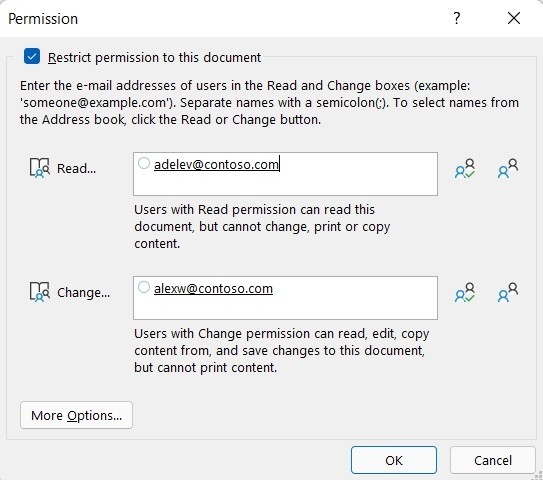
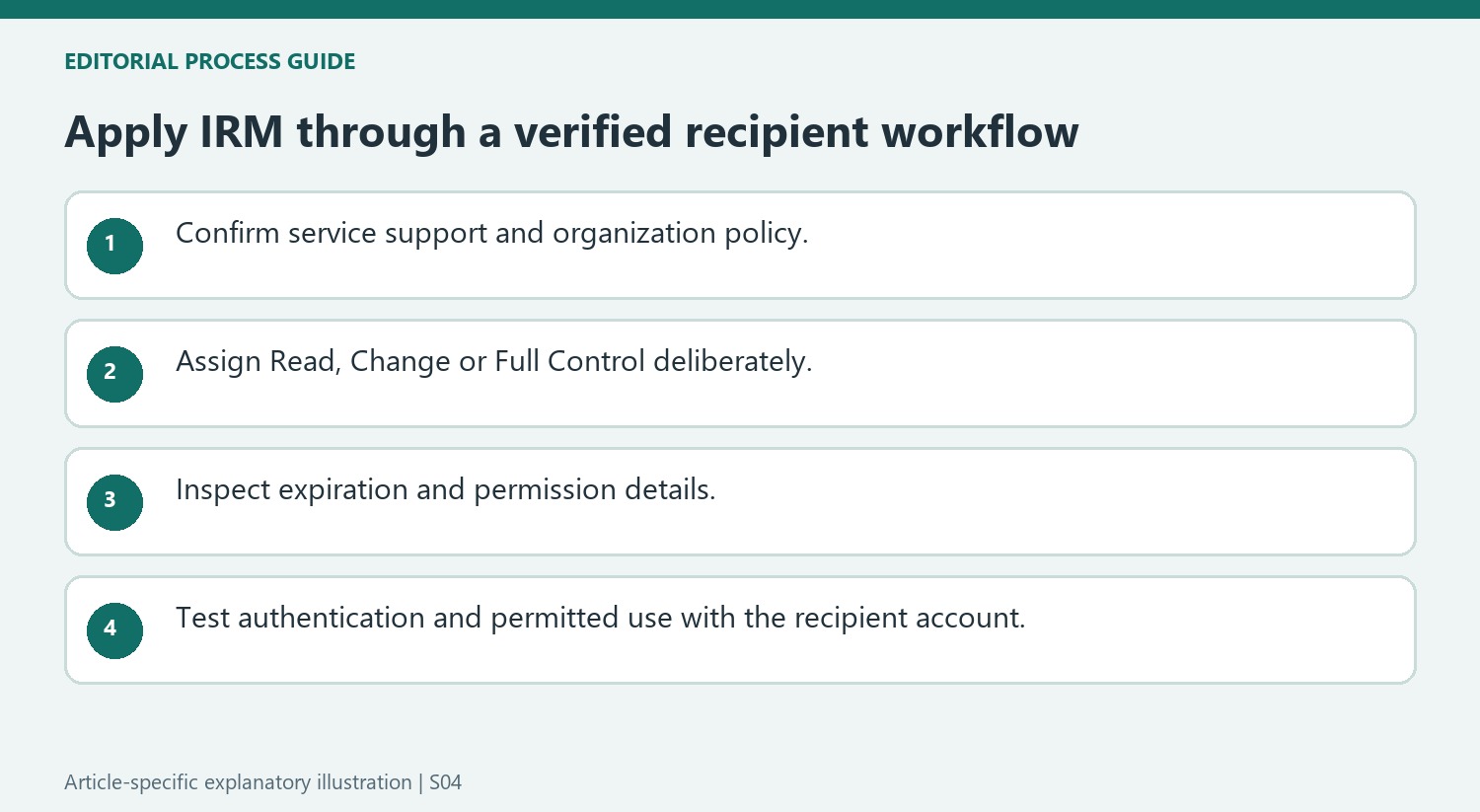
Confirm that the organization supports the rights workflow
Microsoft describes Information Rights Management as a way to restrict unauthorized use of supported document formats. Permissions travel with the rights-managed file and are authenticated through an IRM service. The organization's administrator can define policies that limit the choices an individual author can make. Confirm the required configuration and applicable policy before using the feature. When a recipient first opens restricted content, the documented workflow connects to a licensing server to verify credentials and obtain a use license. This dependency makes rights management different from simply placing a file in a password-protected folder.
Choose the access level for the intended recipient
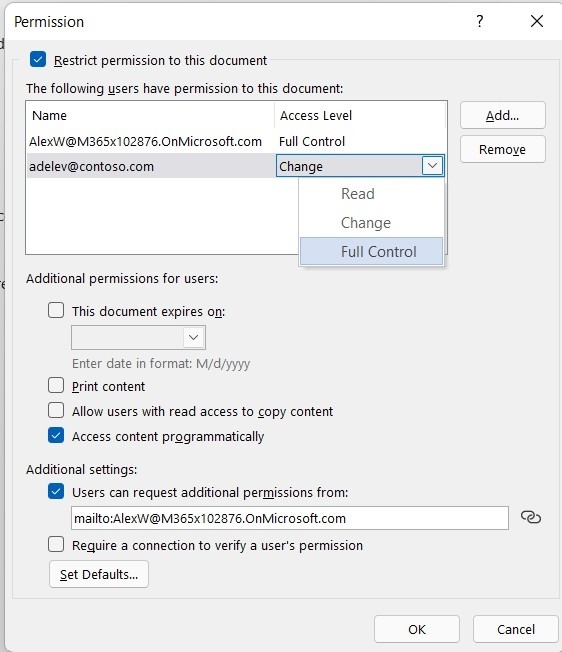
In the documented Word interface, save the file and open its information and protection controls to restrict permission by people. Assign Read, Change or Full Control according to the person's responsibility. The source describes Read as allowing reading without editing, printing or copying, while Change permits editing and saving but not printing. Full Control includes broader authoring and permission-management powers. Review these distinctions before granting a role, and account for administrator-defined rules. The goal is an explicit set of permitted uses, rather than an assumption that every named recipient should receive equivalent control.
Review expiration and the recipient's usable access
Additional permission settings can establish an expiration date for the document. The source notes that authors and people with Full Control can still open content after ordinary recipient permissions expire. Check the message bar and available permission-view controls to verify the applied policy. If another person lacks access, the file can provide a way to request it, depending on the author's settings. Test the intended workflow with the appropriate account before relying on it for distribution. Describe IRM as a specific rights-enforcement mechanism within the configured environment, without promising protection against every possible method of disclosure.
Understand the service dependency before selecting permissions
IRM stores permissions with the document and relies on a rights-management service to authenticate and license the recipient's use. Confirm the organization's supported configuration rather than treating the feature as a standalone local formatting option. Administrator-defined policies can limit the permissions an author may select. Those limits should be understood before planning a distribution process around controls that may not be available.
The source explains that the first opening of a restricted file requires a connection to obtain a use license. Test that process with the intended recipient account and environment. A file that opens correctly for its author does not establish that another person can authenticate or receive the required rights. Verify the current supported setup rather than relying solely on an older software prerequisite named in general documentation.
Choose a rights level according to the actual task
Read, Change and Full Control permit different operations in the described model. Assign the narrow role that matches the recipient's work and inspect the permission details afterward. Full Control includes permission-management powers, so it should not be treated as merely a convenient way to let someone revise a sentence. The author retains Full Control under the documented workflow.
Keep file access, content editing and permitted uses distinct when explaining the document to recipients. A person may be allowed to read but not print or copy through the rights-managed application. Confirm those expected behaviors during testing. The purpose is to enforce specified uses within the supported environment, while recognizing that no such setting justifies a universal promise against every possible method of disclosure.
Review expiration and the information shown to recipients
If an expiration date is set, check which recipients it applies to and remember the documented exception for the author and Full Control users. Inspect the message bar or permission-view control in the restricted file. Where unauthorized users can request access, verify the contact information supplied by the workflow. Revisit permissions when roles change and keep the recipient test part of the handover. A well-configured policy is useful only when its intended audience can open the file and its actual restrictions match the author's stated distribution requirements.
References
- Restrict access to documents with Information Rights Management in Word. support.microsoft.com.



Comments
0