 DocumentFlow Desk
Evaluate collaboration rather than only basic typing
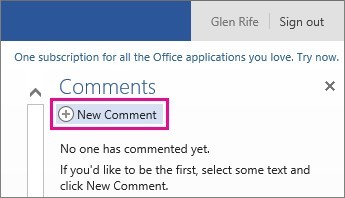
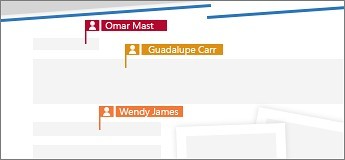
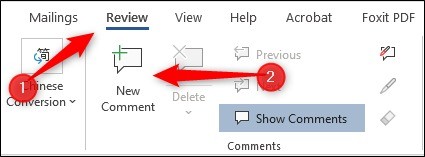
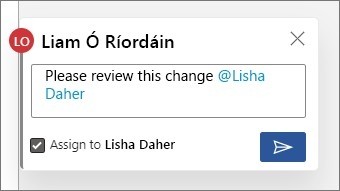
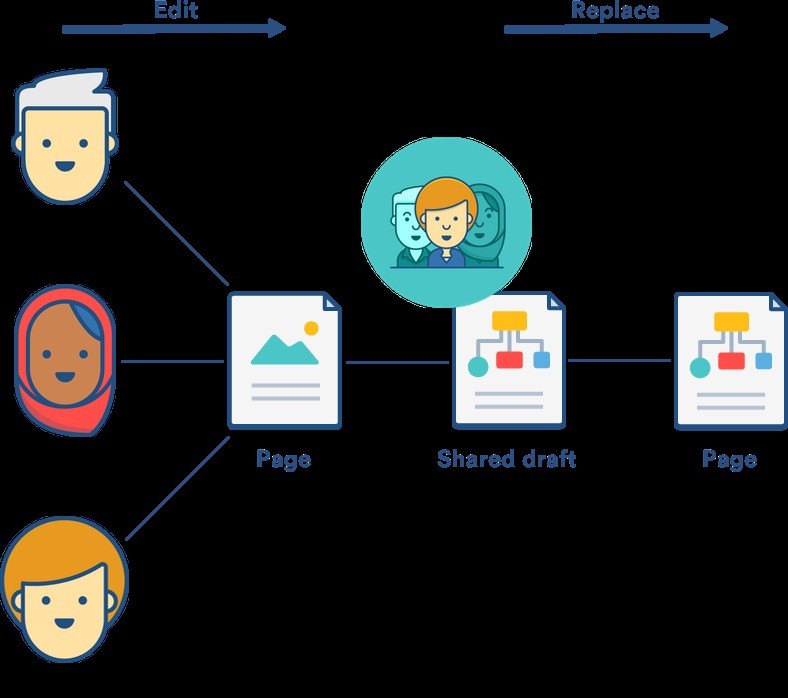
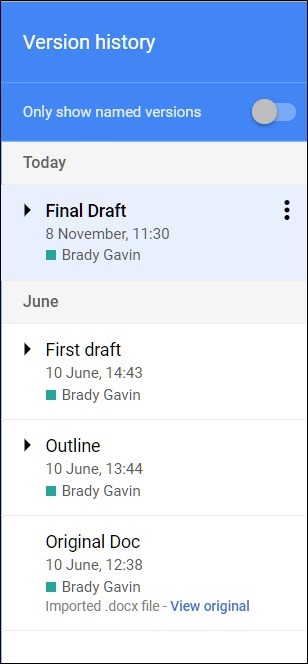
The review identifies real-time collaboration as Google Docs' main strength. Participants can work in the same document, see other contributors' presence and use comments or suggestions to discuss changes. Version history provides a way to inspect earlier states and restore content when appropriate. These functions can suit teams that need a common working copy instead of exchanging separate attachments. The assessment is the reviewer's account of using the product, so its positive judgment should be understood as an evaluation rather than evidence that every organization will find the same workflow suitable.
Consider the account, storage and connected tools
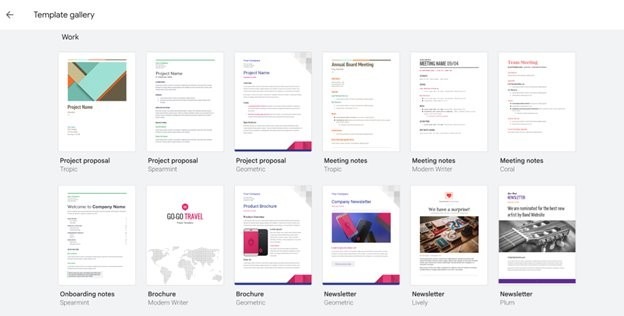
The source distinguishes personal use from paid Google Workspace plans and notes that storage is shared with other Google services. It also discusses templates and integration with tools such as Drive, Meet, Chat and Tasks. Check current plan information before making a purchasing decision because the article's prices, storage allocations and feature availability represent the reviewed offering. The review discusses Gemini-assisted writing as well, including the need to edit generated wording. Treat writing assistance as material to review rather than a reason to skip verification of the document's facts or intended meaning.
Test the constraints against representative documents
The reviewer highlights limited offline features and text-formatting limitations among the drawbacks. Try the kinds of documents the team actually produces, especially when page layout or working without a stable connection matters. Confirm that the available sharing roles support the intended review process and that imported or exported files meet the recipient's requirements. A collaborative editor can be a strong fit for shared drafting while still requiring a careful check for specialized formatting work. Base the final choice on a representative workflow and current capabilities, rather than relying entirely on a favorable overall verdict.
Use a representative collaborative document for evaluation
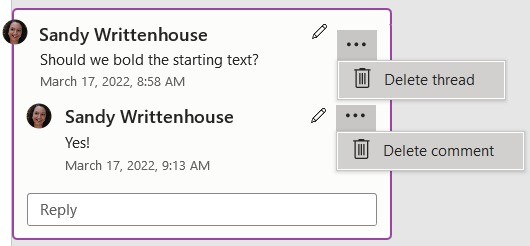
Test a real drafting task with the roles the team expects to use. Observe direct editing, suggestions and comment discussion separately so participants understand their effects. Version history can help inspect earlier states, but restoring one is a deliberate document decision rather than a substitute for reviewing current changes. A shared working copy is useful only when collaborators can identify the approved wording and outstanding questions.
The reviewer values visible presence and simultaneous contribution. Assess those features against the team's actual coordination needs, including how feedback is resolved. A smooth demonstration with a simple page may not expose the challenges of a document with several reviewers and complex formatting. Judge the product through a complete workflow, from drafting and review through export or final distribution.
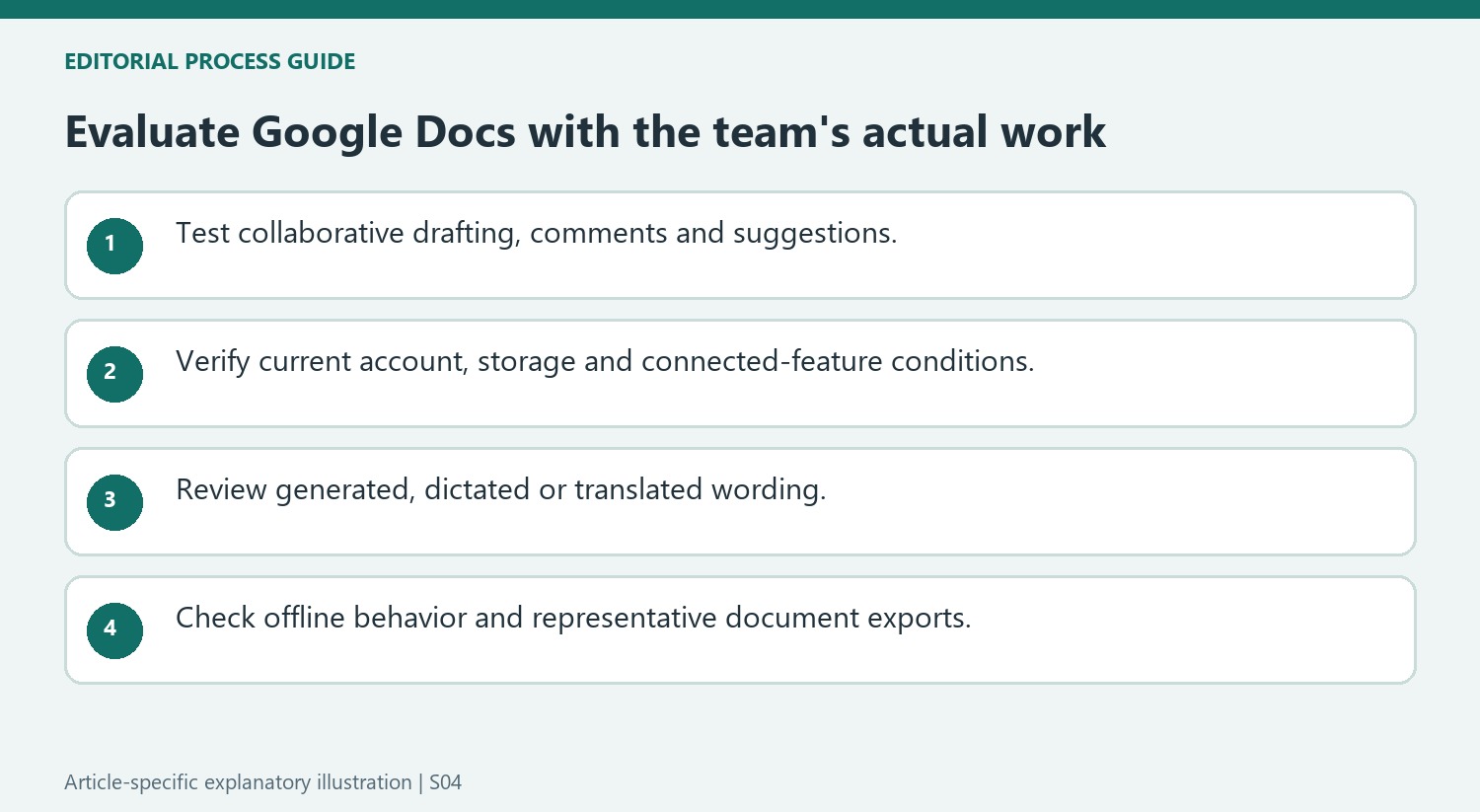
Check account conditions and connected features in current use
The article discusses personal and Workspace offerings, shared storage and support differences. Verify current terms for the organization rather than copying historical prices or capacities into a purchasing assumption. Features involving templates, connected communication tools or writing assistance can depend on the account and configuration. Test the combination that the team would actually deploy, including the permissions used to access related material.
AI writing, voice typing and translation all produce material that needs review. The source specifically describes imperfect transcription and translation context, as well as generated wording requiring edits. Check names, specialized terms and factual claims against the intended meaning. A convenient input or drafting method can save effort without supplying evidence that the resulting document is accurate or suitable for its audience.
Evaluate offline and format constraints before standardizing
Prepare the offline workflow in advance where needed, then test representative edits and the behavior after reconnecting. Compare imported and exported documents with the original, especially when page layout or advanced formatting is important. The review's favorable overall verdict reflects the author's experience and priorities, while another team may give different weight to those limits. Record the practical strengths and unresolved issues from the trial. A decision grounded in the team's actual documents and current account capabilities is more useful than treating a general ranking as a guarantee of suitability.
References
- I tested Google Docs and found it to be one of the best online word processors you can choose. TechRadar; Stefan Ionescu.


Comments
0