 DocumentFlow Desk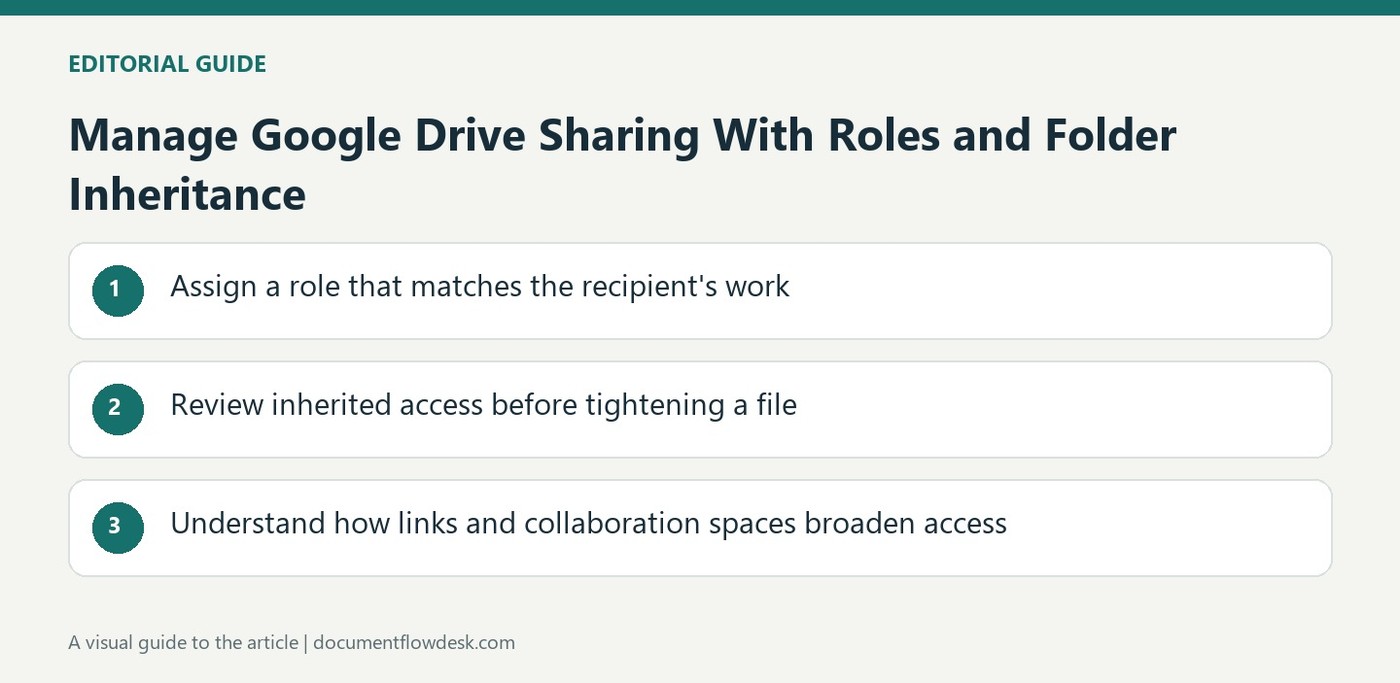
Assign a role that matches the recipient's work
Google's guidance for My Drive distinguishes viewer, commenter, editor and owner capabilities. Choose the appropriate role when adding recipients, then confirm whether to send an optional notification and message. Owners can control some download, print, copy and editor-sharing settings. Eligible work or school accounts may also support expiration dates. Check the available controls in the actual account rather than assuming every recipient and file type has identical options. A clear role reduces ambiguity about whether someone is expected to read, review or directly revise the material.
Review inherited access before tightening a file
The source emphasizes that access granted to a parent folder is inherited by the files inside it. A file cannot simply give someone less access while a broader parent-folder permission remains in effect. Inspect the parent location when a file's settings do not provide the restriction expected. For material requiring a narrower audience, Google describes a limited-access subfolder shared with the necessary people. Plan the location and permission structure together so sensitive or specialized material is not placed in a broadly shared folder and then assumed to be protected by an isolated file-level change.
Understand how links and collaboration spaces broaden access
General access determines whether a link is restricted or usable by anyone who has it, with a separate role for that audience. Sharing through a Chat space can grant access to its members, including later joiners under the described workflow. External membership therefore matters when choosing the destination. Review the sharing prompt instead of treating the pasted URL as a neutral action. When the collaboration ends or membership changes, inspect the remaining individual, group and folder permissions. Access can persist through another route even after one invitation or space membership has been removed.
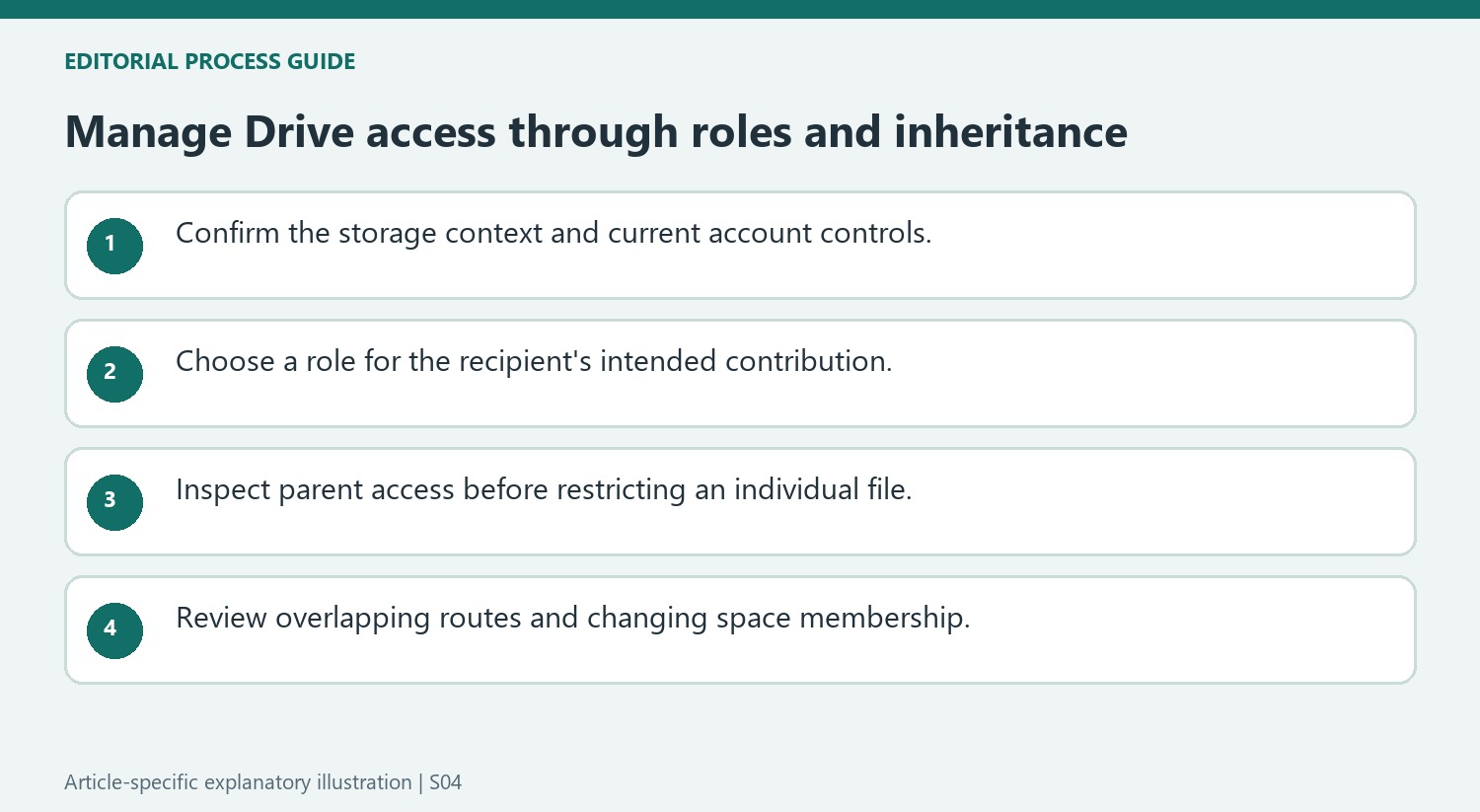
Start with the permissions model for the actual storage context
Google's role table in the source applies to files in My Drive. Use that context when interpreting viewer, commenter, editor and owner capabilities, and check the current account controls. Some work or school accounts support expiration dates, while other settings depend on eligibility or administration. A workflow should not promise an option merely because it appeared in a general help article.
Identify the recipient and their intended contribution before selecting a role. Notification text can explain the request, but access settings should stand on their own when the message is no longer visible. Review download and editor-sharing controls where they matter to the workflow. Those controls serve specific purposes and should not be treated as a complete guarantee against every way information might be copied or disclosed.
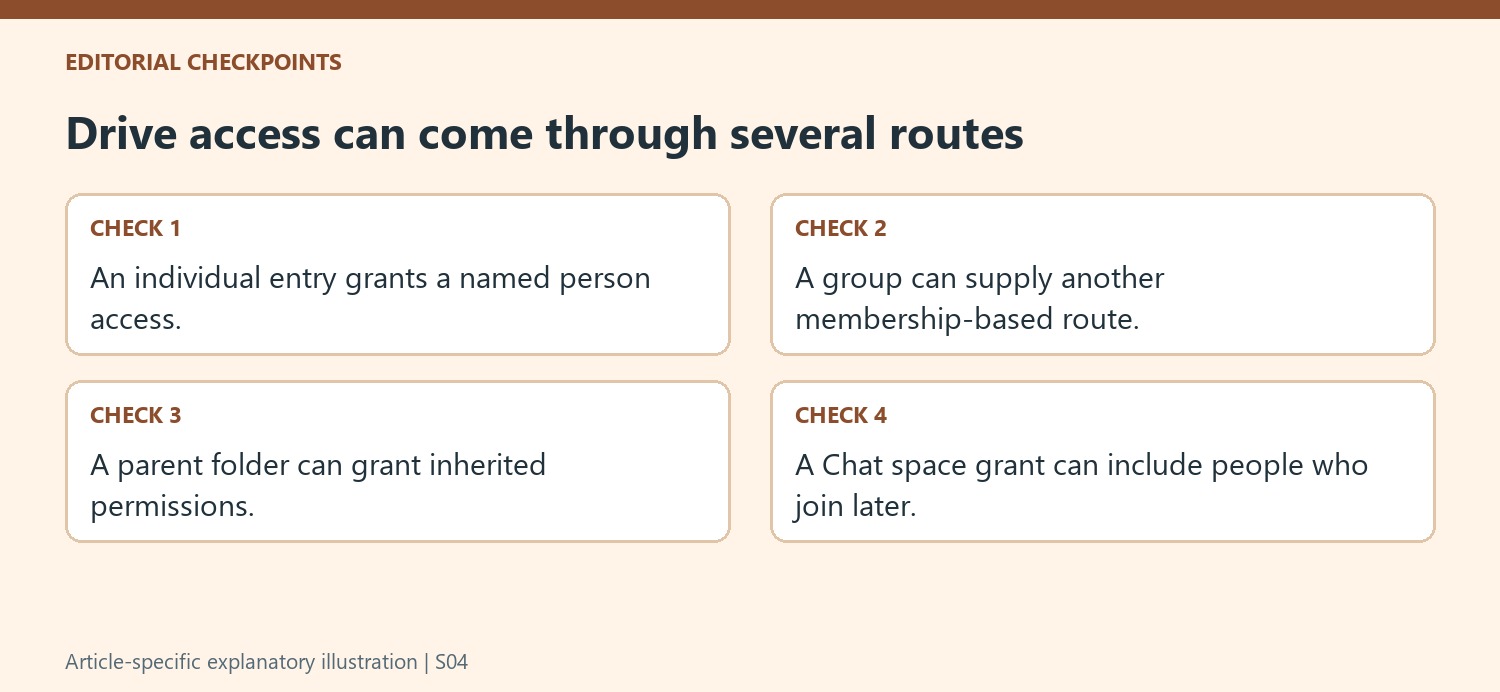
Inspect inheritance before attempting a narrower file permission
A parent folder can grant access that the file inherits. If someone already has higher access through that parent, reducing a direct file-level entry may not provide the intended restriction. Inspect the source of the permission and use the parent or a supported limited-access arrangement as appropriate. Plan where a file belongs at the same time as deciding who should receive it.
For material needing a smaller audience, the source recommends a limited-access subfolder shared with the necessary people. Verify the actual audience after setting it up rather than assuming the new folder name establishes privacy. Individual, group, folder and general-link routes can coexist. A clear permission structure is easier to maintain when people understand which route supplies their access and who is responsible for reviewing it.
Consider membership changes when sharing with collaboration spaces
Granting access to a Chat space can extend it to people who join that space later. Check external membership and read the access prompt before treating a pasted file link as a neutral reference. A person leaving the space can retain access through an individual or group route. When ending collaboration, review those overlapping routes as well as the current space membership. Publishing is another distinct distribution action and requires its own review. The practical goal is an audience that remains intentional as teams, folders and communication spaces change over time.
References
- Share files from Google Drive. support.google.com.


Comments
0