 DocumentFlow Desk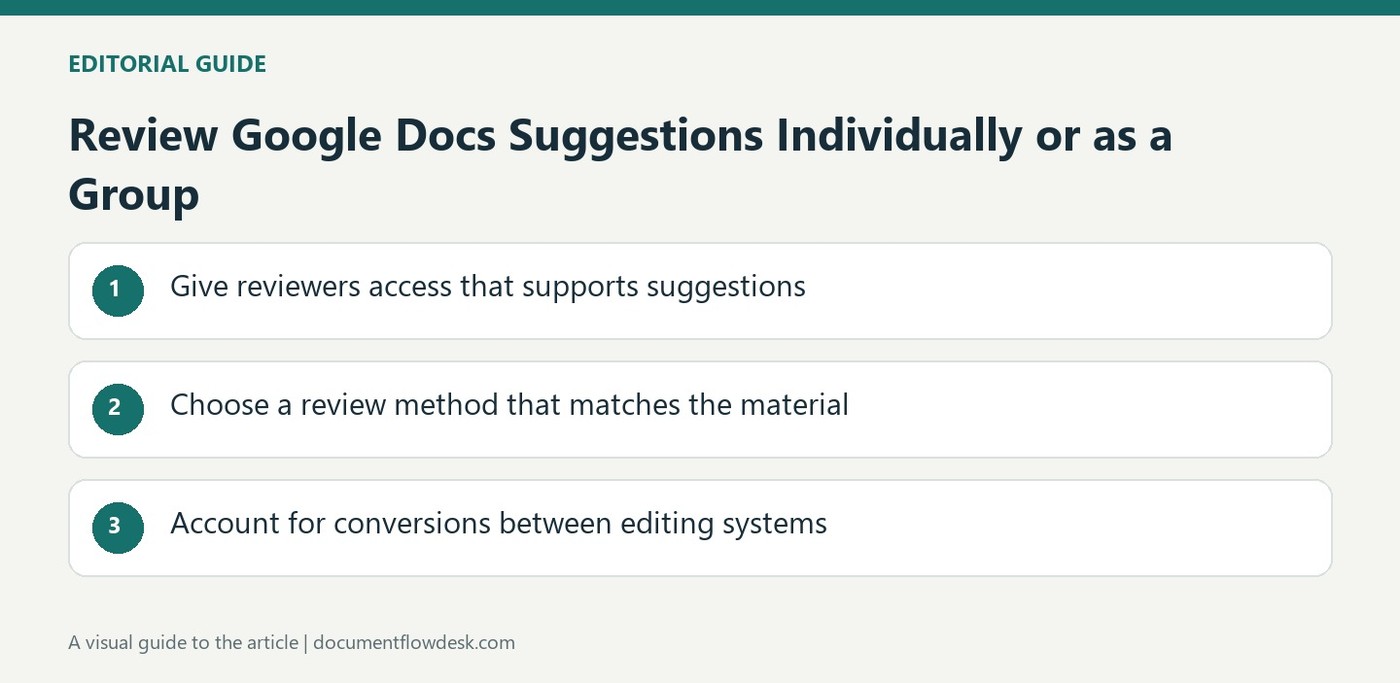
Give reviewers access that supports suggestions
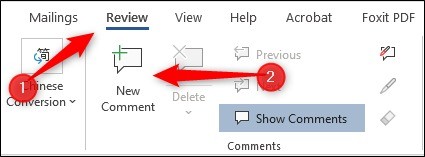
Google's instructions explain that people with commenter or editor permission can suggest changes. In the document, choose Suggesting through the mode menu or use the margin control beside selected text where available. If the relevant option is missing, request the needed access instead of assuming the document is ready for review. Proposed additions appear in a new color and proposed deletions are crossed out. Add a comment to explain a change that requires more context, keeping the reasoning associated with the exact revision the owner needs to consider.
Choose a review method that matches the material
Accept or reject suggestions individually when each change needs a separate judgment. The comments controls provide a way to locate the proposed edits. For a broader review, use the Tools menu's suggested-edit review command. The source describes previews showing the document with or without the proposed changes, followed by options to accept or reject all. A bulk action saves repeated clicks only when the reviewer has actually considered the complete set. Preview the resulting text first so a global decision does not conceal an unwanted deletion or a conflicting change.
Account for conversions between editing systems
The source explains that Microsoft Office tracked changes become suggestions when converted to Google Docs editors, and suggestions become tracked changes on conversion in the other direction. That relationship supports review across tools, but the converted document still deserves inspection. Check the affected passages and the state of outstanding revisions before treating an imported file as final. Keep proposed wording distinct from approved content throughout the process. Once the decisions are made, read the clean result to confirm that the accepted changes agree with the document's meaning and that rejected proposals have not left unresolved questions elsewhere.
Establish a shared understanding of the review state
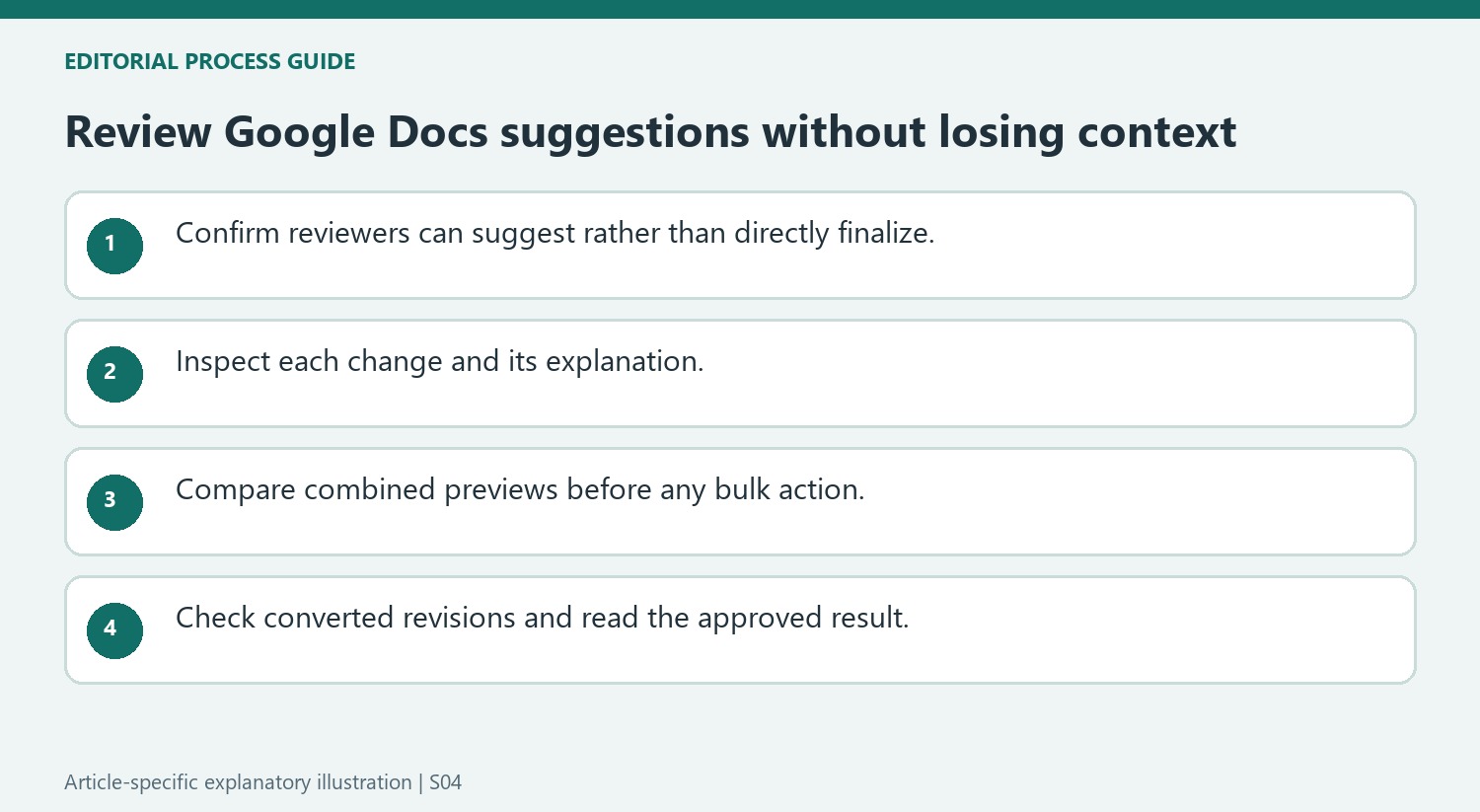
People with commenter or editor access can suggest changes in the described workflow. Confirm the actual mode and permission before asking collaborators to revise. A proposal is useful because it keeps a visible distinction between the original wording and a candidate replacement. Explain that distinction to reviewers so they do not mistake crossed-out text for an already approved deletion or an addition for a finalized statement.
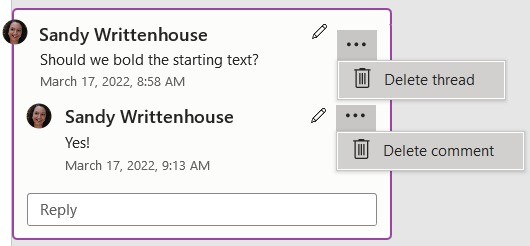
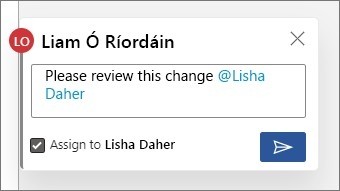
Attach a comment where a suggested edit needs context, particularly when a factual question or audience choice affects the decision. The comment should help the reviewer evaluate that proposal rather than supply information that belongs in the final document. When accepting the wording, check whether any necessary explanation also needs to be incorporated into the actual text.
Use bulk decisions only after inspecting the combined result
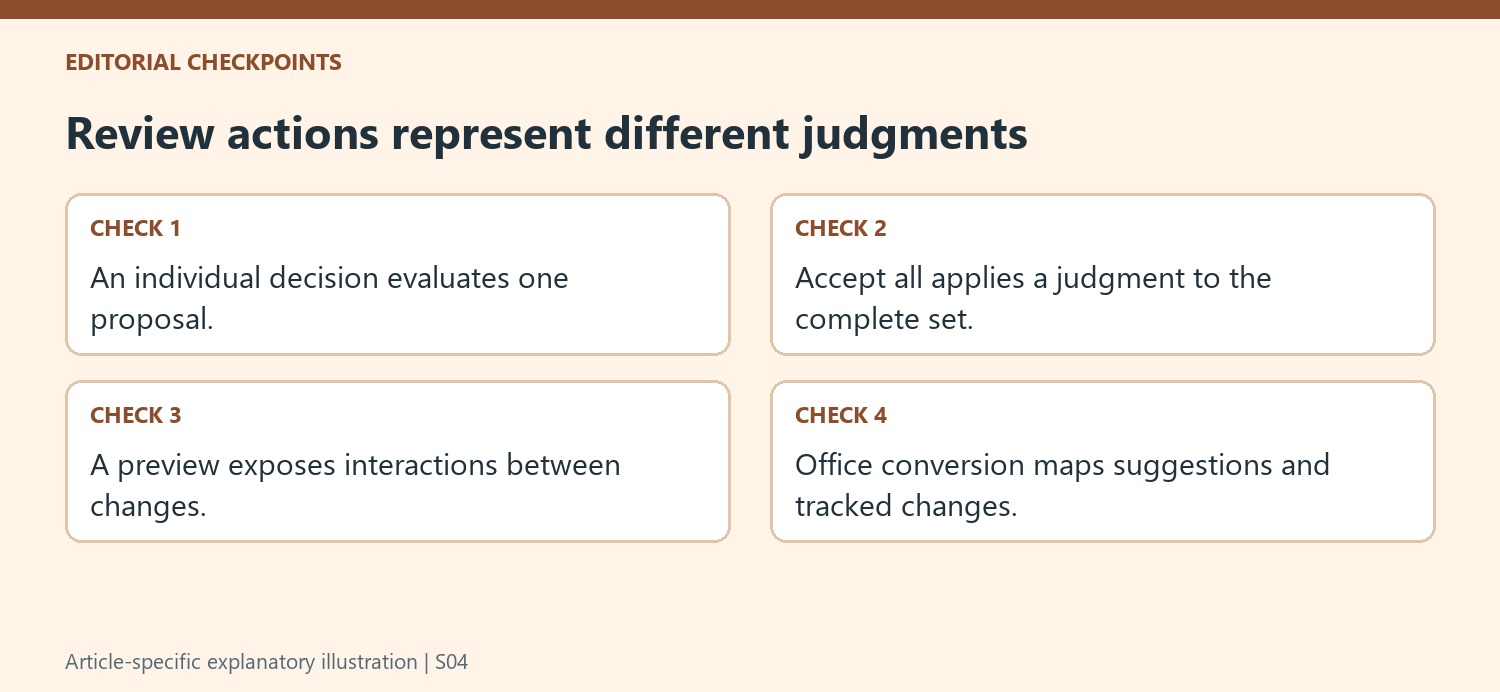
Individual acceptance or rejection is appropriate when revisions need separate judgments. The suggested-edit review command offers previews with and without changes and can support a broader decision. Compare those views carefully, especially where several edits touch the same sentence. A convenient Accept all control does not establish that every addition is accurate or that every deletion is intended.
Before a global action, look for suggestions that conflict, rely on unresolved comments or alter a definition used elsewhere. Review complete passages rather than treating the list of suggestions as independent fragments. If one item needs further discussion, resolve it separately or defer the bulk decision. The useful efficiency comes from applying an already considered judgment, not from replacing the review itself with one click.
Inspect revisions when moving between Office and Google Docs
The source describes tracked changes becoming suggestions on conversion to Google Docs and suggestions becoming tracked changes in the other direction. After conversion, inspect affected passages and outstanding decisions in the destination tool. Verify that the intended review state remains understandable, then read a clean preview of the proposed final wording. Once decisions are complete, check the document continuously for consistency. Cross-tool support helps collaboration, but the converted file still needs a deliberate handover so the next reviewer knows which wording is approved and which questions remain unresolved.
References
- Suggest edits in Google Docs. support.google.com.


Comments
0