 DocumentFlow Desk
Distinguish a multi-location item from independent duplicates
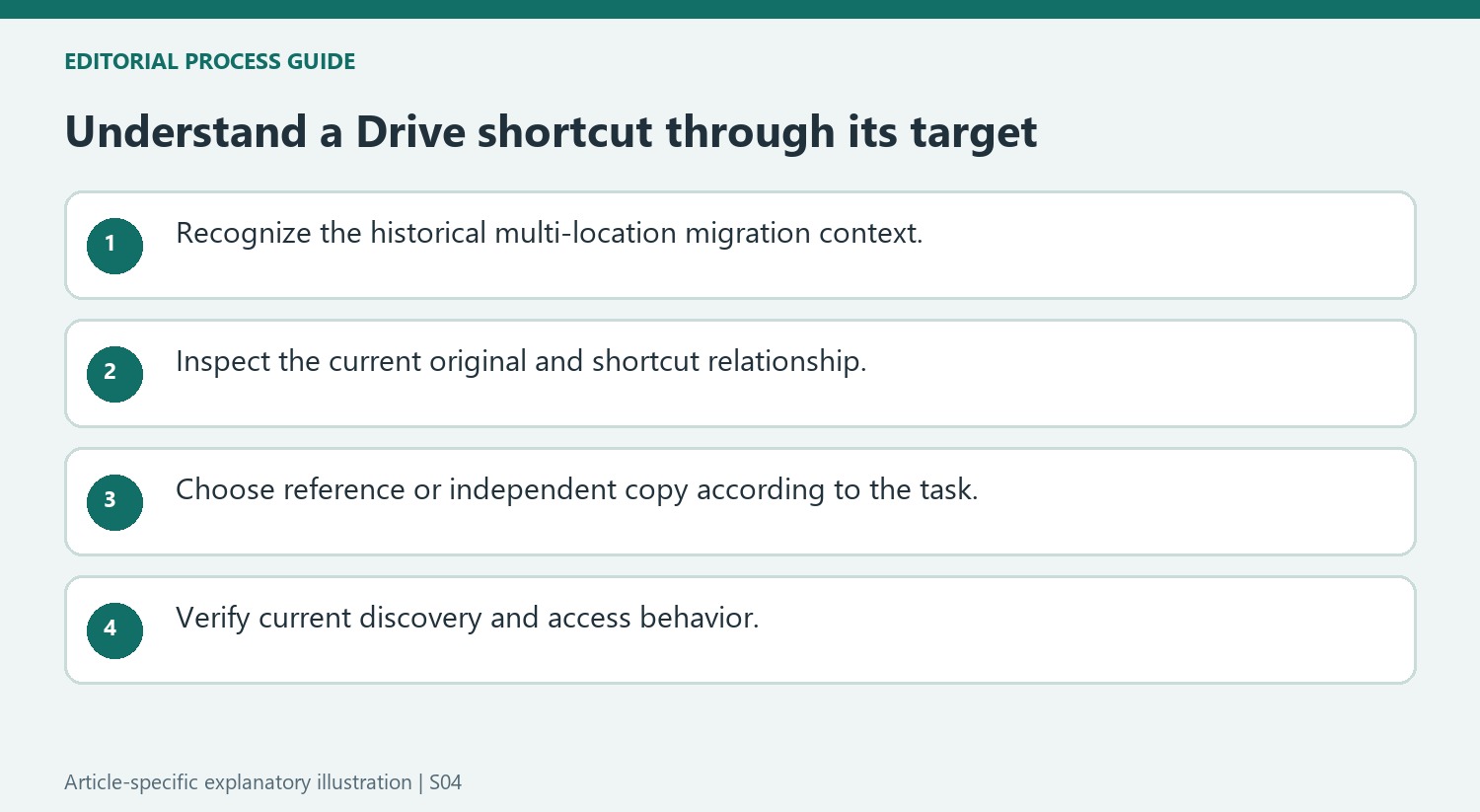
The report describes an older Drive model in which one file or folder could appear in several locations. Google's announced change kept the original in one place and replaced the other placements with shortcuts. This differs from discovering two independent documents that happen to contain the same information. The article's headline uses deletion loosely, so read the underlying behavior carefully. The documented goal was to simplify the location structure while retaining access through references, rather than instructing users to erase every separately copied file with a similar name.
Recognize what the announcement did and did not change
According to the report, the replacement decision considered ownership, access and activity, and the announced migration was automatic. The article stated that folder ownership and sharing settings would not be changed by the process. These statements describe the migration as reported at that time; they should not be interpreted as a new change beginning now. Check the current Drive interface and help material when investigating a present-day shortcut or access problem. A historical rollout schedule does not establish the current status of a particular account or explain every modern sharing configuration.
Use shortcuts as references with a clear target
The source gave an is:replaced search as a way to locate affected items after the described migration. Verify whether that historical search remains useful in the account being inspected. More generally, identify the original target when a file appears through a shortcut and confirm that its location and access fit the task. Moving the original and adding a reference elsewhere serve different purposes from making another independent working copy. Keep those distinctions clear when reorganizing Drive so a cleaner folder display does not accidentally create confusion about which document is authoritative or why a shortcut is present.
Read the announced change as a historical location-model transition
The report concerns a former Drive behavior where one item could appear in several locations. It describes replacing additional placements with shortcuts while retaining one original. That is different from detecting independent copied files with matching content. Do not use the headline as an instruction to delete every similarly named document in a present-day account.
The rollout timing and automatic behavior belong to the announcement's publication period. If investigating a current access or shortcut issue, check current help material and the actual item. A historical migration can explain the origin of a reference without proving the cause of every modern problem. Keep the announced intent separate from the present state of a particular collection.
Identify the original behind a shortcut before reorganizing
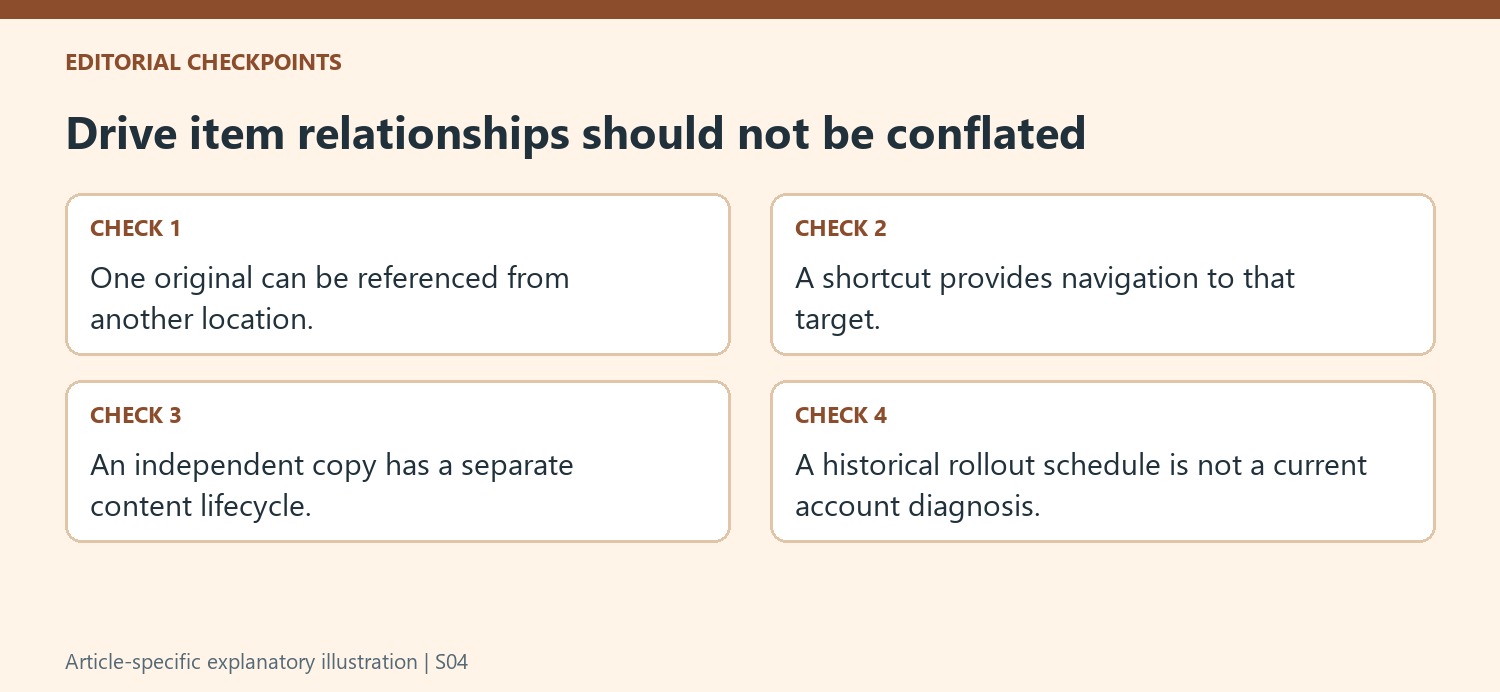
A shortcut provides another route to an existing target instead of creating a separately maintained working document. Inspect the target and its location when deciding which item is authoritative. A folder entry that looks convenient may still depend on access to an original elsewhere. Understand that relationship before moving or removing navigation elements during a cleanup.
An independent copy has a different lifecycle: changes to it need not update the original. Choose between a reference and a copy according to the task. If the same resource should be reachable from several project folders, a shortcut can avoid parallel editing copies. If a separate working branch is required, make that purpose explicit so collaborators do not assume the two documents remain one shared item.
Verify discovery and access through the current interface
The source offered an is:replaced search for affected items after the migration. Treat it as a historical troubleshooting example and verify whether it remains supported or useful in the current account. More broadly, inspect the target, location and permissions when a shortcut is unexpected or unusable. The announcement said ownership and sharing settings would be preserved during its described process, but current access can change for other reasons. A clear understanding of originals, references and independent copies helps maintain an organized Drive without turning an old migration story into an inaccurate explanation of every present-day file.
References
- Google Drive Will "Delete" Your Duplicate Files. How-To Geek; Suzanne Humphries.



Comments
0