 DocumentFlow Desk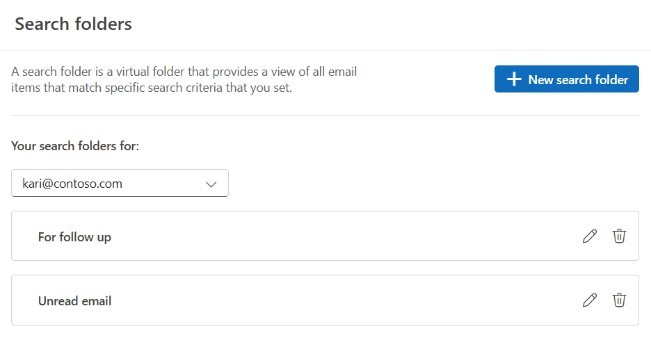
Choose criteria that reflect a repeated mailbox task
Microsoft describes Search Folders as virtual collections of items matching conditions such as unread status, flags, sender or size. They can help review related mail across its existing folders without physically reorganizing every message. Start with a question that recurs often enough to benefit from a saved view. Select the intended mailbox and folder scope, including subfolders only where useful. The source notes that a Search Folder does not combine results from multiple Outlook data files, so check the account and storage boundary before assuming that an empty result means no matching message exists anywhere.
Use the controls supported by the Outlook version
The guidance distinguishes predefined Search Folders in new Outlook from advanced custom criteria available in classic Outlook. Newer interfaces expose creation through the Search Folders area or mail settings, while classic Outlook uses the Folder tab and New Search Folder. Classic custom criteria can include message properties and more detailed conditions. Choose the instructions for the actual application rather than treating the product name alone as sufficient. Review the resulting messages to confirm that the criteria express the intended question, especially when keyword matching or a limited folder scope changes which items appear.
Distinguish removing the view from deleting the messages
Deleting a Search Folder removes the saved virtual view without deleting the mail displayed through it. Selecting messages inside that view and deleting them is a different action that affects the real items. Microsoft also warns that deleting an ordinary folder has different consequences from deleting a Search Folder. Check the selected object before confirming a cleanup action. Saved views can reduce navigation effort, but their convenience depends on understanding that they point to existing messages. Keep that relationship clear when reviewing, moving or removing items so a display-only change is not confused with a mailbox-content change.
Express one recurring mailbox question clearly
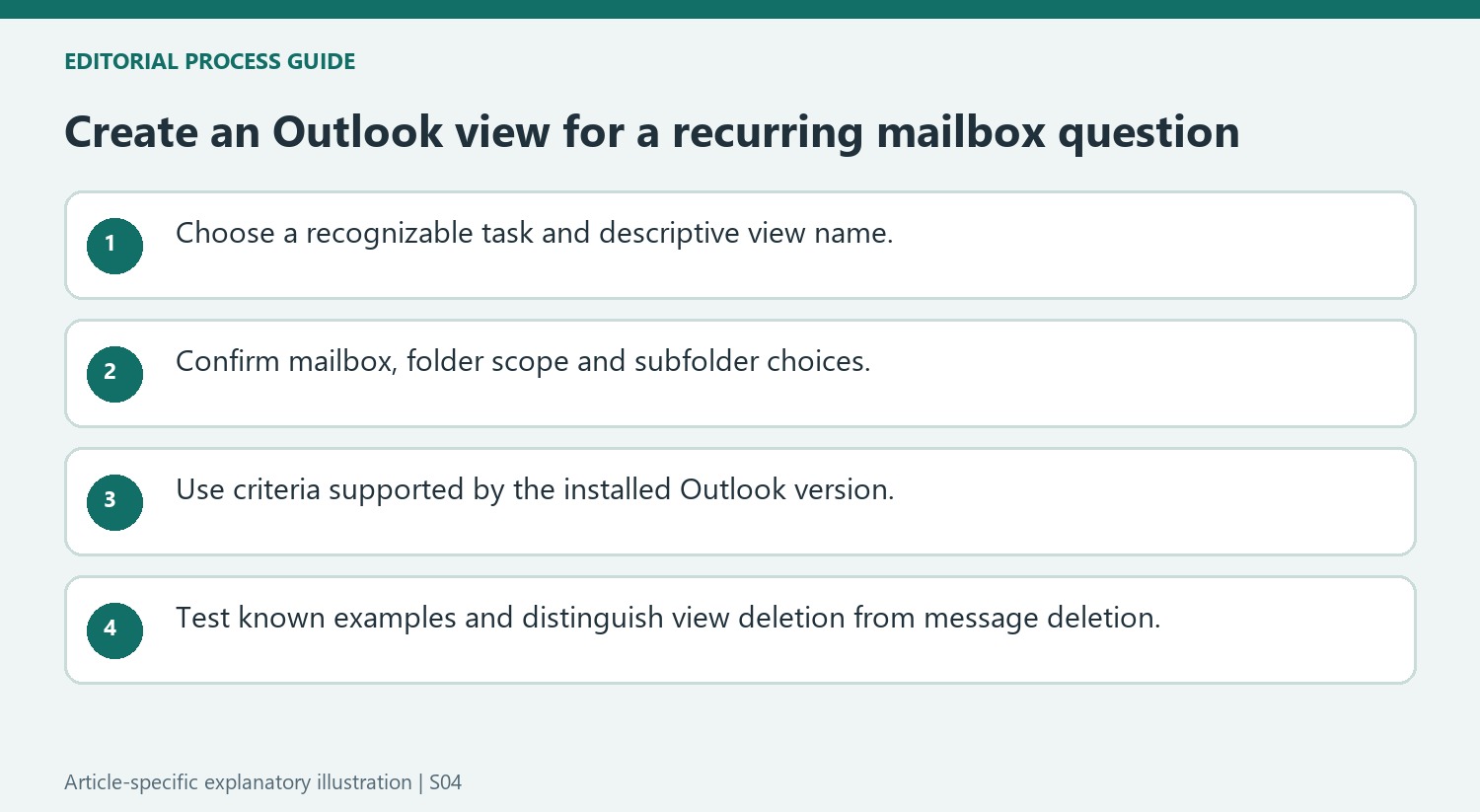
Choose a saved view for a task such as reviewing flagged work, locating large messages or checking unread correspondence. Give the view a name that describes the criteria so its meaning remains clear after the initial setup. A collection of saved searches is useful when each one answers a recognizable question; many vague, overlapping names can create another navigation problem.
Confirm the mailbox and folder scope before judging the results. The source notes that Search Folders cannot combine results across multiple Outlook data files. Optional folder restrictions and subfolder settings can narrow the view further. If a known message is missing, investigate those boundaries before assuming it was deleted or that the query searched every account configured in Outlook.
Check supported criteria and actual matching behavior
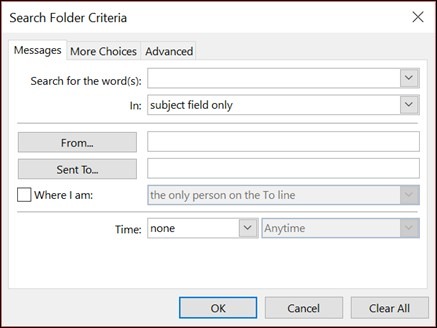
Use the guidance for the installed Outlook experience. The source distinguishes predefined choices in new Outlook from the advanced custom criteria available in classic Outlook. Classic customization exposes message properties, additional conditions and detailed field-based tests. Those controls describe the query; they do not physically move the matching mail into a new storage location.
Test the query with examples whose expected inclusion is known. Microsoft describes prefix matching for particular word criteria, illustrating that a term can match a longer word beginning with the same text without matching that sequence everywhere inside other words. Review borderline messages when the exact text rule matters. A short sample check can reveal an unintended criterion before the saved view becomes part of a daily review routine.
Keep view maintenance separate from message actions
A Search Folder points to existing items, so actions on a message inside it concern the real message. Deleting the saved folder itself removes the view, while selecting displayed messages and deleting them changes mailbox content. An ordinary physical folder has different deletion consequences again. Before confirming a cleanup, identify whether the selected object is the search definition, a set of messages or a regular folder. This distinction lets saved views reduce repeated searching while preserving a clear understanding of where mail actually resides and which actions alter it.
References
- Use Search Folders to find messages or other Outlook items. support.microsoft.com.






Comments
0