 DocumentFlow Desk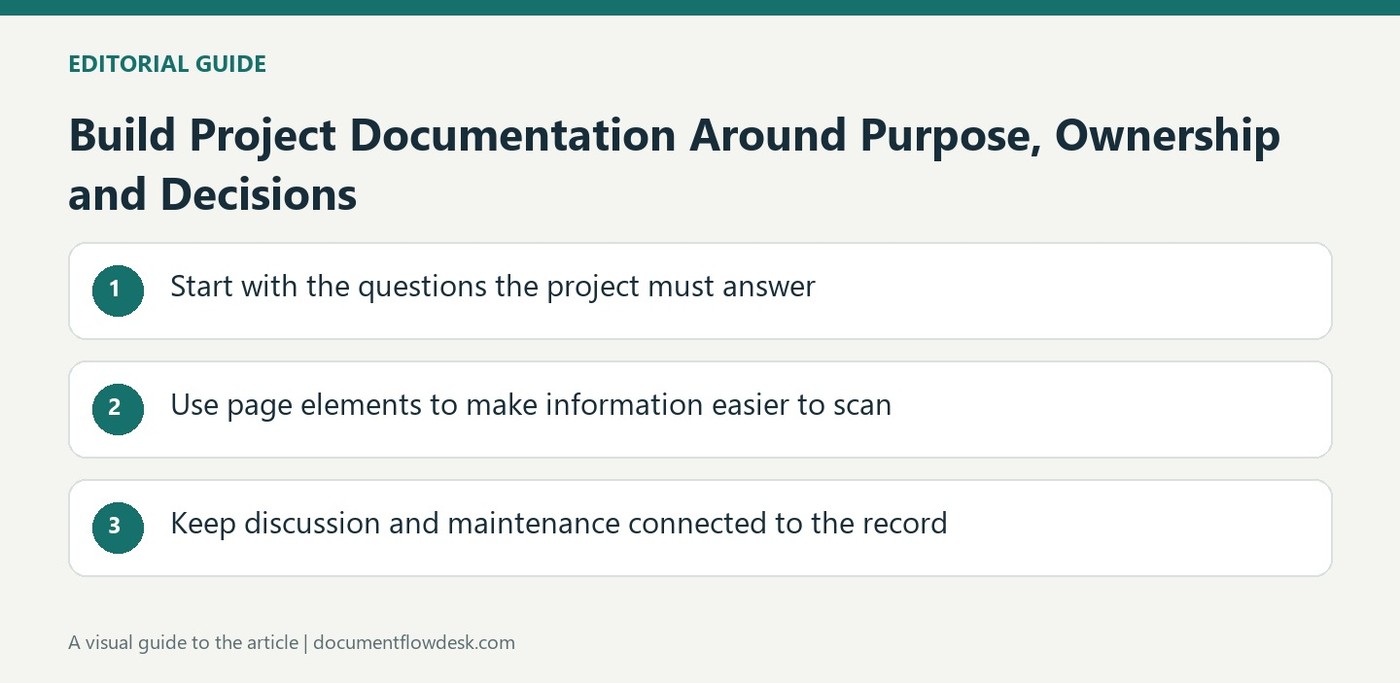
Start with the questions the project must answer
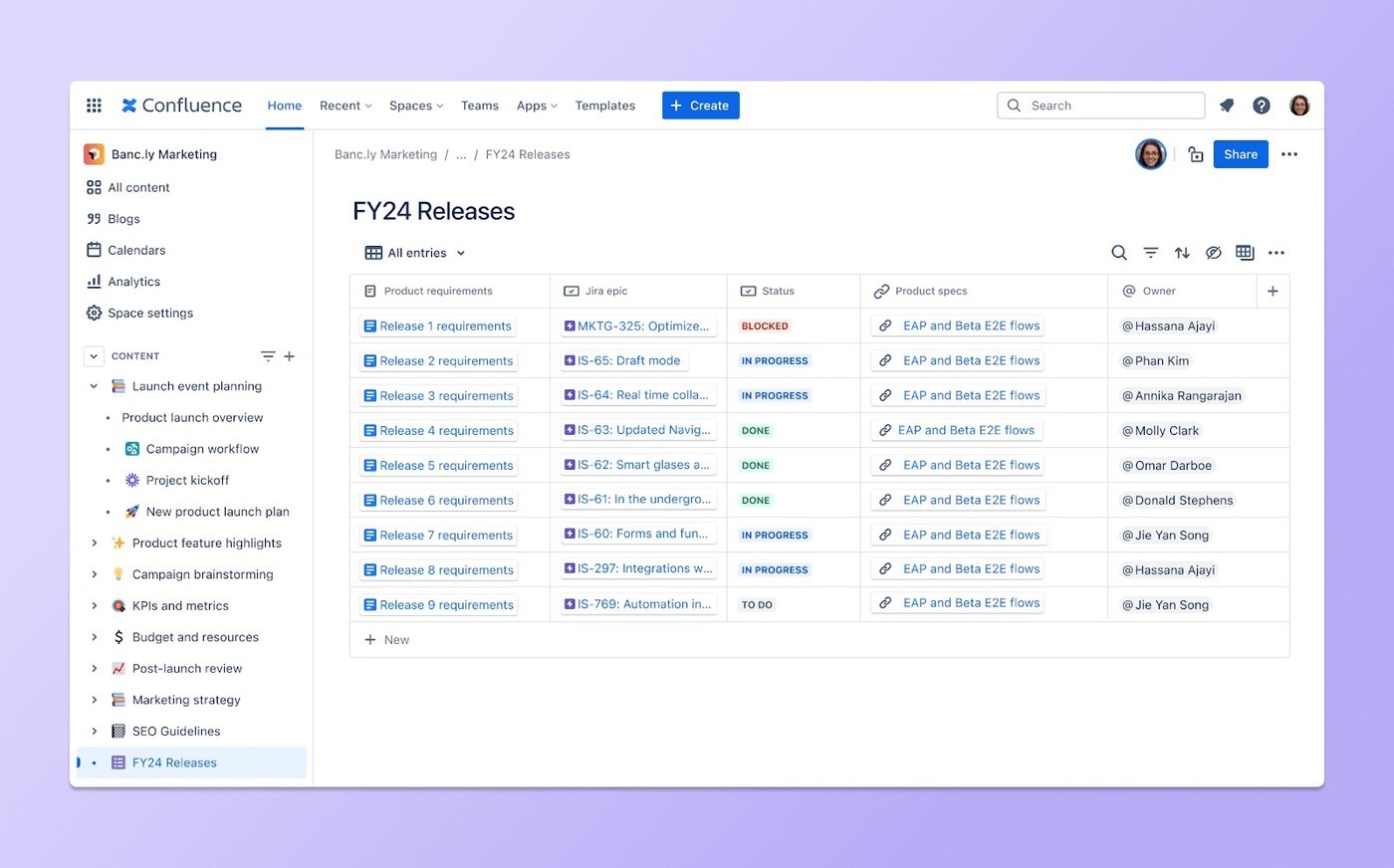
Atlassian recommends establishing a central documentation hub early rather than allowing important information to remain scattered across messages. Use suitable page and space templates for the roadmap, objectives, roles and strategic approach. Explain why the project exists, what it should accomplish and who is responsible for key work. Adapt the prompts to the actual initiative and remove sample wording. A collection of pages is not automatically a usable project record: readers need to recognize which information is current and where to find the decisions that affect their tasks.
Use page elements to make information easier to scan
The source describes headings, tables of contents, action items, dates, panels, dividers and expandable sections. Choose elements according to the information, such as a visible action for assigned follow-up or a panel for an important constraint. Code snippets can preserve technical formatting where relevant. Avoid using decorative structure to obscure missing requirements. Keep the essential project purpose, timing and ownership easy to see, and place supporting detail where readers can reach it without losing the main thread. The aim is a clear document, not the maximum number of available page features.
Keep discussion and maintenance connected to the record
Shared editing and comments can keep questions beside the information they concern. Record confirmed decisions clearly so they are not buried among unresolved suggestions. Review pages as the project changes and make important updates visible to the people affected. The source presents Confluence as the supporting product, but the practical result depends on maintaining accurate content and appropriate access. At project review or handover, preserve enough history and context to explain what happened. Useful documentation supports the next person's work instead of merely recording that a template was created at the beginning of the project.
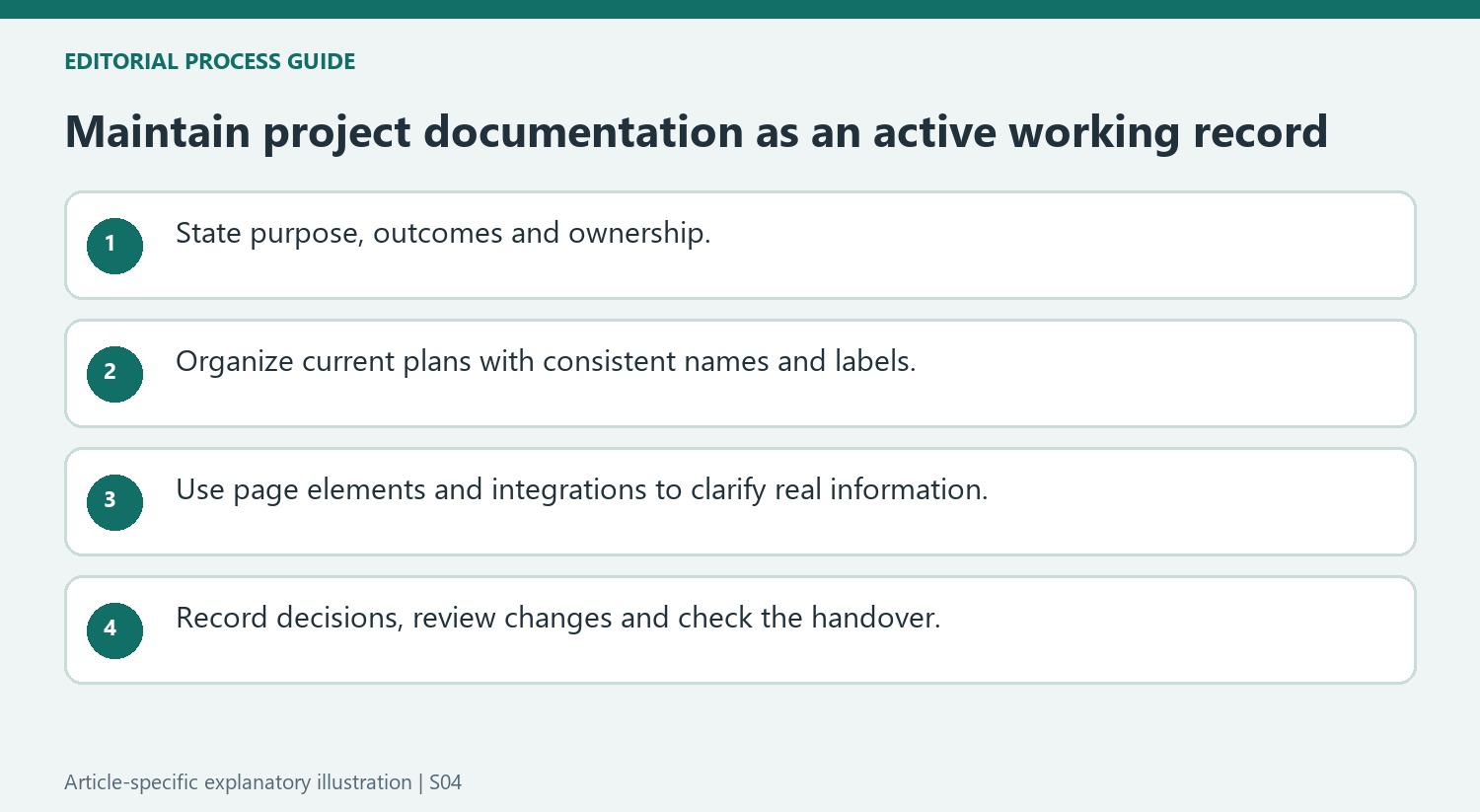
Give the documentation hub a clear purpose and owner
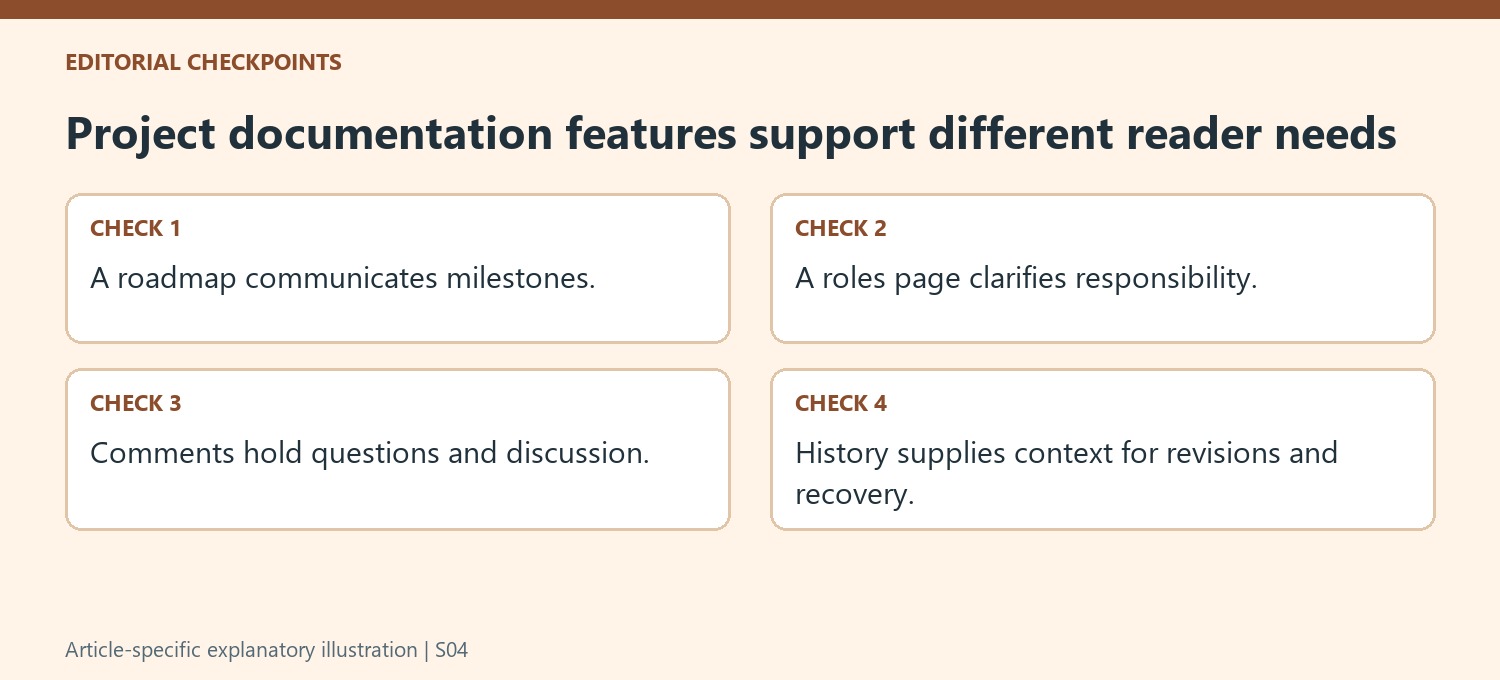
Start with the project's reason for existing, the outcomes it should produce and the people responsible for important work. Choose space and page templates that help express those facts, then replace their example wording. A roadmap can show milestone timing, while a roles page clarifies responsibility. Keep the relationship between those records easy to follow so readers do not find conflicting accounts of the same commitment.
Maintain consistent names, labels and descriptions as pages accumulate. A central workspace can still become confusing when old drafts and current instructions look equally authoritative. Identify the person responsible for updates and review the structure as the project changes. Documentation should help the next contributor locate a useful answer rather than merely demonstrate that many pages have been created.
Choose page elements according to the information they clarify
Headings and a table of contents support navigation, while panels can call attention to a significant constraint or note. Action items and dates make follow-up visible when their wording identifies a real owner and commitment. Code blocks preserve technical formatting where relevant. Use these features deliberately rather than adding every available element to a page that still lacks clear objectives or requirements.
Expandable detail can keep supporting information available without overwhelming the main account. Do not hide a decision-critical limitation where readers are unlikely to notice it. Embedded Jira material can connect progress with the documentation, but verify the current integration and access. A visually polished timeline is useful only when its source data and explanation accurately represent the project's actual state.
Keep decisions and history connected to the current record
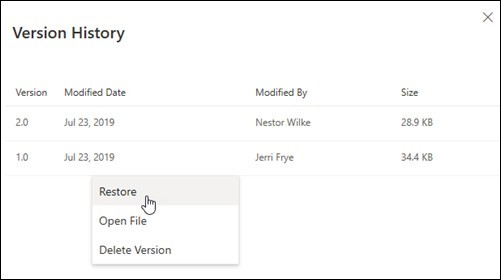
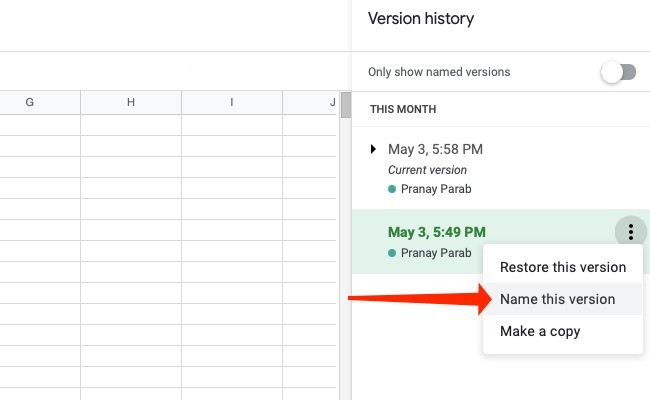
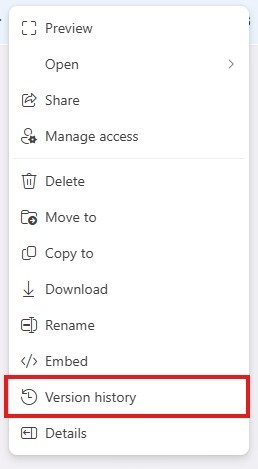
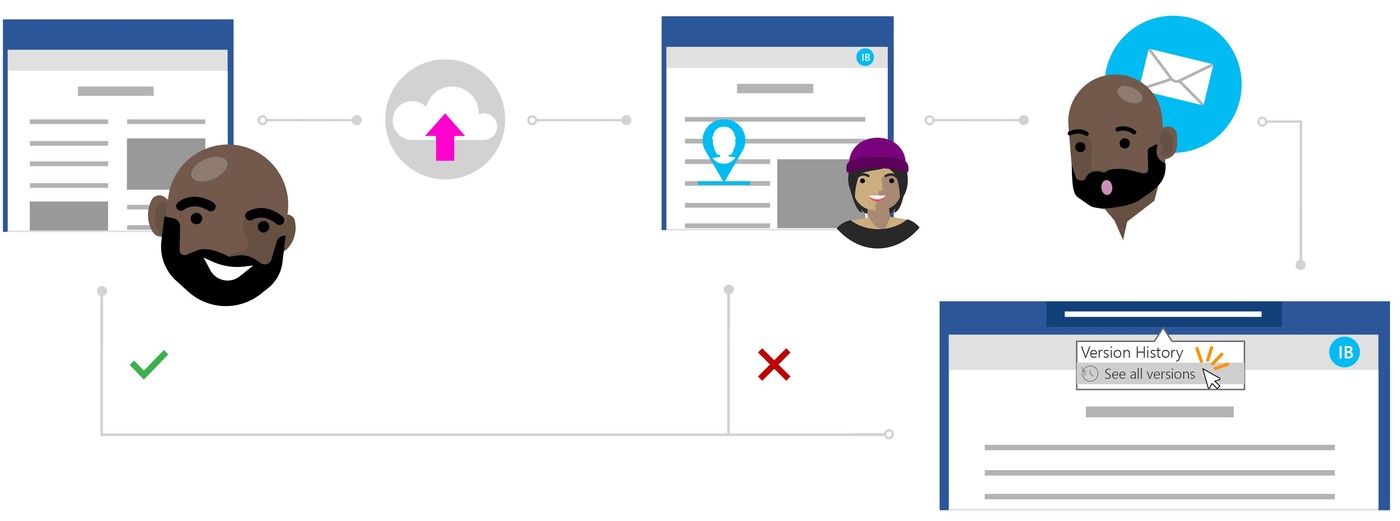
Use comments for questions and discussion, then state confirmed outcomes clearly in the relevant page. Retain meaningful revision context so a later reader understands why the plan changed. Page history can help compare or recover content, but restoring an older state needs review of the whole page and newer work. At handover, check access, current status and outstanding actions. Useful documentation supports ongoing execution and later reflection because it explains what was intended, what changed and who should act next, not simply because it lives in a shared product.




Comments
0