 DocumentFlow Desk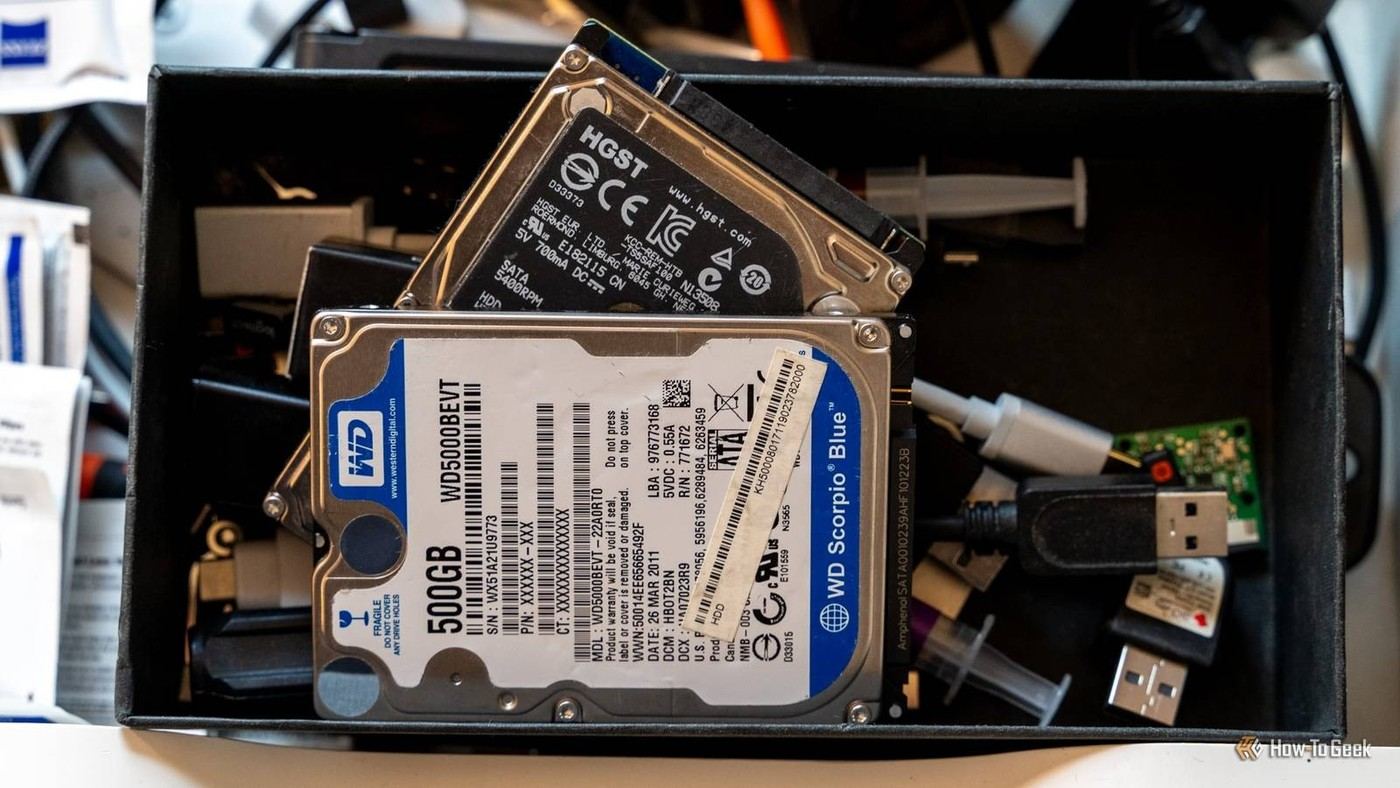
Choose files for long-term value rather than daily speed
The author describes repurposing an older hard drive for material that matters but is opened infrequently. Examples include photographs, old correspondence, scanned documents and earlier writing. This separates archival material from the faster storage used for current work. The account is a personal workflow rather than evidence that every old drive is reliable or suitable for reuse. Consider the drive's condition and the importance of the files before making it part of an archive. Slow access may be acceptable for occasional retrieval, but loss of an irreplaceable file is not made acceptable by its infrequent use.
Create an archive that can be searched later
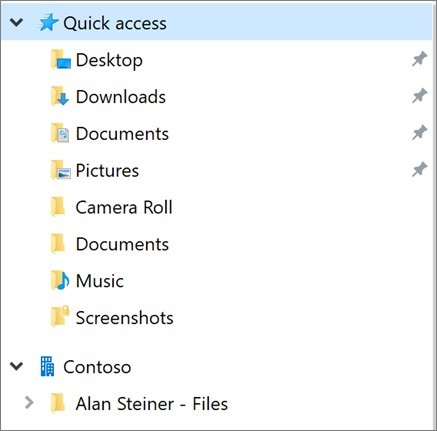
The source recommends broad top-level folders followed by meaningful divisions such as type, device or year. Select what belongs in the archive rather than moving every random download into it. Keep names and categories understandable enough that a file can be found after the immediate context has been forgotten. An archive should preserve useful material without becoming a second unreviewed dumping ground. Review the organization while moving the files, because a large transfer alone does not establish that the collection is complete, readable or easy to navigate.
Maintain other copies and periodically check retrieval
The author explicitly distinguishes this archive from a complete backup strategy. The source recommends additional copies in separate locations and periodic checks of actual files, not just whether the drive appears in the system. Keep an older archive drive from becoming the only surviving home of important material. Check representative files after copying and during later reviews so problems can be noticed while another usable copy remains available. The practical benefit is a clearer division between active and archival storage, supported by redundancy, rather than misplaced confidence in a single disconnected device.
Select archival material by value and access pattern
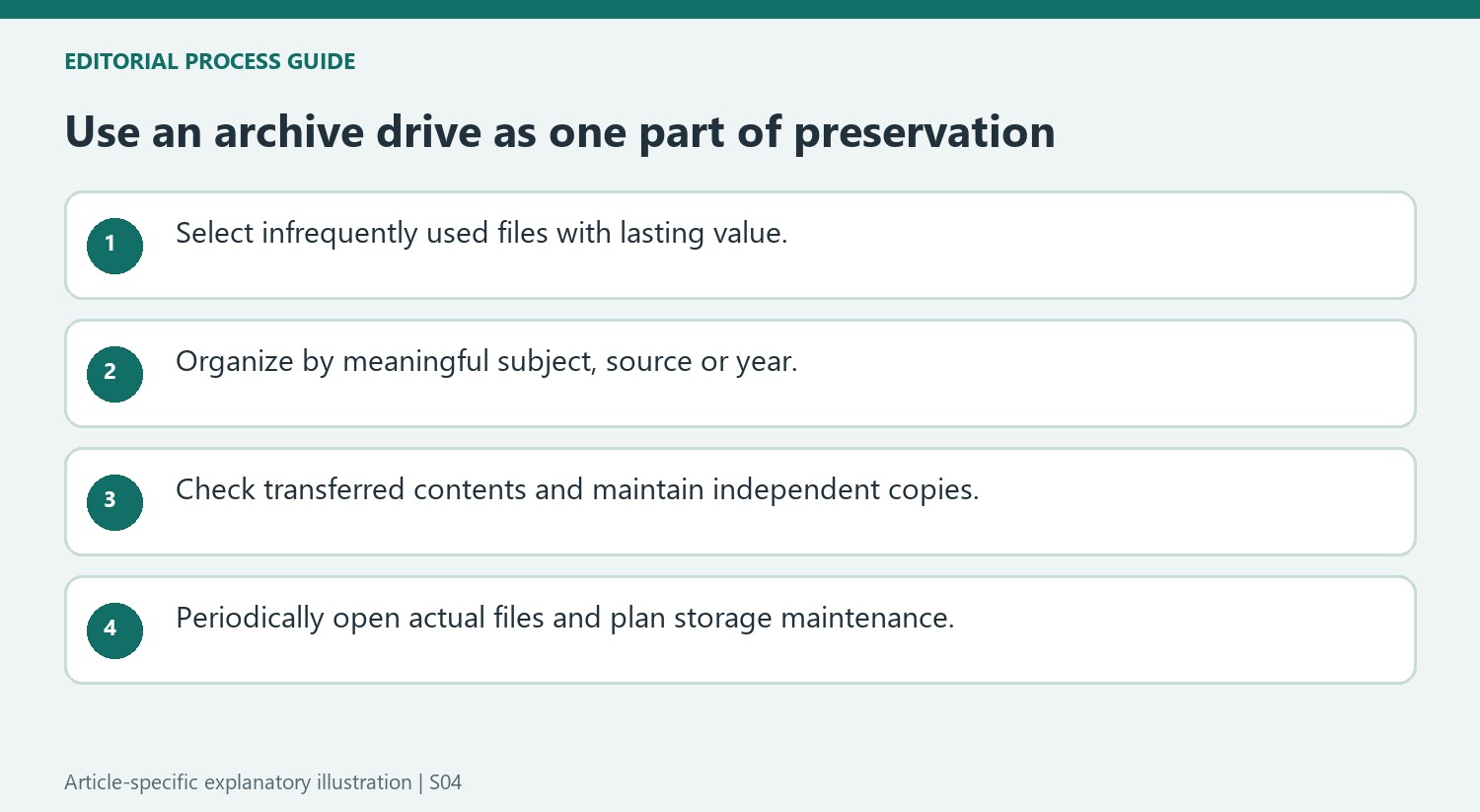
The author's digital attic holds material that is rarely opened but would be painful to lose. That can include personal recordings, correspondence and old work as well as photographs. Decide what belongs there according to lasting value, not merely because it occupies space on a faster drive. Frequently used files should remain in a workflow suited to regular access rather than being made inconvenient for the sake of tidiness.
The account describes one person's reuse of existing hardware. It is not evidence that every aging drive is healthy or suitable for important storage. Consider the condition of the actual device and maintain other usable copies. The fact that an archive is opened infrequently changes performance needs; it does not reduce the consequences if the only surviving copy becomes unreadable.
Build enough context to find a file years later
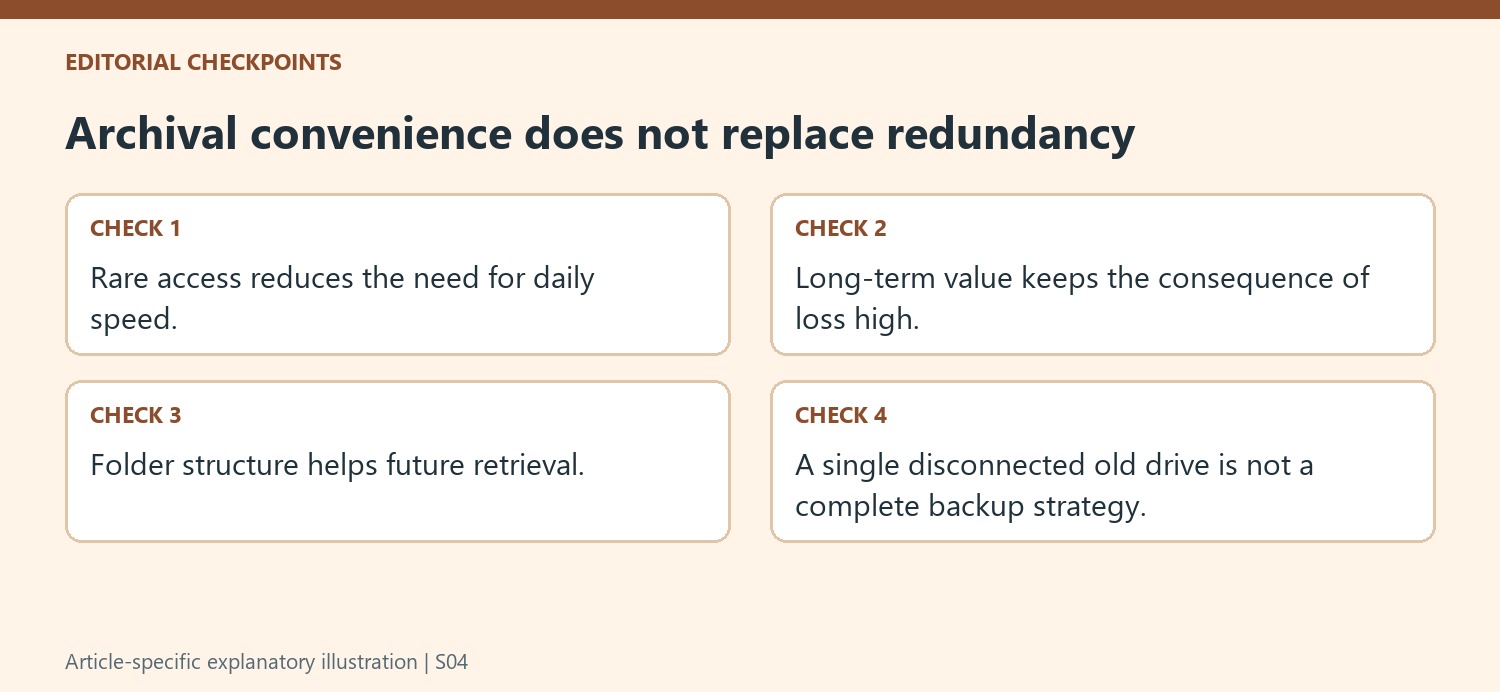
Use broad categories, then meaningful divisions by year, source device or subject where they help retrieval. Names should remain understandable after the immediate memory of a trip, project or old computer has faded. Keep distinct collections recognizable instead of merging everything into one enormous folder. The work of selecting and labeling material is part of creating the archive, not an optional polish after a bulk transfer.
Inspect representative files after copying and verify that the transferred collection contains what was intended. A completed transfer dialog does not establish that the source selection was complete or that every file is usable. Keep the original material until the result and additional copies have been checked. An archive should provide a clear home for valued content rather than becoming another place where unsorted downloads disappear.
Check the files as well as the device over time
The source recommends periodic checks and additional copies in separate locations. Confirm that actual photos, documents and recordings can still be opened, rather than only checking whether the drive appears in the system. A disconnected device should not be assumed to preserve data indefinitely without attention. Keep a recovery route available while reviewing and migrating storage. The useful outcome is an organized division between active and archival material, supported by independent copies and deliberate retrieval checks, so an old hard drive is one component of preservation rather than the entire plan.
References
- I turned an old HDD into cold storage for files that matter, and it changed how I organize everything. How-To Geek; Monica J White.



Comments
0