 DocumentFlow Desk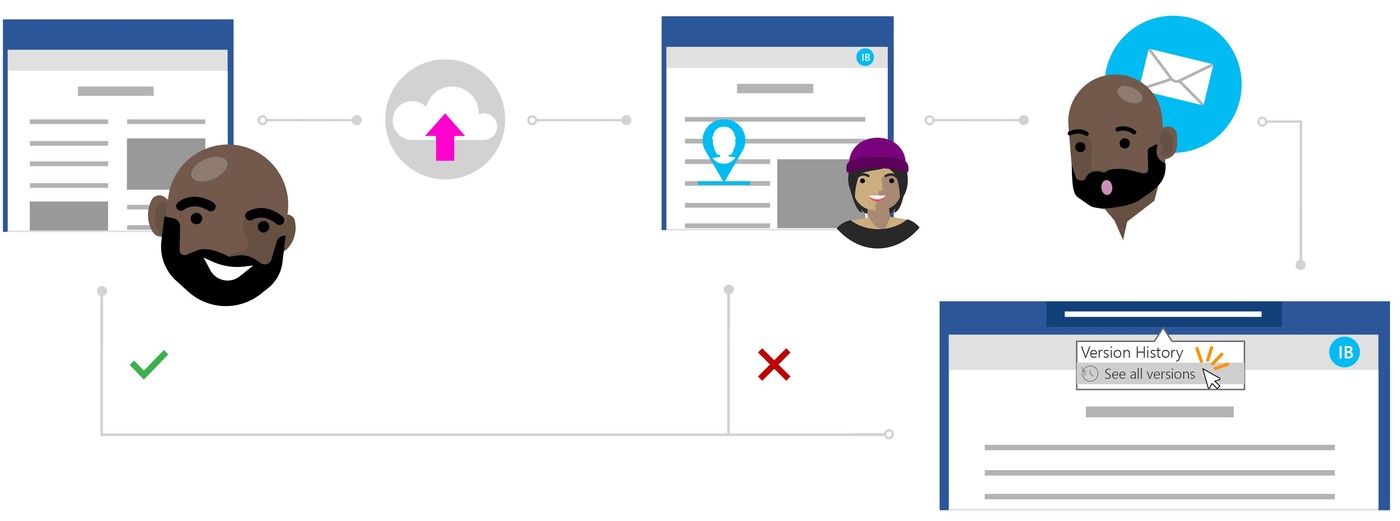
Open the correct stored file and inspect its history
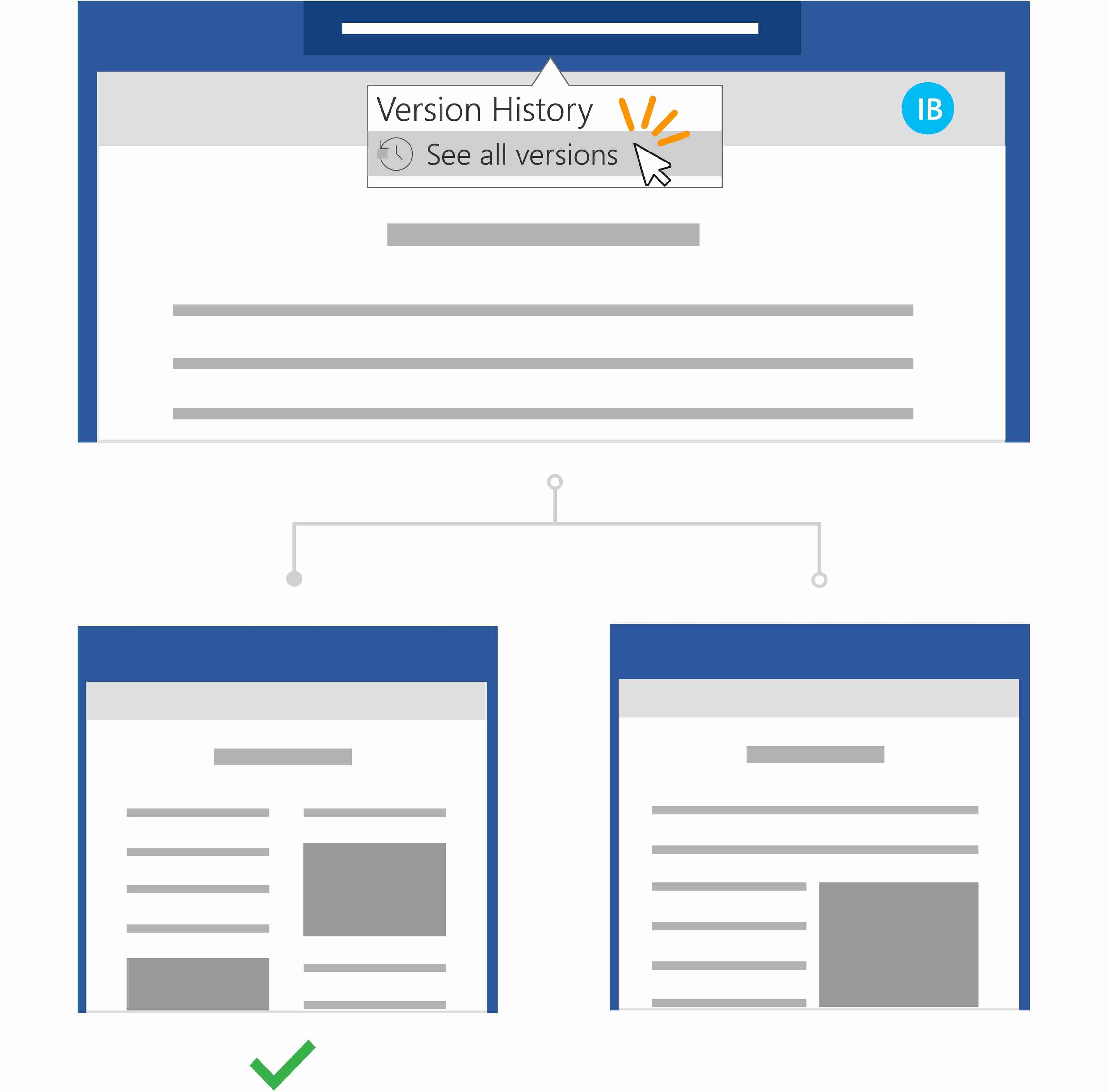
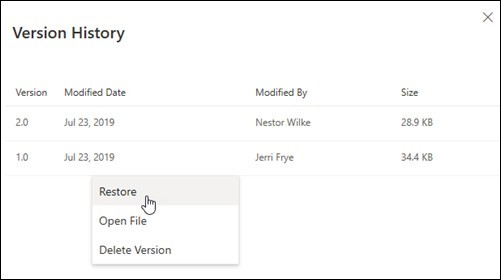
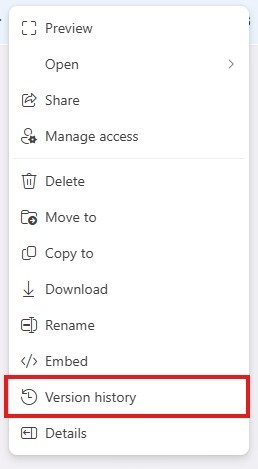
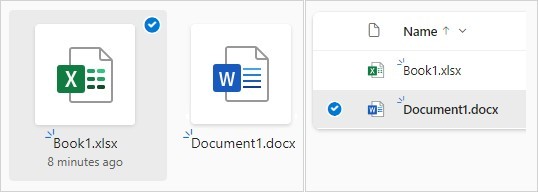
Microsoft's guidance applies to a file stored in OneDrive or a SharePoint Online library. Open the document and use the available Version History entry, which the source locates through File and Info or the document title controls. Confirm that the history belongs to the active shared file rather than a downloaded copy. The purpose is to locate a state before the unwanted changes were made. AutoSave can preserve edits promptly, but that does not mean those edits match the owner's intention or eliminate the need for a recovery decision.
Compare the earlier state with the current content
Select a previous version to view it before restoring. Check the important passages and the timing of other contributions so the selected state is not older than necessary. The source illustrates a misunderstanding in which a colleague rewrote text when the owner wanted feedback instead. Its example suggests comparing the versions and converting useful observations into comments. Treat that story as an illustration of the workflow rather than a real case study to repeat as evidence. The practical lesson is to distinguish recovering the text from discarding every useful idea generated during the mistaken edit.
Restore deliberately and clarify the next review step
Choose Restore when the selected state is the appropriate basis for continued work, then inspect the resulting current document. Coordinate with collaborators if they are still editing so the recovery does not become another source of confusion. Explain whether further input should be direct editing, tracked changes or comments. Version history addresses the saved state of the file, while clear collaboration expectations address the misunderstanding that caused the problem. A successful recovery therefore includes both checking the restored content and establishing how the next round of feedback should be recorded.
Separate the recovery question from the collaboration disagreement
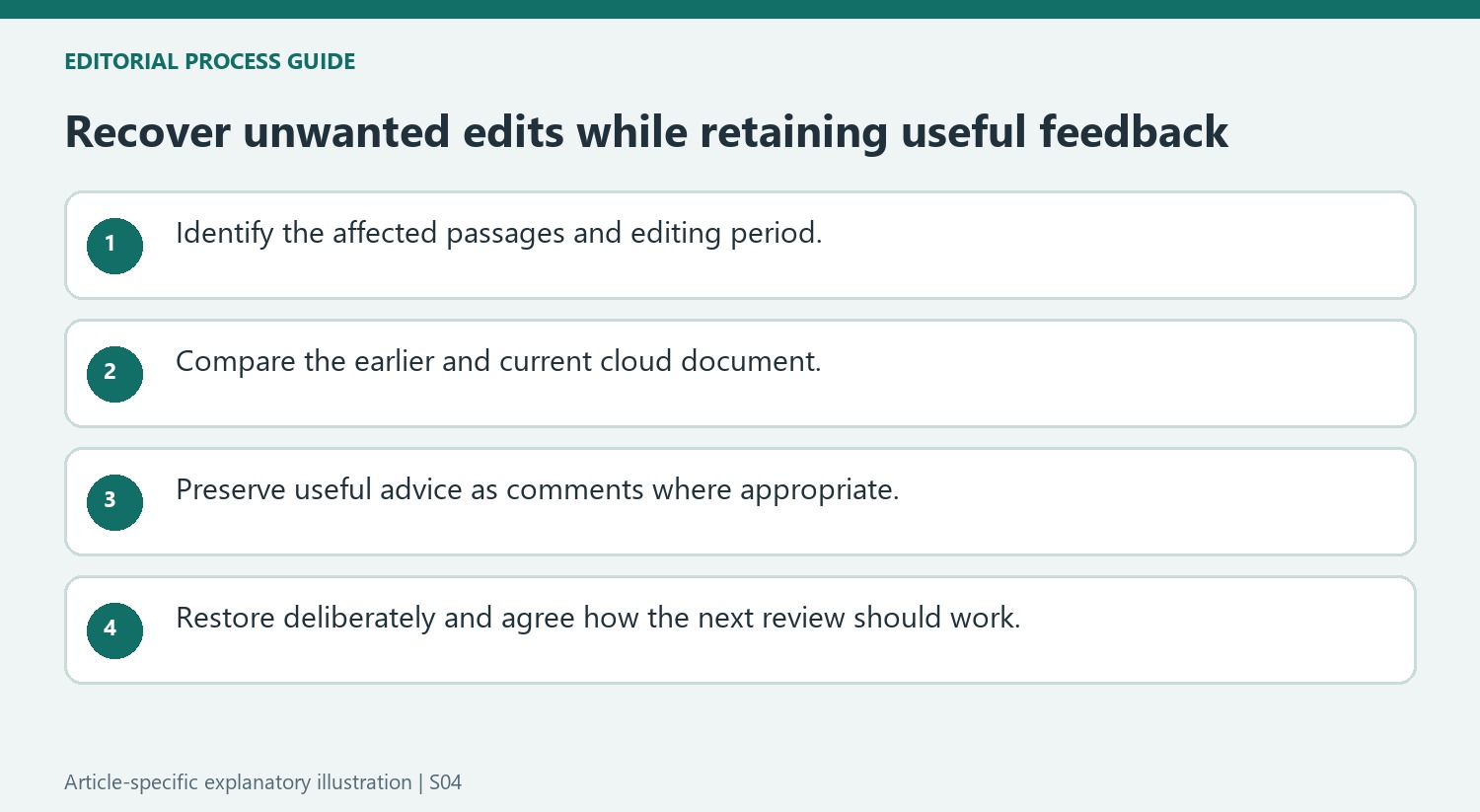
Determine what needs recovering before choosing an earlier state. An unwanted introduction rewrite may be only one part of a document that also received useful changes elsewhere. Identify the affected passages and the approximate editing period. This gives the version panel a concrete purpose and reduces the temptation to restore the first older entry that appears familiar.
The source uses a fictional collaboration example to explain why history matters when AutoSave quickly preserves edits. Treat that example as a workflow illustration rather than evidence about a real research project. Its practical lesson is that a saved change can still conflict with the owner’s intention, and that recovery benefits from understanding what each participant believed they were being asked to do.
Compare useful information before replacing the current state
Open the earlier version and examine it against the present document. Record useful observations from the changed version before restoring if they would otherwise be difficult to reconstruct. A comment can preserve an editorial suggestion without making that suggestion part of the accepted wording. This is especially useful where the disagreement concerns whether feedback should have been advisory or applied directly.
Check the identity of the active cloud file and coordinate with anyone still editing it. A downloaded copy with a similar name is not necessarily the same working item. Restoring a full document can affect sections beyond the original problem, so account for later legitimate work as well as the unwanted edits. The available version is a candidate state to inspect, not an automatic judgment that everything in it is preferable.
Reestablish an understandable working agreement
After restoration, reopen the document and check the disputed passages together with important surrounding material. Confirm how collaborators should contribute next: comments for advice, direct edits for agreed changes, or tracked revisions where that review process fits. The source’s example ends by converting feedback into comments, illustrating how recovery and communication can work together. Version history helps retrieve a past state; clear expectations help the team use the restored document productively without repeating the same confusion during the next review.
References
- Restore a previous version of a file without unwanted changes. support.microsoft.com.




Comments
0