 DocumentFlow Desk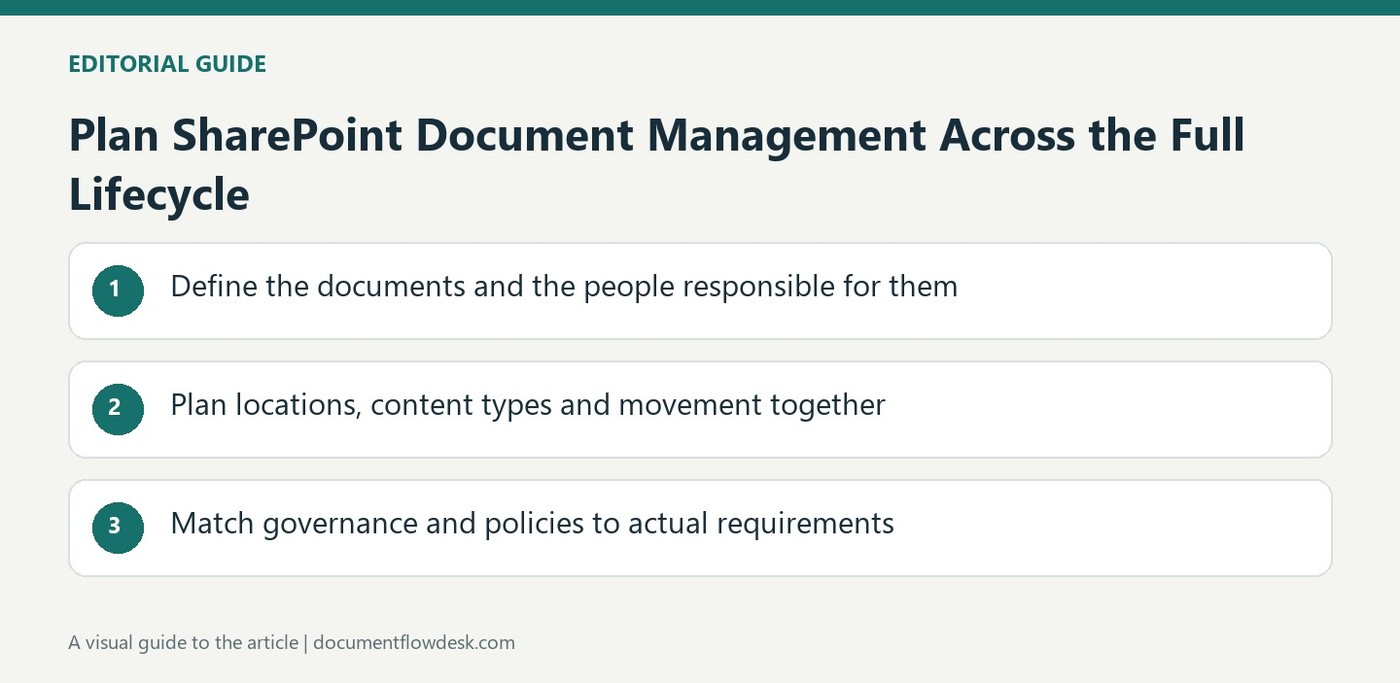
Define the documents and the people responsible for them
Microsoft's overview is written for older SharePoint Server planning contexts, so its feature names need interpretation for the actual deployment. Its central planning principle remains a document lifecycle: creation, review, publication and eventual retention or disposal. Identify the people involved and the kinds of documents they use before designing libraries or workflows. Determine which templates and metadata each document type needs. A highly controlled process may fit some records, while ordinary collaborative material may need a lighter structure that does not obstruct day-to-day work.
Plan locations, content types and movement together
Choose how sites, libraries, folders and content types will organize the material. Consider whether a document remains in one place or moves between locations as its status changes. Content types can connect common metadata, templates and workflow requirements where the environment supports them. Define who may view, add, edit or approve content at each stage. The source recommends analyzing use rather than simply reproducing a file-server hierarchy. A location should communicate purpose and access expectations, while the metadata should help retrieve and manage the document beyond its folder name.
Match governance and policies to actual requirements
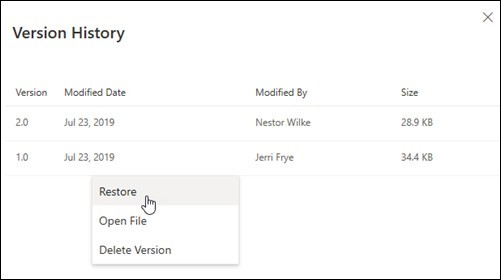
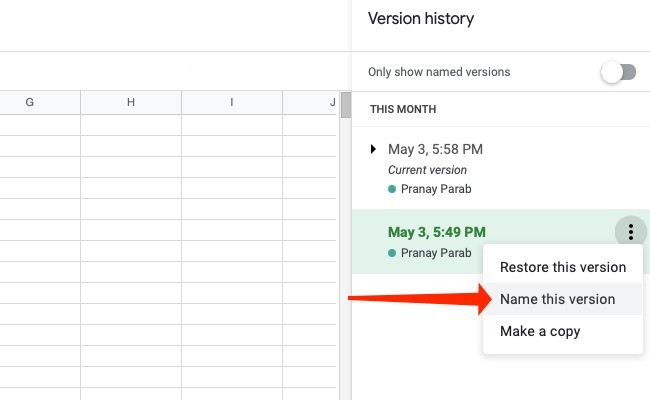
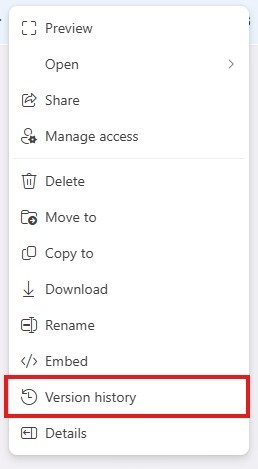
Plan the appropriate use of versioning, approval, checkout, audit and retention features, checking availability in the deployed product. The source distinguishes policy capabilities across its referenced editions, so do not assume every listed feature exists in every current or historical installation. Connect retention and disposal rules to the organization's legal and operational requirements, especially for corporate records. Test the process with real document tasks and stakeholder feedback. A useful document-management system applies the needed control while remaining understandable enough that people can follow it without creating parallel, unmanaged copies to complete routine work.
Begin with actual document journeys and responsible people
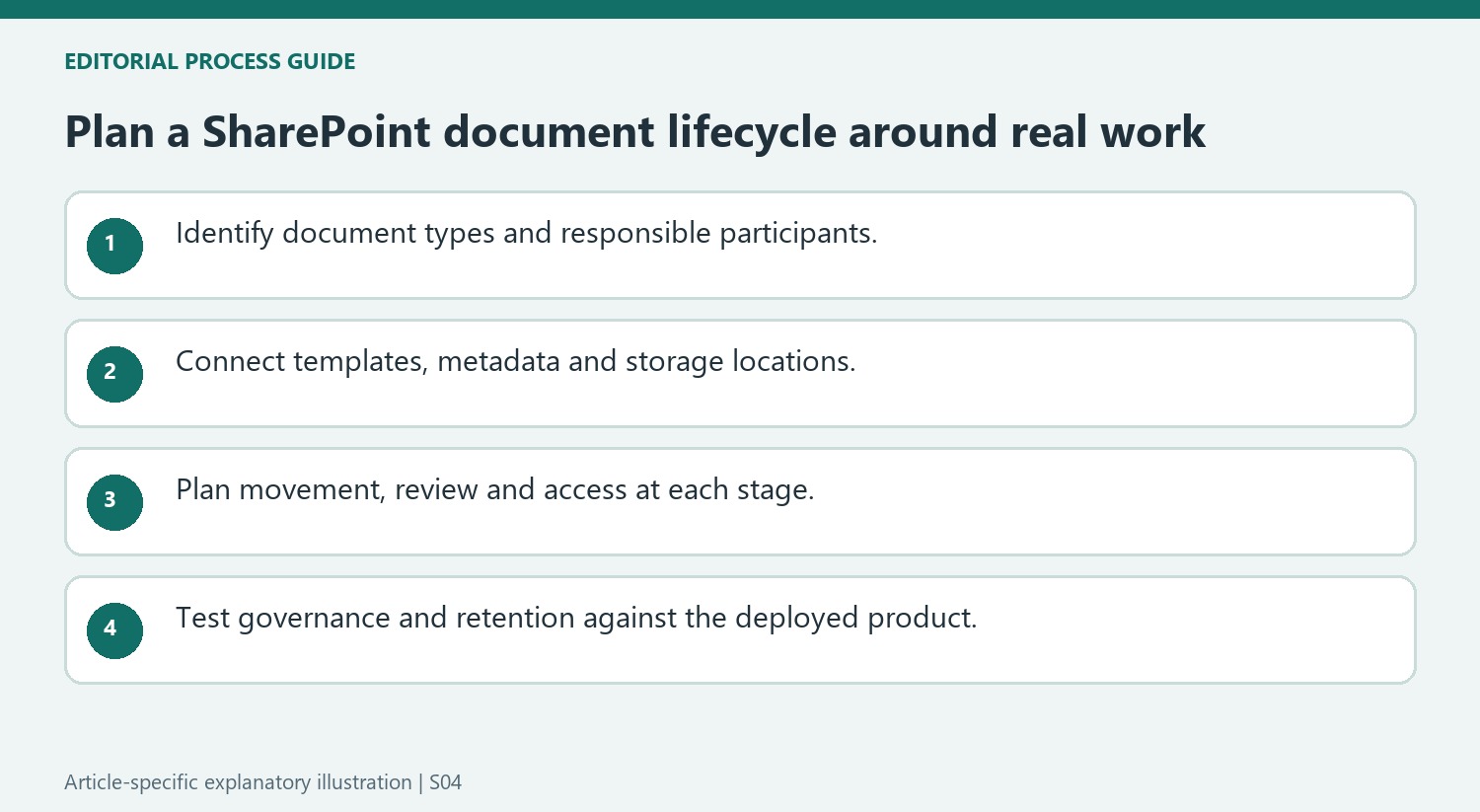
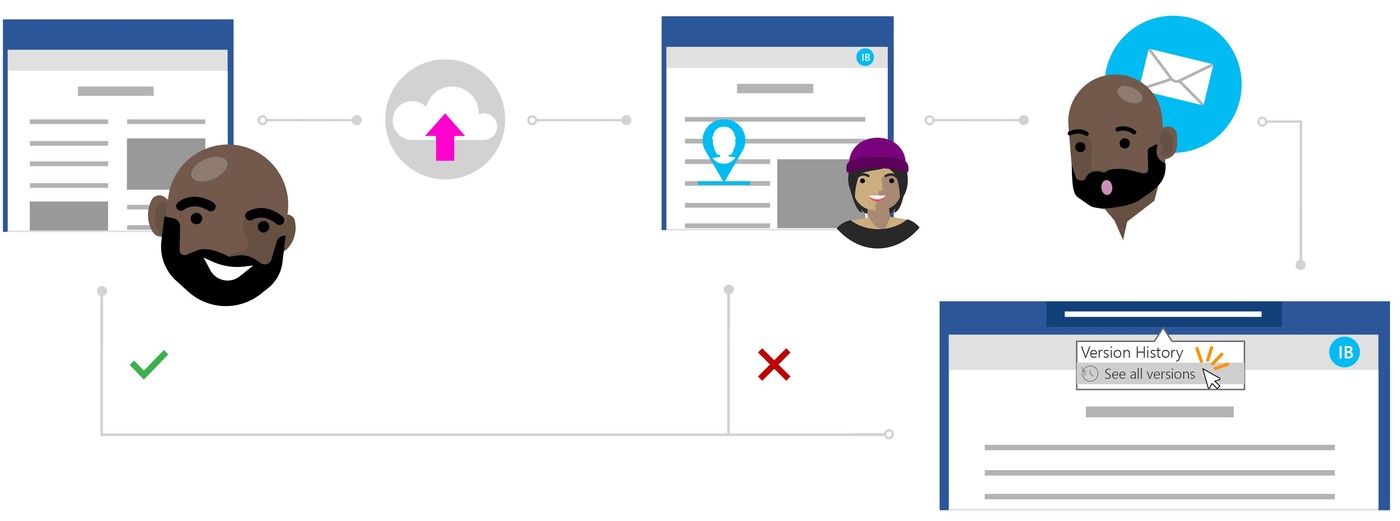
Ask stakeholders to describe how representative documents begin, change hands and reach their final destination. Identify authors, reviewers, approvers and the people who later retrieve the result. This makes the planning exercise concrete: a library arrangement should support those real tasks, rather than merely reproduce a hierarchy that looked convenient when a file server was first established.
Choose examples from document types with different control needs. An informal working note and a corporate record may require different templates, access and retention decisions. The source emphasizes flexibility according to organizational culture and goals, so a single rigid process should not be assumed suitable for everything. Define the necessary controls and explain their purpose in the language of the people expected to follow them.
Connect location decisions with metadata and process
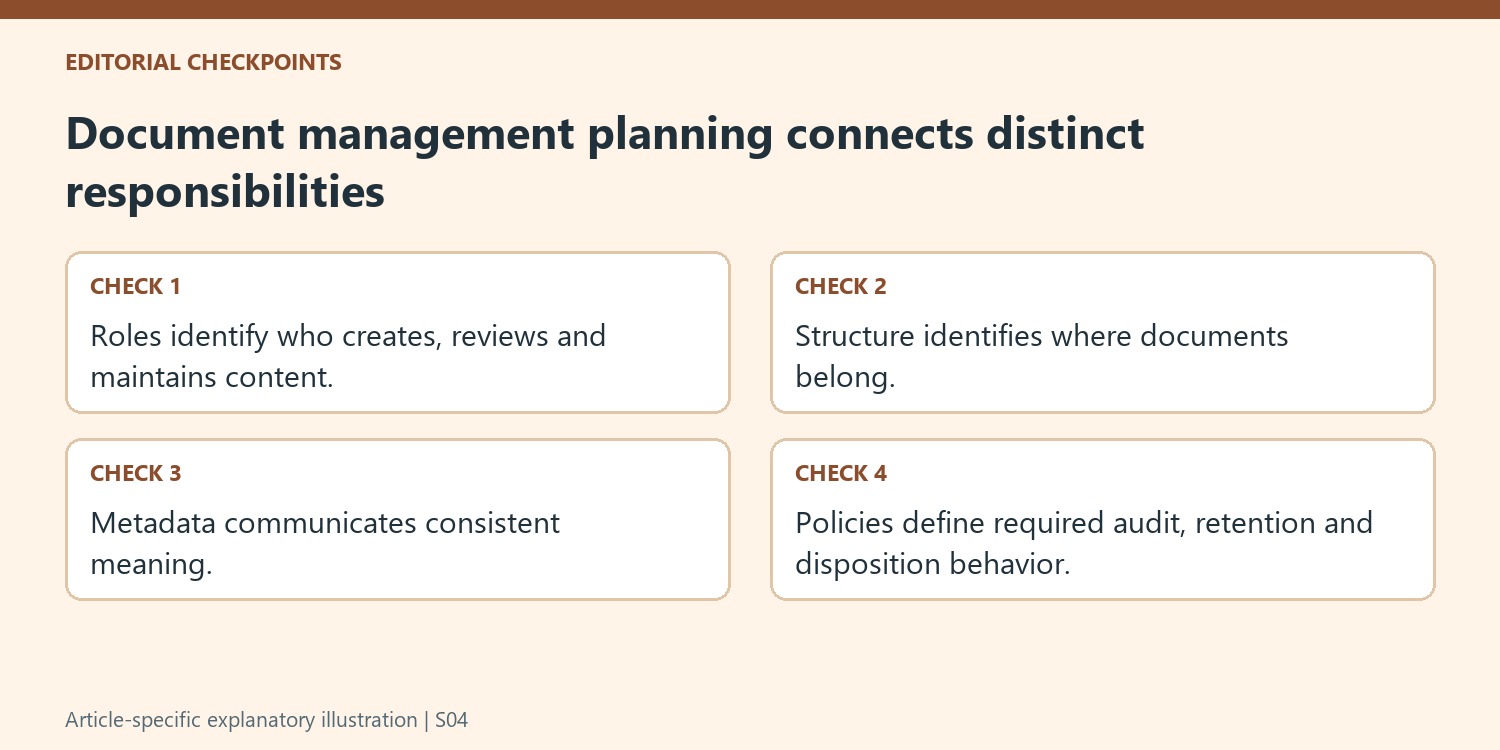
Determine whether each document remains in one location throughout its lifecycle or moves as its status changes. Moving and copying create different maintenance questions, especially if several locations could appear to contain the authoritative item. Establish the intended relationship before selecting features, and make the current working or published version understandable to its users.
Plan metadata and content types around information that needs consistent meaning. A template, a set of descriptive fields and a review process should reinforce each other. Avoid collecting fields simply because a form can display them. Someone must understand how to supply the values and maintain them over time, otherwise the system gains additional input effort without the reliable retrieval and governance benefits the fields were meant to provide.
Validate controls against both the product and ordinary work
Check the deployed SharePoint edition and supported capabilities before committing to a workflow or policy design described in this historical overview. Then test creation, collaboration, approval and retrieval with real participants. Include the eventual retention or disposal stage in that exercise, particularly for records subject to institutional requirements. A control that drives users to unmanaged copies can undermine its own purpose. Revise the process where testing exposes unnecessary friction, while retaining the access, accountability and lifecycle decisions that the organization actually needs to apply consistently across its maintained document collection.
References
- Overview of document management in SharePoint. support.microsoft.com.





Comments
0