 DocumentFlow Desk
List the archive with the correct command options
The source explains that tar's t option lists archive members and f identifies the archive file to read. The documented basic form is tar -tf followed by the archive path. This provides an inventory without intentionally extracting the contents. Confirm the archive name and location before running the command, especially when several backup files have similar names. A successful listing helps establish which paths are stored inside the archive, but it should not be treated as a complete verification that every member can be restored correctly or that the backup contains everything expected.
Narrow the output by a stored name or pattern
For a large archive, a full listing may be too long to inspect comfortably. The article describes supplying a filename or using the documented wildcard option to match a pattern such as PNG files. Quote the pattern so the shell does not expand it against files in the current directory before tar receives it. Check the paths as stored inside the archive, since a member may include directory components rather than only the short filename remembered by the user. Available options and compression handling depend on the tar implementation, so consult the installed tool when the example does not match its behavior.
Use text filtering with an understood matching rule
The source also describes piping the listing through grep to filter the output. This can be useful for flexible searches, but a text match in a printed path is not always the same as an exact member-name or extension match. Review the returned names before choosing what to extract later. Keep listing and extraction as separate steps so the search does not unexpectedly populate a working directory. Once the desired member is identified, use the appropriate extraction workflow with a deliberate destination and check the restored file rather than assuming that a matching listing alone completes recovery.
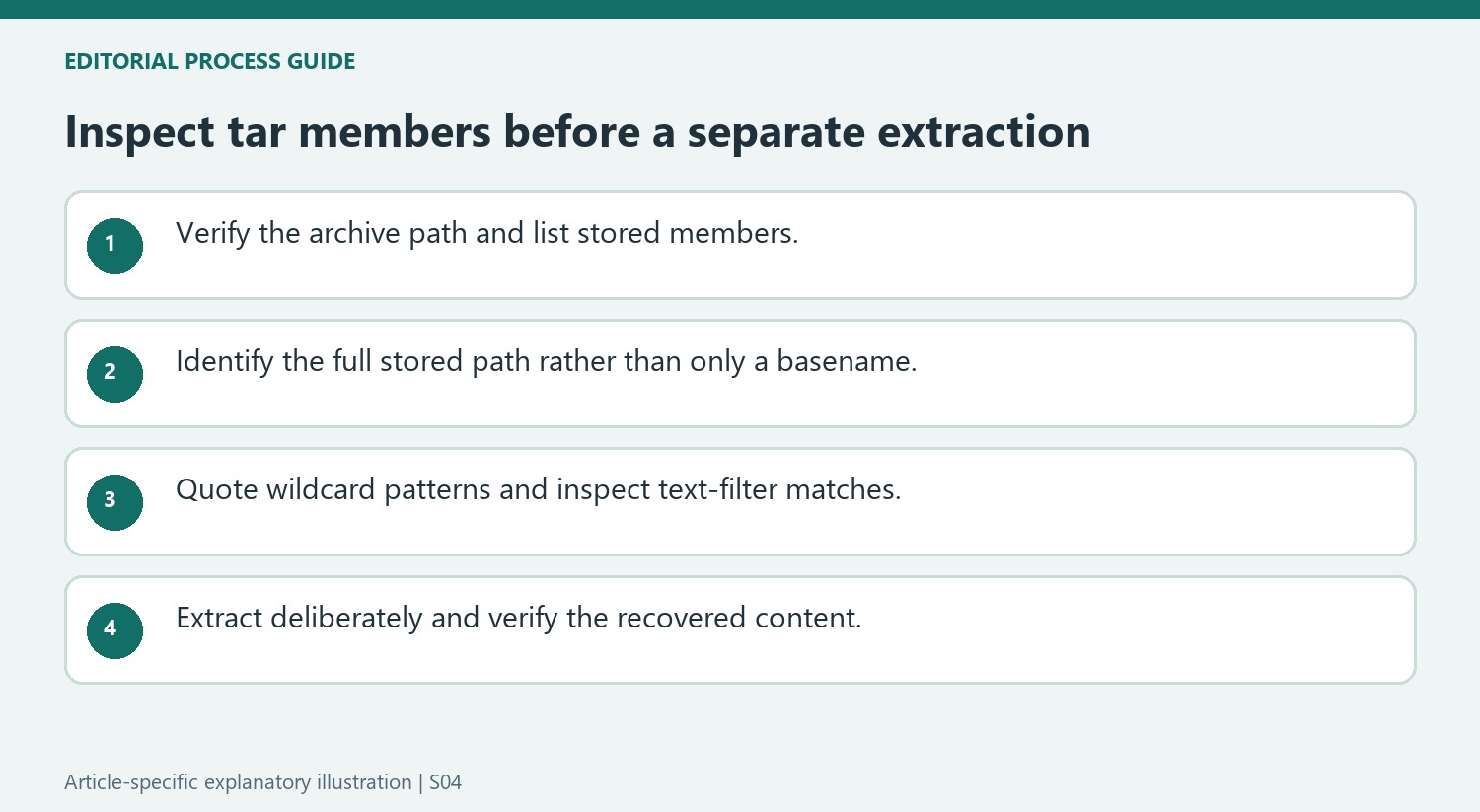
Keep inspection separate from extraction
The basic tar listing uses the t operation and f to identify the archive being read. Verify the archive path before running it, particularly when several dated backups look similar. Listing gives stored member names without intentionally writing their contents into the current directory. That makes it a useful first step when only one file is needed from a large package.
Read paths as they are stored in the archive. A remembered short filename may actually appear beneath several directory components, and another member may use the same basename elsewhere. Identify the complete relevant path before preparing a later extraction. A match in the listing establishes the name is present, not that it is the correct historical copy or that its contents have been fully validated.
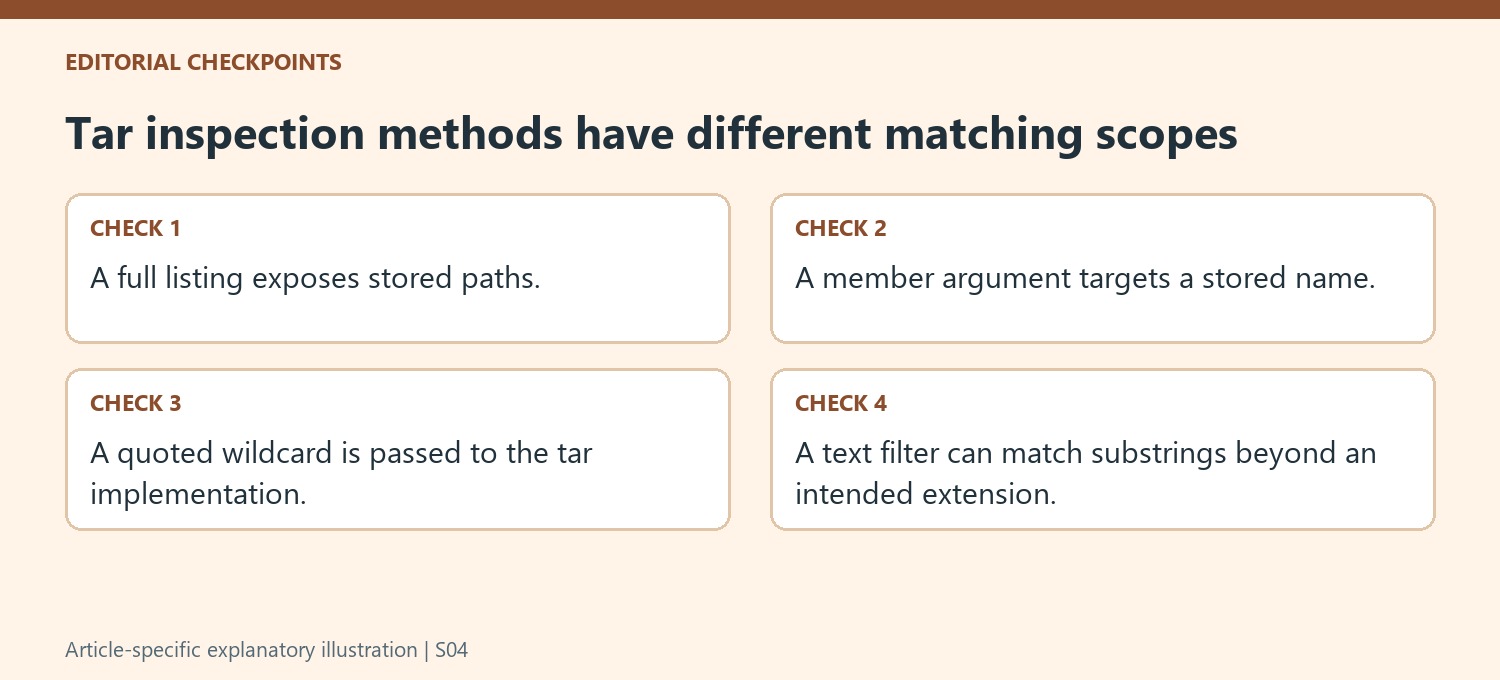
Choose exact names, wildcard patterns or text filters deliberately
Supplying a stored filename narrows the listing to that member under the tool's supported behavior. The source also shows a wildcard option for matching a group such as PNG images. Quote the pattern so the shell does not expand it against unrelated files in the working directory before tar sees it. Check the installed tar implementation because option availability can differ across systems.
Piping the listing into a text filter is another approach, but its matching rules matter. An unescaped dot in a regular expression does not necessarily mean a literal period, and a substring match can find a directory name rather than a file extension. Inspect the returned paths rather than assuming a short filter expression expresses an exact archive-member condition. Use the least ambiguous matching method that answers the retrieval question.
Verify restoration through a deliberate destination
After identifying the intended member, use a separate extraction operation with an appropriate destination and inspect the restored result. Check the file opens and represents the expected content. A successful listing alone is not a complete integrity test or proof that a backup contains every required item. Preserve the archive while investigating unexpected output. This staged workflow gives each action a clear purpose: inspect the stored names, select the correct member and then restore it into a location where the recovered content can be checked without disturbing unrelated working files.
References
- How to List or Search for Files in a .tar / .tar.gz Archive. How-To Geek; Lowell Heddings.













Comments
0