 DocumentFlow Desk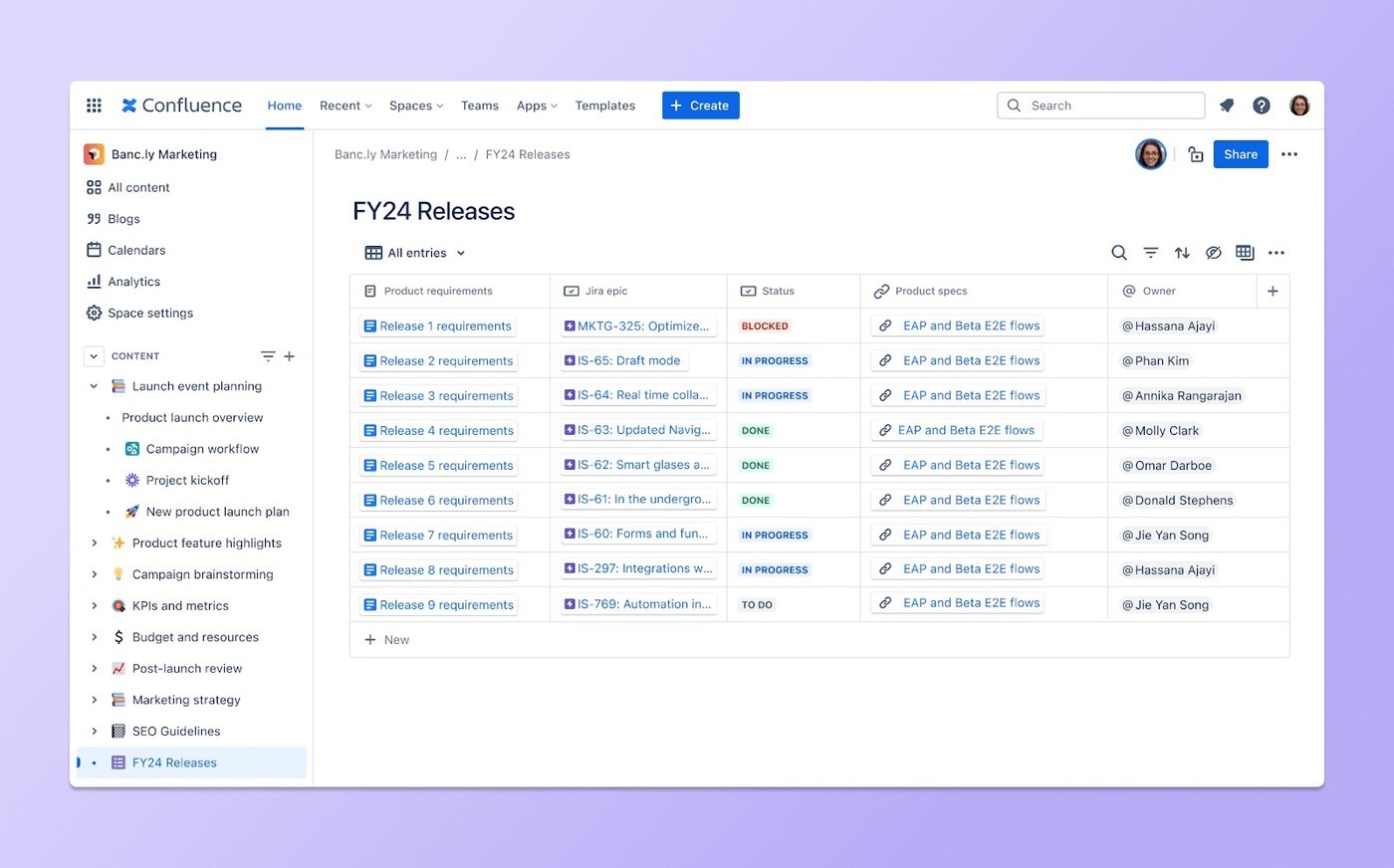
Choose a collection that benefits from shared fields
Atlassian describes Confluence databases as structured collections of information within the workspace. They can organize references to project plans, meeting notes, owners and related Jira links, or provide a catalog of policies and procedures. Begin with a collection whose entries share recognizable properties. A database is useful when readers need to compare, filter or retrieve those properties consistently. It should not be created merely to move a page list into a different visual format. Identify what each entry represents and which details make it useful to the people maintaining the collection.
Define consistent inputs and maintain the references
The source highlights predefined field types as a way to keep entries orderly. Choose fields that reflect meaningful information and describe their intended use. Connect relevant internal and external resources where supported, while checking that readers have access to the linked material. Consistency depends on the quality of the input as well as the field structure. A synchronized view can display current entries without establishing that every underlying fact or external reference has been updated. Assign responsibility for maintaining important values so the database remains a usable reference as projects and teams change.
Create views for the questions readers need to answer
The article describes sorting, filtering and presentation through tables, cards or boards. Select a view that fits the task, such as locating work by owner or scanning a curated set of relevant projects. Different views should remain understandable as presentations of the underlying collection rather than separate competing inventories. Evaluate the actual product capabilities in the workspace before relying on a particular integration or synchronization behavior. A well-designed database brings related information together with enough context to act on it, while a clear maintenance routine prevents the structure from becoming another organized-looking source of stale data.
Define what one database entry represents
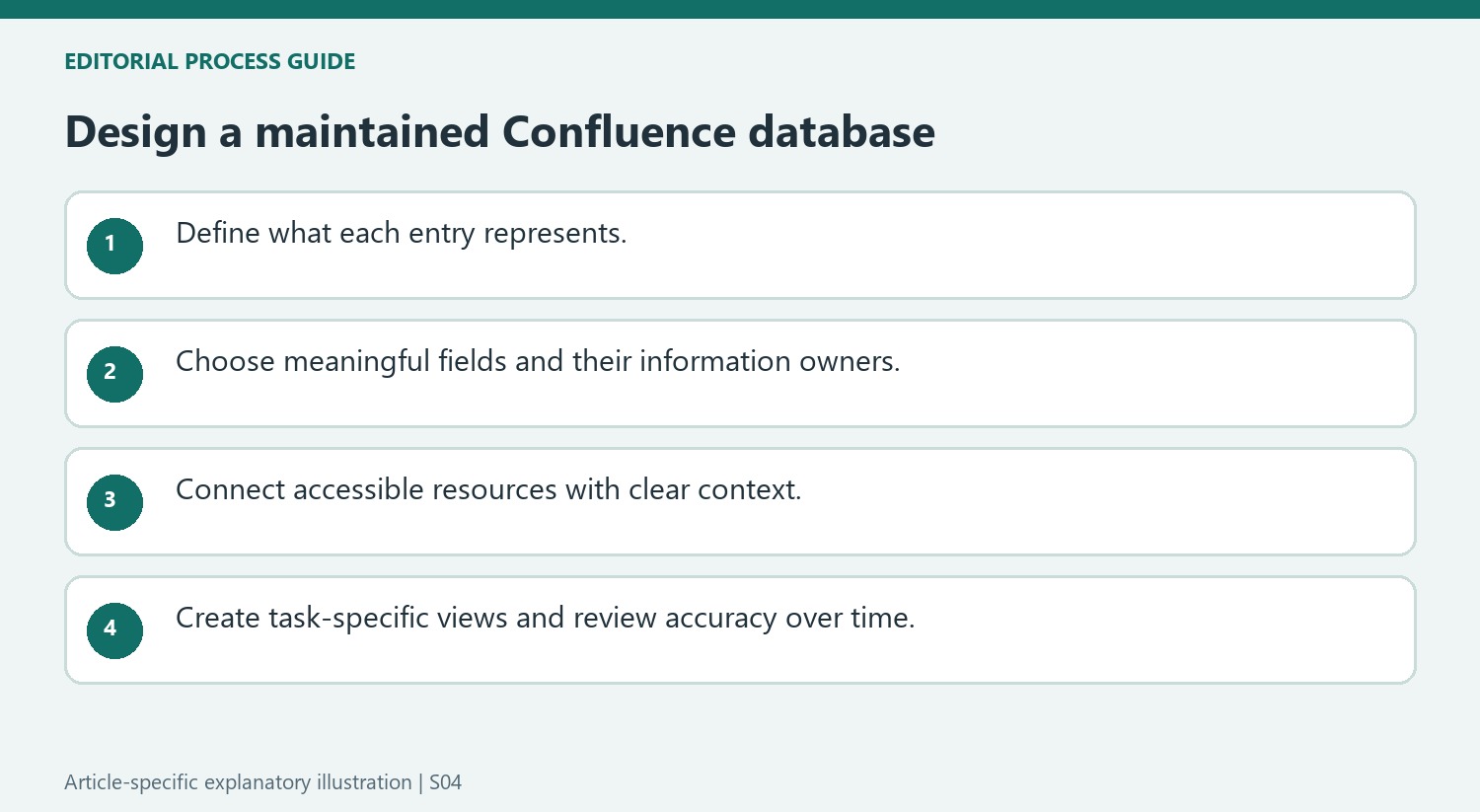
Choose a collection with genuinely shared properties, such as projects, policies or related working resources. State what each entry means before adding fields. A project entry may reference its plan, owner and meeting notes, while a policy collection serves a different retrieval question. Mixing unrelated record types without clear distinctions can make the database less useful than the page list it replaced.
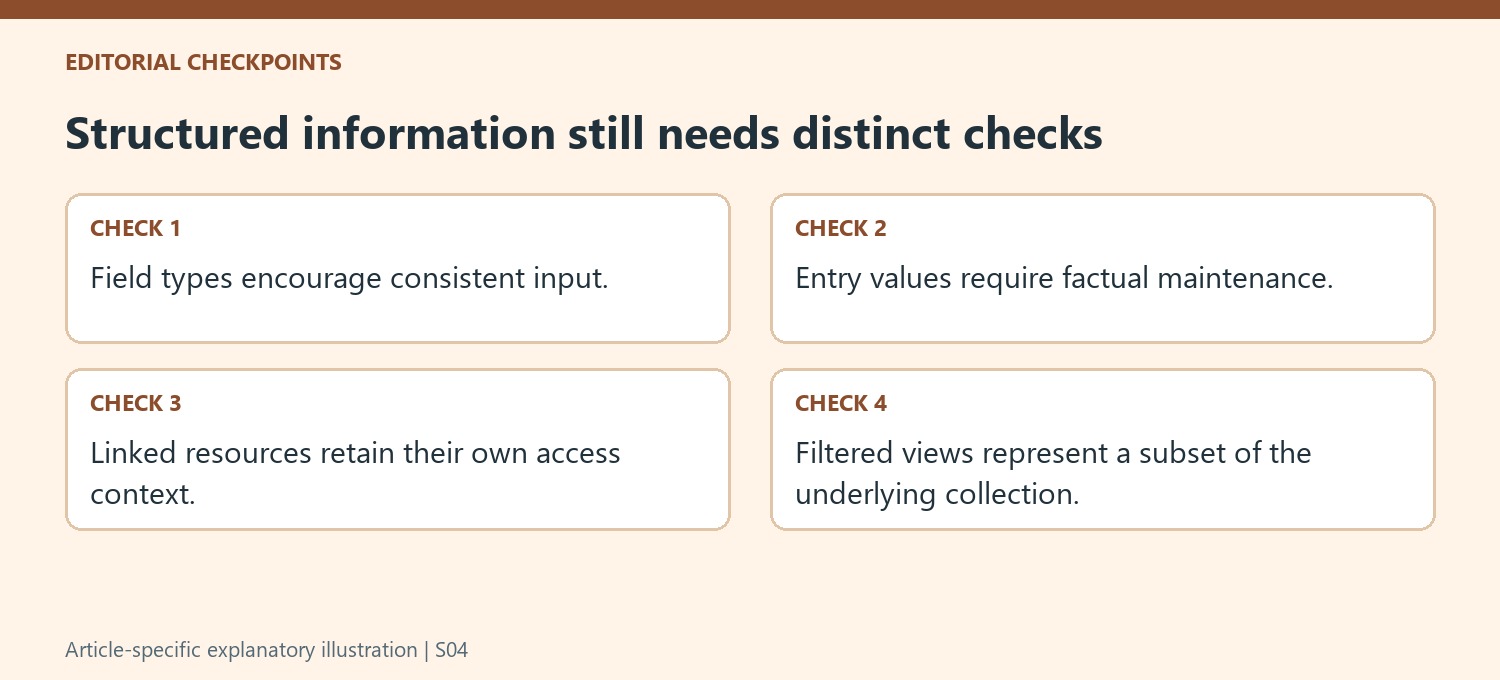
Select fields according to the comparisons and actions readers need to make. Predefined types can encourage consistent input, but they do not determine whether a value is accurate. Explain the meaning of important fields and identify who maintains them. A required field filled with a guess creates a neat-looking record without improving the underlying information.
Connect resources while preserving their context and access
The source describes aggregating Confluence pages, Jira references and external resources. Keep those relationships understandable: a link should explain why the destination matters to the entry. Verify that the intended audience can open the linked material and distinguish a current instruction from a historical reference. Bringing resources into one collection does not automatically harmonize their permissions or ownership.
Real-time display or synchronization claims should be checked against the actual configuration. A shared view can update its entries while an underlying document or manually entered fact remains stale. Assign review responsibility for important values and references. This makes the database a maintained working resource rather than another location where old information gains an undeserved appearance of authority.
Create views for specific reader questions
Use sorting and filtering to expose the relevant subset or order, then choose table, card or board presentation according to the task. Make the active criteria clear so a filtered view is not mistaken for the complete collection. Check known examples to ensure the expected entries appear. Different views should remain recognizable as presentations of the same underlying information, not competing inventories with separate definitions. Review the design as projects and teams change, keeping field meaning, source context and maintenance ownership aligned with the questions the database is meant to answer.




Comments
0