 DocumentFlow Desk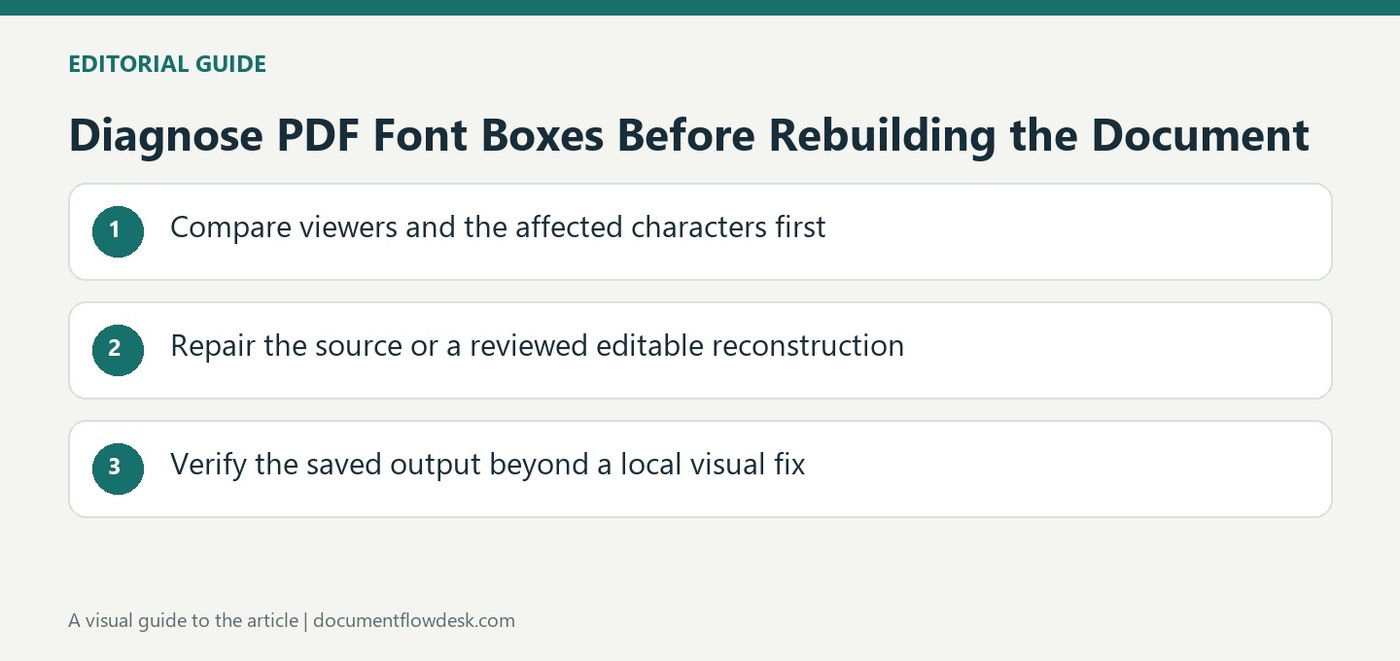
Compare viewers and the affected characters first
The source identifies missing fonts, incomplete glyph coverage, encoding issues and viewer behavior as possible causes of box-shaped text. Open the same PDF in another viewer or device and compare the affected passage. Determine whether the issue concerns one special character, a particular font or a larger text region. Keep a trustworthy source for the intended wording; an unreadable box does not reveal which character belongs there. Avoid replacing it with a guessed letter merely to improve appearance, especially in names, amounts or technical notation.
Repair the source or a reviewed editable reconstruction
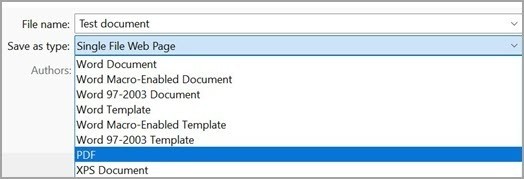
When the original document exists, choose a font that contains the required characters and supports the intended embedding workflow, then export a fresh PDF. The article also discusses converting to Word and replacing problematic fonts when only the PDF remains. That introduces a separate layout reconstruction step, so compare the result carefully. Check font licensing and export behavior rather than assuming every custom font permits embedding. Subset embedding can be normal, but later editing may introduce characters outside the stored subset and require renewed review of the final file.
Verify the saved output beyond a local visual fix
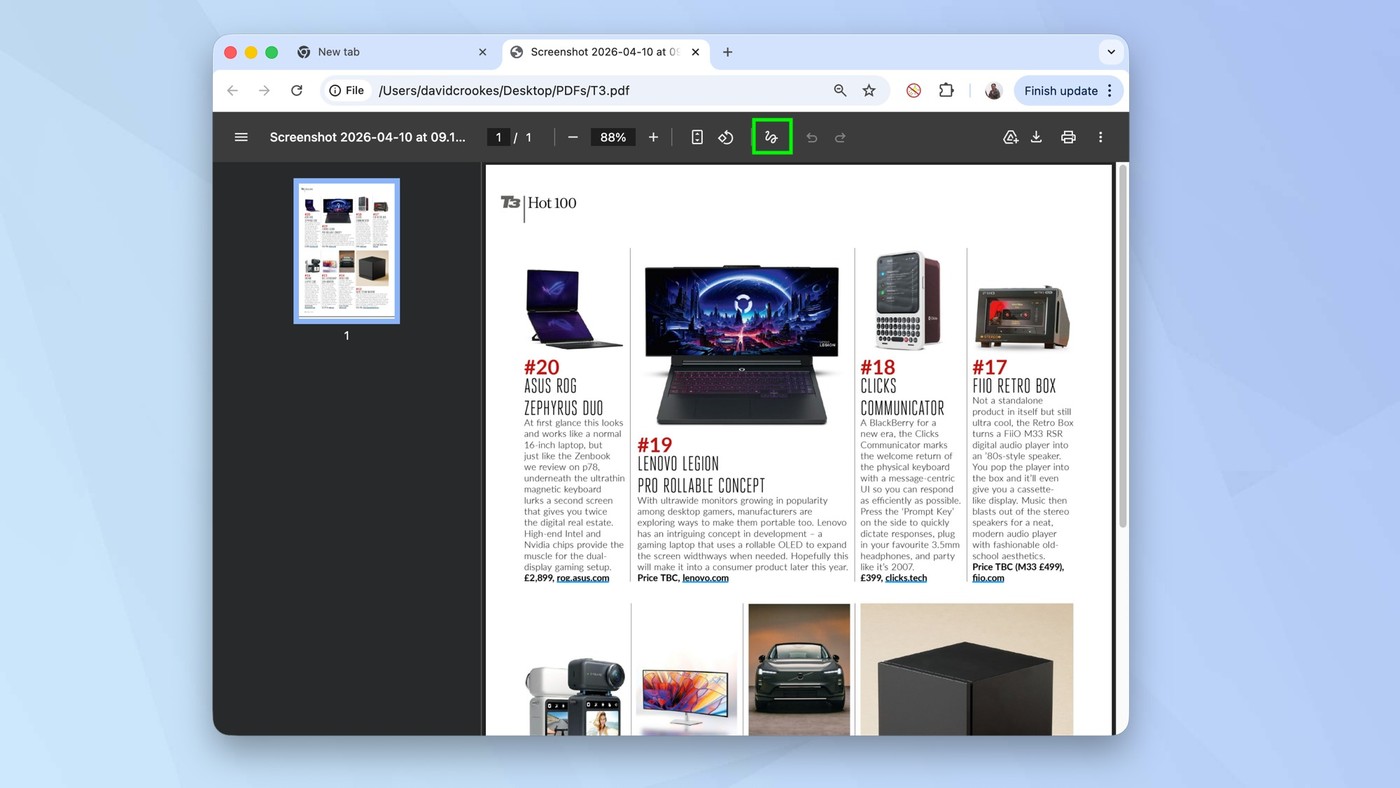
A font-properties view in a suitable reader can help inspect embedded or subset-embedded resources. Also test actual reading, selection and copying where those functions matter. The source suggests flattening for some final-copy scenarios, but that should not be treated as a universal repair for missing glyph information or an equivalent of an editable accessible document. Check the finished PDF on another device and inspect special characters, headings and tables. Preserve the original and the repaired working source so future updates do not recreate the same font dependency or substitute an unverified reconstruction for the authoritative wording.
Identify the missing information before attempting a visible patch
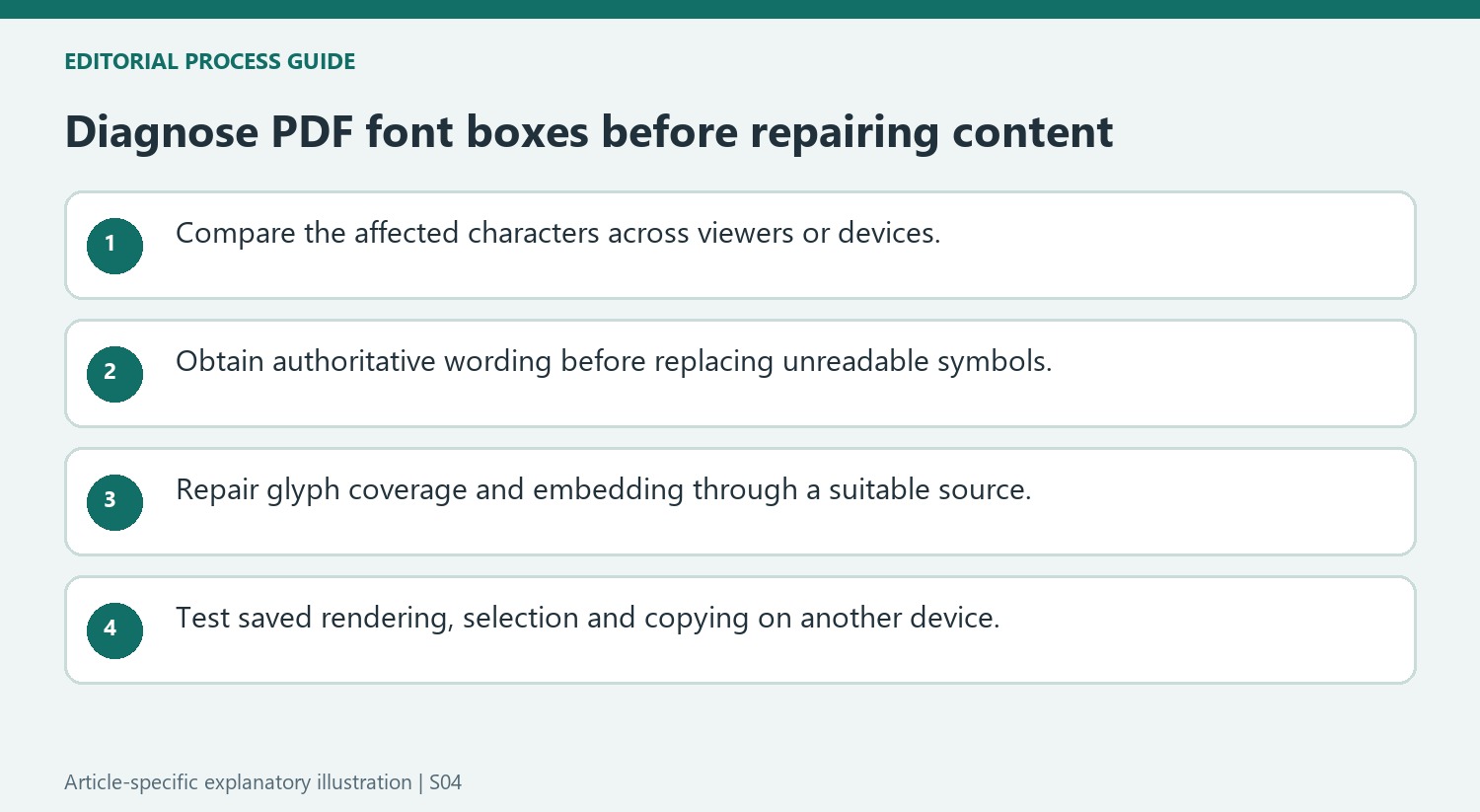
A box-shaped character does not reveal the intended letter, symbol or punctuation mark. Obtain trustworthy source wording before replacing it. Compare the same passage in another viewer or on another device to distinguish a local rendering issue from a problem present in the file. Inspect whether the failure affects one symbol, an entire font style or a larger text region.
Missing fonts, incomplete character coverage and encoding problems can look similar while having different causes. A font that displays ordinary English letters may still lack a mathematical symbol or accented name. Check the actual characters needed, not only whether the font name appears familiar. A visible patch that guesses a missing digit can improve appearance while corrupting the information the document was meant to preserve.
Use the editable source when it can supply an authoritative repair
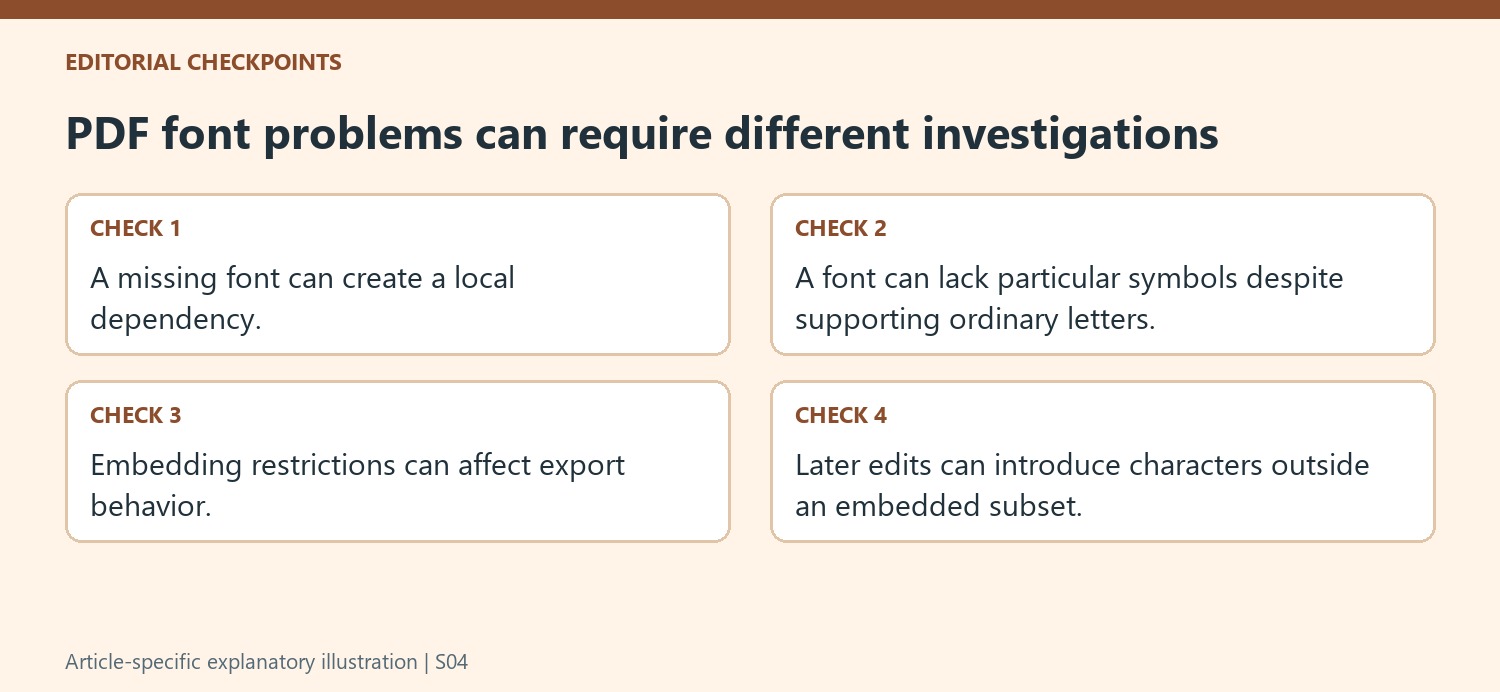
Choose a font with the required glyphs and a permitted embedding workflow, then export a fresh PDF from the source where available. Inspect the result rather than assuming the authoring application's correct local display proves the exported resources are complete. Custom fonts can have embedding restrictions, and a substitute font can change wrapping or the fit of a table label.
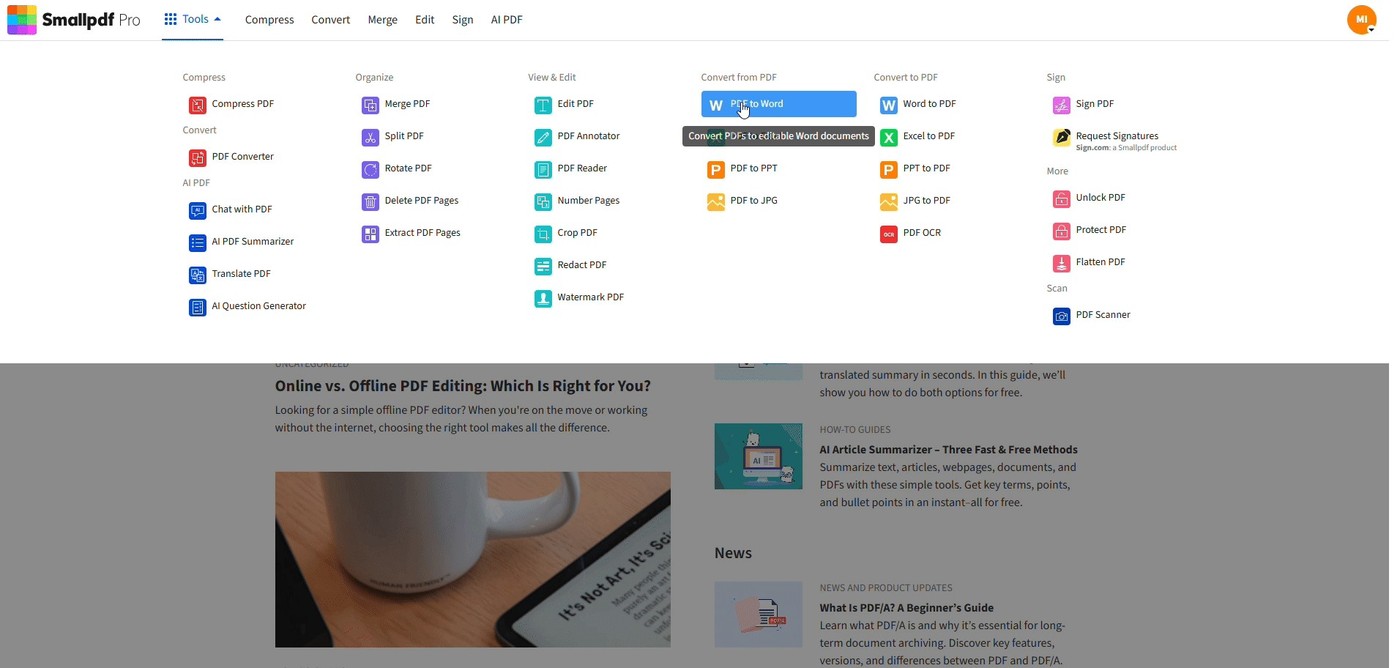
If only the PDF remains, a reviewed conversion to Word can provide an editable route, but it introduces reconstruction work. Compare headings, tables and paragraph order against the original while fixing the font problem. Subset embedding itself can be normal; later edits that introduce characters outside the stored subset are a separate reason to recheck the final export. Keep those maintenance conditions with the repaired working file.
Test the final file beyond one successful local rendering
A reader's font-details view can indicate embedded or subset-embedded resources, while visual inspection reveals missing glyphs or substitutions. Also test selection and copying where usable text matters. Flattening should not be treated as a universal recovery method for character information that is missing or unknown. Reopen the finished copy on another device and inspect special characters, headings and tables. Retain the original and the repaired source so a future edit can follow an authoritative path instead of repeating an unverified visual substitution.
References
- PDF Text Appearing as Boxes 🔳? Troubleshooting Custom Fonts | Smallpdf. Smallpdf; David Beníček.


Comments
0