 DocumentFlow Desk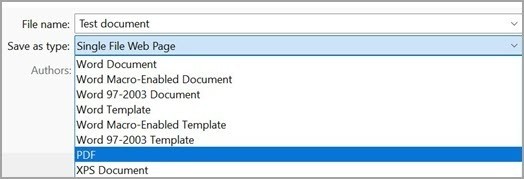
Choose the export quality for the actual destination
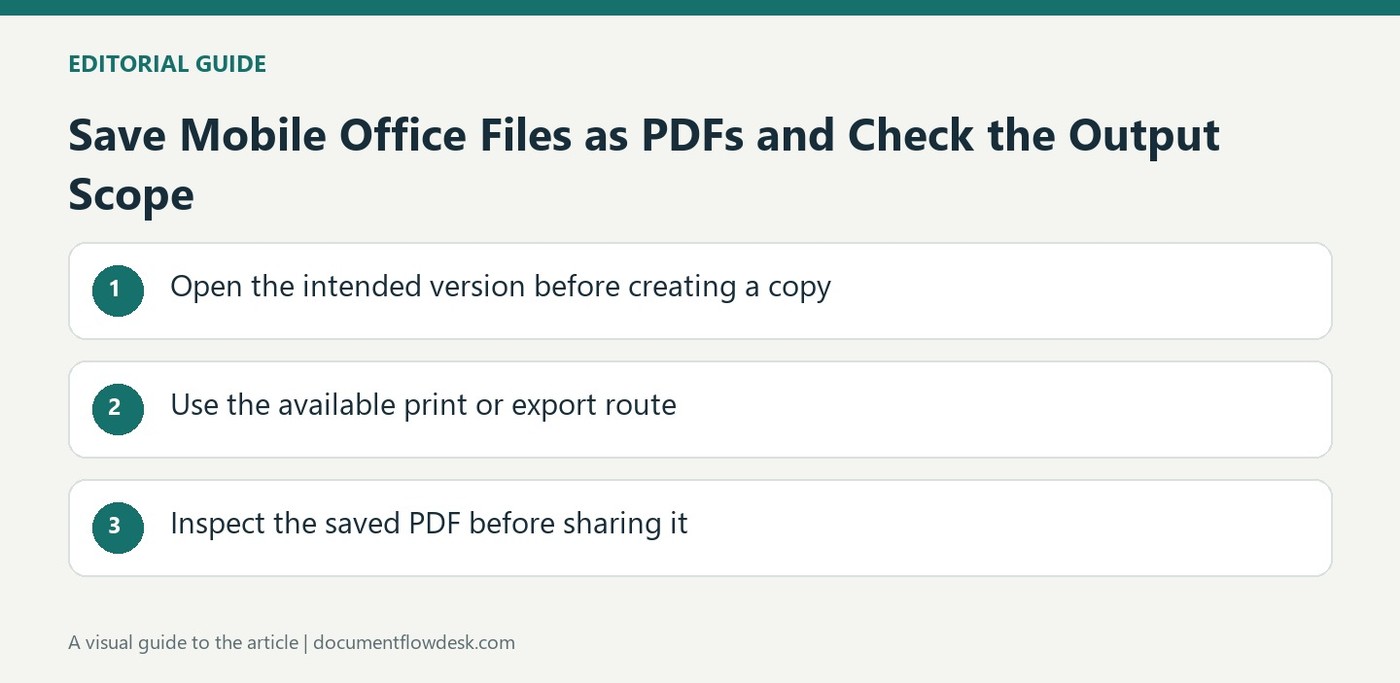
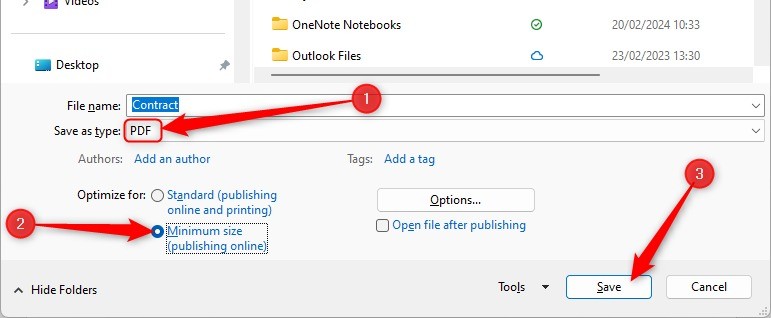
Microsoft describes saving or exporting Office files as PDF without requiring a separate add-in in supported desktop applications. Standard and minimum-size options serve different output priorities. Select according to whether the file needs print-quality detail or a smaller download, then inspect the result. A fixed-layout format can improve viewing consistency, but it is not a guarantee that every feature behaves exactly like the editable source. Retain the Office file so future content revisions can be made in its original structure rather than reconstructed from the exported PDF.
Review page range and revision material before publishing
The source describes PDF options for selected pages and, in Word, a distinction between the document alone and the document showing markup. Confirm which version is intended for the recipient. A clean-looking editing view does not necessarily establish what an export setting will include. Word options can also create bookmarks from headings or existing bookmarks and include structural tags for accessibility. Choose those settings deliberately and verify the resulting navigation. A final PDF should expose the information readers need without accidentally including a review presentation meant only for internal editing.
Validate the exported file rather than assuming protection
Microsoft explicitly notes that sharing a PDF does not guarantee that recipients cannot edit it. Access controls and document verification require separate consideration when relevant. The source also warns that links from spreadsheet exports need checking, particularly internal navigation. Open the saved file in a normal viewer and inspect page boundaries, charts, fonts, links and required reading order. Confirm that the output contains the intended scope and no omitted pages. Clear filenames should distinguish the editable master, review export and final distribution copy so later collaborators do not mistake one for another.
Define the intended PDF before opening the export options
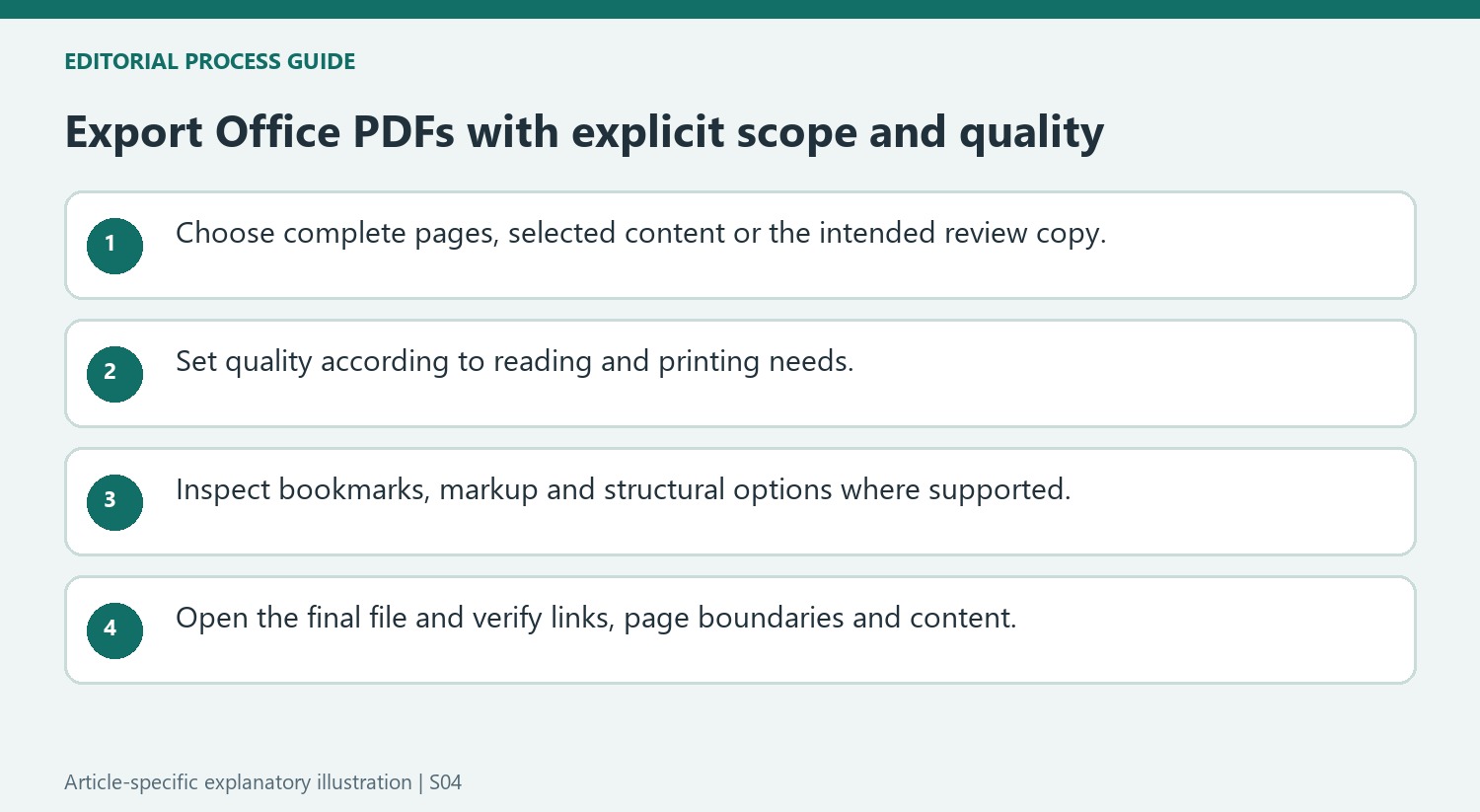
Decide whether the recipient needs the complete document, selected pages or a review copy showing markup. That decision is independent of the quality setting. A small, clear PDF can still be the wrong deliverable if it omits a required page or includes an internal review presentation. Confirm the current source version and keep the editable Office file for future revisions.
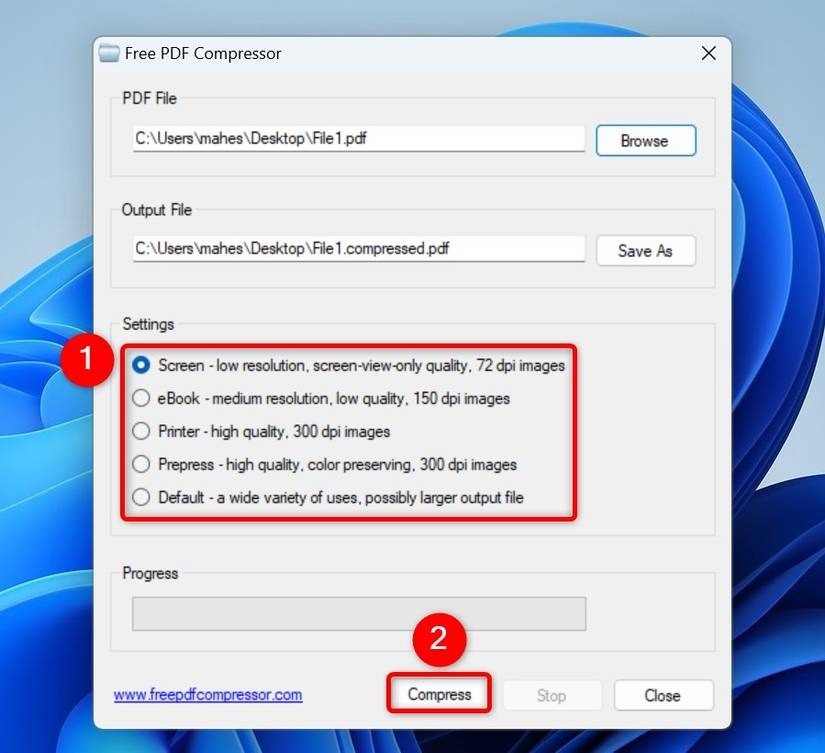
Standard and minimum-size choices express different priorities. Inspect fine detail after choosing a smaller output, especially in charts and scanned material. The exported file should be judged at its actual reading or printing size rather than only by the reported byte count. A reduction in file size is useful only when the retained information still meets the task.
Review Word navigation, markup and accessibility options deliberately
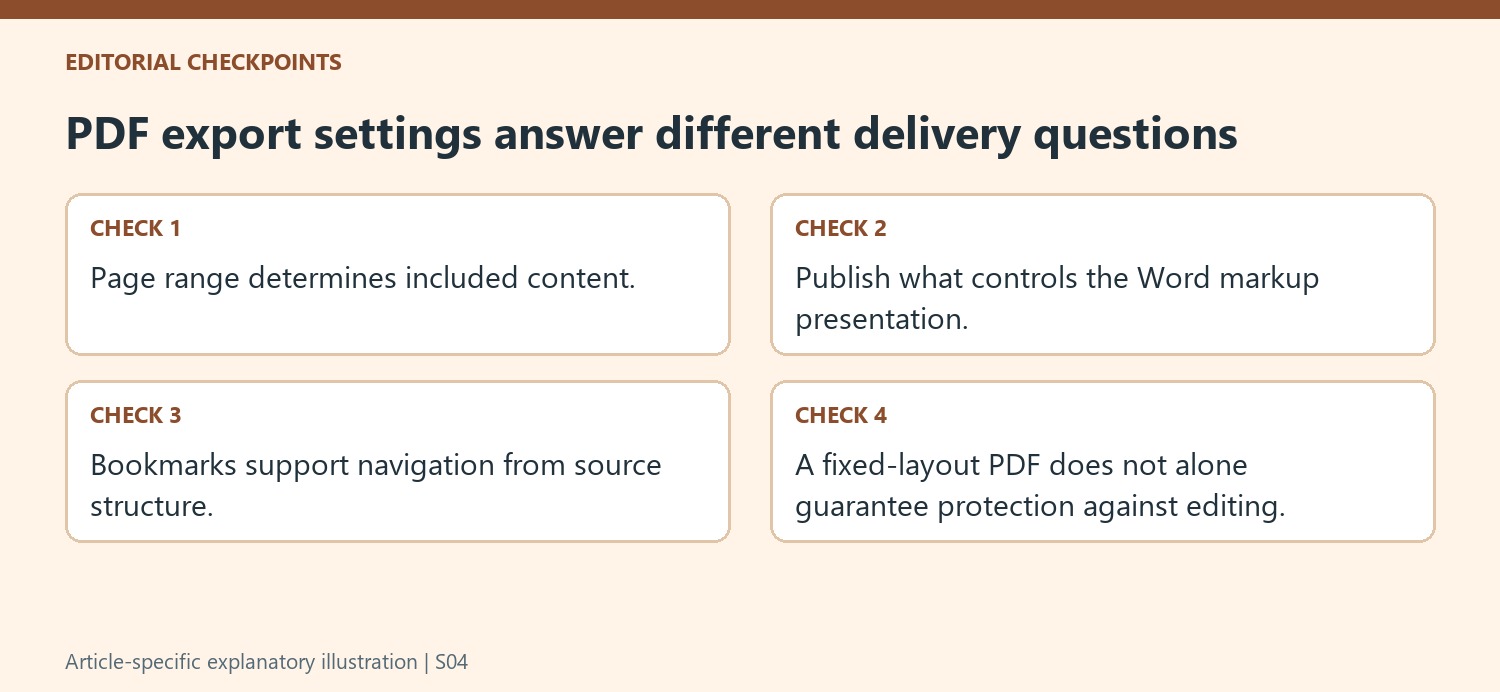
The source distinguishes Document from Document showing markup under Publish what. Inspect that setting even when the editing screen appears clean. For navigation, bookmarks can be created from headings or existing Word bookmarks, and the result should be tested in a viewer. A heading-based export depends on a meaningful heading structure in the source rather than merely on large or bold text.
Document structure tags can support screen-reading software, but selecting the option is not a substitute for reviewing the source structure and resulting reading order. Check headings, tables and images in context. A PDF that looks correct visually can still present a different sequence through other reading methods. Keep the relevant navigation and structural choices tied to the needs of the intended audience.
Test the exported file as a separate delivered document
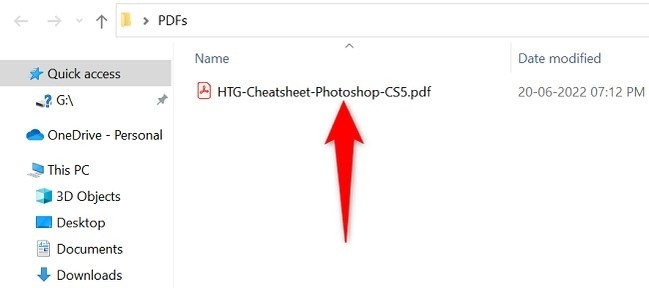
Open the saved PDF from its destination folder and verify the first and last pages, required links and representative complex content. Microsoft specifically warns about spreadsheet internal links, so do not assume their source behavior survives conversion unchanged. A PDF also should not be described as uneditable merely because it is fixed-layout. Use separate controls when access or verification is part of the actual task. Name the master, review export and final reading copy clearly so later collaborators can identify which file should be edited and which one was distributed.
References
- Save or convert to PDF or XPS in Office Desktop apps. support.microsoft.com.


Comments
0