 DocumentFlow Desk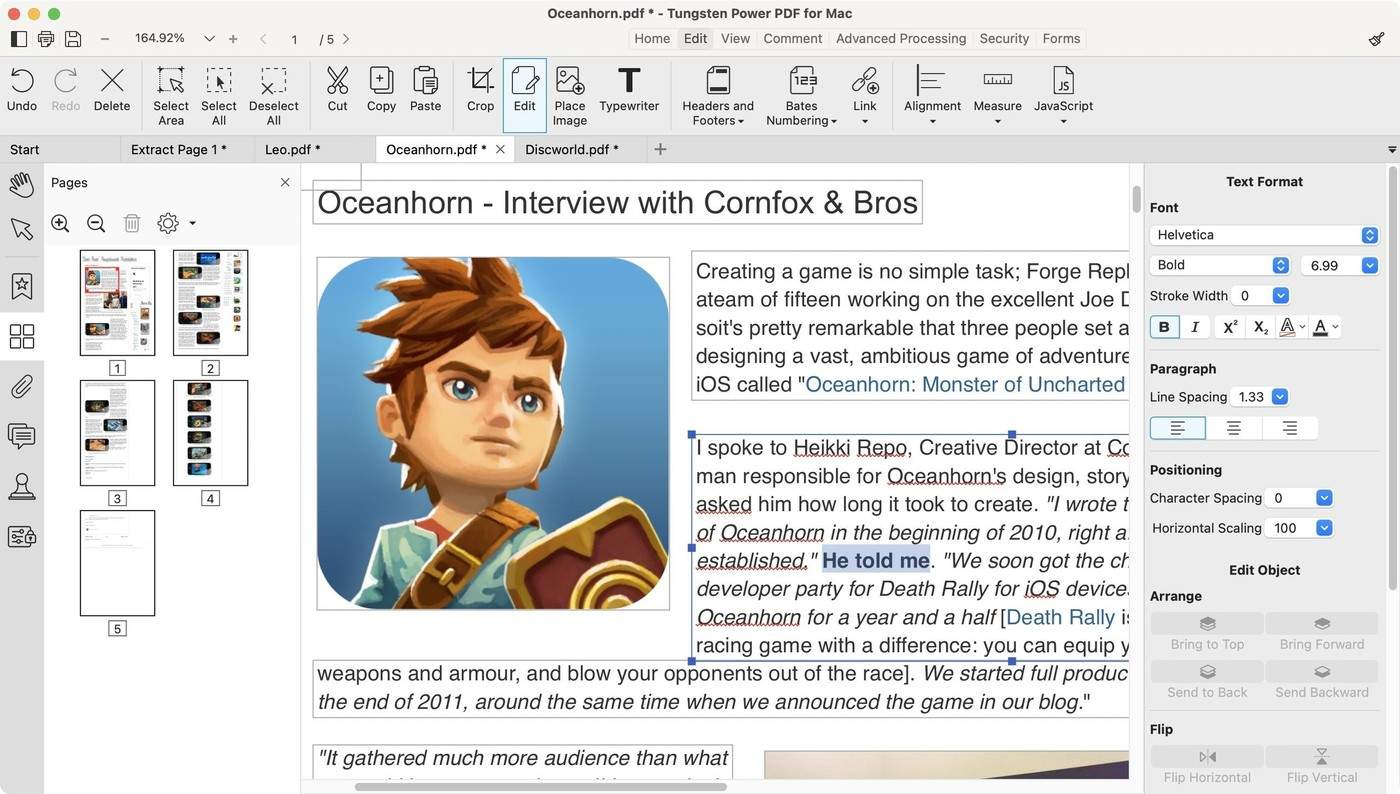
Match the required features to the actual edition
The TechRadar source reviews Tungsten Power PDF, formerly known as Kofax Power PDF. It distinguishes Mac, Windows Standard and Windows Advanced offerings and notes that their features are not identical. Identify the exact platform and edition before relying on a particular capability. Pricing and supported-system details belong to the reviewed version and should be checked against current vendor information. A trial can help assess the workflow, but a product label or broad feature category is not enough to establish that every required operation is included in the intended license.
Test content editing and page management separately
The review describes selecting and adjusting paragraphs and images, along with thumbnail-based page reordering and other structural controls. Use a representative document to test the specific tasks that matter. Correcting a sentence, moving a page and converting another format into PDF involve different behavior. Inspect the saved output for layout shifts and content completeness. The source also notes practical differences in how pages can be dragged between documents, so confirm the actual multi-document workflow rather than assuming every tab or window arrangement supports the same operation.
Review annotation, recognition and protection in context
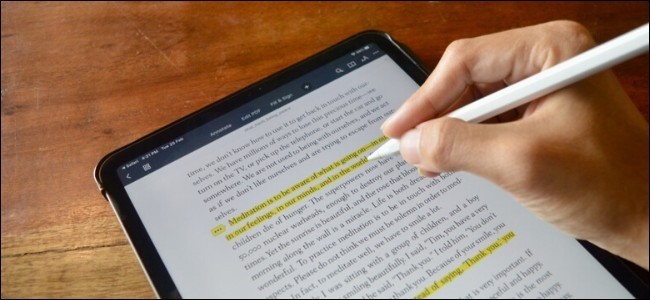
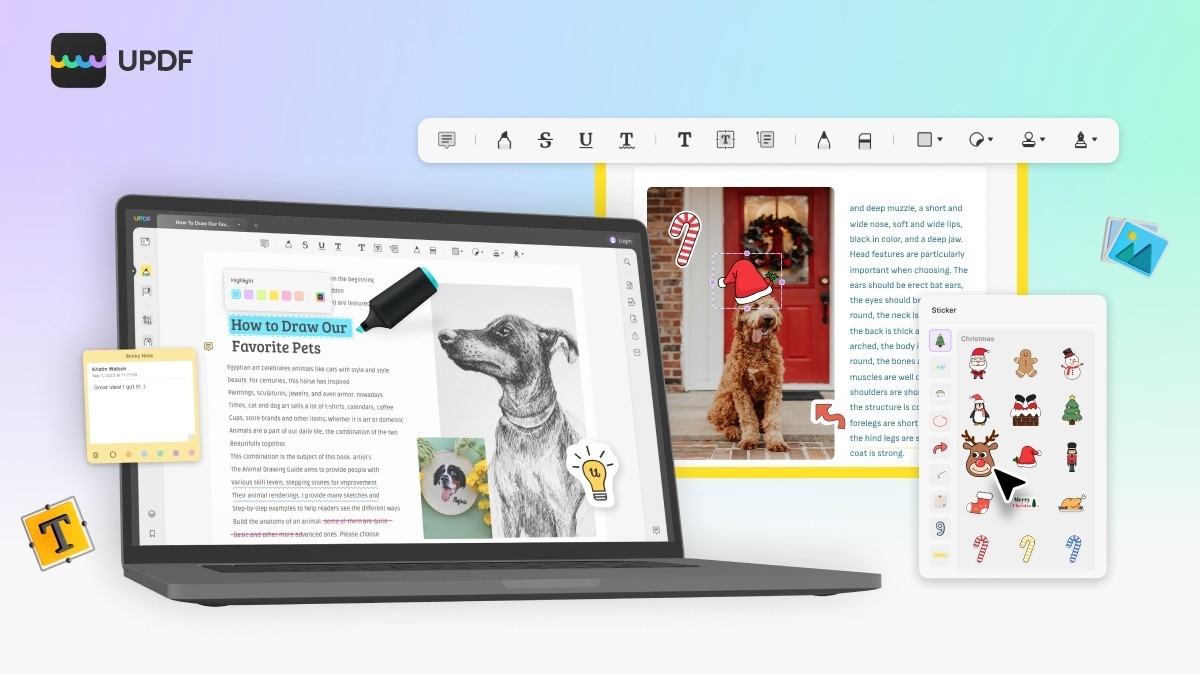
Highlights, notes, shapes, form controls and OCR can support different stages of a document process. Check recognized text against the scan and verify that annotations remain associated with the correct passage. The review highlights edition differences for functions such as redaction and collaboration. Confirm their availability and output behavior before adopting the application for sensitive or shared material. Keep original files and a clear final-copy workflow. A useful evaluation measures the tool against real document requirements rather than transferring an overall review score to every possible task or platform.
Create a platform-and-edition checklist from the required task
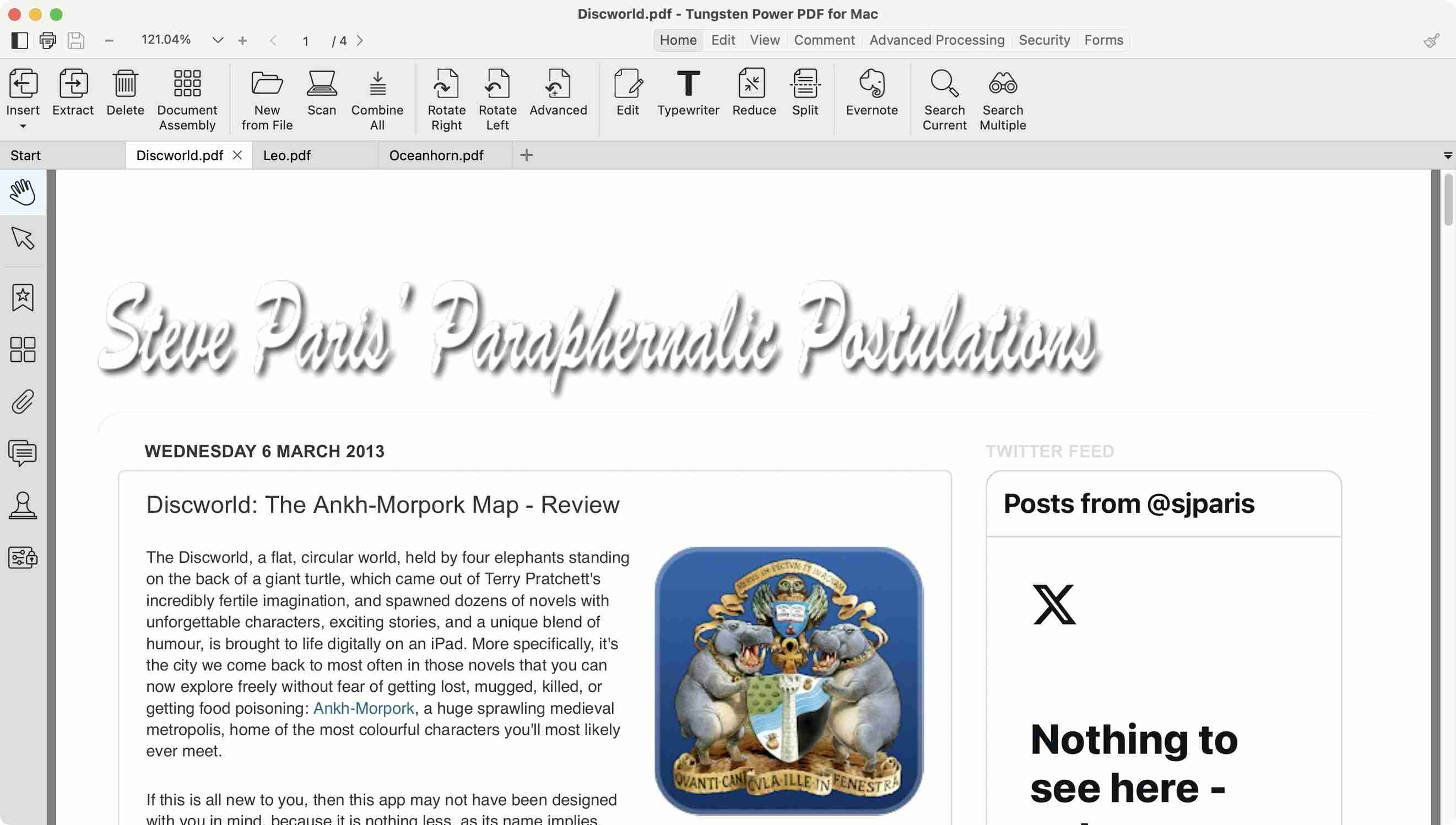
The review distinguishes the Mac product from Windows Standard and Windows Advanced. Record the actual operating system, intended edition and necessary functions before evaluating the application. A capability described elsewhere in the same review may belong to another edition. Check current vendor information for the specific installation instead of assuming the shared Power PDF name guarantees identical tools everywhere.
Treat the reviewed prices, trial terms and system requirements as information about the reviewed context. Confirm them separately before making a purchase or deployment decision. The practical test is whether the intended version performs the required operation on a representative file. An overall favorable verdict does not establish the availability of one particular advanced tool or an identical workflow across all platforms.
Evaluate page manipulation and content editing with distinct examples
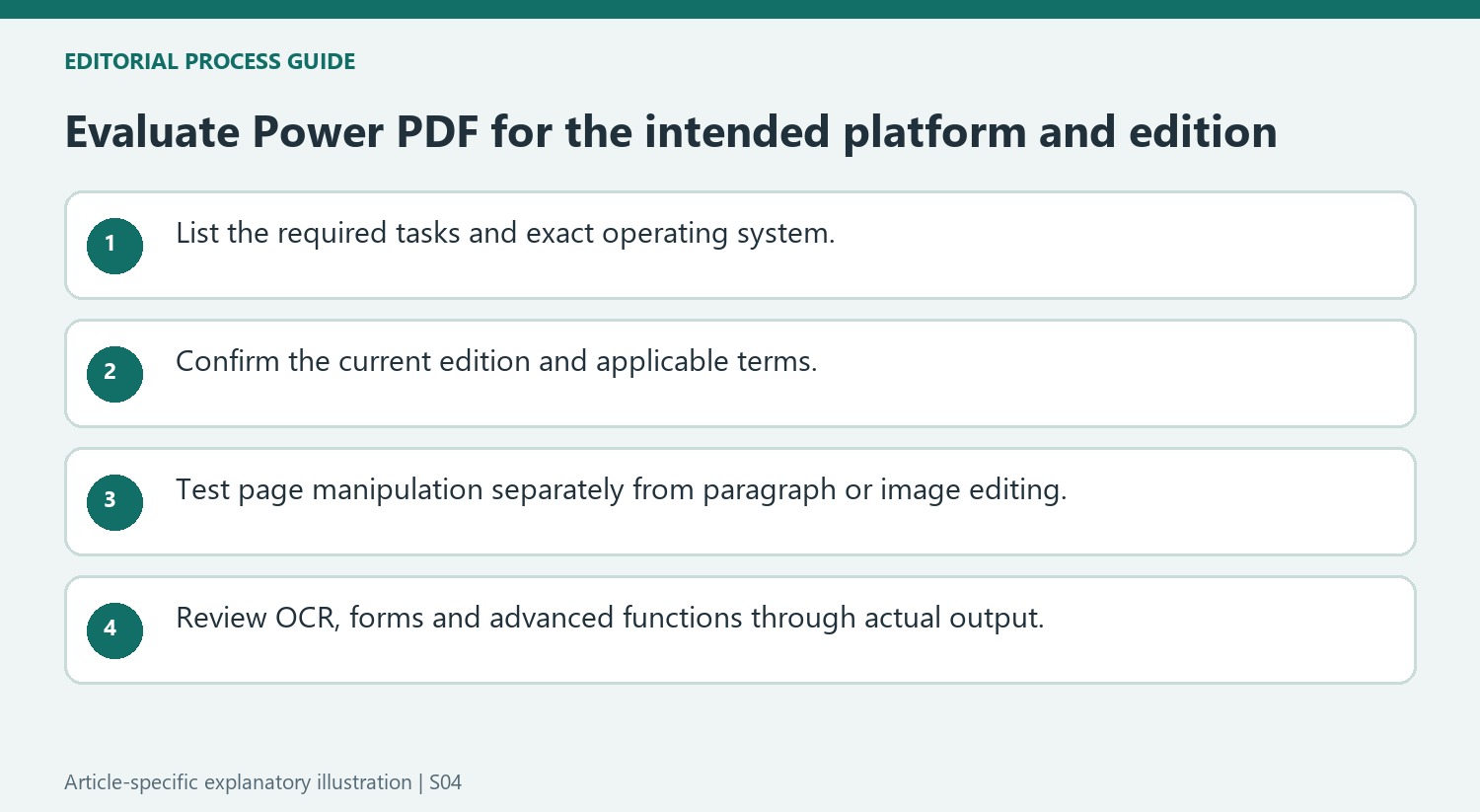
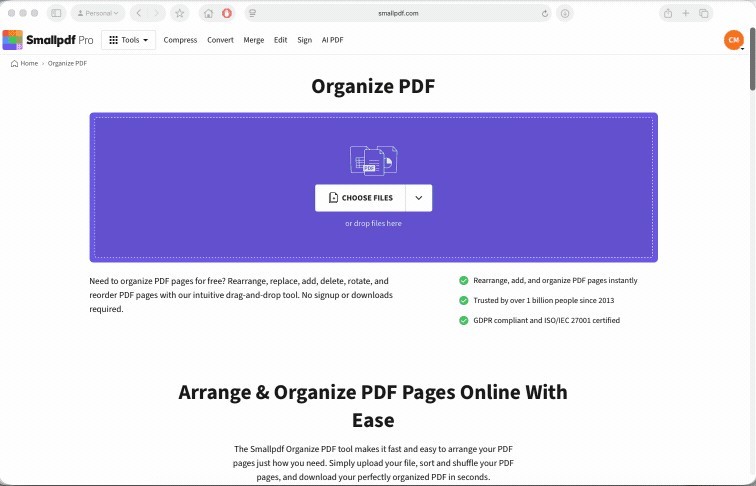
For page management, try the actual reordering or cross-document transfer needed and inspect the result in a viewer. The source notes that dragging pages between documents can require separate application instances rather than merely separate tabs. Verify that behavior in the current version before depending on a particular window arrangement for a repetitive task.
For content editing, change a short paragraph and inspect its bounding area, wrapping and neighboring objects. Then test an image adjustment if that is part of the work. These actions differ from adding an annotation over the existing page. Preserve the original PDF so the saved result can be compared with the intended correction and any unrelated layout shift can be identified.
Review advanced tools through the actual document requirement
OCR requires comparison of recognized wording with the scan, while form controls require checking how recipients enter and retain values. Redaction, protection and collaboration features have their own edition and output questions in the review. Verify the relevant function directly rather than treating a broad feature category as a complete guarantee. Save a separate evaluated result and reopen it through the intended recipient workflow. A suitable purchase decision follows demonstrated behavior on the required files, with clear awareness of platform differences and the maintenance process after editing. Record the tested edition and platform so later reviewers can distinguish verified behavior from an assumption about another installation.
References
- Tungsten Power PDF. TechRadar; Steve Paris.


Comments
0