 DocumentFlow Desk
Confirm platform and output limits before adopting the tool
TechRadar's review describes EaseUS PDF Editor as Windows-only in the version it evaluates. Do not assume that other cross-platform EaseUS products establish support for this application. The source also distinguishes limited free use from paid features and notes watermark behavior in exported files. Check the current edition and terms rather than relying on historical prices in a review. Open a representative document and perform the actual required operation during evaluation, then inspect the saved output before deciding the application fits a recurring workflow.
Test paragraph editing and conversion against the original
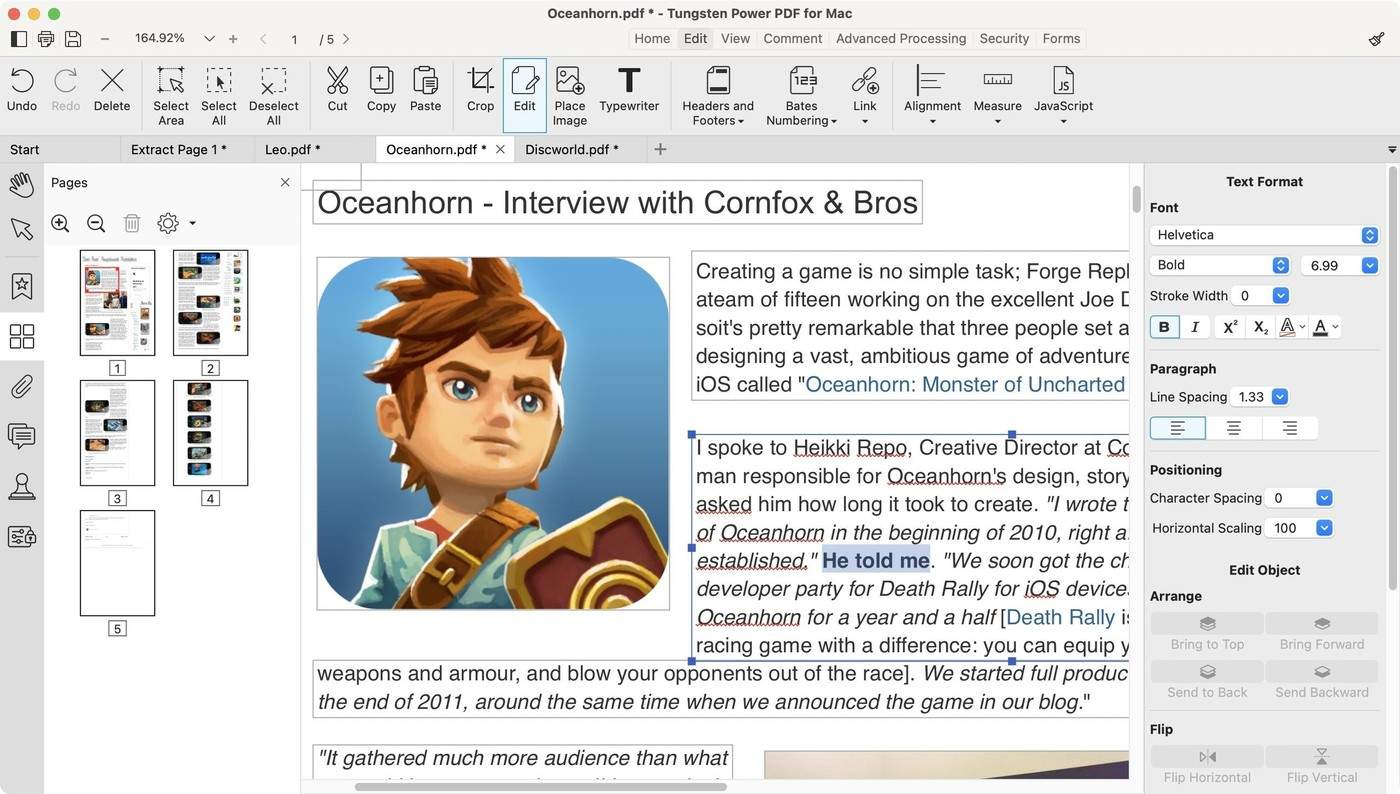
The review describes selecting paragraphs as bounding boxes that can be edited, moved or resized. This can make some corrections convenient, but the result should be checked for line wrapping and surrounding layout changes. It also discusses conversion to formats such as Word, Excel and PowerPoint. A successful export does not establish that a complex table or page becomes a perfectly structured editable document. Preserve the original PDF and compare headings, figures and record relationships in the converted output before using it as the basis for further work.
Review recognition and protection as separate functions
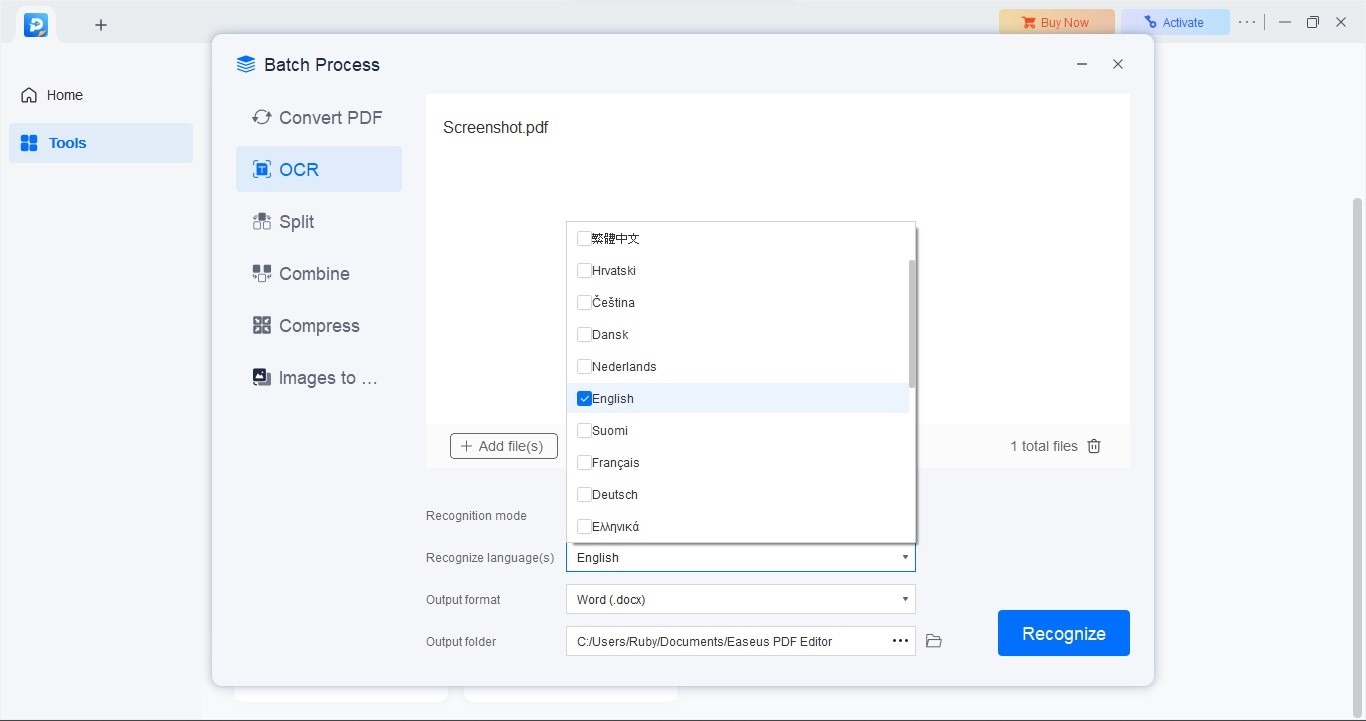
The source describes an OCR workflow that first uses a PDF representation of the image and offers language and output choices. Select the intended language and check recognized names, numbers and punctuation. Protection-related tools, redaction, form completion and signatures serve different purposes, so evaluate the particular requirement instead of assuming one control provides all of them. Keep a separate reviewed final copy and test it in a normal viewer. A feature-rich interface is useful only when the saved document retains the intended content, access behavior and usability for its recipients.
Use a trial to verify saved output as well as available controls
The review describes a Windows-only product and limits attached to free use, including exported watermarks. Confirm the current platform and plan before adopting the tool. A button visible in the interface is not sufficient evidence that the saved result meets the intended delivery requirements. Perform a representative edit and inspect the actual output, including whether a watermark appears and whether the required feature is available under the selected terms.
Historic subscription and purchase figures belong to the review context. Check current vendor information separately rather than repeating them as a guaranteed current offer. Then evaluate whether the tool fits the actual frequency and complexity of the work. A broad feature list is less useful than confirming a small set of operations that the document workflow needs repeatedly.
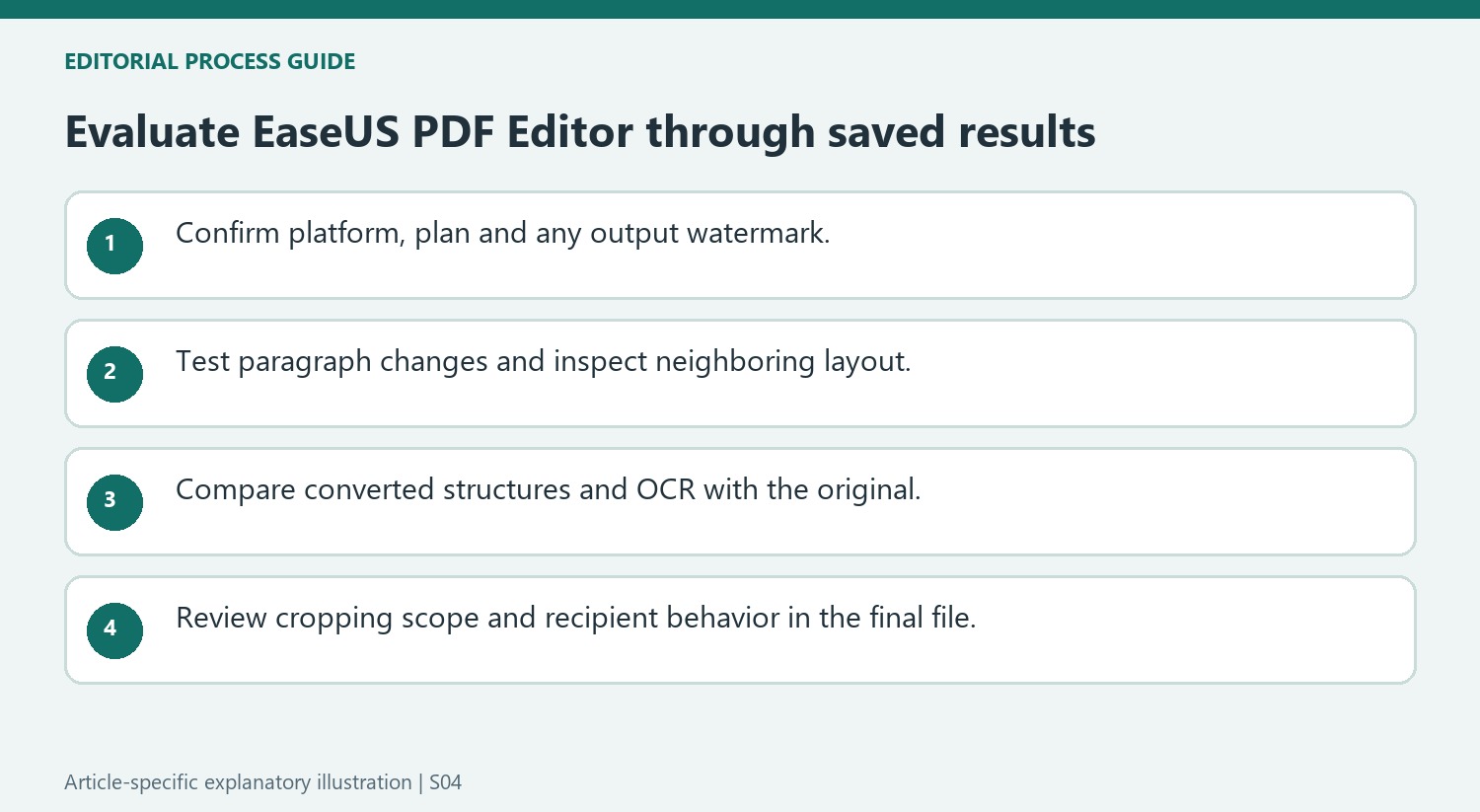
Review bounding-box edits and converted documents against the original
The source describes paragraph selection through a bounding box. After editing, inspect line wrapping, the box position and its relationship to nearby elements. A convenient selection model can still produce a layout shift on a dense page. Keep the original PDF available so the intended correction can be distinguished from accidental movement or a missing object.
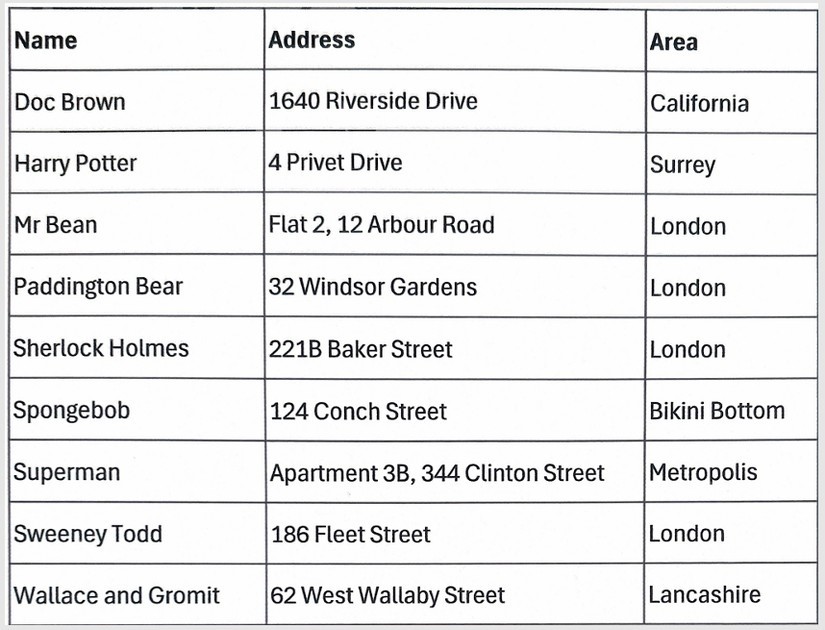
For conversion, inspect the resulting format according to its purpose. A Word export needs readable paragraphs and headings, while an Excel export needs the right relationships among rows, columns and values. A file that opens successfully may still require structural cleanup. Test a complex table or another representative difficult page instead of judging the entire conversion feature from a simple text-only example.
Evaluate recognition and protection-related tools independently
The reviewed OCR route starts with a PDF representation of an image and provides language and output choices. Confirm the relevant language and compare recognized names and numbers with the scan. Redaction, form completion, signatures and password settings address other tasks, so test the particular requirement separately. The source also describes page-cropping scope; inspect whether it applies to one page, a range or the whole file. Reopen the final output in a normal viewer and verify both its readable content and the behavior required by its intended recipient. Keep the tested output alongside the preserved original for comparison.
References
- EaseUS PDF editor review. TechRadar; Steve Clark.



Comments
0