 DocumentFlow Desk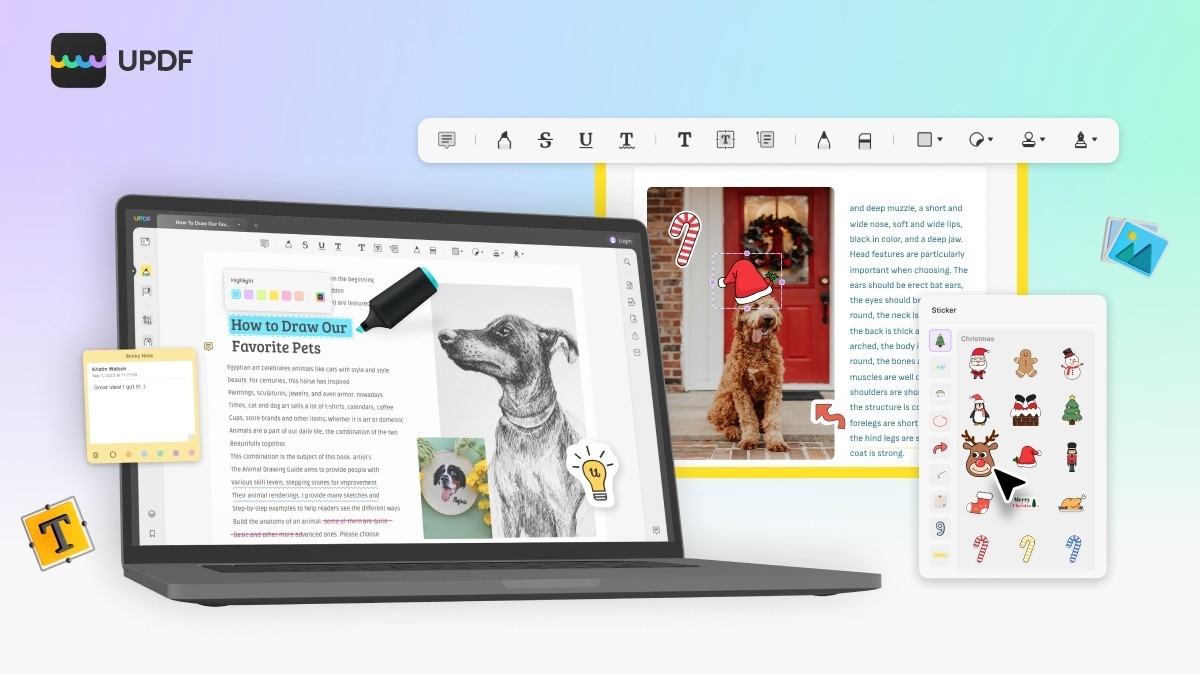
Translate advertised features into specific editing needs
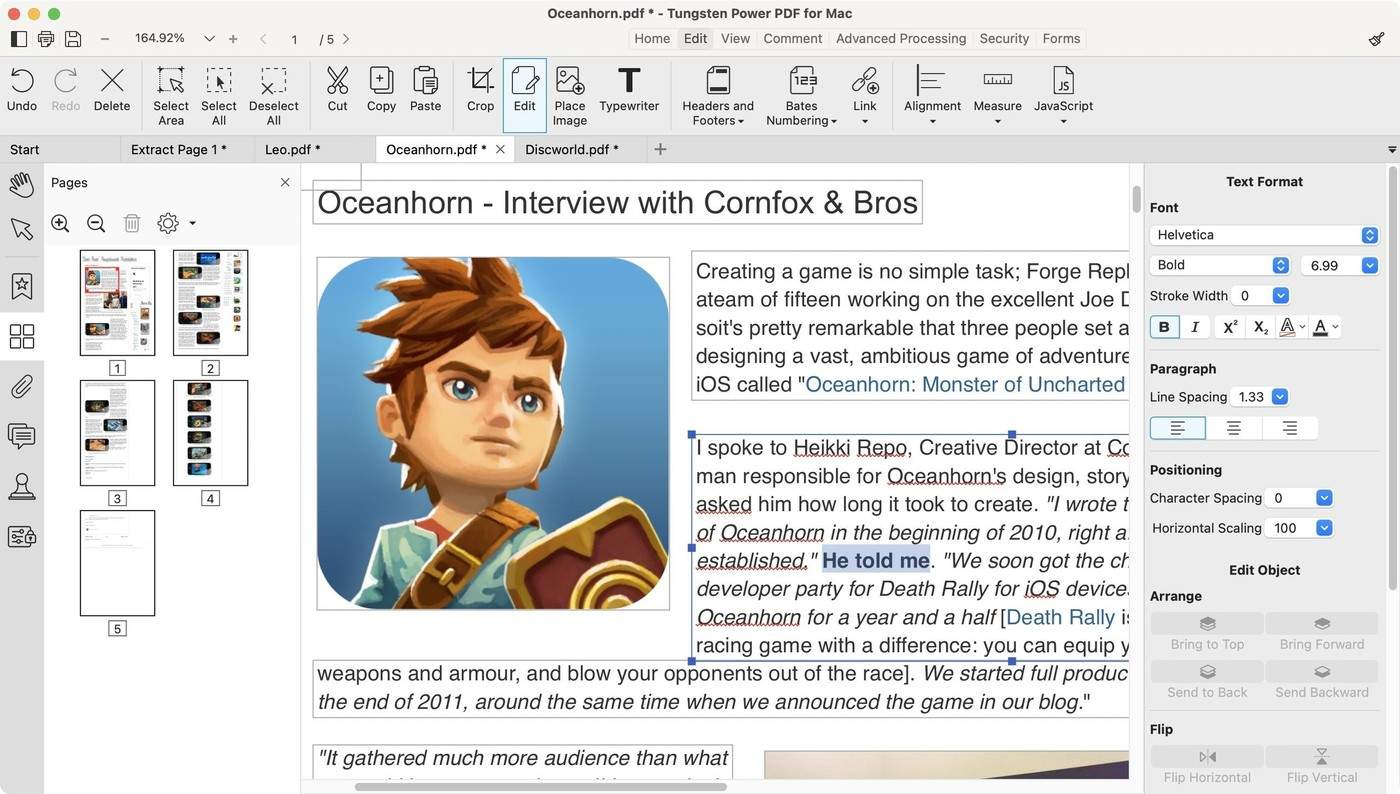
The source presents UPDF in a promotional article, describing text and link editing, image adjustments and page-management tools. Treat those descriptions as claims to evaluate in the relevant product version rather than evidence that every document can be edited without difficulty. Choose a representative file and identify the exact task, such as correcting a paragraph, replacing an image or rearranging pages. Inspect the result in a normal PDF viewer. Keeping the original unchanged makes it easier to distinguish the intended correction from accidental layout or content changes.
Review OCR and conversion output as recognized data
The article describes OCR and conversion to several editable formats. Recognition can make scanned text searchable or editable, but it should still be checked against the scan. Focus on names, numbers, punctuation and table relationships, where small mistakes can change meaning. A document that exports successfully does not necessarily retain its original structure or every advanced feature. Confirm which functions require a particular plan, platform or installed component in the current product. The published promotion's pricing and availability should not be treated as a current offer without checking the vendor's actual terms.
Distinguish visible annotations from stronger document controls
The source also describes highlights, text boxes, stamps and placed signature images, alongside password-related features. These serve different purposes. A signature image is a visible mark, while access restrictions and cryptographic verification involve separate mechanisms and requirements. Test the functionality needed for the document's actual workflow rather than treating all items under a broad security label as interchangeable. Review the saved file and recipient experience before adopting a tool. A suitable editor is one whose verified behavior fits the task, document type and maintenance requirements, not merely one with the longest feature list.
Convert a feature list into a small set of acceptance tasks
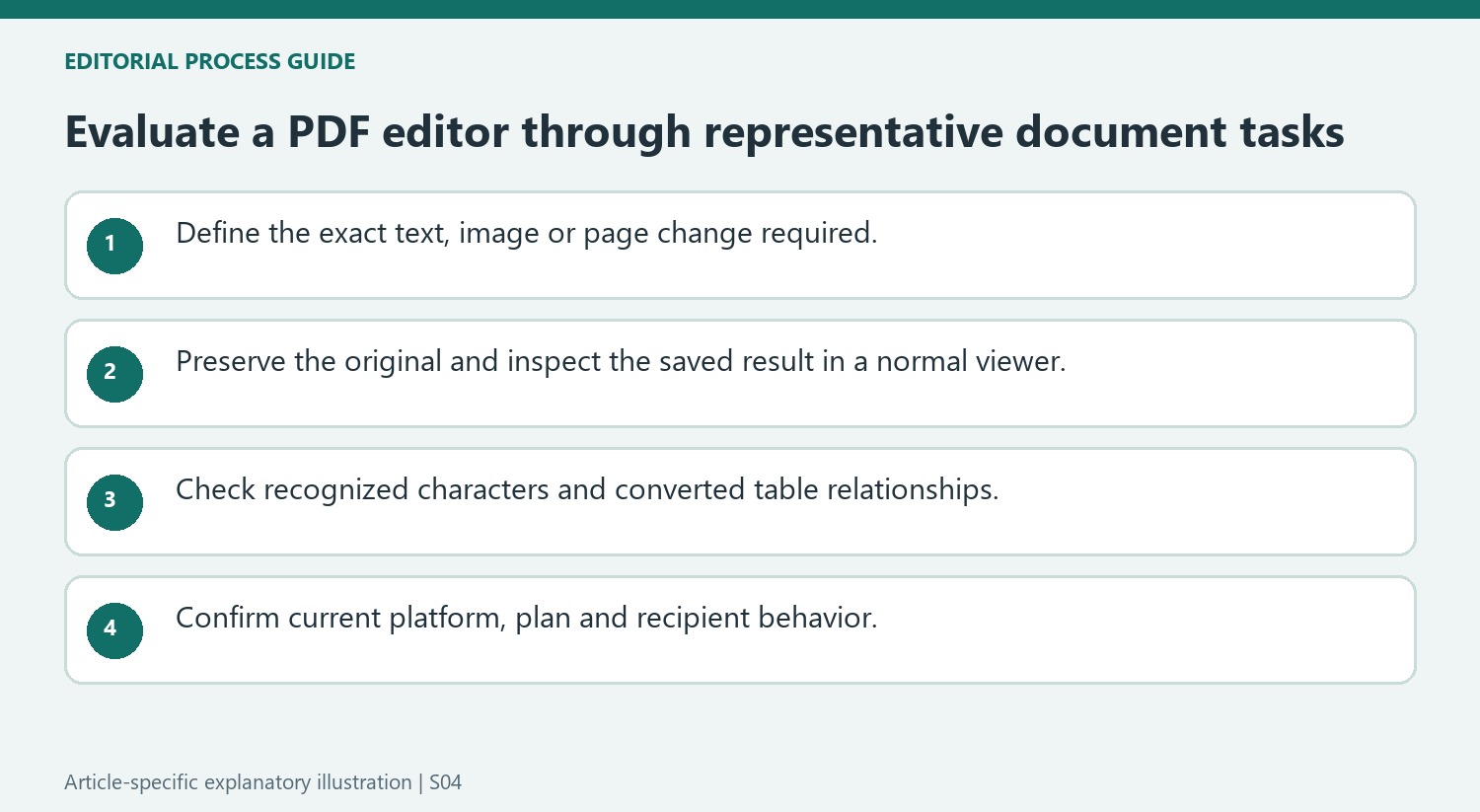
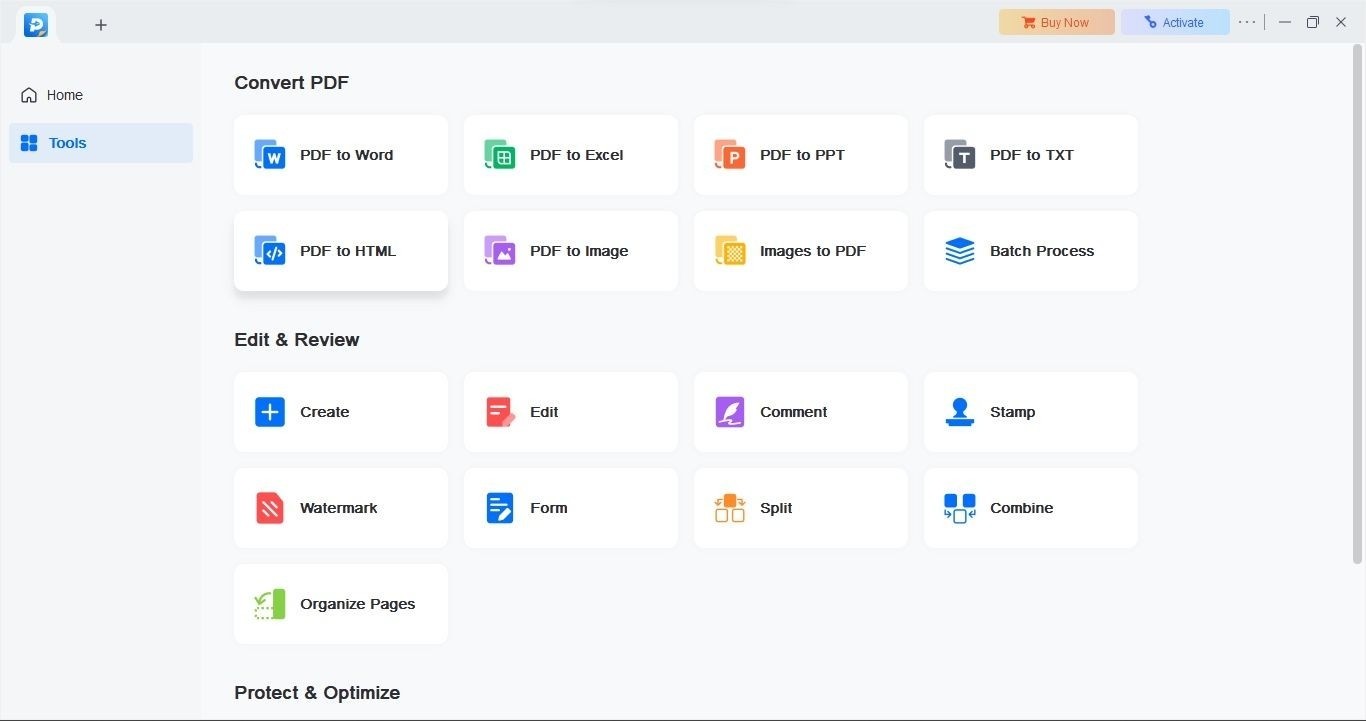
The promotional source lists text editing, image adjustment, page management, OCR and conversion. Turn those broad claims into concrete tests on a representative document. For text editing, check the required wording and nearby line wrapping. For an image replacement, inspect the new image, its crop and its relation to surrounding labels. For a page operation, compare the final sequence and boundaries with the intended package.
Keep the original file unchanged while evaluating the result. An editor can perform a requested action yet introduce another visible difference elsewhere. Open the saved PDF in a normal viewer rather than judging solely through the editing application. This checks what the recipient receives and helps separate the advertised capability from its performance on the actual file.
Evaluate recognized text and converted structure as separate outputs
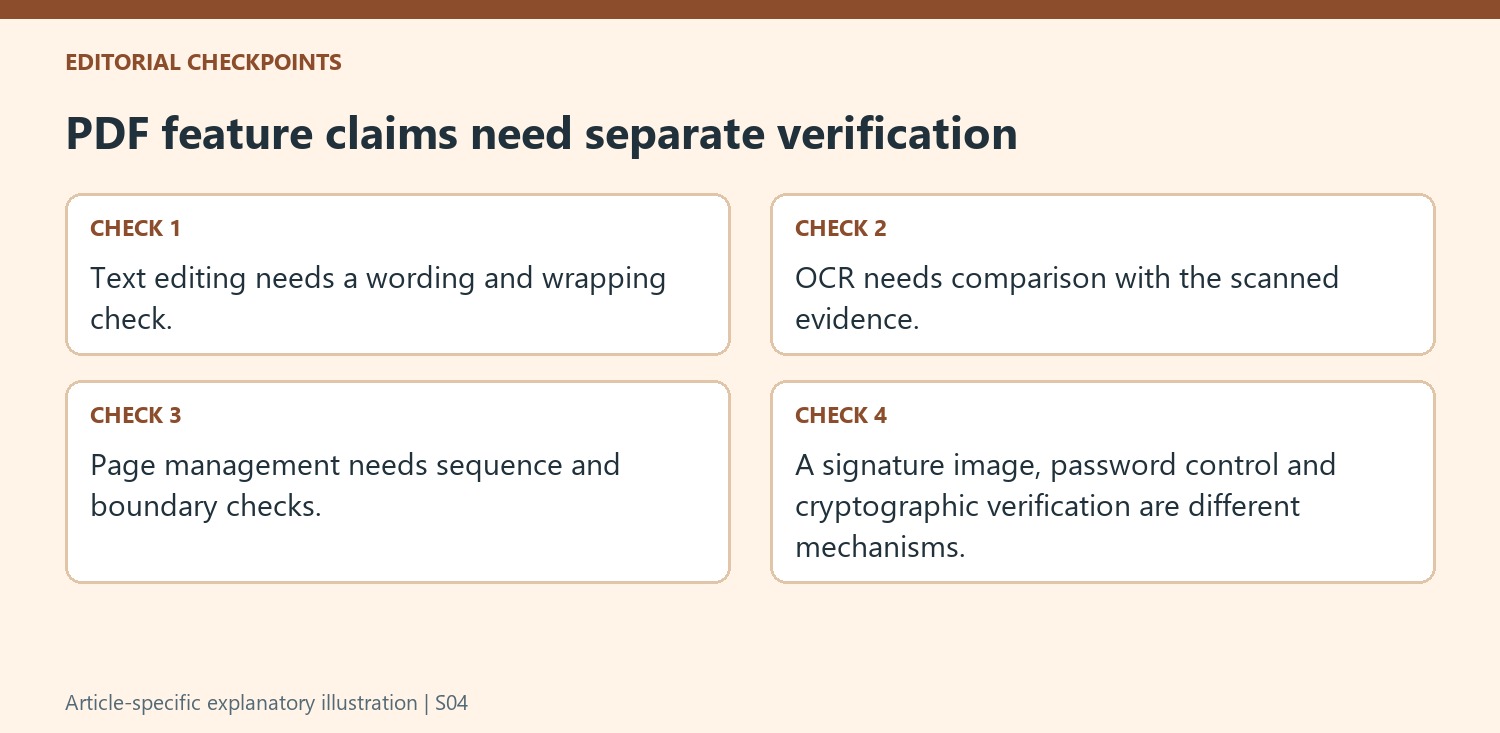
OCR can make scanned wording searchable or editable, while conversion can map it into another file format. Inspect both the recognized characters and the relationships among paragraphs, table cells and images. Correct-looking sentences do not prove that a spreadsheet export retained the intended column structure. Likewise, a visually similar table can contain a mistaken digit that changes its meaning.
The article also promotes broad platform coverage and particular offers. Confirm the current product version, plan and platform for the specific feature needed. A historic discount or lifetime-access description should not be repeated as a current term without checking the vendor. Evaluate the workflow as it exists for the intended device rather than assuming every function named in a promotion is identical across all environments.
Keep visible marks and document controls conceptually separate
Highlights, stamps, text boxes and signature images are visible additions to a page. Password-related settings address another aspect of the document workflow, and cryptographic verification is a separate mechanism again. Test the actual requirement rather than grouping all of these under one broad security claim. Inspect the saved file, its opening behavior and its readable appearance for the intended recipient. A suitable tool is one whose verified output satisfies those concrete tasks, with clear maintenance requirements and no dependence on an untested promotional promise.
References
- Get UPDF, a Powerful PDF Editor with OCR for 54% Off. How-To Geek; Sponsored.



Comments
0