 DocumentFlow Desk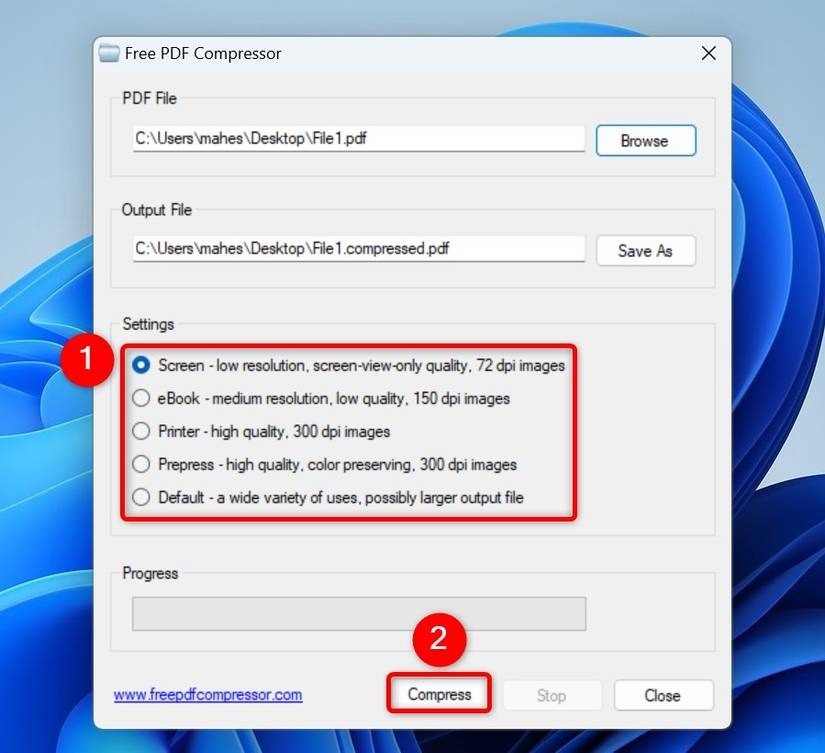
Use a PDF compressor when the PDF itself must shrink
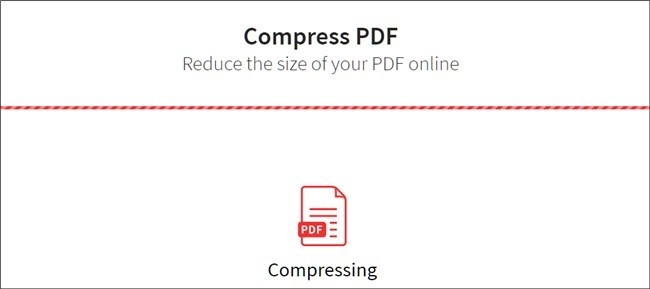
The source demonstrates Free PDF Compressor with a selected input, separate output and quality preset. Review those choices and compare the resulting file size with the actual target. A screen-oriented preset can make sense for a download but may be unsuitable for fine print or detailed diagrams. Keep the original so another setting can be tested without repeatedly degrading the same processed copy. The success message reports completion, not whether the reduced document still meets its reading, printing or archival purpose.
Recognize that Word conversion can alter the layout
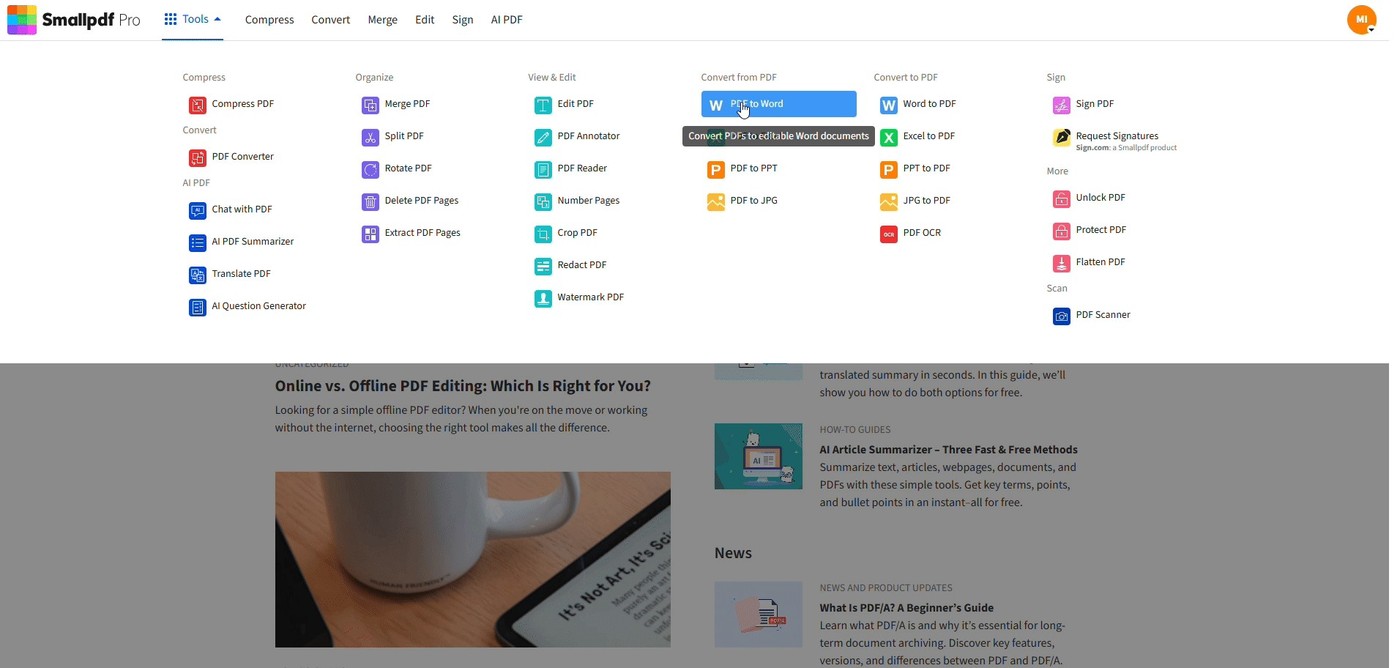
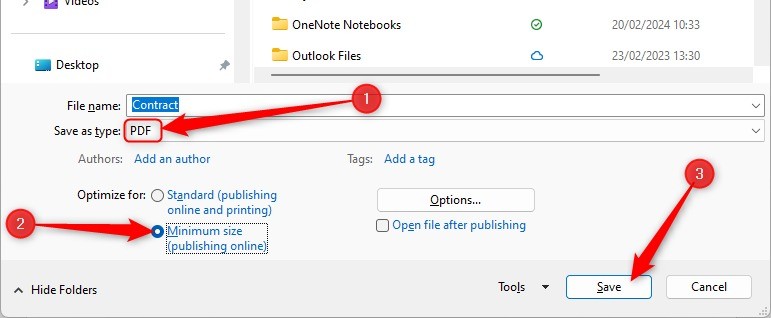
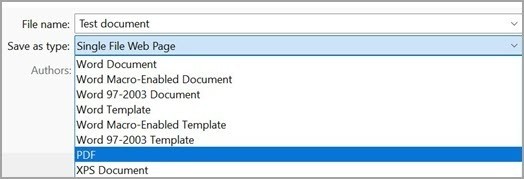
The article offers opening a PDF in Word and exporting at minimum size as another route for simpler documents. Word reconstructs editable content, so this is more than a direct compression step. Inspect tables, images, spacing and pagination before relying on the new PDF. A ZIP archive is different again: it packages the PDF and may reduce storage without changing the PDF itself. Choose it when packaging is acceptable, not when a system requires a smaller standalone PDF. Check the recipient's accepted file type before adding that extra container.
Review batches with representative files and clear destinations
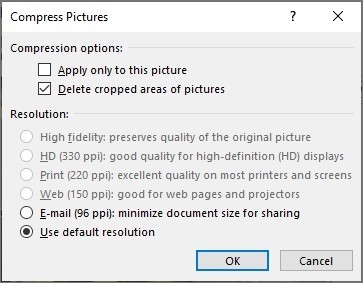
For several PDFs, the source describes PDF24 Creator with image-quality and DPI settings. Test a small representative set before processing a large batch, including a scan, an image-heavy report and a text-focused file when those types occur. Save outputs into a distinguishable folder and compare page counts and critical details. Online services are another option when upload fits the handling context, but plan limits and controls can change. Retain originals until the entire output set has been checked, since one successful sample does not establish that every document tolerates the same reduction settings.
Keep direct PDF compression distinct from reconstruction and archiving
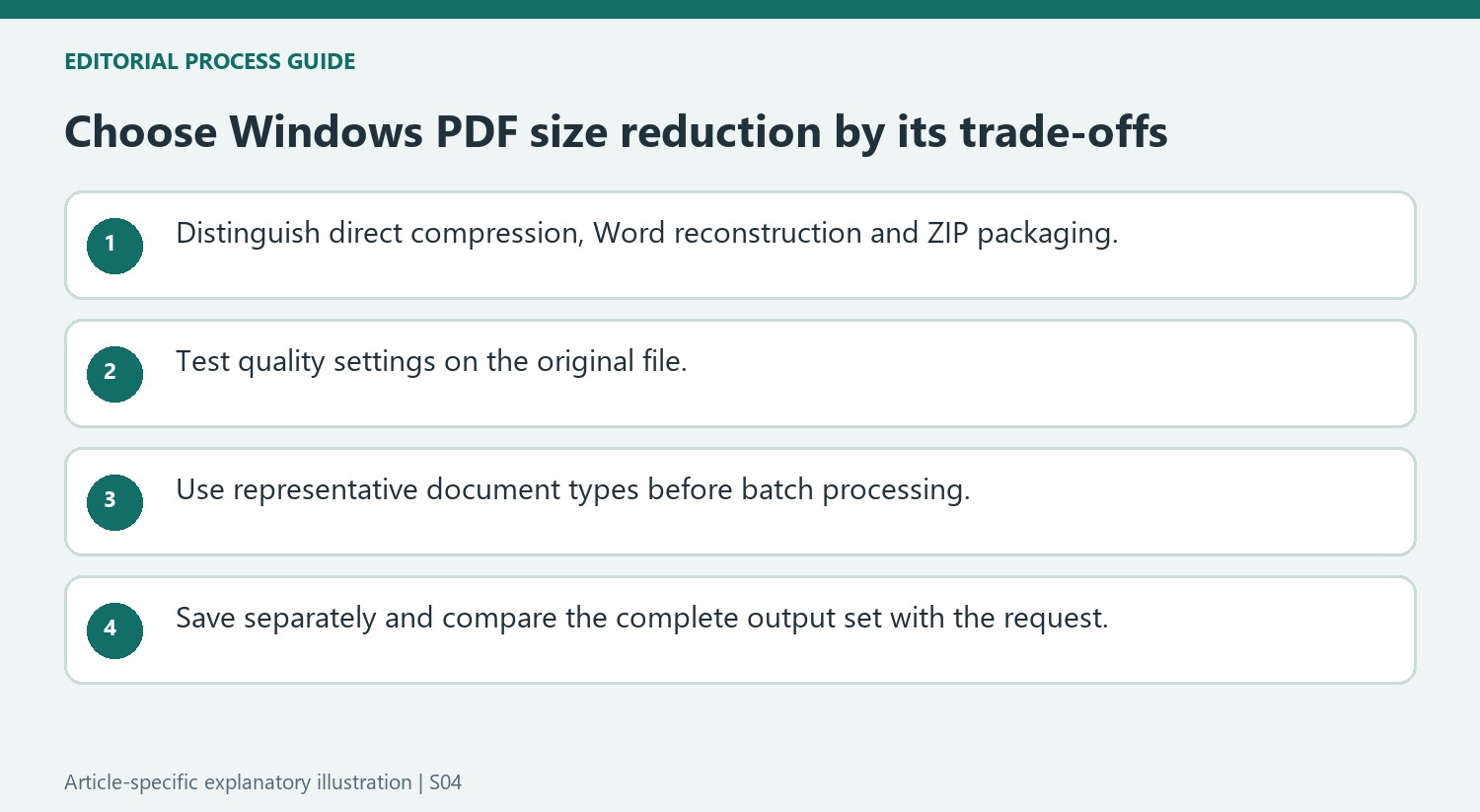
The source describes a dedicated compressor, a Word conversion route and a ZIP archive. These produce different kinds of changes. Direct compression reduces stored PDF data through the selected quality settings. Word interprets the page into editable content before exporting another PDF, which can affect layout. ZIP creates an outer package and does not optimize the PDF internally. Choose according to the actual accepted deliverable.
For a standalone PDF size limit, confirm the measured result is still a PDF and meets that limit. For an archive package, confirm the recipient can use the container. For a Word-based route, compare the reconstructed layout and the final export with the original. A smaller file is not sufficient evidence that these different workflows produced an equivalent document.
Test quality settings from the preserved original
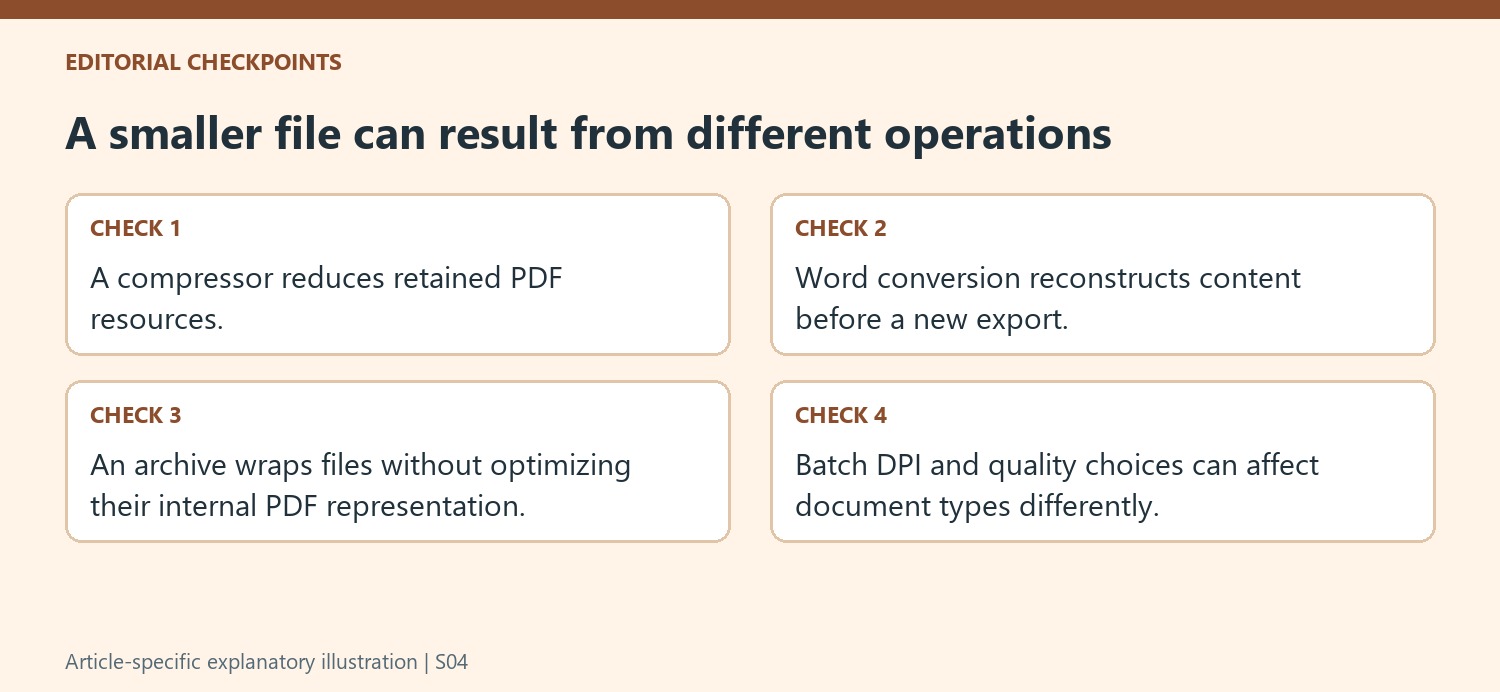
The utility's presets provide starting points for different output priorities, but review the actual result. A screen-oriented setting can be unsuitable for a detailed scan used in print. Keep the original and create distinguishable test outputs rather than repeatedly reducing the already processed version. Compare text edges within images, fine chart labels and required annotations at the final viewing size.
When a batch tool exposes DPI and image-quality controls, choose a representative test set before applying the setting broadly. Include the document types actually present. A clean text PDF, a photograph-heavy report and a faint scan can tolerate different reductions. One satisfactory result does not establish that the same choice preserves every file in the batch.
Use clear destinations and review the complete output set
Save batch outputs into a separate folder or use filenames that distinguish them from the source set. Compare counts and inspect each required document so a failed or omitted output is visible. Review relevant links and form behavior where the workflow needs them, in addition to page appearance. Online services supply another route when upload is appropriate, but their current controls and plan limits should be checked. Retain the originals until the accepted set meets both the storage or sharing target and the practical information needs of its readers. Compare the accepted filenames with the requested source list before closing the batch.
References
- How to Compress PDF Files on Windows 11. How-To Geek; Mahesh Makvana.


Comments
0