 DocumentFlow Desk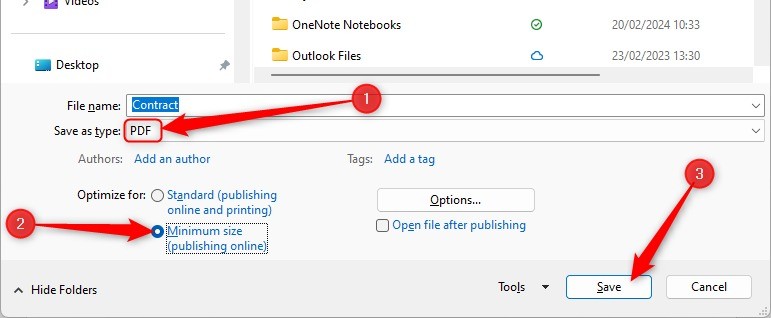
Use fixed layout for a document intended to be read
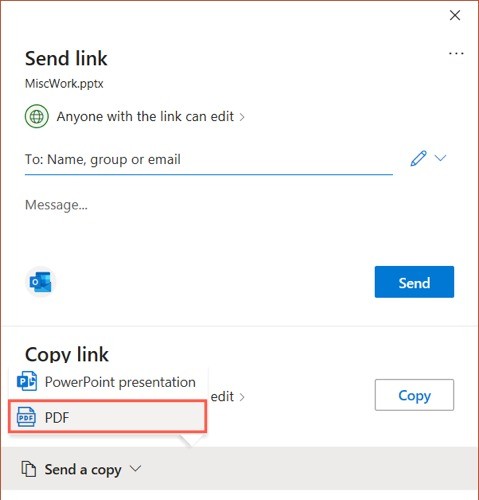
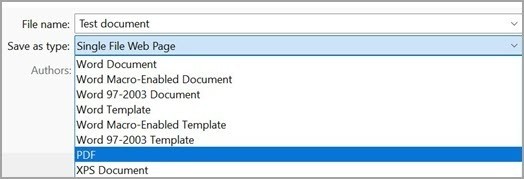
The article describes distributing a finished Word document as a PDF to reduce layout differences between recipients' environments. This can help when fonts, tables or images need a predictable position. Export through Word's PDF controls and inspect the result on representative pages. Retain the editable master for future revisions. A PDF is often convenient for reading on multiple devices, but the chosen export settings and embedded resources still matter. Check the output rather than promising that every viewer will reproduce every detail identically under all circumstances.
Do not confuse a PDF with an uneditable or verified record
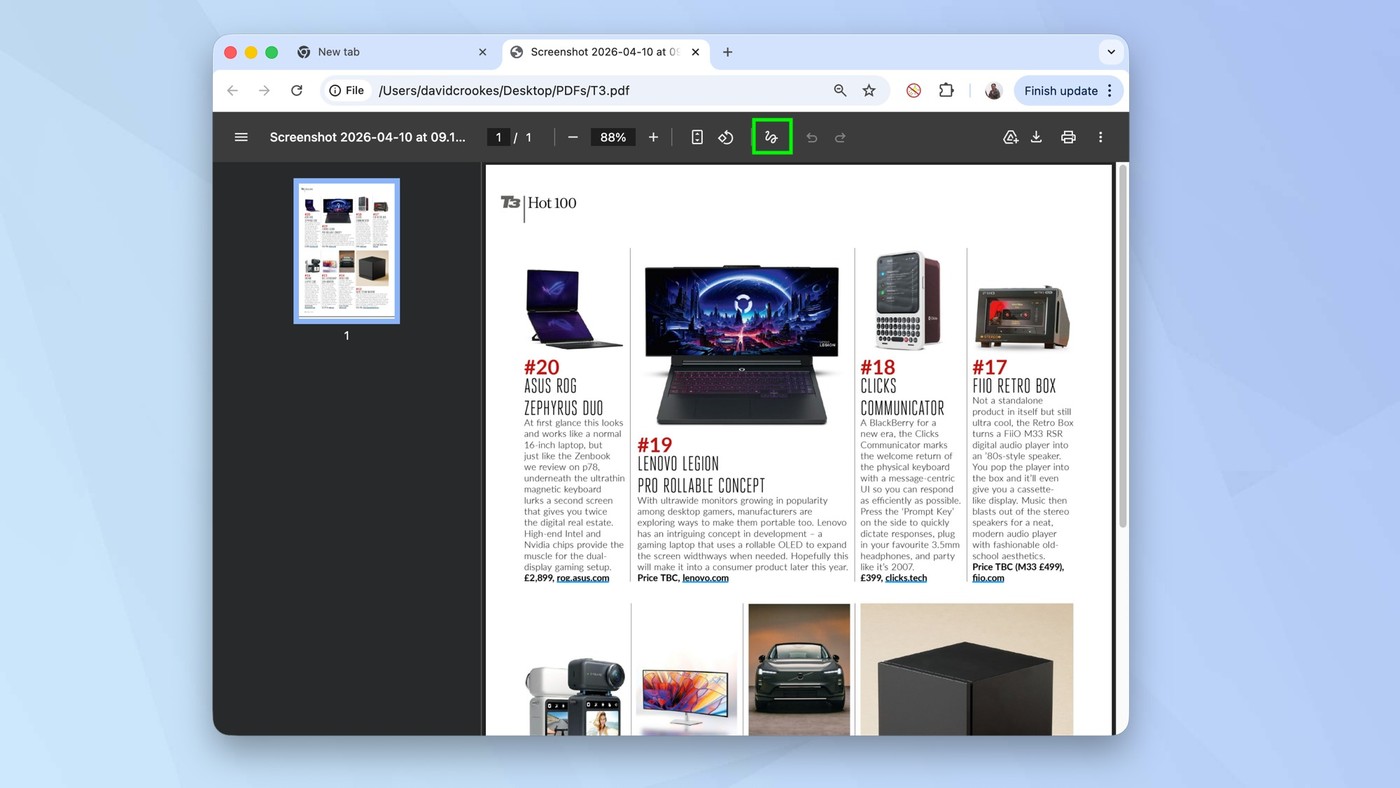
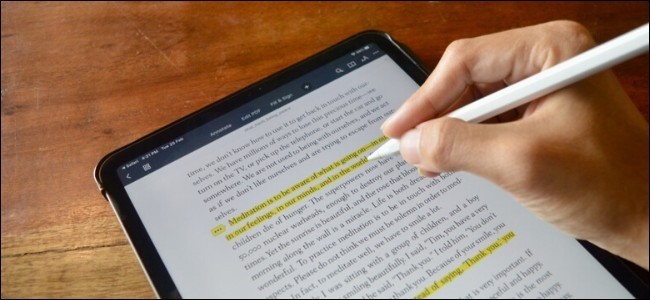
The source acknowledges that PDF-editing tools exist, even while describing a lower likelihood of accidental changes during ordinary reading. That distinction matters for contracts or other important records. A PDF extension alone does not establish that content cannot be modified, and ordinary metadata is not a robust proof of integrity. If the workflow requires controlled access or verification, use the appropriate separate mechanisms. Describe the file accurately as a distribution format rather than attributing security properties that do not follow merely from exporting a Word document.
Evaluate size and readability together
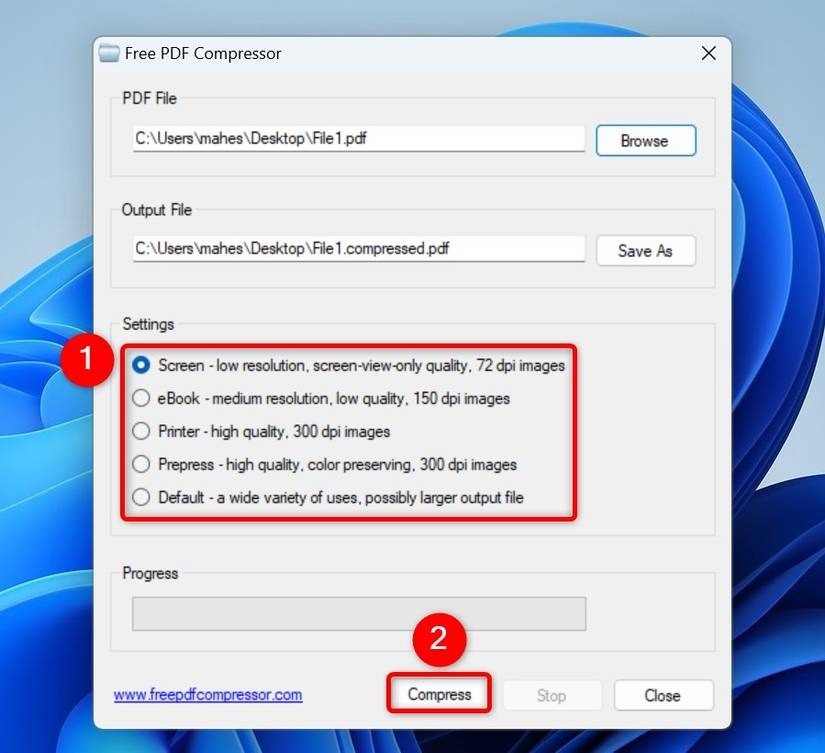
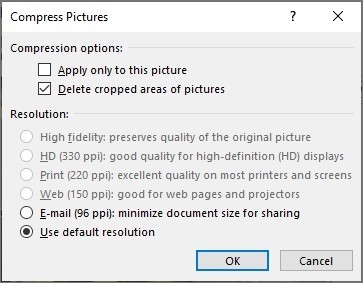
The article discusses minimum-size export as an option for easier sharing. A PDF can be smaller than its source, but the result depends on images, fonts and selected settings; it is not a universal size guarantee. Compare the actual files and inspect fine detail, charts and scanned material after compression. Keep enough quality for the intended reading or printing task. Before distribution, verify the page count, title and current revision status, and use filenames that distinguish the final reading copy from an earlier review export or the editable source document.
Use PDF distribution for its actual fixed-layout benefit
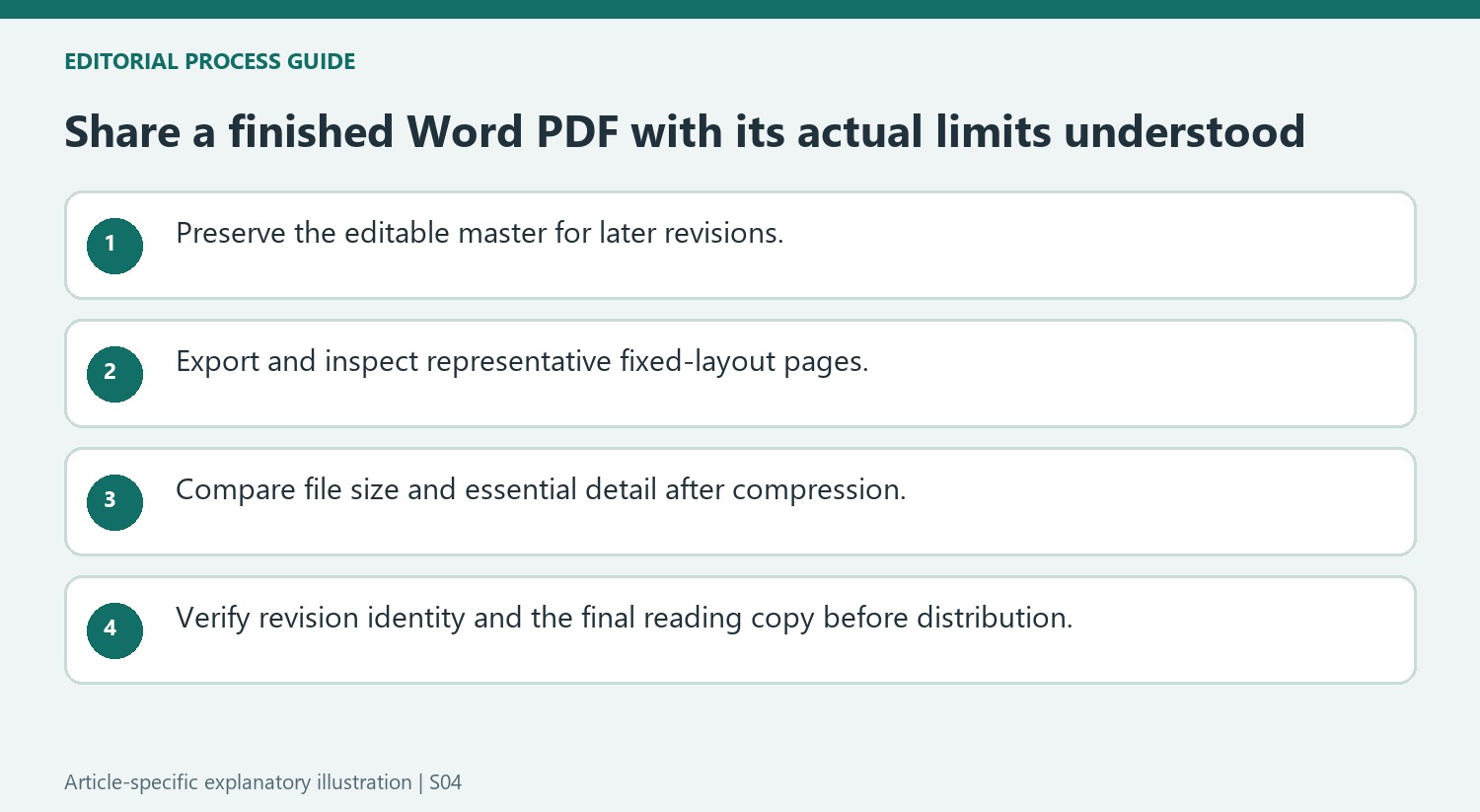
A finished reading copy can reduce the layout differences that occur when another person opens an editable Word file with a different font set or application version. Export the document and inspect representative pages to verify that the chosen fixed layout reflects the intended source. Keep the editable master because later wording changes are easier to maintain in its original document structure.
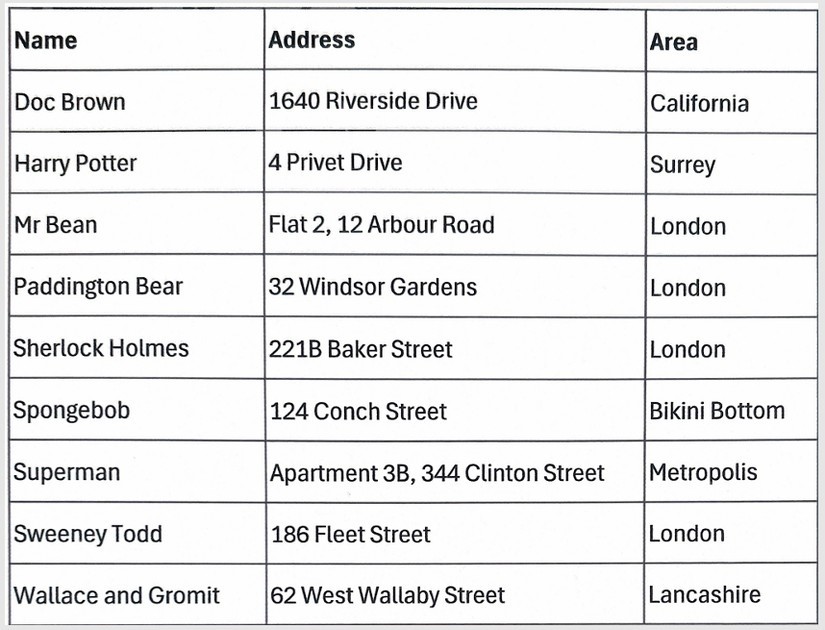
Do not turn that benefit into an absolute promise about every viewer or device. Fonts, images and export choices still affect the output. Review long tables, fine print and page boundaries rather than checking only the opening paragraph. A file can be convenient to open while still containing a cropped image or a title that belongs to an earlier draft.
Separate ordinary reading behavior from document-integrity guarantees
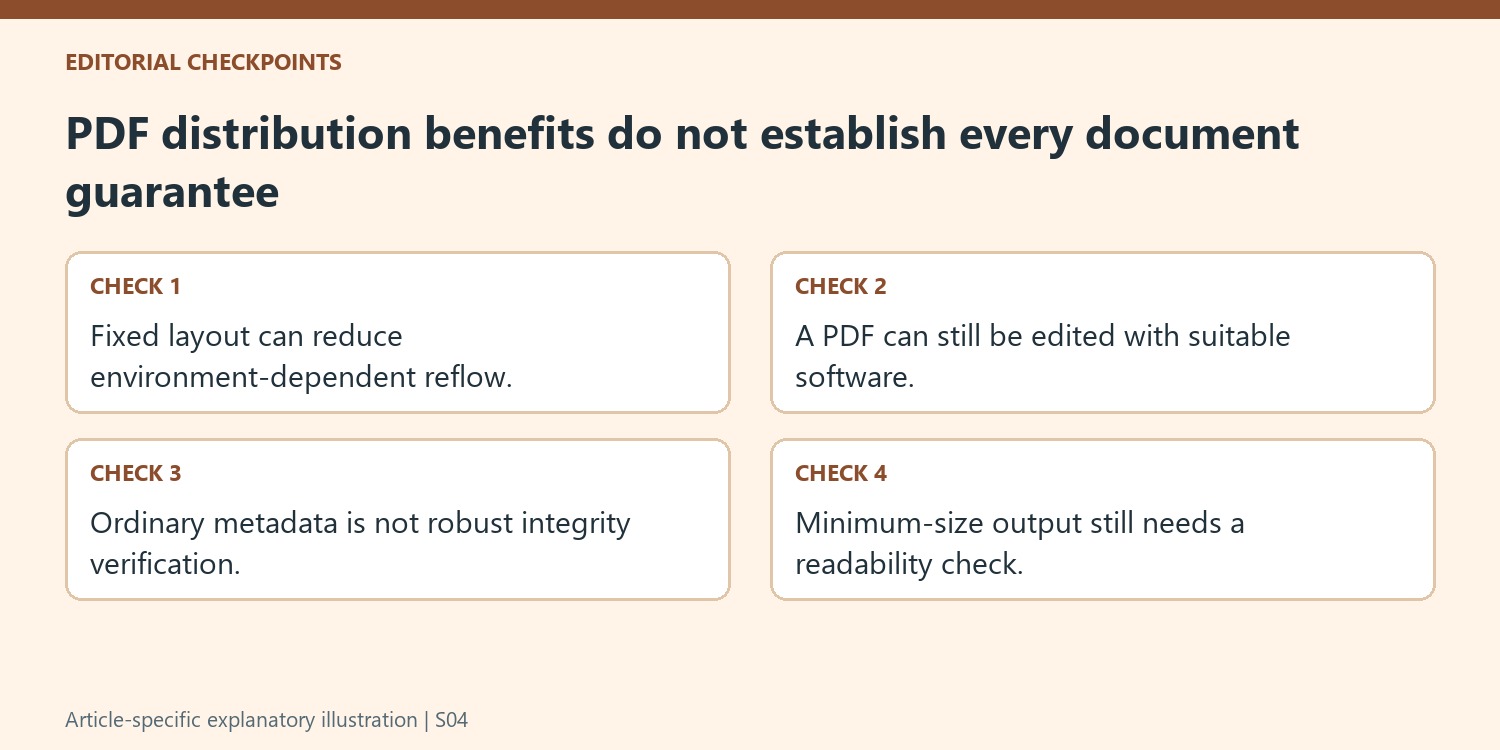
The article acknowledges that software can edit PDFs. A reading-oriented format can reduce accidental changes in an ordinary viewer, but it does not establish that modification is impossible. Likewise, a modified timestamp or ordinary metadata is not a reliable proof that the content remained unchanged. Describe the exported file as a distribution copy and use the appropriate separate mechanisms when verification is actually required.
This distinction matters when recipients need a reference record rather than another editable draft. Keep version naming and the distribution process clear so the intended reading copy can be identified. Access restrictions, approval decisions and cryptographic verification answer different questions from page appearance. A PDF extension alone does not combine those separate requirements into one guaranteed result.
Compare size reductions with the information readers need
Minimum-size export can help reduce a download, but inspect the actual file size and the resulting detail. Large images and font resources can make the outcome differ from the source file in either direction. Review chart labels, scanned text and image boundaries at the final reading size before choosing the smaller copy. Retain enough quality for printing when that is part of the task. Before sharing, check the title, current revision and page count, and distinguish the final PDF from earlier review exports and the editable master that should be used for any later content revisions.
References
- 4 Reasons I Share My Microsoft Word Documents as PDFs. How-To Geek; Tony Phillips.


Comments
0