 DocumentFlow Desk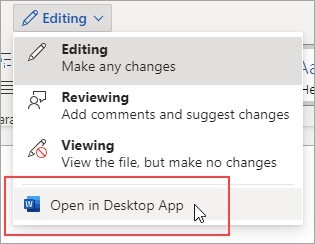
Choose whether the PDF should remain an attachment
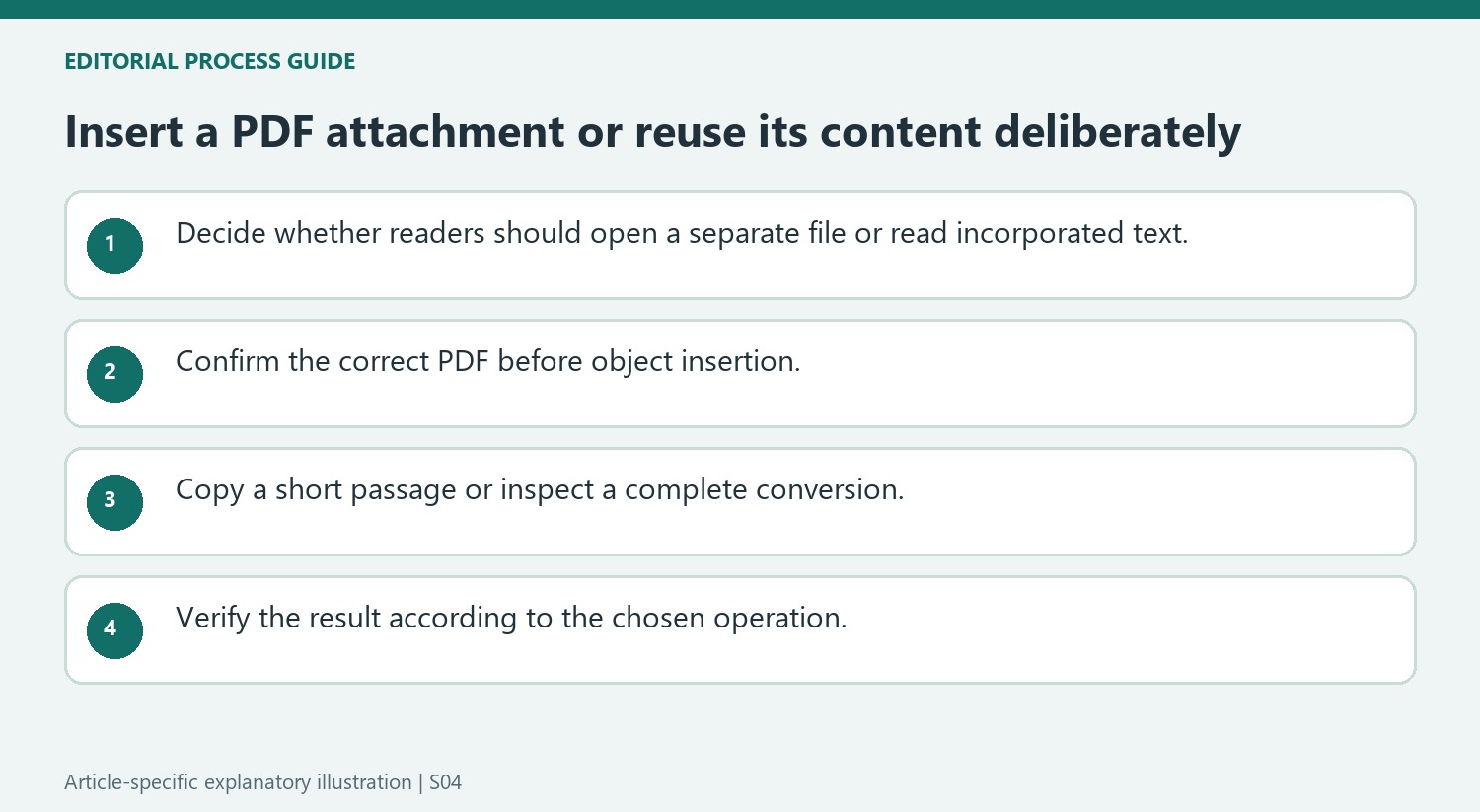
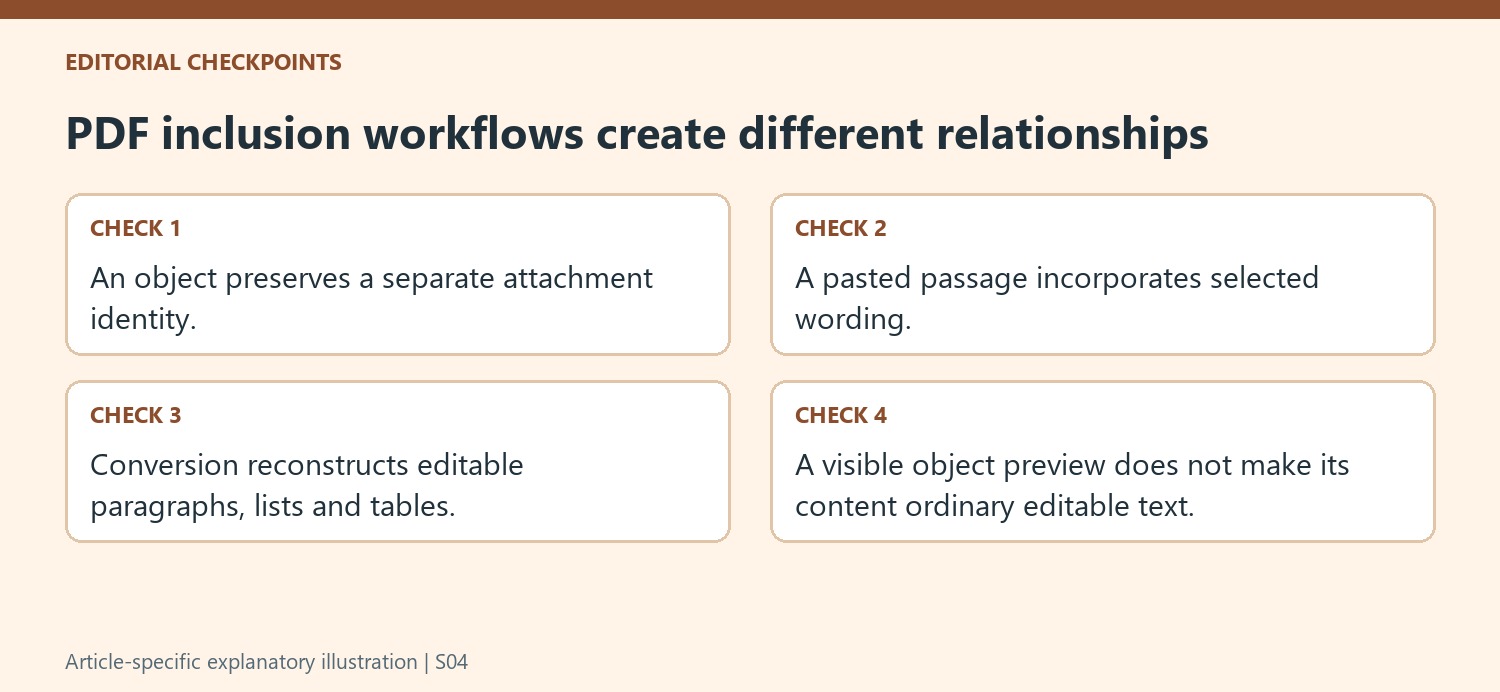
Microsoft describes inserting a PDF through Insert, Object, Create from File and browsing to the intended document. This places the file as an object rather than turning all its pages into ordinary editable Office text. Confirm the filename before accepting it, especially when several versions have similar names. The inserted object can be resized, but its content is not edited through the same controls as the surrounding text. Choose this approach when the purpose is to include a reference or attachment while preserving its separate PDF identity.
Use conversion when the wording itself needs editing
The source distinguishes object insertion from opening a PDF in a supported desktop Word version. Word attempts to convert the fixed-format material into editable paragraphs, lists or tables. That is a different result from attaching the original file. For a short passage, copying and pasting may be sufficient, often without the original formatting. Decide how much content is needed before converting an entire document. Preserve the source PDF so any change in wording, table structure or visual layout can be checked against the fixed original.
Verify the intended result in the destination document
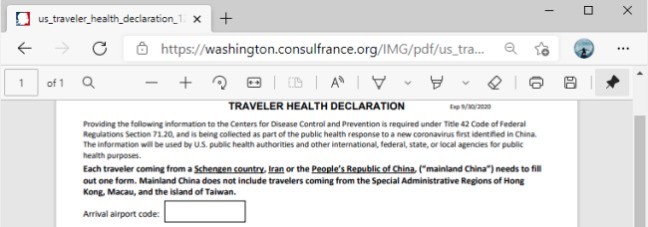
After insertion, confirm that the object represents the correct PDF and can be opened in the recipient's intended environment. The source's viewer requirement reflects its described Office workflow, so account for the actual application and platform rather than assuming identical behavior everywhere. After conversion, inspect the editable content instead, including headings, tables and page flow. A visible attachment icon and a page of extracted text serve different reading purposes. Keep that distinction clear in the surrounding explanation so recipients know whether they should open the attached PDF or read the incorporated content.
Describe the intended reader experience before inserting anything
An attached PDF remains a separate object that the reader opens, while converted text becomes part of the Office document's editable content. Decide which experience is required. A reference attachment can be appropriate when preserving the original file matters, while a revised paragraph belongs in the document body. The two can look similar when an object preview appears on the page, but their maintenance and reading behavior differ.
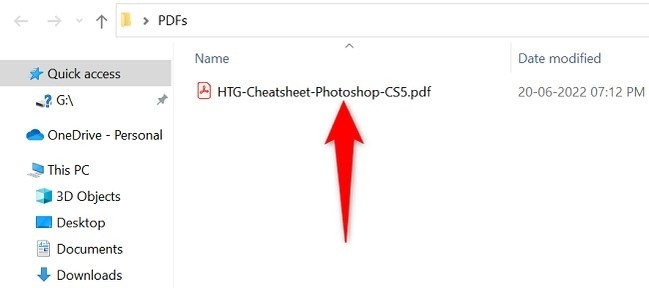
Confirm the selected file in Create from File before accepting. Similar filenames can refer to different revisions, so inspect a recognizable detail in the PDF if necessary. After insertion, check the object in the intended destination environment. The article's stated viewer requirement reflects its particular Office workflow; actual recipient behavior still needs verification on the relevant platform and application.
Use content reuse at the smallest useful scope
For a short passage, copying and pasting can avoid converting a complete document. Inspect the resulting wording and formatting because the source says plain text is a common outcome. A paragraph copied from a multi-column page can need review for order and line breaks. Keep the PDF available so a punctuation mark, number or omitted sentence can be checked against the original.
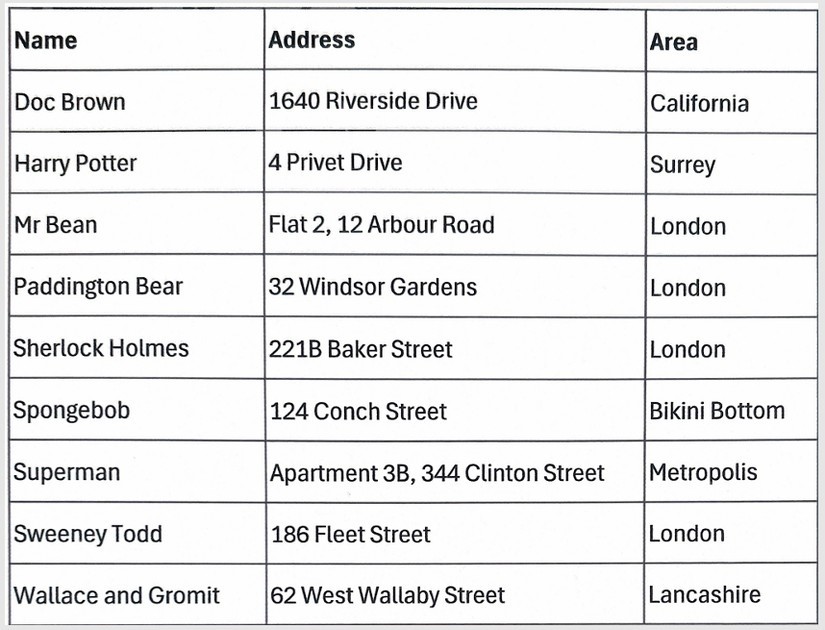
When the entire document needs editing, opening it through a supported Word conversion route reconstructs paragraphs, lists and tables. That is more than attaching a file and less than a guarantee of identical structure. Review the conversion before incorporating it into a larger document. A table that looks close to the source can still need attention to cell relationships and reading order.
Review the result according to the chosen operation
For an object insertion, verify that the correct attachment is present and can be opened as intended. For conversion, inspect the editable content, including headings, tables and page flow. For a short pasted passage, compare the exact wording and restore useful structure in the destination. Surrounding explanation should tell readers whether to open a separate PDF or read the incorporated material. Keep the original reference and any editable working copy clearly named so later revisions do not confuse the attachment with the document that was derived from it.
References
- Add a PDF to your Office file. support.microsoft.com.


Comments
0