 DocumentFlow Desk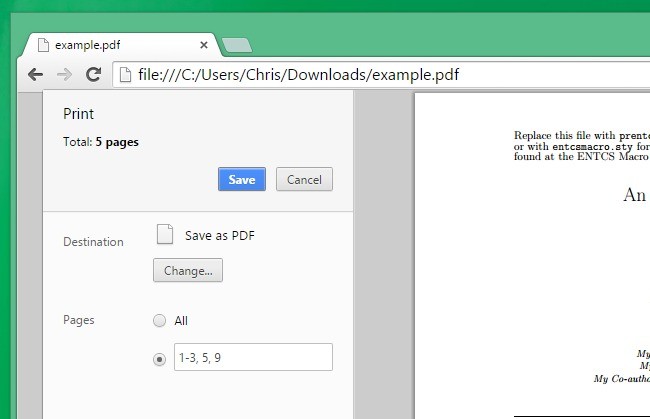
Extract a page range into a separate PDF
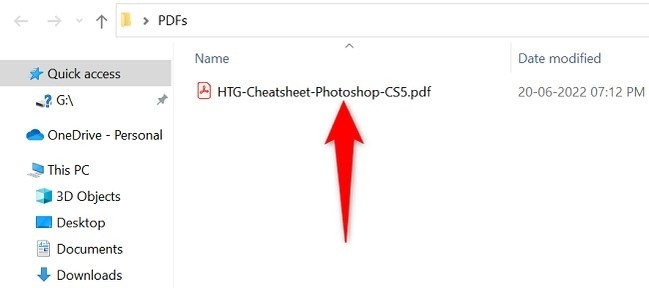
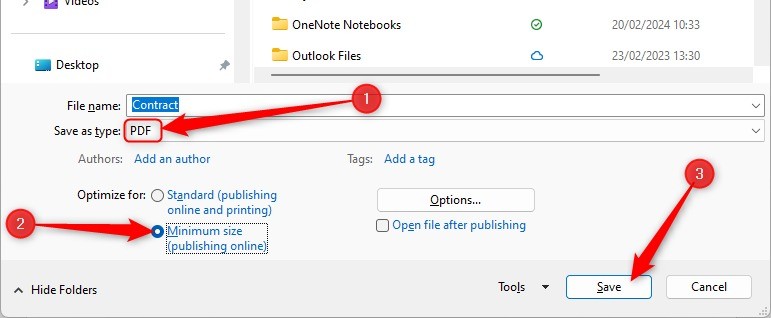
The source describes opening a PDF in a viewer with a PDF-printing workflow and selecting a page range for a new file. Inspect the requested pages before saving, especially when the document has a cover or front matter that changes the relationship between physical pages and printed labels. Use a new filename and keep the original. Printing selected pages can provide a convenient extraction, but review the resulting document's content and required features rather than assuming every interactive element or advanced PDF property remains unchanged through a print-based conversion.
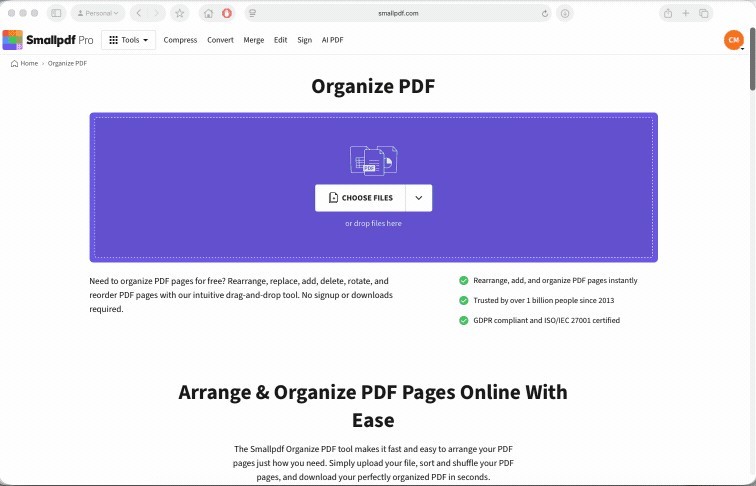
Merge or reorder through a dedicated page-management view
The article discusses a PDFsam workflow for combining files and rearranging pages. Its interface and dependency discussion reflect the version used at publication, so review the current application rather than treating older installer details as universal requirements. Add the intended files, confirm their sequence and remove unrelated inputs before processing. The important operation is page management, not a visual annotation placed over the page. Check the combined result at each document boundary so the assembled package does not contain duplicate scans, reversed sections or an attachment that belonged elsewhere.
Use annotation and signing controls for visible additions
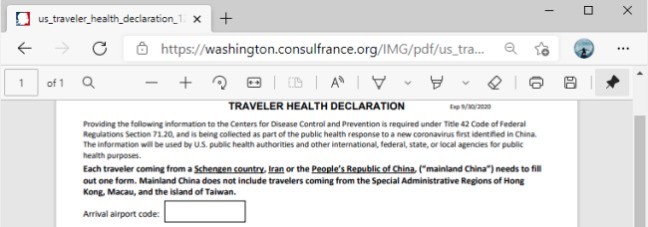
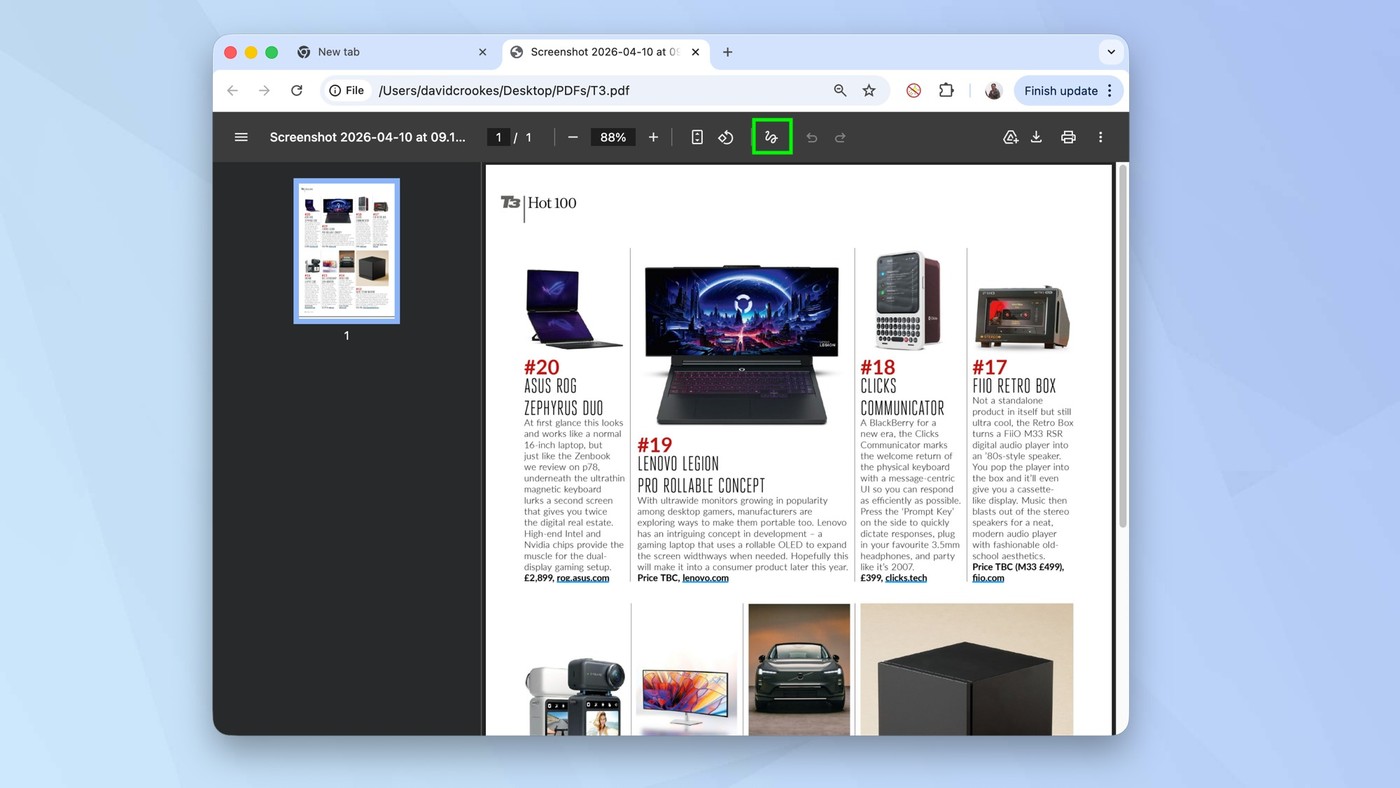
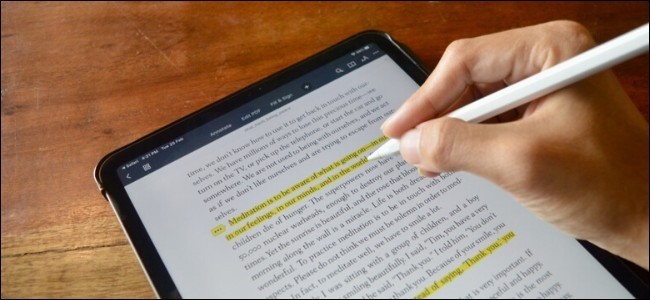
The source describes Reader tools for comments, drawings and a placed signature. These additions serve a different role from editing the underlying source document or managing its page order. Inspect each mark for readability and ensure it does not cover essential wording. Choose a local or online workflow according to the handling requirements of the material. Save a separate reviewed output and reopen it in a normal viewer. A visible signature image or comment should be described accurately, without implying that its appearance alone establishes identity verification, approval authority or unchanged document contents.
Choose a workflow from the requested operation rather than the file type alone
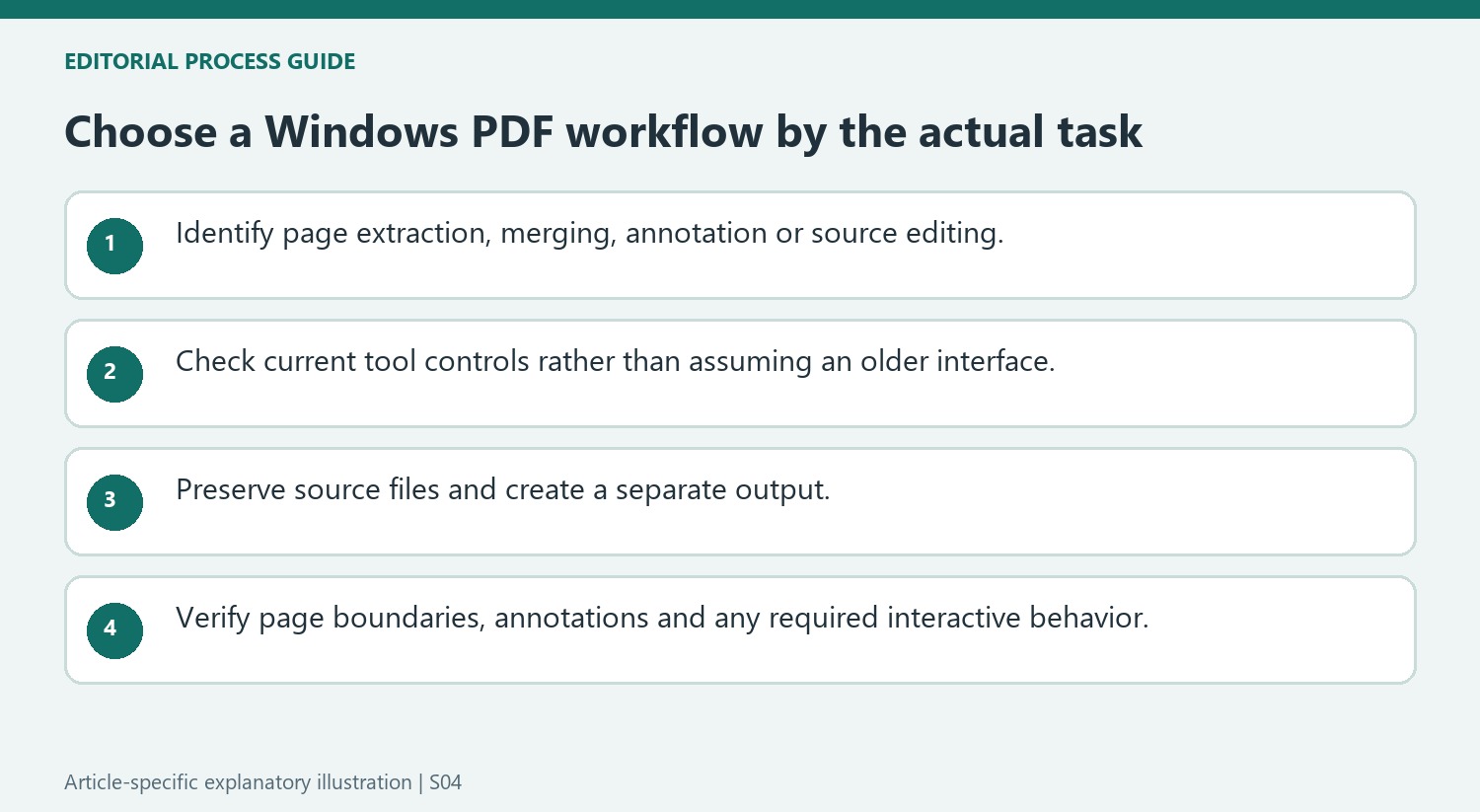
A request to extract several pages is different from a request to annotate a paragraph or combine documents. Start by identifying the actual change. A PDF-printing route can create a new file from selected pages, while a page-management tool can arrange inputs and order. Neither operation automatically rewrites the underlying source text or corrects mistakes within an image of a scanned page.
For extraction, compare the requested pages with the viewer's physical page positions. Covers and separately numbered front matter can make those positions differ from printed labels. Save a new file and inspect the selected pages after processing. A successful page-range entry does not establish that the chosen numbering convention matched the one used by the person requesting the extract.
Review older tool descriptions against the installed version
The source discusses application interfaces and dependencies from its publication context. Use its distinction between page management and annotation without assuming every installer detail remains current. Inspect the actual application controls and documentation for the installed release. The central task remains arranging the intended files or pages and verifying the output, rather than reproducing every historical interface detail.
For a merge, inspect each input and its boundary in the combined document. For a reorder, compare the first and last page and every moved section with the intended sequence. A dedicated page-management view makes those decisions visible, but it does not identify unrelated attachments automatically. Preserve the source files until the resulting package is accepted and any mistaken input can be removed cleanly.
Describe annotations and signature placement accurately
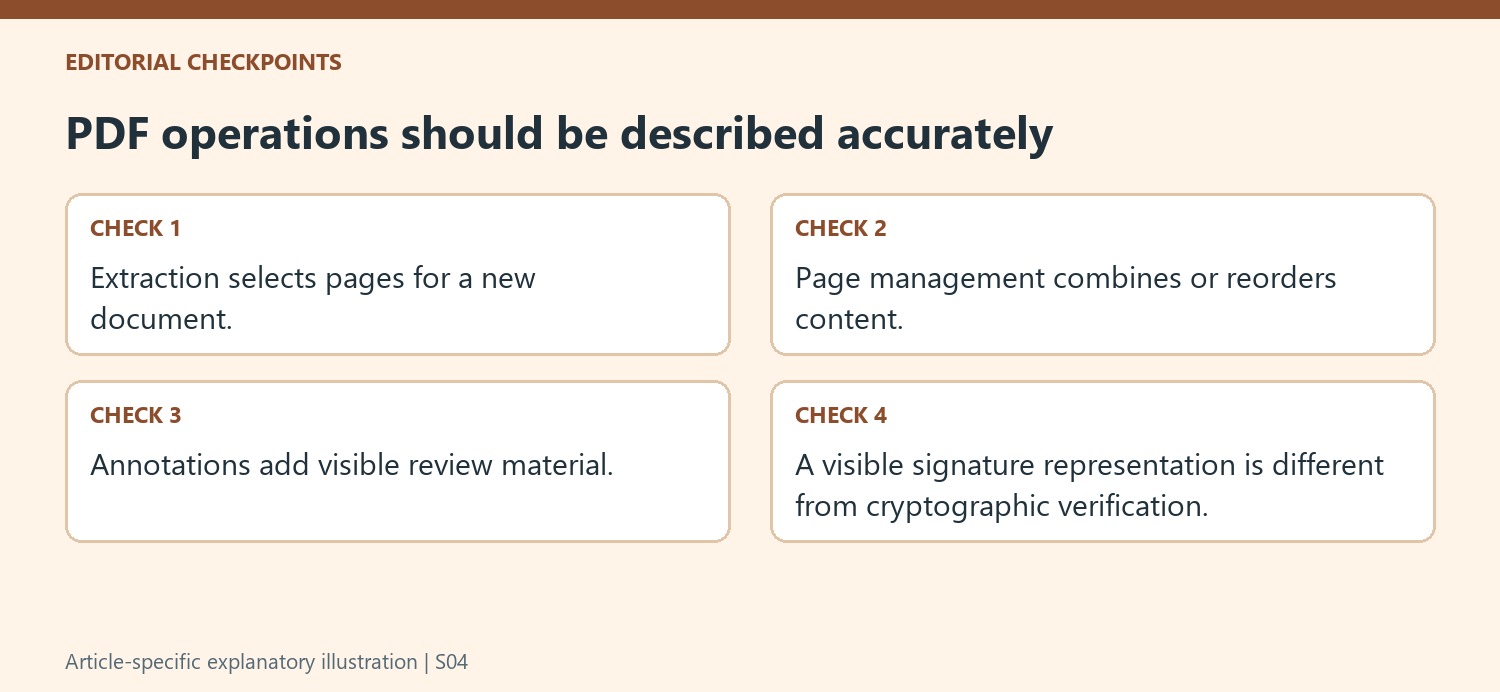
Reader comment and drawing tools add visible review material. Fill-and-sign controls can place a signature representation or form entry without replacing the original document's authoring workflow. Inspect the result for covered text and readable placement, then reopen the saved copy in a normal viewer. A visible signature image should not be presented as proof of cryptographic verification. Similarly, print-based extraction should be checked for any required interactive behavior rather than assumed to preserve every original feature. Choose the workflow that satisfies the actual page, content and review requirements.
References
- How to Split, Merge, Reorder, Mark Up, and Sign PDF Files on Windows. How-To Geek; Chris Hoffman.


Comments
0