 DocumentFlow Desk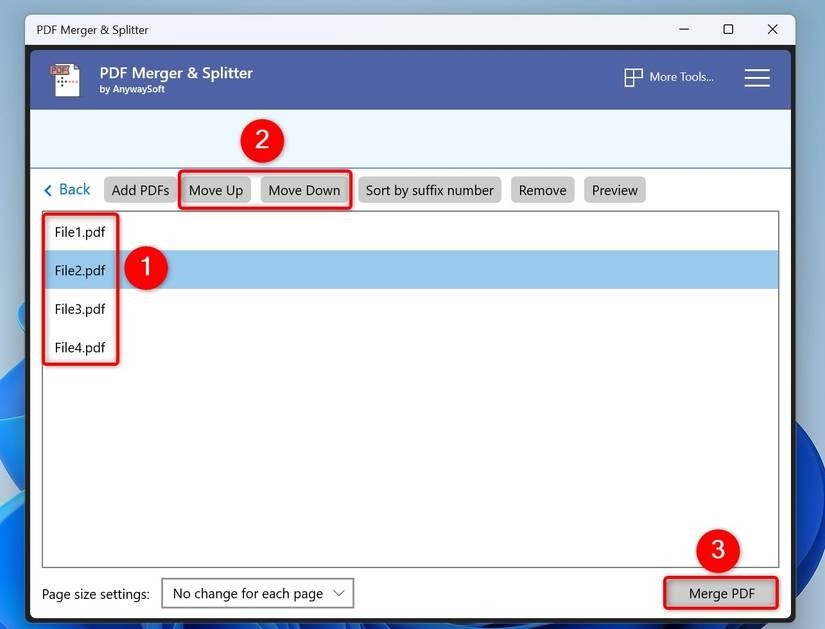
Use a desktop merge list as a review stage
The source demonstrates PDF Merger and Splitter as one desktop option. Add the intended PDF files, inspect the list and move items up or down to establish the output sequence. Use a preview to verify ambiguous filenames before merging. Preserve the original files and save the combined result under a separate name. The merge operation joins documents; it does not correct duplicated pages, inconsistent orientation or unrelated attachments. Treat the input list as a final opportunity to check that every selected file belongs in the same package.
Choose an online workflow according to the document context
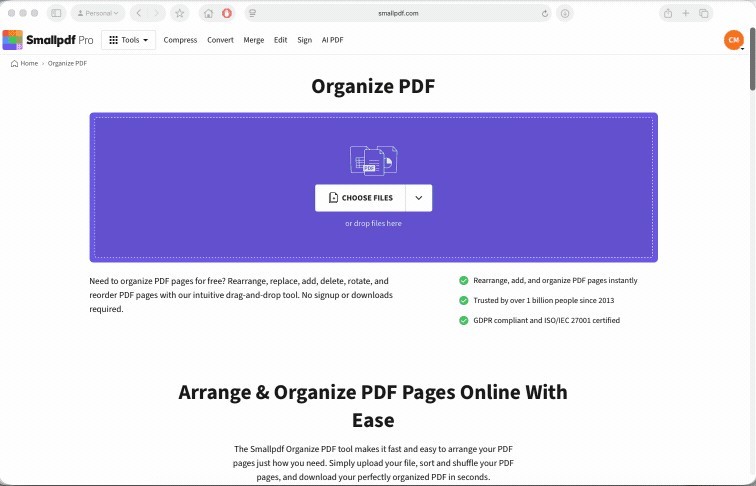
The article also demonstrates an online merge service that accepts uploaded files and allows rearranging them before processing. Review the selected service and whether external upload suits the material before choosing that route. Arrange the files, remove accidental additions and download the resulting PDF promptly. A download or share-link option may have different account requirements, so inspect the actual workflow rather than assuming both produce the same access behavior. Keep a local reviewed copy when the combined document must remain available independently of a temporary service session.
Use explicit filenames for repeatable command-line work
The Ghostscript example supplies an output filename and an ordered list of input PDFs. Verify the paths and distinguish the output from the inputs before running a similar command. Quote paths appropriately when they contain spaces, and avoid overwriting a source by mistake. A successful command does not establish that every selected page is correct. Open the final file and compare page count, boundaries and order with the intended package. Retain the input sequence or processing notes when the same report will need to be rebuilt later.
Treat the input list as a specification for the assembled document
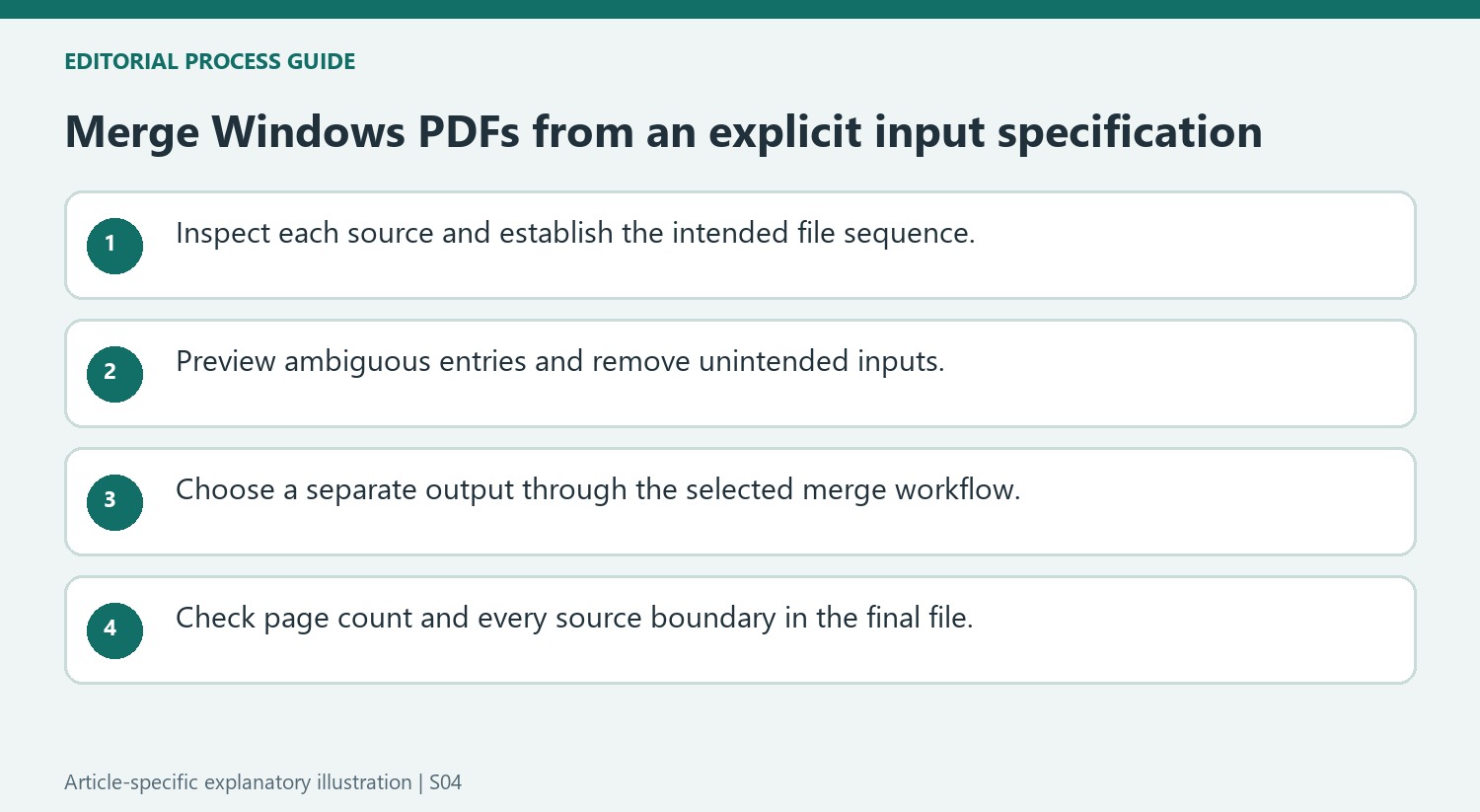
The desktop workflow provides Add PDFs, Move Up, Move Down, Remove and Preview. Use those controls to establish a deliberate sequence before merging. An ambiguous filename should be opened or previewed rather than accepted on appearance alone. Check that every source belongs in the package and that the list does not contain two revisions of the same attachment unless both are explicitly required.
After arranging the files, compare the list with the intended report order. File-level order does not correct a reversed page sequence inside one input, so inspect any questionable source independently. Save the merged output under a new name, preserving the originals for comparison. A successful merge confirms that processing finished; it does not decide that the selected content formed the right document.
Understand what the online route uploads and returns
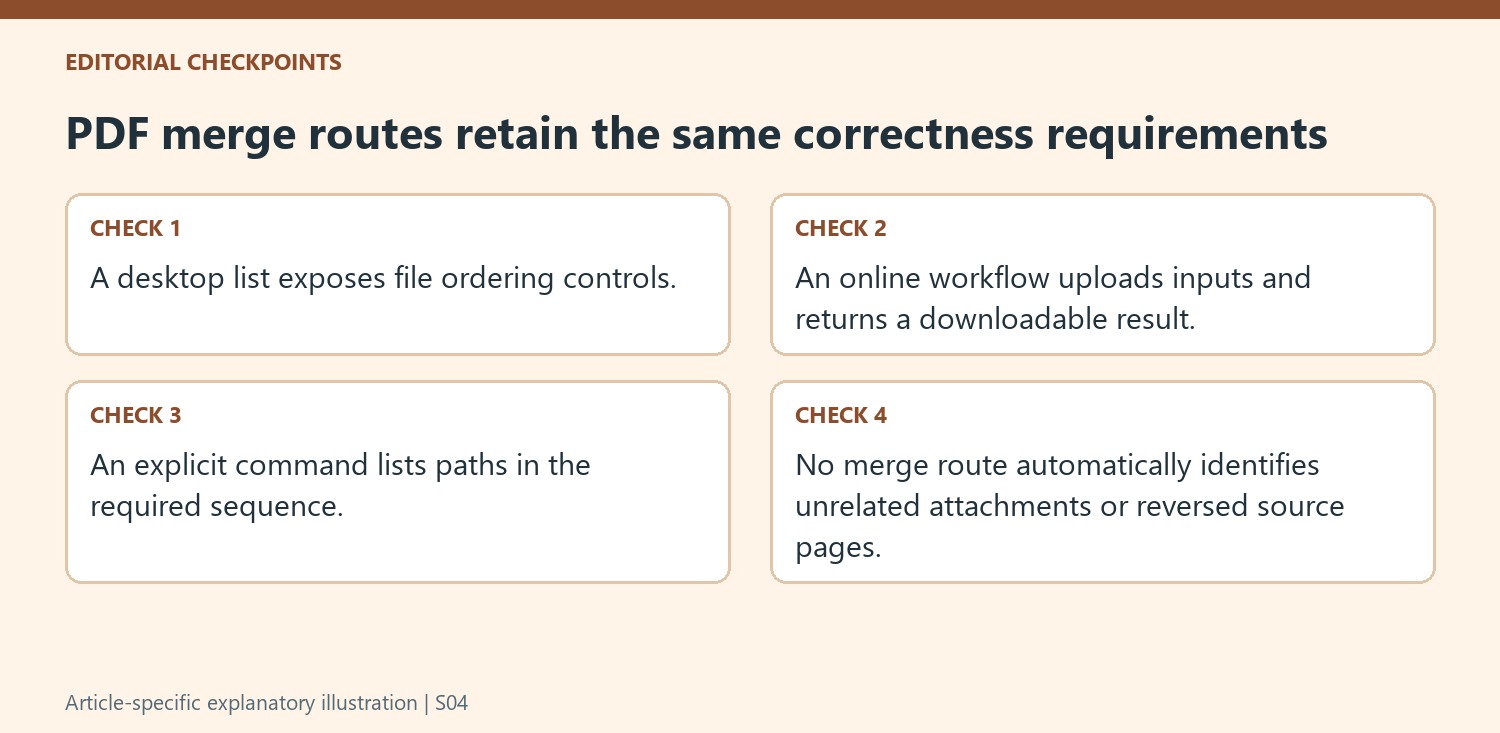
The described website workflow uploads the chosen PDFs, permits rearrangement and produces a combined file. Review the selected service and the material before using that route. The article distinguishes downloading a local result from creating a share link that can involve an account. Choose the outcome required for the task rather than assuming the two actions provide identical access and storage behavior.
Download the result while the service session is available and open the local copy. Confirm its filename and location before closing the browser. A temporary preview is not a substitute for the reviewed output needed later. Check the same page boundaries and input sequence that would be checked for a desktop merge, since using a website changes the processing route rather than the definition of correct document order.
Keep command-line processing explicit and reproducible
The Ghostscript example names its output and lists the inputs in sequence. Review those paths carefully, quote paths containing spaces and keep the output distinct from every source. An explicit list is easier to audit than an unreviewed selection that changes with folder contents. After processing, inspect the final page count and the boundary between each pair of inputs. Preserve the ordered input list when the package must be rebuilt, so the next run can follow the same content decisions instead of reconstructing them from memory.
References
- How to Combine PDF Files on Windows 11. How-To Geek; Mahesh Makvana.


Comments
0