 DocumentFlow Desk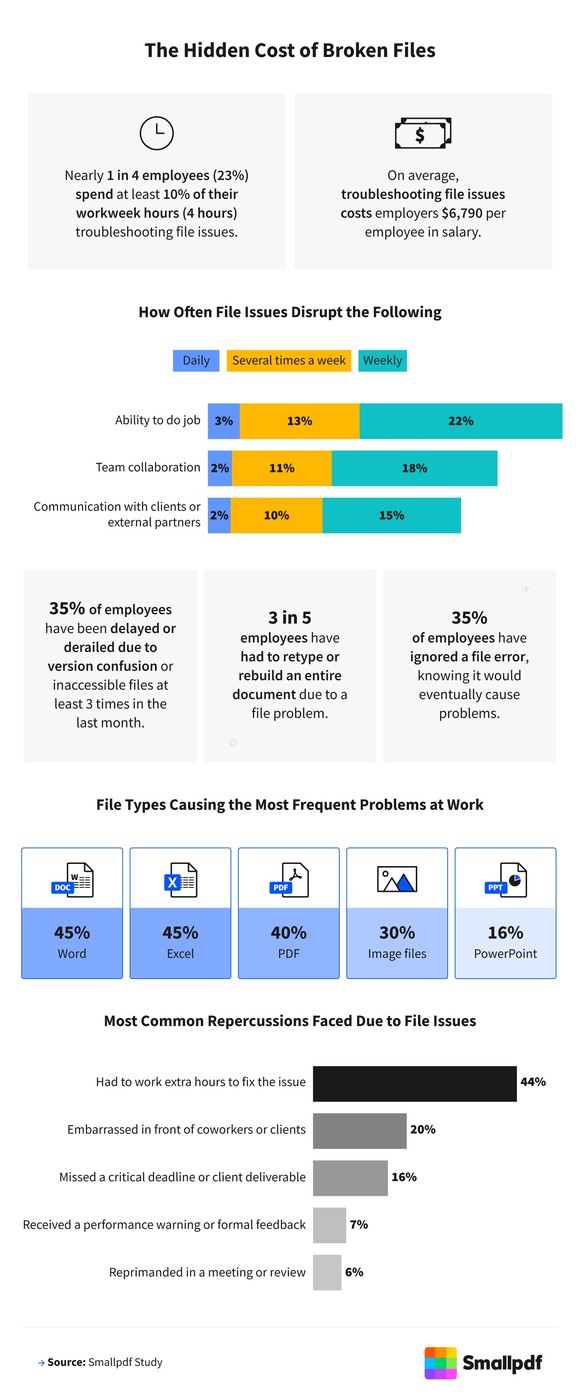
Look beyond the immediate broken document
The source reports research commissioned by Smallpdf among U.S. employees about file-related difficulties at work. Respondents described problems such as inaccessible files, version mix-ups and time spent rebuilding documents. Treat these as reported experiences from that survey rather than a universal measurement of every workplace. The practical issue is broader than repairing one PDF or spreadsheet: recurring failures can interrupt the next person in a handover, delay a decision and produce another copy that is difficult to reconcile with the original.
Identify the repeated failure before selecting a tool
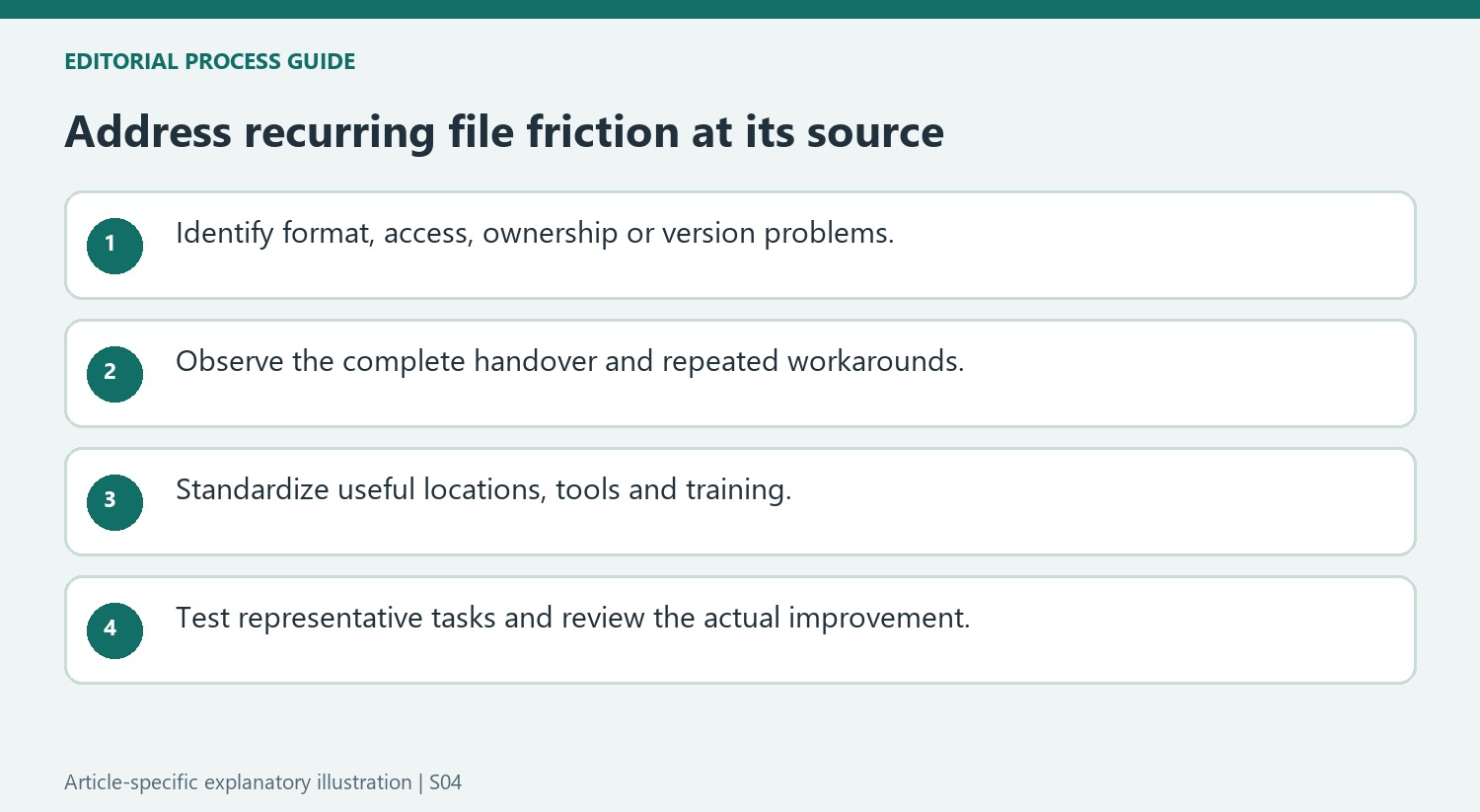
The article recommends reliable, compatible tools alongside consistent file management. Review whether the main problem is a format mismatch, unclear ownership, an outdated version or a difficult transfer process. Use shared locations, naming conventions and version control to address confusion about the current document. A conversion or compression tool may help a specific technical problem, but it does not establish which draft is approved. Keep those responsibilities visible so the team does not repeatedly solve a naming or access issue by creating another uncontrolled document copy.
Improve the routine and check whether it helps
The source suggests simplifying the toolset, training employees on common document tasks and automating suitable repetitive steps. Choose changes that address the actual pattern of failure and make the correct action easier to follow. Review the process periodically to find workarounds that indicate a tool or rule is no longer useful. Because the article is published by a document-tool provider, its product recommendation should be evaluated separately from the reported experiences. Test improvements against representative tasks and staff feedback instead of assuming that purchasing one tool will automatically remove every source of file-related frustration.
Diagnose the repeated interruption before buying a replacement tool
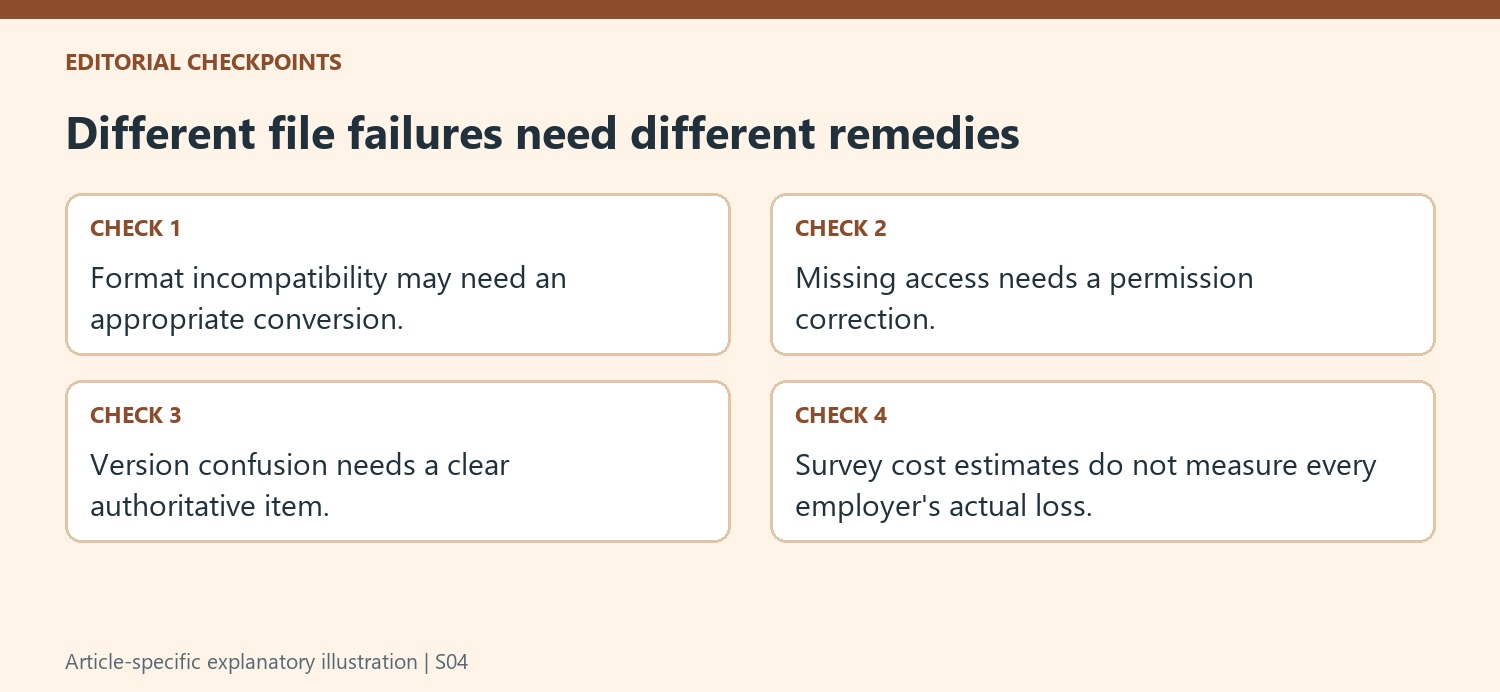
Record what actually prevents the handover: an unsupported format, a broken file, missing access or uncertainty about the current draft. These can produce a similar complaint while needing different remedies. A conversion tool can help with a format problem but cannot decide which version was approved. A clearer naming rule can reduce ambiguity without repairing damaged document content.
Look at the next person's task as well as the immediate error. If every recipient downloads and renames another copy to work around access, the process may create version confusion even after the file opens. Identify where the authoritative item belongs and who maintains it. The aim is to remove the recurring cause rather than celebrating the same emergency repair each time it happens.
Treat survey findings as context for investigation
The source reports a commissioned survey of U.S. employees and derived estimates of time and salary costs. Those responses describe the sampled group and calculation approach, not a measured loss figure for every organization. Use them to recognize that file friction can matter, then gather evidence from the actual team before estimating the effect of a proposed change.
Include staff feedback about confusing steps and repeated workarounds. A process that appears efficient on a diagram may be difficult in the applications people actually use. Test compatibility with representative files and receiving systems rather than only a clean sample created for a demonstration. The source's product recommendation comes from the tool provider, so evaluate that offering separately from the practical issue being investigated.
Standardize the parts that make correct work easier
Choose consistent shared locations, naming and version ownership, then provide short training for common tasks. Automate repetitive conversion, storage or signature steps only where the inputs and expected outputs are clear. Inspect failures instead of allowing automation to create another silent copy stream. Review the process periodically with the people performing each handover, and compare actual retrieval, handover and repair experiences before and after the change. A successful improvement reduces recurring confusion for the team, with appropriate tools supporting the workflow rather than a promise that one purchase automatically eliminates every technical and organizational file problem.
References
- How File Errors Derail Workflows and Cost Businesses. Smallpdf; Stéphane Turquay.




Comments
0