 DocumentFlow Desk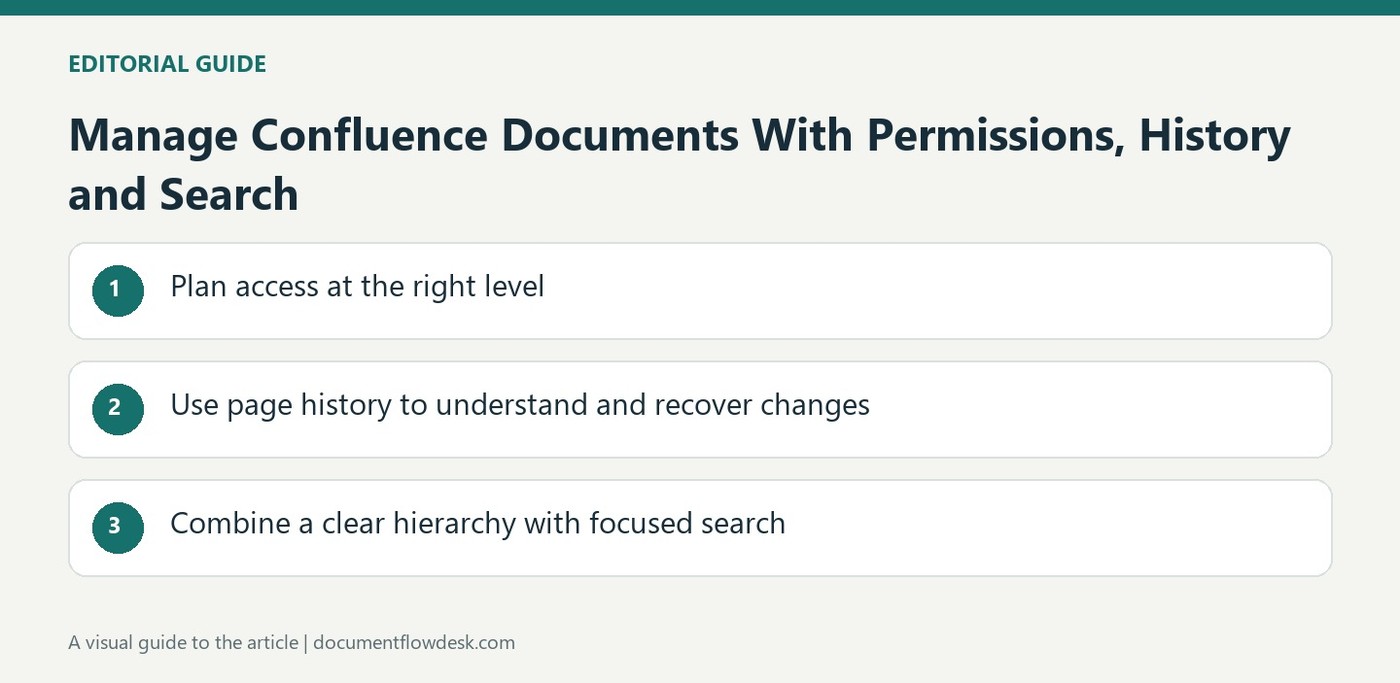
Plan access at the right level
Atlassian distinguishes global and space permissions from restrictions applied to particular pages. Start by identifying who should reach the workspace and what they should be able to do there. Use page restrictions for a narrower need, while checking the effect of parent-child relationships in the actual environment. If many sensitive pages require similar restrictions, the source suggests considering a separate restricted space. This can make the intended audience easier to understand than a growing collection of exceptions. Review attached and embedded material as well, since a page's appearance alone does not explain every underlying access route.
Use page history to understand and recover changes
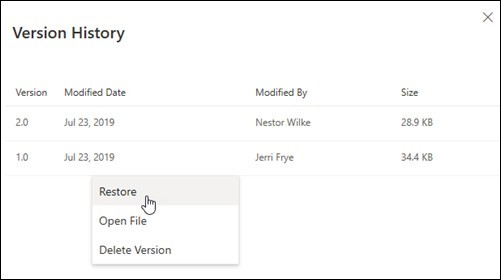
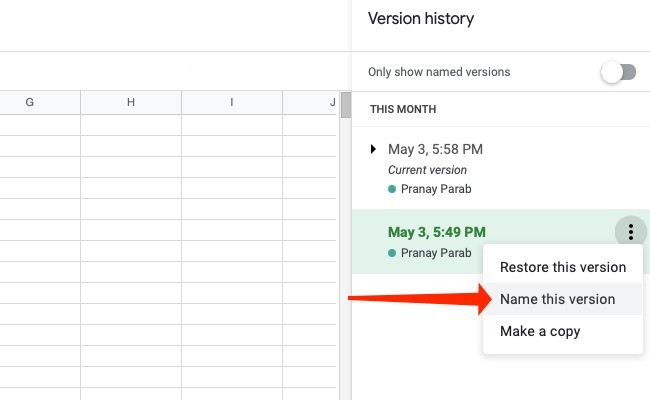
The source describes viewing page history, comparing versions and restoring earlier content when needed. Check the version and contributors associated with the change rather than inferring that a current page always reflects an approved outcome. Watching a page can provide notifications, but notification and approval remain different events. When restoring content, consider the whole page so a useful recovery does not accidentally displace unrelated newer work. Maintain meaningful context for major decisions and revisions so later readers can understand why the current document differs from an earlier version.
Combine a clear hierarchy with focused search
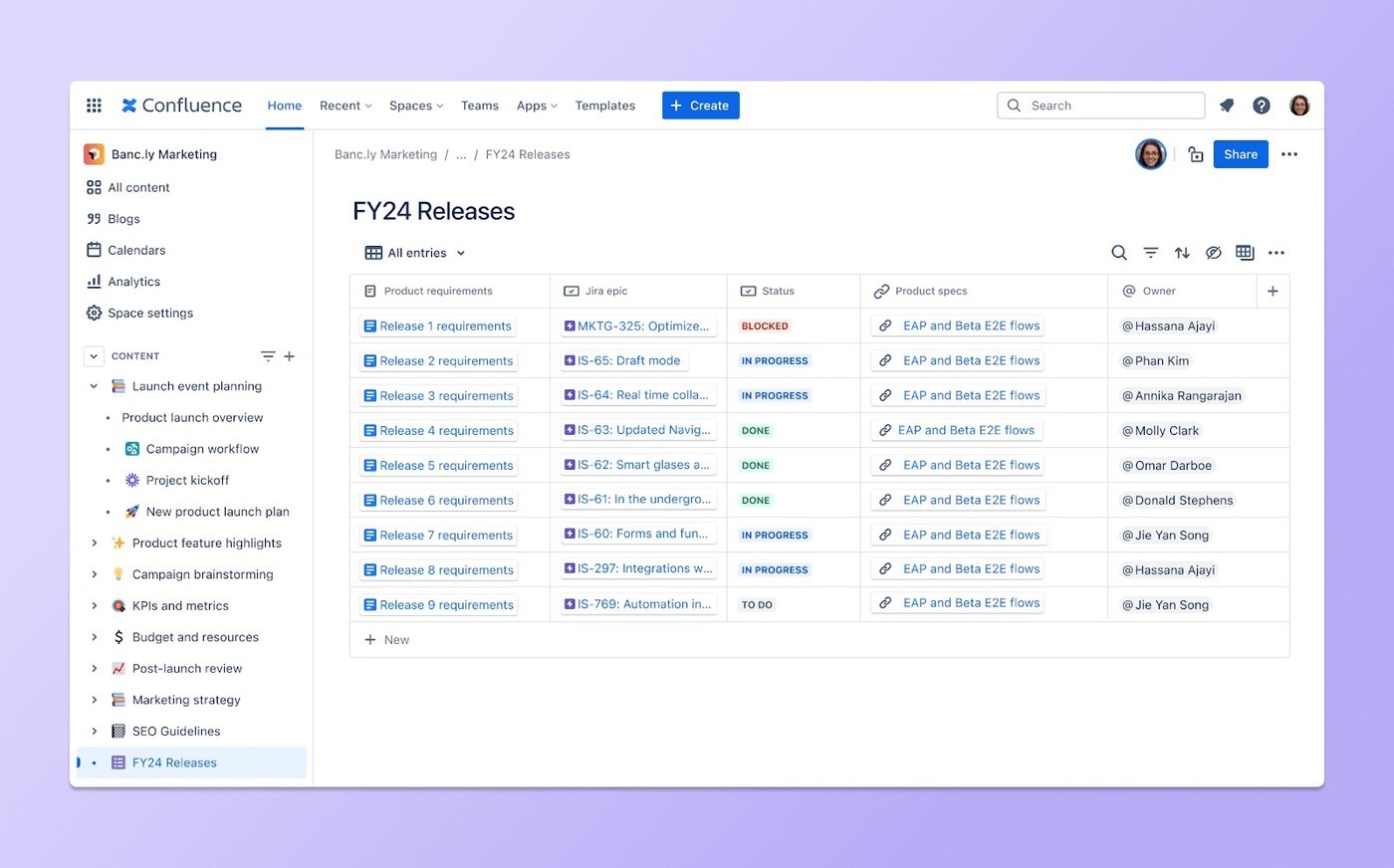
Organize pages with recognizable names and logical categories, then use search filters such as space, contributor, content type, date or label to narrow results. The source describes permission-aware results and searching some supported attachment contents. Verify the current product's capabilities before relying on a specific AI-assisted search behavior. Search is most effective when the team maintains useful titles and content, rather than accumulating competing copies without clear ownership. A document-tracking system connects storage, access and revision context, making the current material discoverable without treating every search result as equally authoritative.
Design access and storage as one understandable structure
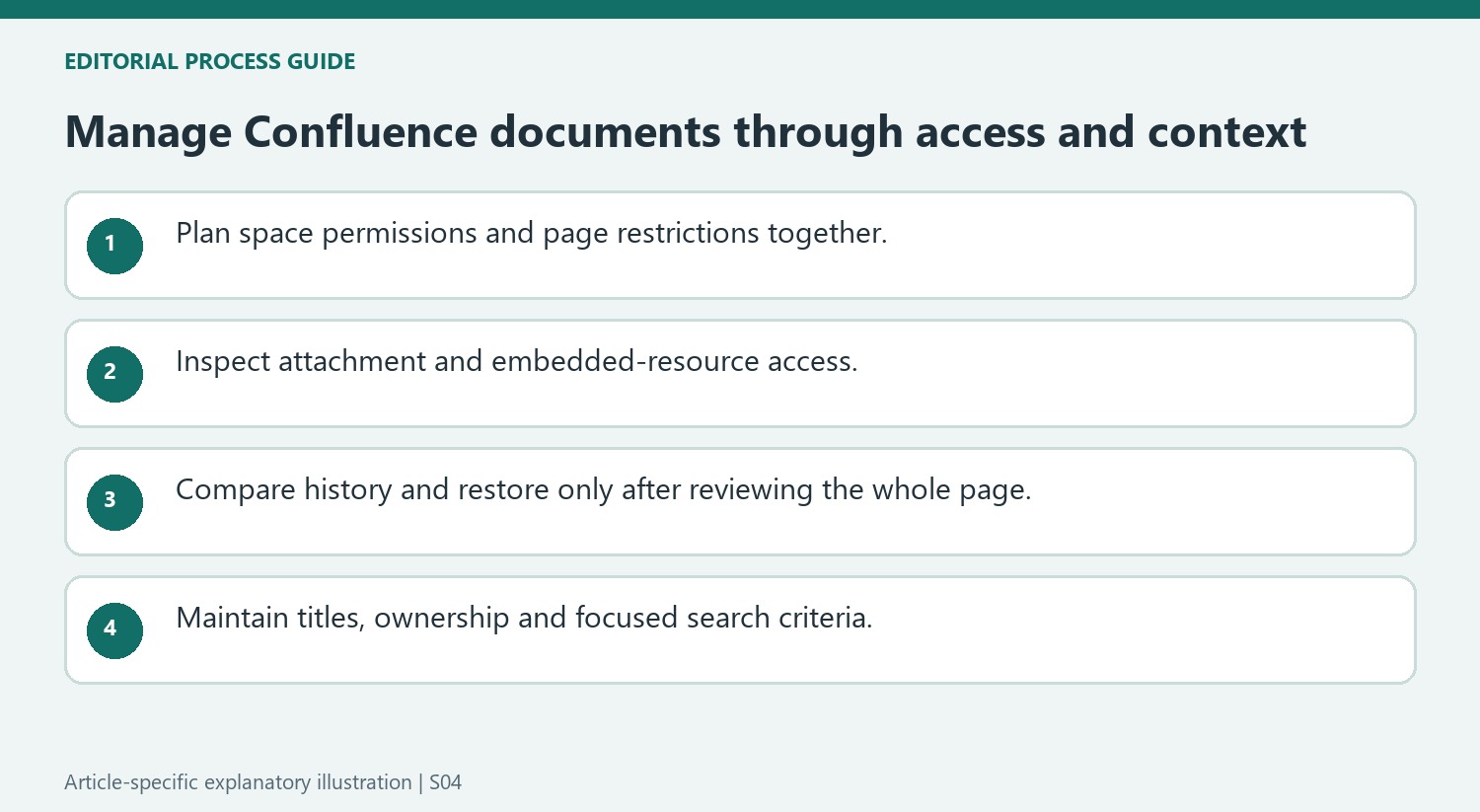
Global permissions, space permissions and page restrictions operate at different levels in the source's description. Start with the people who need the material and the actions they should perform. Then check how restrictions interact with parent pages in the deployed environment. Avoid assuming that a visible page hierarchy alone explains who can open every item or attached resource.
Where many sensitive pages need a similar audience, a restricted space can make the arrangement easier to understand than a long list of exceptions. Verify actual access rather than relying on a label such as private in a page title. Include attached and externally embedded material in the review, since its own access rules can affect whether a collaborator sees the complete information presented by the page.
Use history as evidence of change rather than automatic approval
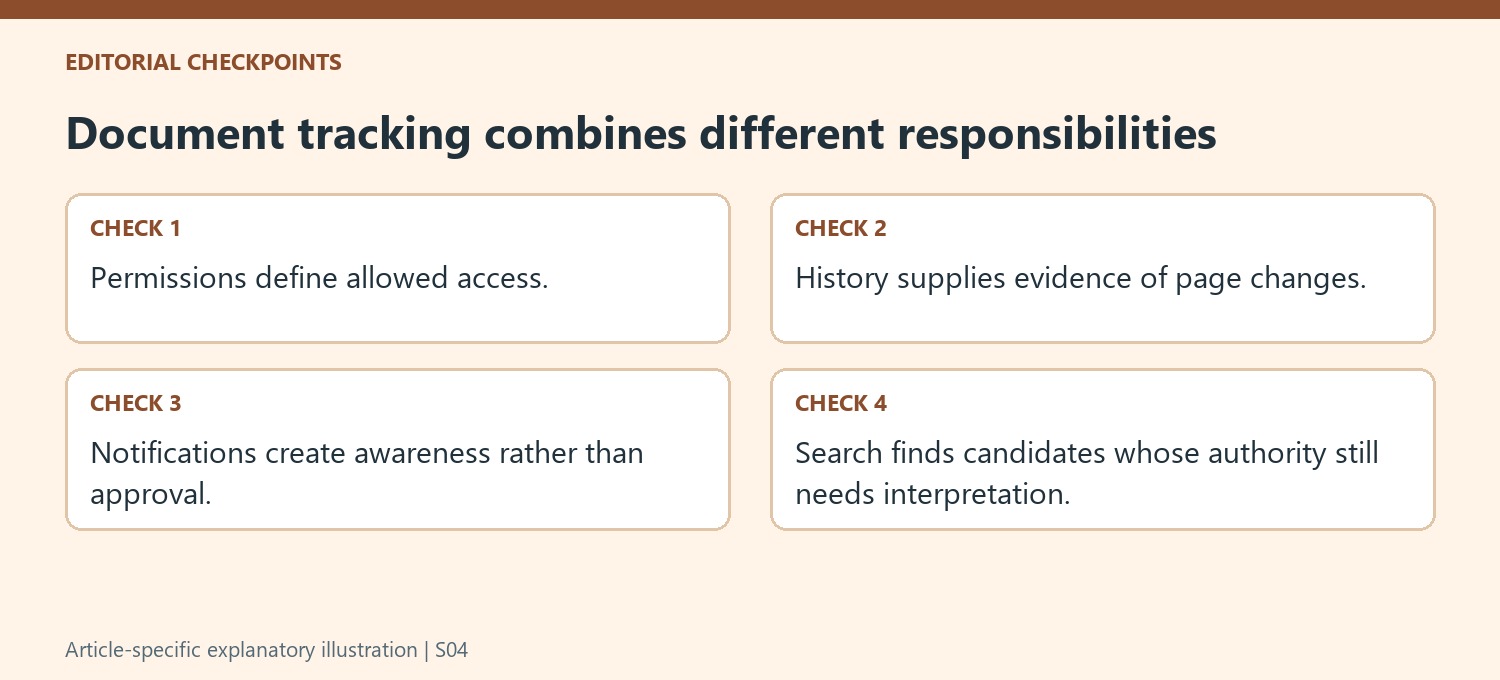
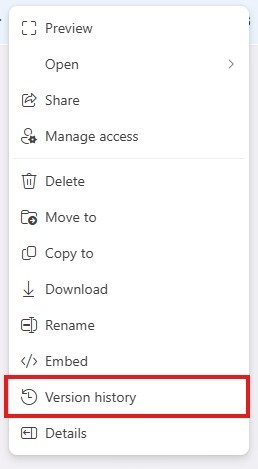
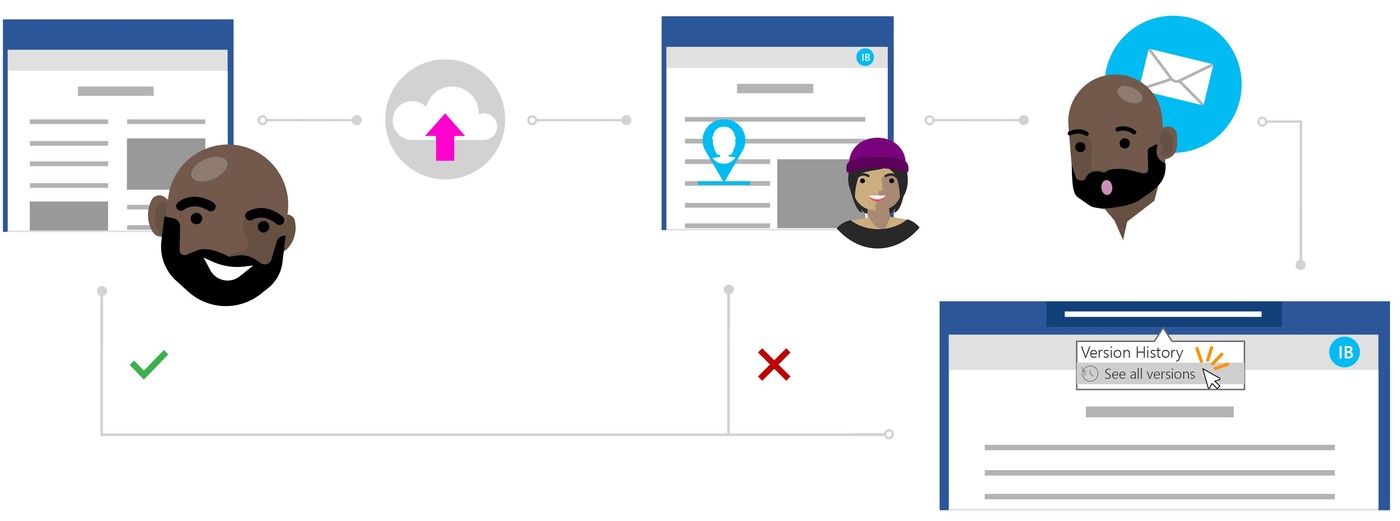
Open page history to compare relevant versions and inspect the listed contributors. A current version records the present content, not necessarily a completed approval process. The source notes limits on attributing individual changes within a shared version, so do not infer more detailed authorship than the interface supplies. Keep important decision context in the document where later readers can understand it.
Before restoring an older version, consider the entire page and newer work that may be displaced. Compare the relevant sections and confirm the result after restoration. Watching a page can provide notifications, but receipt of an alert is not proof that a person approved the revision. A clear review workflow should preserve that distinction between awareness, contribution and editorial acceptance.
Combine maintained titles with focused retrieval
Use a logical hierarchy and recognizable page names, then narrow search by the available space, person, content-type, date or label filters. Check supported attachment indexing and current AI search behavior in the actual product before relying on a particular result. Permission-aware discovery does not tell a reader which of several similar pages is authoritative. Identify ownership and current status in the content itself. A useful tracking system joins clear access, meaningful history and maintained search context so people can locate the right material and understand why it is the current reference.





Comments
0