 DocumentFlow Desk
Create categories that match the records you receive
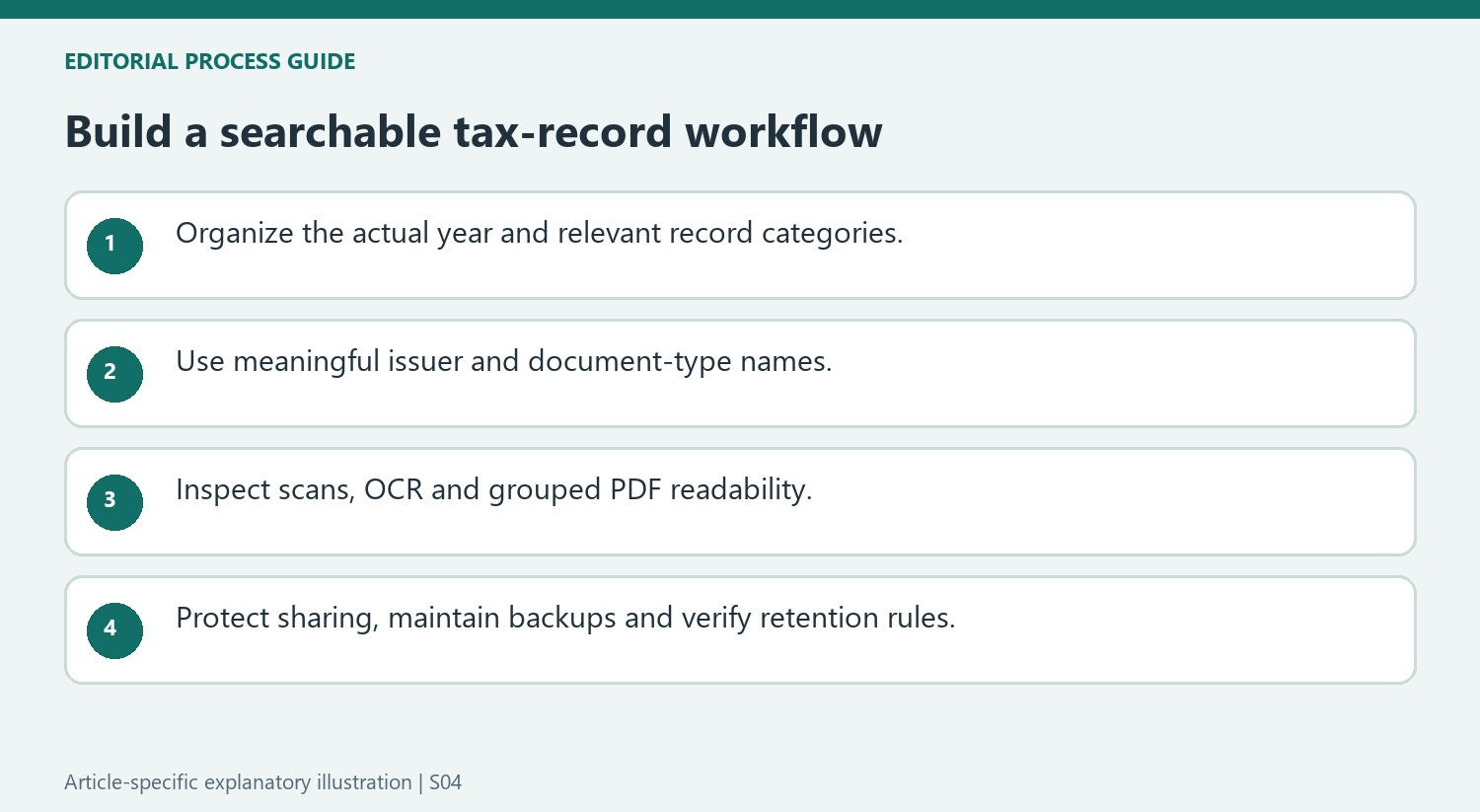
Smallpdf recommends one main folder for the tax year, with categories such as income, deductions, investments and business activity. Adapt those categories to the actual filing situation rather than creating every possible folder. Self-employed people may also need a recognizable place for estimated-payment records. Use filenames that combine the year, document type and relevant employer, client or organization. This makes search more useful and reduces dependence on remembering an email date. Keep prior-year material distinguishable so a similarly named form from an earlier period is not mistaken for the current record.
Digitize paper and maintain a realistic routine
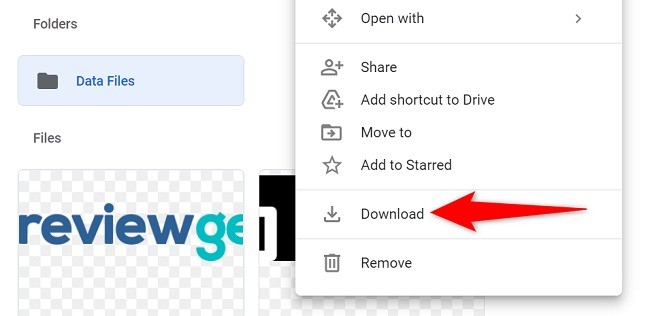
Scan receipts and other paper records, then check the crop, orientation and readability before saving them. OCR can make supported scans searchable, but important amounts and names still need inspection. Merge related pages or documents when that produces a more usable category file, preserving a meaningful order. Choose a review schedule that fits the volume of incoming records. During that review, download new forms, rename material consistently and file it in the right place. A maintainable routine is more useful than an elaborate structure that is used only immediately before a filing deadline.
Protect sharing and check the relevant retention rules
Tax files can contain identity, address and financial information. Use appropriate access controls, a separate backup and an approved transfer method when sending records to an accountant. Check readability after compression and test protected PDFs before sharing them. The article includes U.S. retention examples, but the correct period depends on the record and filing circumstances. Confirm the applicable authority's requirements rather than applying one short period to everything. Property records, employment records and unusual claims can have different needs. Organization should support accurate retrieval and retention, without treating a tidy folder as proof that the underlying tax position is correct.
Choose categories that correspond to actual records and questions
Begin with the relevant tax year and the types of documents received. An employee, homeowner and freelancer can need different groups, so adapt the structure rather than reproducing every example folder. Keep business activity distinct from personal spending where relevant and give estimated-payment confirmations an identifiable place. The aim is retrieval when a particular form, amount or supporting record is requested.
Use a consistent name containing the year, document type and relevant issuer or subject. A date alone may not distinguish several forms received together, while a generic download number rarely explains the contents. Check prior-year records before filing a similarly named document. If a replacement form arrives, retain a clear relationship between the corrected record and the version it replaces so the wrong one is not supplied accidentally.
Inspect digitization and grouping instead of trusting the tools alone
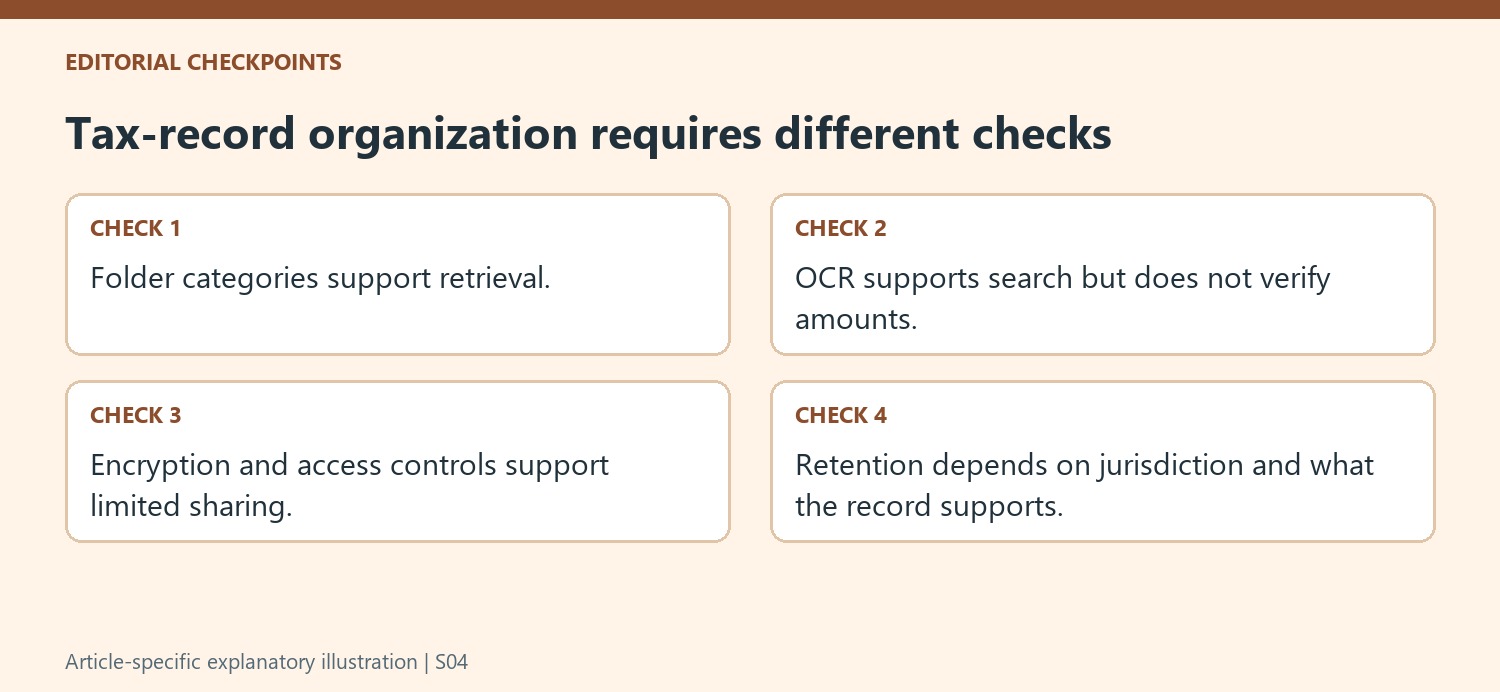
Scan paper with readable orientation and a complete crop, then inspect important names, dates and amounts. OCR can help search but can also misread a faded receipt. Keep the source evidence usable rather than treating a successful text search as proof that every character was recognized correctly. Review the complete page, including edges that may contain totals or explanatory notes.
Merge related records where that helps the accountant or the personal review process, preserving meaningful order and category labels. Do not combine unrelated material simply to reduce the number of attachments. After compression, check fine print and figures again. Maintain a realistic review routine for new forms, scans and filenames so a carefully designed structure does not become an annual cleanup project that is ignored between deadlines.
Keep sharing, backup and retention connected to the record's purpose
Use appropriate account security, restricted access and a separate backup for the records. Test protected copies and use the receiving professional's approved transfer method. The source's retention examples relate to U.S. circumstances and include exceptions; confirm the applicable authority and record type before disposal. Property and employment records can need different treatment from routine annual support. Keep paper originals where required. A well-organized archive supports accurate retrieval and review, but it does not establish the correctness of a deduction, filing position or legal retention decision by itself.
References
- How To Organize Tax Documents | Smallpdf. Smallpdf; Stéphane Turquay.





Comments
0