 DocumentFlow Desk
Insert a boundary where the document needs it
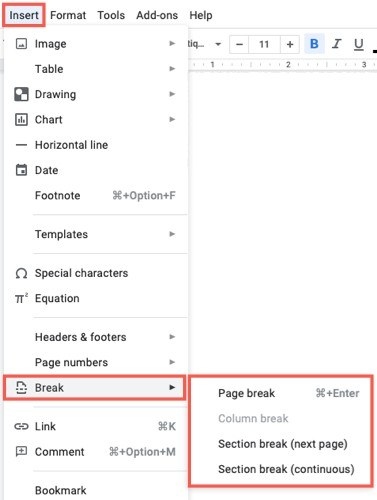
The guide describes placing the cursor at a suitable boundary, such as the end of a paragraph, then opening Layout and Breaks. Next Page starts the new section on another page. Continuous starts it on the current page, which is useful for arrangements such as columns. Even Page and Odd Page start at the next page of the specified parity. Choose the type for the required layout rather than inserting a break and compensating with blank lines.
Inspect the break before changing or removing it
Display non-printing characters from the Home tab to reveal section breaks. The guide shows selecting the break location for deletion and using the layout controls when a different type is needed. Section boundaries exist to support independent formatting, so review the nearby layout after any change. Keep the distinction between a simple page move and a new section clear when diagnosing unexpected page starts.






















Comments
0