 DocumentFlow Desk
Choose which changes should be recorded
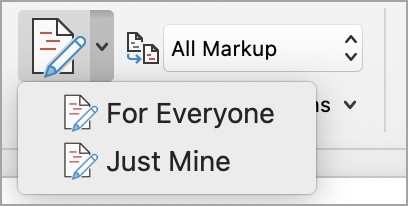
Use the tracking controls on Word's Review tab to turn Track Changes on or off. Where available, the menu can record everyone's edits or only the current author's. Insertions and deletions receive visible revision marks when the appropriate display is selected. A shared review document may restrict whether tracking can be disabled, so the available controls depend on how the file has been supplied.
Do not confuse a display setting with a review decision
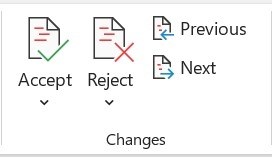
Simple Markup, All Markup, No Markup, and Original show different views of the same document. Hiding revisions does not accept them or remove the review history from the file. Use the actual accept or reject commands when deciding the final wording. This distinction allows reviewers to read a cleaner view while preserving the proposed changes until the appropriate person has evaluated them.





















Comments
0