 DocumentFlow Desk
Confirm the document uses Pages format
Google explains that headers, footers, and page numbers are available in Pages format. Switching to Pageless hides existing headers and footers, so check the document format before looking for missing page elements. Insert the appropriate element from the page elements menu, then enter the content required for the document. Automatic page numbers should be inserted with the dedicated command rather than typed separately on each page.
Adjust links and numbering by section
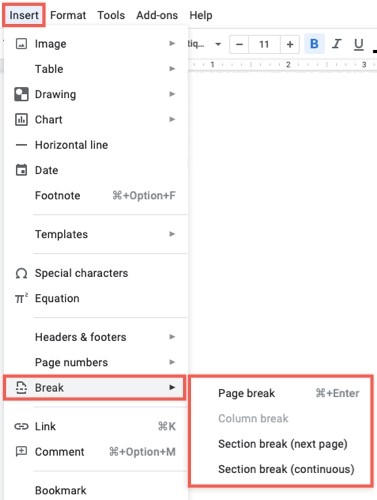
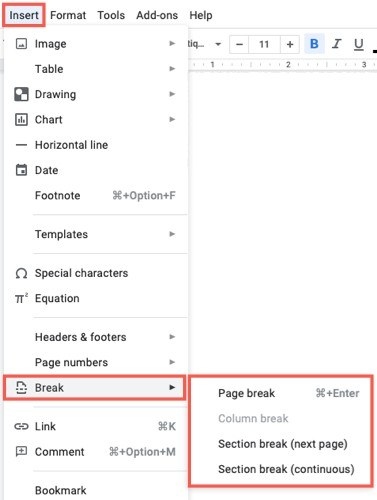
Different first page allows a separate opening header or footer. Link to previous controls whether a section shares the earlier section’s content; if the option is unavailable, a section break may be needed. Page-number options can also apply changes to selected pages or sections. Review the selected scope and inspect the transition between sections so a local change does not unintentionally alter the repeating elements elsewhere in the document.





















Comments
0