 DocumentFlow Desk
Avoid pushing text with repeated Enter presses
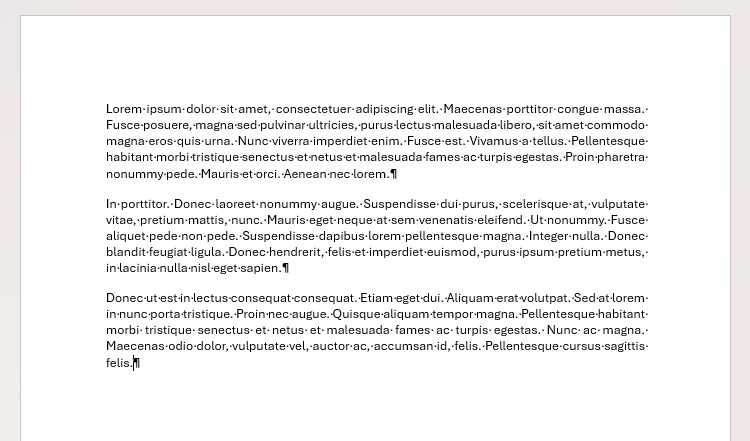
The guide shows how blank paragraphs used to reach another page can create unstable spacing after edits or font changes. Display non-printing characters through the Home tab’s Show/Hide control to see those paragraphs. A deliberate page break moves following content to the next page without depending on a manually constructed stack of empty lines. This is easier to maintain when a chapter or major section needs a predictable starting position.
Choose a section break when formatting must differ
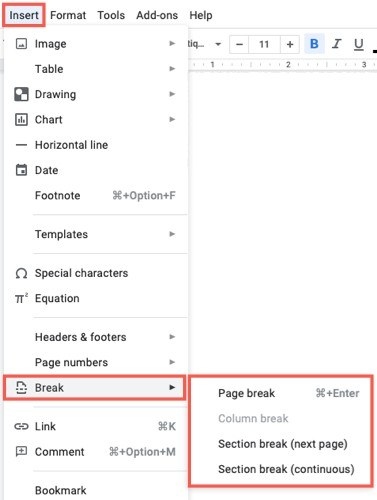
A page break continues the surrounding document formatting, while a section break creates a boundary that can support different formatting or page numbering. The Layout tab’s Breaks menu provides Next Page and Continuous section options, among others. Use Next Page when the new section should begin on another page, or Continuous when a new section is needed within the current page. Check the boundary after revising the surrounding content.





















Comments
0