 DocumentFlow Desk
Distinguish recorded revisions from the tracking switch
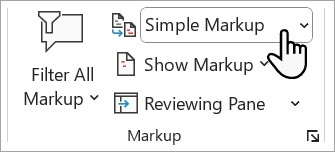
A document can still contain colored insertions and struck-through deletions after Track Changes has been turned off. The switch controls whether new edits are recorded; it does not decide what should happen to earlier suggestions. Reviewers who choose the appropriate markup display can still see those existing changes. A clean-looking view therefore should not be mistaken for a completed review.
Make a decision on the remaining edits
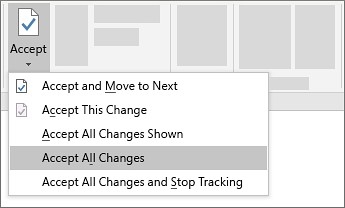
Use the review controls to move between revisions and accept or reject each one. Accept makes the proposed edit part of the document, while reject removes that proposed change. The menus also provide ways to act on all changes when that is appropriate. Comments are separate discussion items and may need their own deletion action. Complete those decisions before distributing a document that is intended to be final.





















Comments
0