 DocumentFlow Desk
Choose the boundary needed by the content
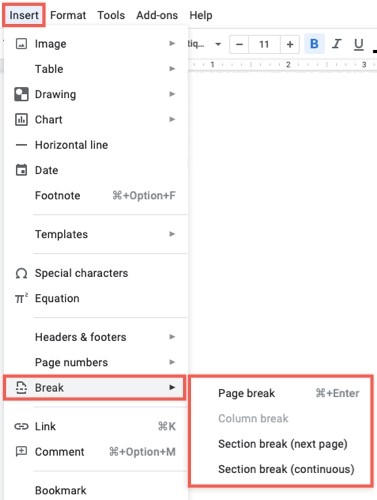
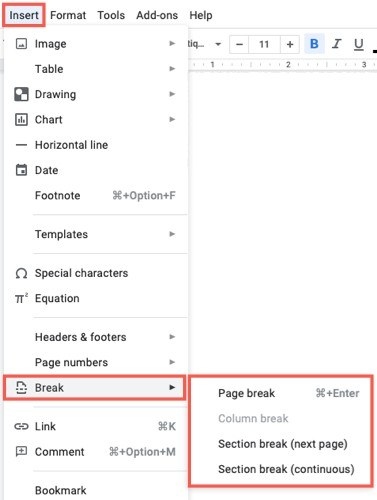
Place the cursor where the separation belongs and use Insert, Break in Google Docs. A page break moves following text to a new page. A next-page section break creates a section beginning on the next page, while a continuous section break starts a section without forcing a page change. Choose according to the layout requirement rather than treating the three commands as interchangeable.
Inspect section boundaries when troubleshooting layout
The source describes section indicators as blue dotted lines that can be shown or hidden through the View menu. These guides help explain where a layout changes, even though they are not part of the ordinary document text. Remove a break only after locating the intended boundary. A clear understanding of page and section structure makes it easier to organize topics, images, or limited areas of columns without filling the document with manual spacing.





















Comments
0