 DocumentFlow Desk
Use Pages format for page-specific controls
Google’s help page explains that page size, margins, orientation, and page color belong to the Pages format. Open File and Page setup, select Pages, and choose the needed settings. These controls are unavailable in the same form for a pageless document. Check the format first when a page-layout option appears to be missing rather than trying to force a printed-page structure into a scrolling document.
Use sections for mixed orientations
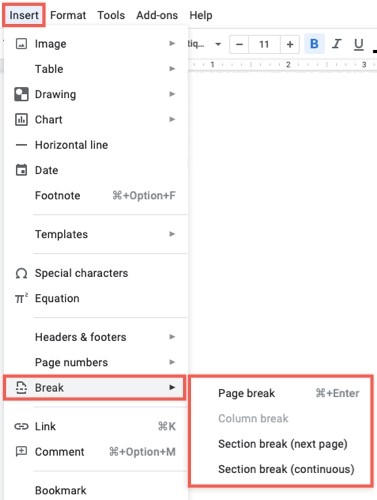
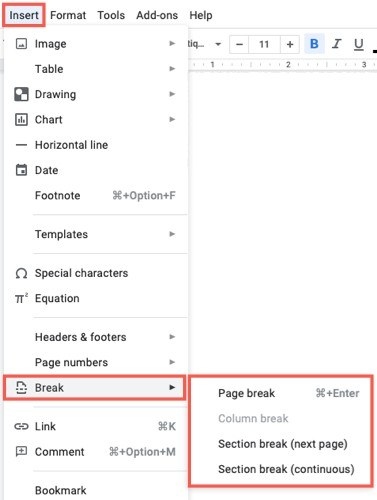
A document can combine portrait and landscape pages to accommodate a wide table or graphic. Google describes creating a section break and choosing whether the orientation applies to that section, the following sections, or the whole document. Show section breaks from the View menu when checking those boundaries. Confirm the scope in the dialog before applying changes, then inspect nearby pages to ensure that only the intended portion has changed.





















Comments
0