 DocumentFlow Desk
Use Pages when the document needs printed-page structure
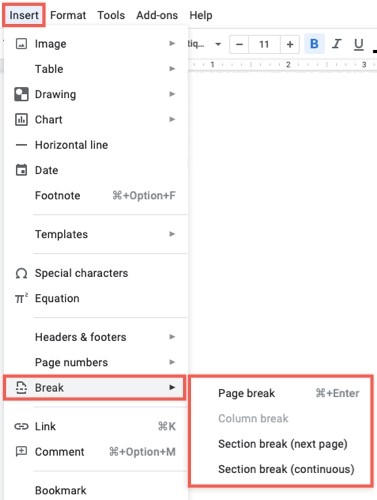
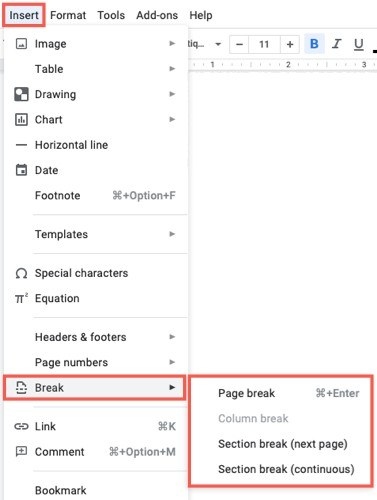
Google describes Pages as the format for documents with page breaks, headers, footers, page numbers, and adjustable page orientation and margins. Select it through File and Page setup when those elements matter. Pageless instead provides continuous scrolling, with text and images adapting to the screen and wide tables available through horizontal scrolling. These are different reading experiences, so choose according to the document’s destination.
Understand what changes when switching formats
Existing headers, footers, and watermarks are not visible in Pageless, though switching back to Pages makes them visible again. Certain page-based features cannot be added while the document remains pageless. The help page also describes narrow, medium, and wide text-width choices for pageless viewing; that preference changes your view without changing collaborators’ views. Check the format before troubleshooting a missing break or a layout control that appears unavailable.





















Comments
0